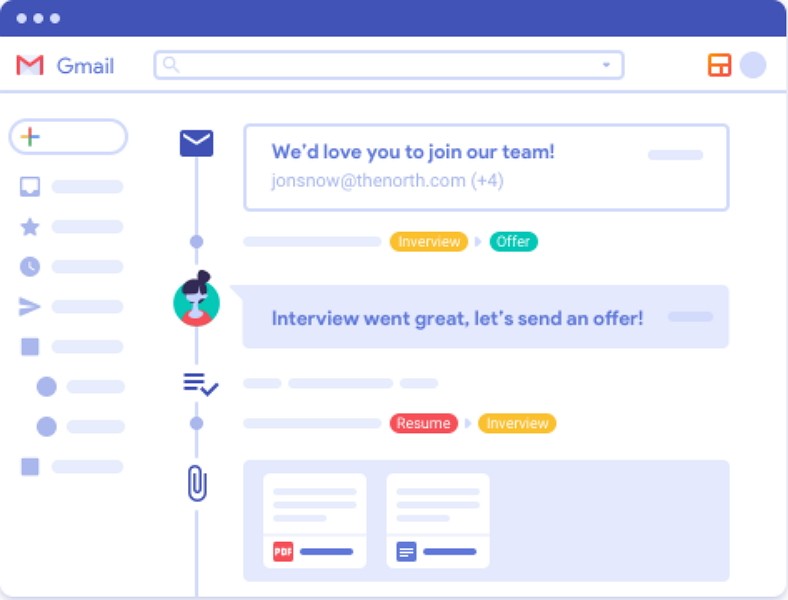
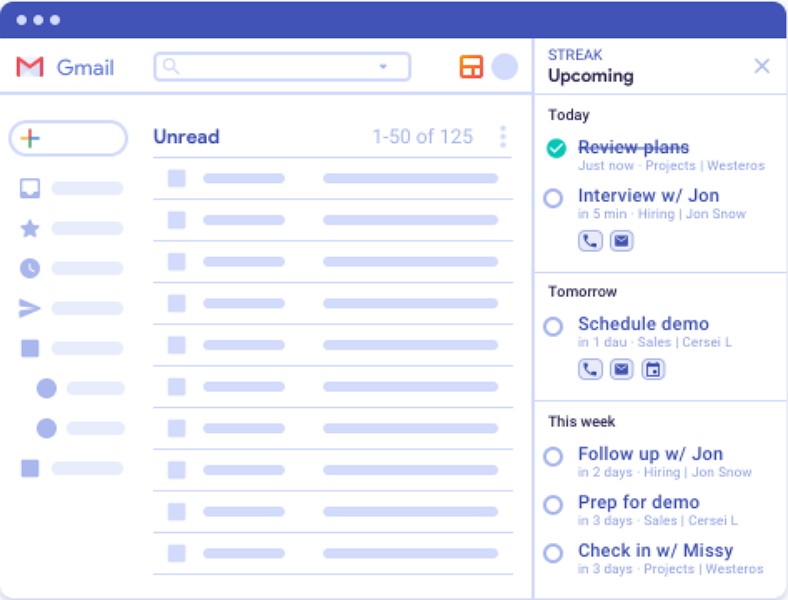
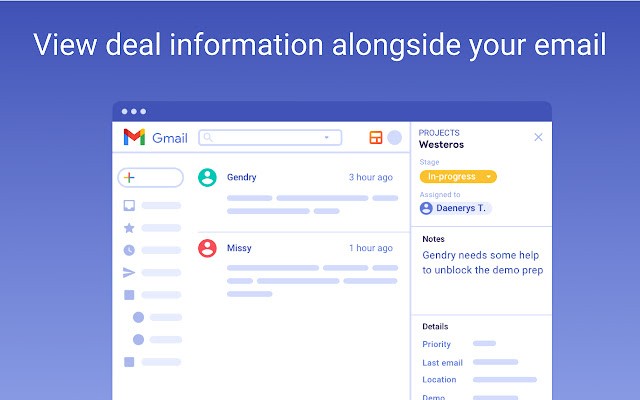
Streak is basically a CRM (Customer Relationship Management), but it doesn’t live in its own world. It sits inside Gmail. That’s what makes it different. Instead of opening another app, logging in, and copying data, you stay in the inbox where most of the work already happens. Sales emails, partner messages, support requests, deals, they all run through email anyway. Streak takes that flow and builds a CRM around it.
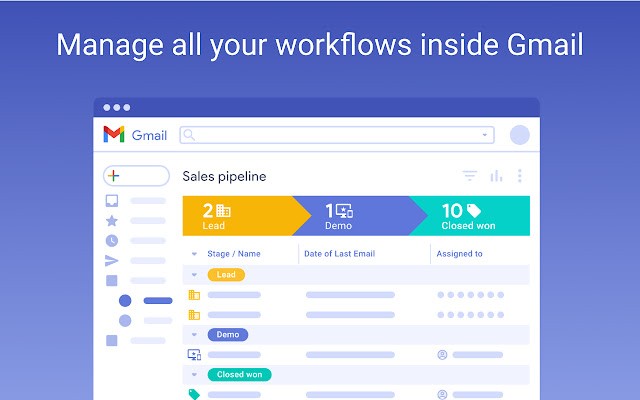
It started with a simple idea: people don’t use CRMs because they don’t like leaving their normal tools. Teams forget to update, data goes missing, and the system ends up being empty. Streak fixes that by being right there in Gmail. Every message can be tagged, every deal can be tracked, and pipelines show inside the inbox. You don’t leave the tool, so it actually gets used.
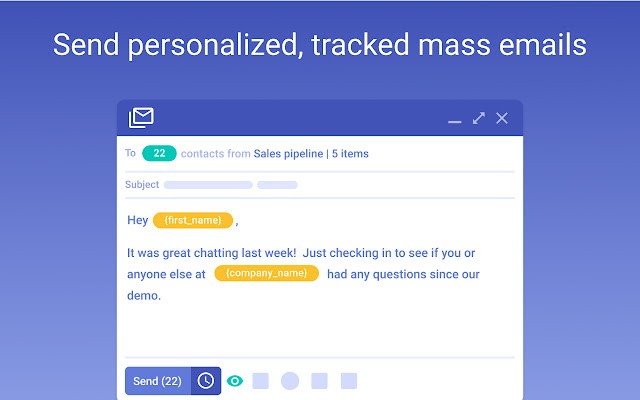
The features cover the usual CRM items, contacts, tasks, deals, pipelines, and reporting, but they are adjusted to email. A mail thread can become a deal, team members can leave comments inside the thread, you can assign, follow up, run mail merges, and even make calls. All without stepping out of Gmail.
That is why people talk about it as different. It isn’t trying to drag you into a heavy interface; it adds CRM functions where you already are. For small teams or people who live in Gmail every day, that’s a big change.
Why should I download Streak?
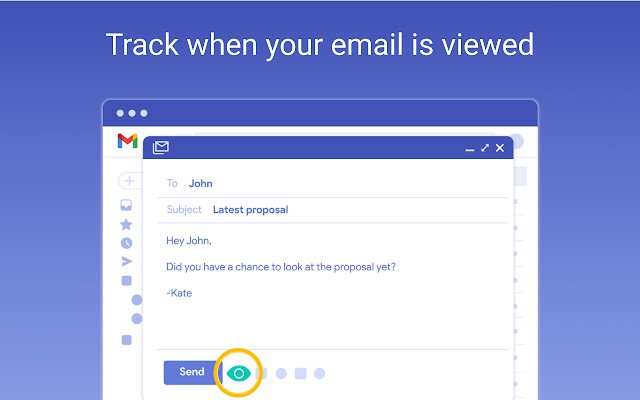
Because you want a CRM that people on your team will actually use, that’s the biggest reason. Many CRMs look good in a demo but end up empty because nobody logs data. Streak for Gmail skips that step. The inbox is already where the work happens, so the CRM runs naturally in the background. Emails are logged automatically, deals are updated when conversations happen, and you don’t need to remind people to “add it to the CRM.” It’s just there.
Another reason is the flexibility. You can build pipelines that match your process, whether it’s sales, hiring, support, or partnerships. Columns can track things like last interaction, days in stage, priority, value. Filters make it easy to sort. You’re not locked into one way of working.
It also works for both individuals and teams. A single person can run it to manage their own outreach, but teams benefit from sharing. Everyone can see the history of a contact or a deal, who emailed, what was said, and what’s next. That transparency reduces missed steps.
Streak also adds tools that CRMs usually keep separate. Mail merge lets you send personalized outreach from Gmail itself. Comments let your team discuss a deal inside the record without switching apps. Integration with things like Sheets, Slack, and Zapier keeps it tied to the rest of your workflow.
And if you want numbers, the dashboards and funnel reports give that. You can see values by stage, closed deals, and who is working on what. It’s not over-complicated reporting, but it gives enough to track progress.
But the best reason is simplicity. If you already live in Gmail, Streak doesn’t feel like another burden. It feels like Gmail just got smarter.
Is Streak free?
Streak has both free and paid plans. The free plan gives you a basic CRM setup, pipelines, email tracking, and simple mail merge. Paid plans unlock more features like advanced reporting, team sharing, larger mail merges, and priority support. Many small businesses start free and then scale into the paid tiers as they grow.
What operating systems are compatible with Streak?
Streak runs as an extension inside Gmail, so it doesn’t depend on whether you’re on Windows, macOS, Linux, or even a Chromebook. As long as you’re in Gmail on Chrome, it works. That means you’re not tied to a specific OS.
There’s also a Streak mobile app on iOS and Android. That way you can access pipelines, update deals, check tasks, while away from the desk. The mobile apps sync directly with Gmail and the web extension, so everything stays current.
Because it’s embedded in Gmail, the learning curve is shorter. You don’t install heavy software. You add the extension, it appears in Gmail, and you’re ready.
What are the alternatives to Streak?
User of Gmail, you’ll find that other extensions were developed to simplify the everyday use of your inbox.
Kiwi for Gmail is one alternative. It makes Gmail work more like a desktop app. It pulls in Gmail and Google apps into one place. For some teams, that’s enough, especially if they just need better Gmail organization.
Gmelius pour Gmail is closer to Streak. It adds CRM-like functions into Gmail as well, shared inboxes, project boards, and automation. Some teams use it for collaboration because it mixes email and task management.
G App Launcher is different again. It’s more of a utility, giving you quick access to all your Google apps from one spot. It helps people who work heavily in Google’s ecosystem to move faster between apps. It’s an extension for your browser that adds a button where all the Google apps are grouped (you change which one you want to display). You just need to be logged in your Google account in your browser for it to work.