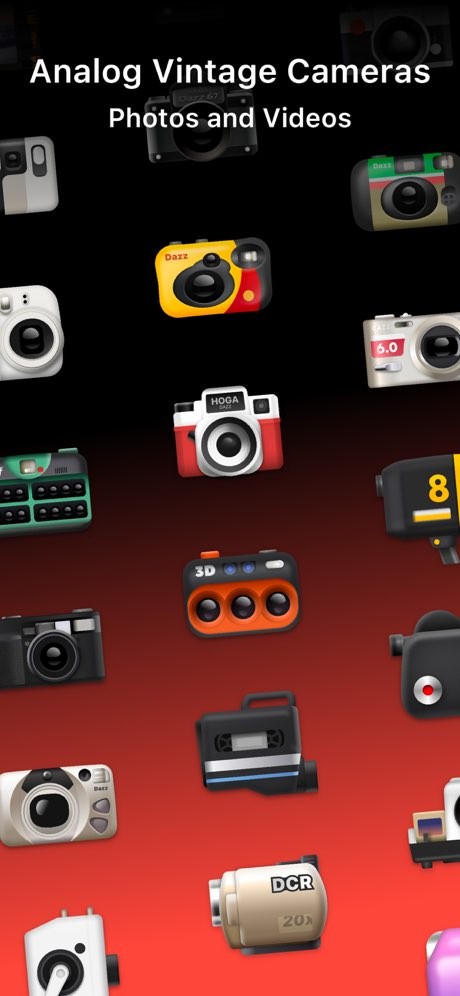
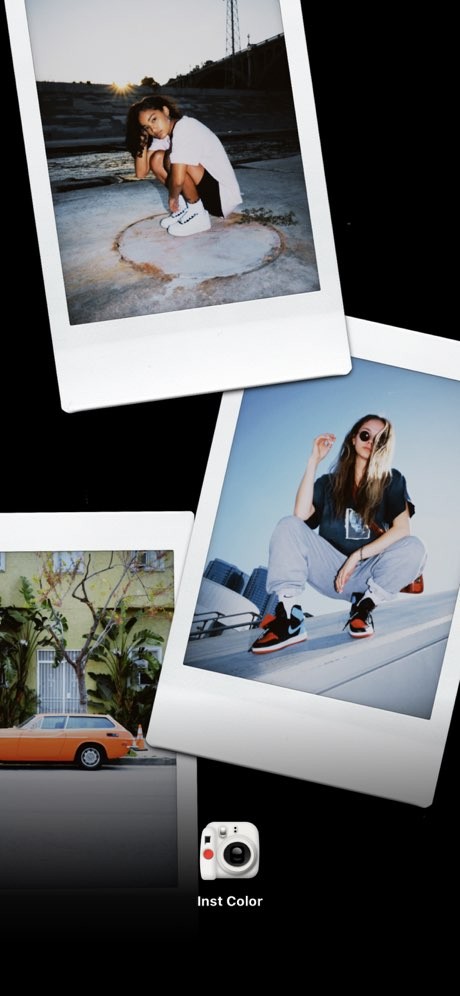
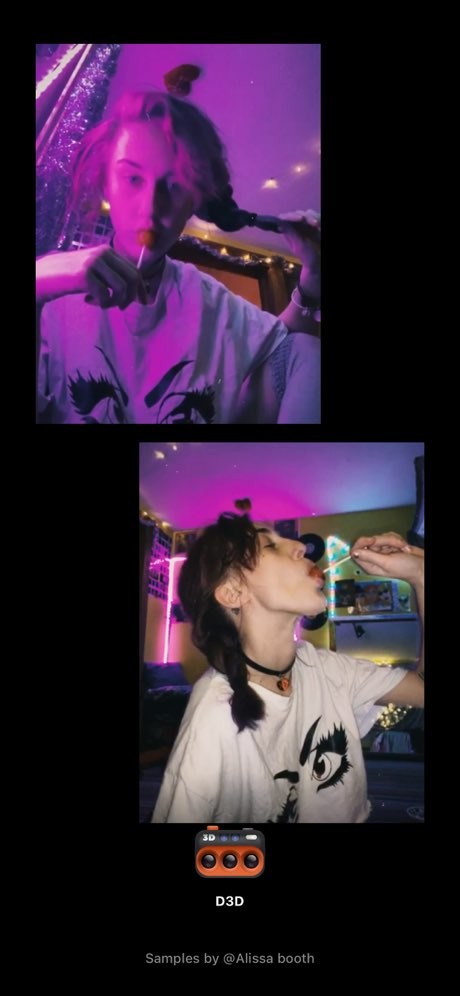
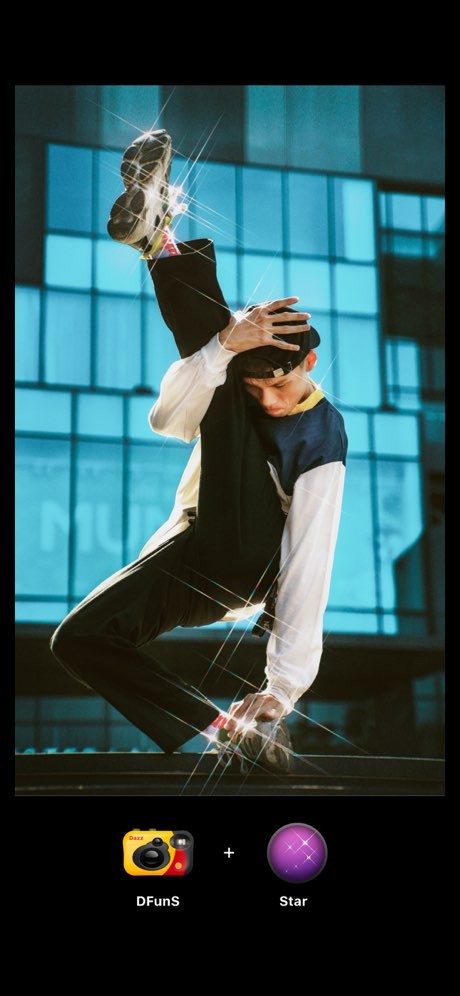
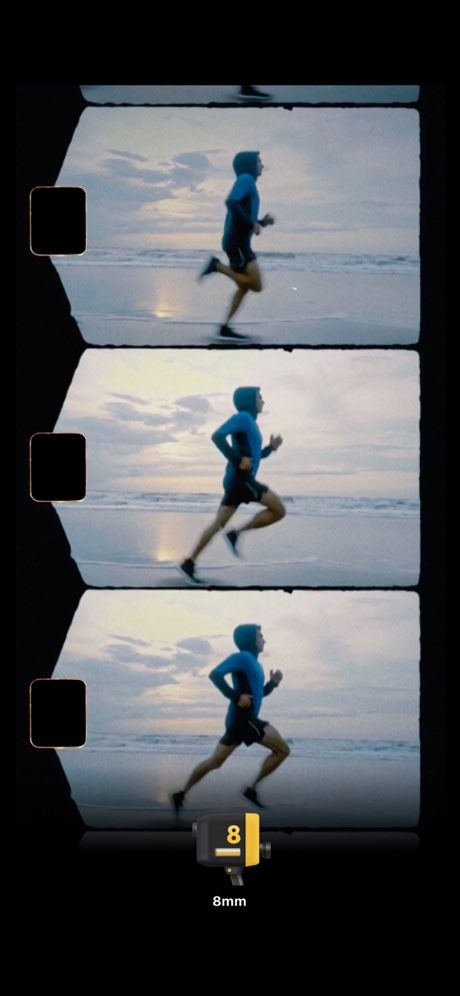
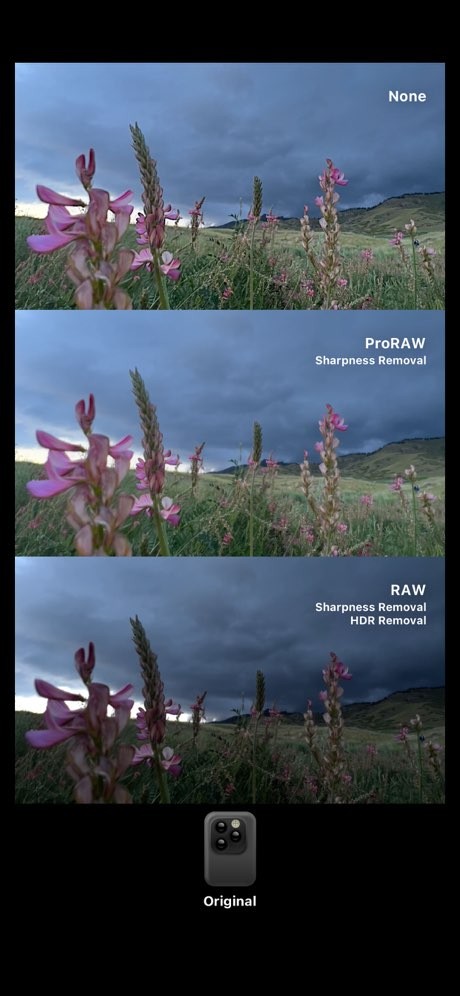
Dazz Cam is built around a simple idea. You open the app, pick a camera style, and shoot photos or videos that already look like they came from a different era. It is inspired by classic film cameras from the 1980s, and leans into filters like CPM35, VHS, and D3D. That gives the app a pretty clear identity. It is less about editing after the fact and more about getting the look you want as you shoot.
That also explains why the app feels different from a more general photo editor. Dazz Cam is built around texture, color, and mood. The whole point is to make modern phone images feel softer, older, or less clean in a deliberate way. If you want a polished editor with lots of fine control, this is probably not the app you are looking for. If you want a fast way to make photos and videos feel more nostalgic, the appeal is easier to see.
Why Should I Download Dazz Cam?
The main reason to download Dazz Cam is that it makes retro effects feel immediate. You can capture vintage photos or videos with one tap, without needing extra post editing, and that is really the main pitch. You are not building the look from scratch. You are choosing from camera styles that already have their own color and texture built in.
That gives Dazz Cam a fairly clear role. It is a camera app first, even if it overlaps with photo editing. A lot of the draw comes from how quickly it gets to the effect. You open it, choose a look, and shoot with that style already in place. That makes it easy to use for travel shots, casual videos, and social posts where the mood matters as much as the image itself.
Is Dazz Cam Free?
Dazz Cam is free to download from the App Store. Its listing also shows in-app purchases, which means the free version sits alongside paid options rather than working as a one-time paid app.
The free version gets you into the style and camera system first, while the paid side is there for users who want more access over time.
What Operating Systems Are Compatible with Dazz Cam?
Dazz Cam is available on iPhone through the App Store. That makes the platform story pretty simple. Dazz Cam is a phone-first app, and more specifically, an iPhone-first one. It is built for quick shooting and fast style changes on mobile, which fits the kind of retro camera experience it is aiming for.
The developer also offers a similar app for Android, named "Dazzil Cam - Vintage Camera". We've put the link to this one too, so Android users can test it.
What Are the Alternatives to Dazz Cam?
8mm Vintage Camera is the closest alternative if your main interest is vintage video. It’s built around old film effects like dust, scratches, retro color, and flicker, and it puts a lot of emphasis on making footage look like old home movies or documentary film. Compared with Dazz Cam, it feels more tied to moving image and film emulation, while Dazz Cam spreads its attention across both photos and videos.
Vintify is the broader mobile option. It is available through the Google Play Store and App Store. It as a vintage photo editor with retro templates, VHS and Polaroid effects, and video editing too. Compared with Dazz Cam, it feels more like an editor with vintage styling built in, rather than a camera app shaped around specific film looks from the start.