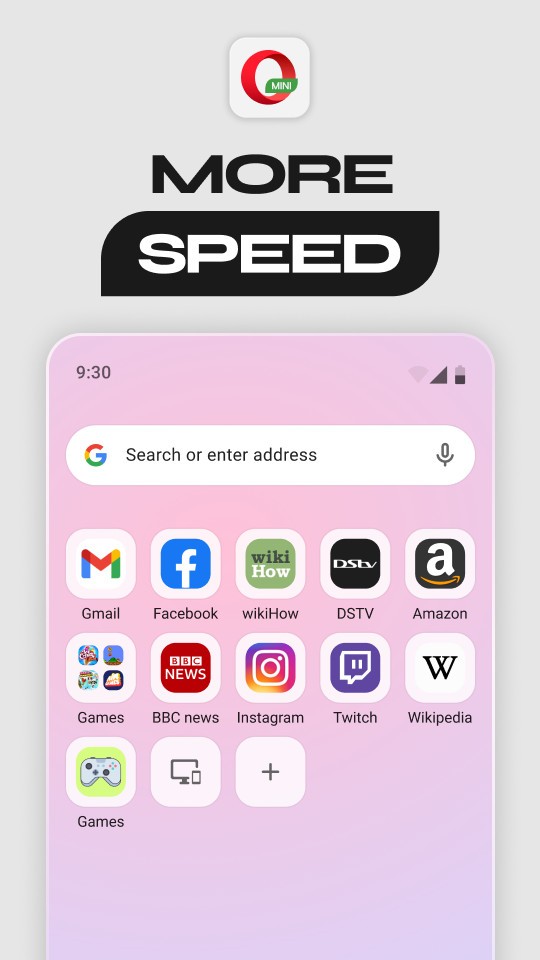
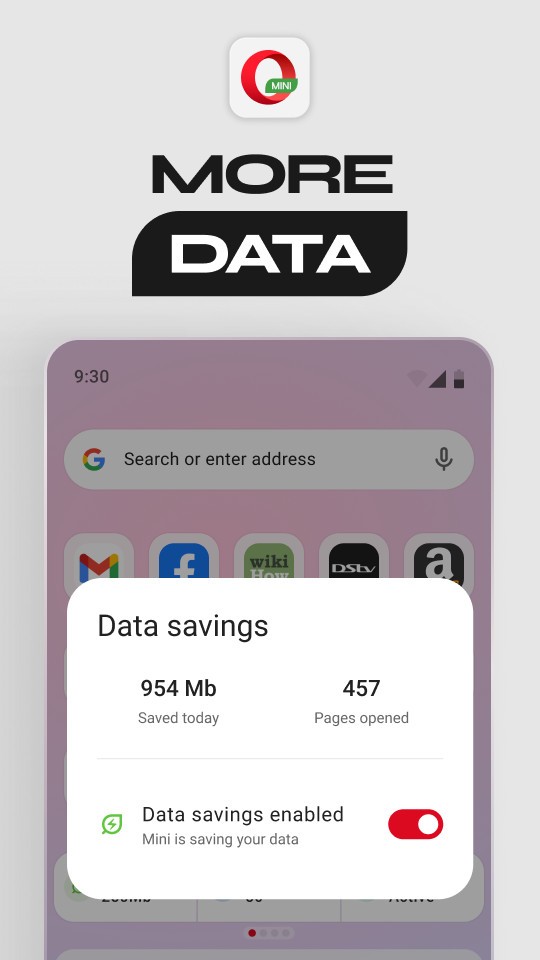
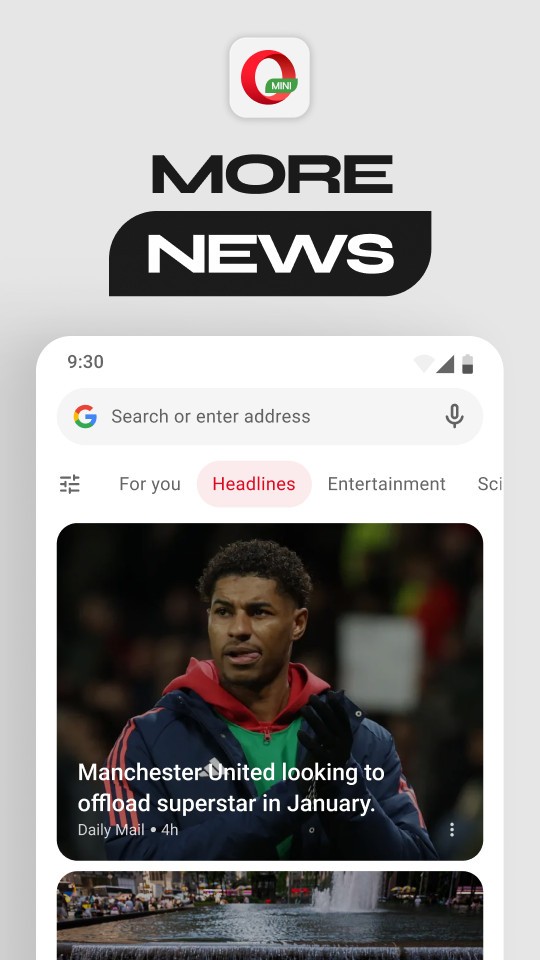
Opera Mini focuses on getting pages to load quickly while using less data. Compression reduces the size of images, scripts, and style sheets so sites remain readable on weak connections. The built-in ad blocker trims clutter and often improves loading time.
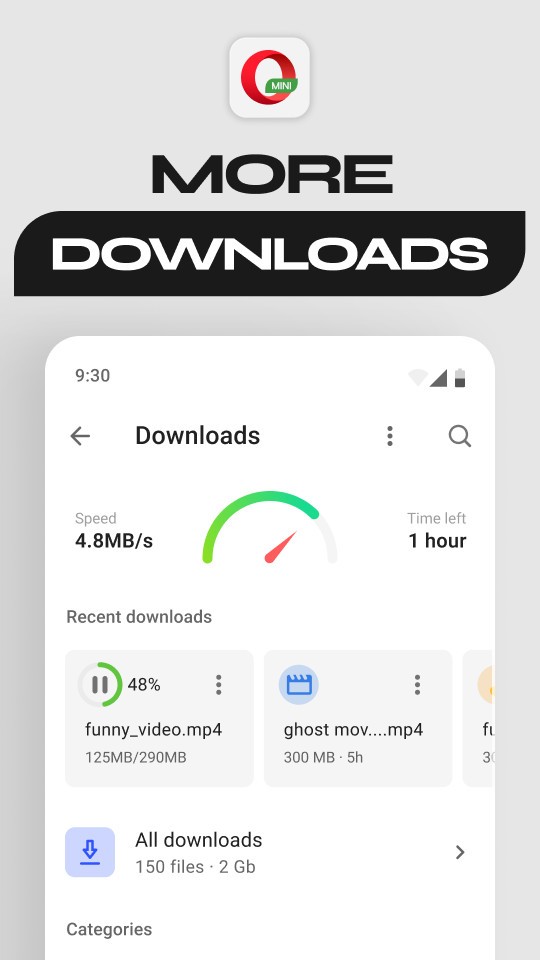
Private tabs prevent local history from storing sensitive visits. A smart download tool detects media, queues files, and keeps transfers running in the background while general browsing continues. Finished downloads appear in a simple manager for quick access, which makes it easy to find documents and videos later without digging through folders.
Opera Mini also allows you to use less data when you use it because of its compression tool, which permits users with low data subscriptions. But that’s not all, in some parts of the world, a daily free data allowance for in-app browsing appears during carrier-partnered promotions. When those campaigns are active, the app can be opened each day and used until the allowance is consumed; afterward, usage continues on the standard data plan automatically. Availability depends on participating operators and specific countries, so treat the free data benefit as regional and time-limited rather than universal.
Why Should I Download Opera Mini?
Speed, efficiency, and privacy-minded features land in a small app that stays out of the way. Data Saver modes can cut mobile usage by as much as ninety percent, which helps on slow networks, near a monthly cap, or when stretching a prepaid plan while traveling. Native ad blocking lowers page weight and reduces distractions.
Private tabs avoid writing local traces, and a PIN-protected download folder keeps documents, photos, and receipts limited to the device owner. Offline page saving enables uninterrupted reading in areas with unreliable coverage, and the integrated video player supports one-handed controls for quick scrubbing.
Extra advantages stand out for commuters and frequent travelers on limited plans. Compression keeps crowded networks more tolerable during rush hours or stadium events. When bandwidth dips, video optimization lowers the bitrate to keep playback moving, then restores quality once conditions improve.
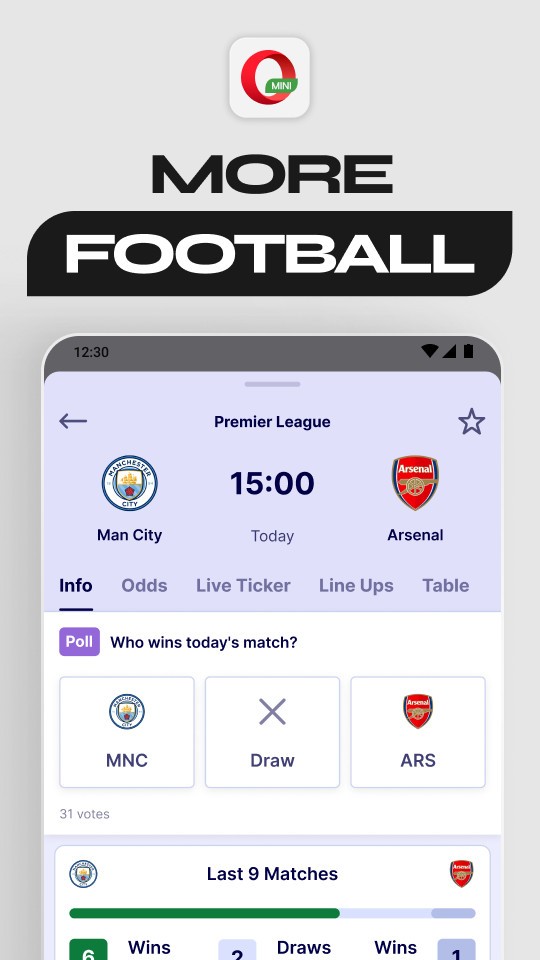
The download queue pauses cleanly on a lost signal and resumes automatically. Address-bar actions are minimal to reduce taps, and start-page shortcuts keep everyday destinations within easy reach. A personalized feed surfaces regional headlines and short clips, while the live cricket section provides quick scores for ongoing matches.
Privacy controls remain straightforward. Ad and tracker blocking shrinks the surface for profiling, while private tabs avoid writing local traces to the device. Clear site permissions and per-site rules help contain pop-ups and stealthy redirects. For anyone who shares a phone with kids, friends, or coworkers, the PIN on the download folder adds a small but useful boundary, keeping saved files away from casual viewing.
Those who sign in can sync bookmarks and speed dials; those who prefer to stay local can browse without account-level storage. The overall approach is practical: lighter pages, fewer interruptions, and controls that are easy to find without digging through menus.
Is Opera Mini Free?
Opera Mini is free to download and free to use. After installation, browsing begins immediately, with no payment required for the app. The core feature set is available out of the box: ad blocking, private tabs, smart downloads with background transfers, an integrated video player, offline page saving, a customizable start page, night mode, and a personalized feed with fast local updates and short videos.
The central point stays clear: the app is free, the features are included, and access is immediate. No subscription is required to use compression, private tabs, the news feed, or the download manager. Features work on first launch, not after a complicated setup. Download, browse, save a page, and continue later without friction. Anyone seeking fewer distractions can enable ad blocking and stricter data saving with a couple of taps. Those who value personalization can rearrange shortcuts, switch wallpapers, and adjust layout density to match daily habits.
What Operating Systems Are Compatible with Opera Mini?
Opera Mini is compatible with Android. Installation on Android phones enables the full collection of features described above: data saver modes, native ad blocking, private tabs, smart downloads with background fetching, a PIN-protected download folder, offline reading, a built-in video player with one-handed controls, night mode, customizable layout and wallpapers, quick shortcuts, a personalized news feed, and a live cricket scores section. Distribution focuses on Android to match how people browse on phones, where performance and data efficiency matter every day.
Designed for demanding conditions, the app aims to run well on older hardware and spotty networks. The rendering engine prioritizes responsiveness, while compression reduces the size of heavy assets that might otherwise stall progress. Short, clear menus keep actions near the thumb, and common tasks sit on the start page instead of being buried in secondary panels. That approach keeps the overall footprint small and helps prevent slowdowns as tabs accumulate during long sessions.
What Are the Alternatives to Opera Mini?
Phoenix Browser is a browser that appeals to small mobile browsers of another developer, whose startup is easy and with easy controls. Direct navigation and lightweight pages make casual sessions fast, making it a convenient option for simple browsing with small connections. A panel of rapid downloading and data-saving features is a reflection of the necessities, but without adding more features. Individuals who prefer a common structure with few items and dislike cluttered pages can value its blank first page and straightforward switching.
Dia Browser stresses the simplicity of its settings and interface. Pages load fast, scrolling is seamless, and clutter is out of the way - useful when you want to know what to expect when on your smaller screen, when you are in short search mode, or when you read a lot of pages with no distractions. Privacy switches and a reduced menu make the experience minimalistic and silent. Readers who intend to have deep customization can look at it as a stable and predictable tool to look up every day.
Firefox Focus has one purpose, which is privacy. One page loads, a search is performed, the work is completed, and the session is cleared upon leaving. In order to make swift, targeted inspections that will not leave any local evidence, this simplified method remains a clean and rapid one. Protection to tracking is on by default, and the interface is more inclined to speed as opposed to customization. It can be a good supplement: use a primary browser when you need to accomplish your daily tasks, and refer to Focus when a blank slate is required.