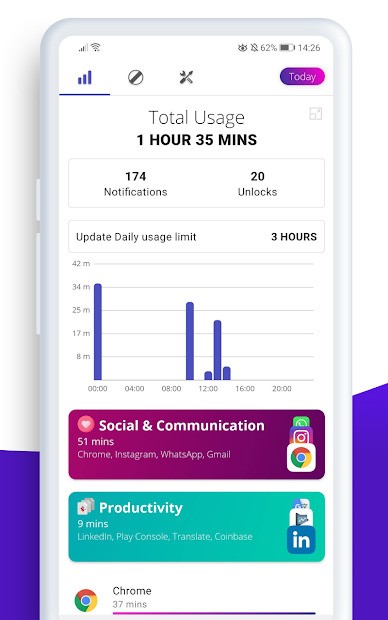
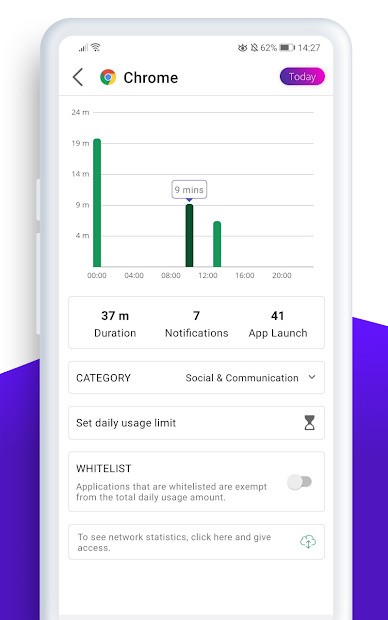
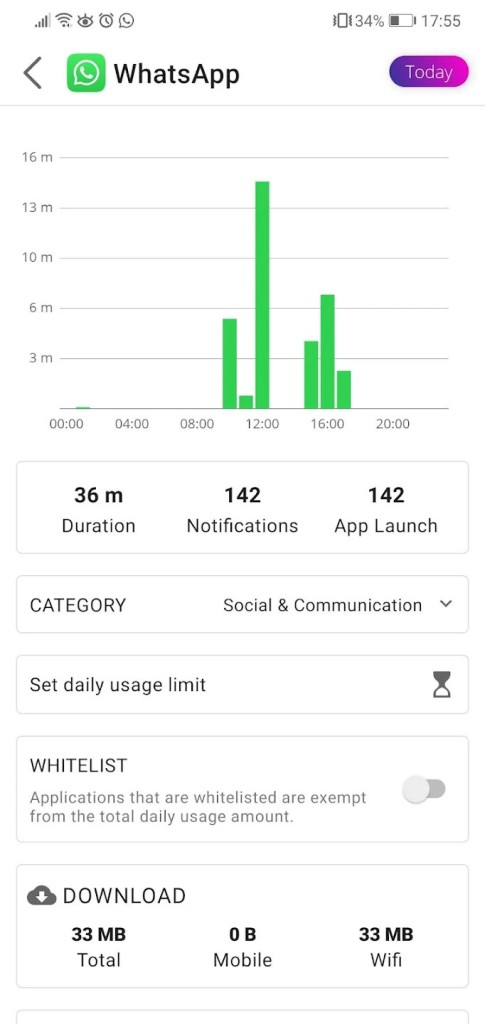
Phones make life easy, but they also quietly steal hours. Many of us know how it goes. You unlock the screen to check one message, then half an hour later, you are still scrolling videos, reading random updates, and jumping from one app to another. Digitox is built exactly for that problem. It’s an app that keeps track of your screen time and puts up a barrier when you are about to overdo it.
The idea is very simple. You set limits on the apps you think are wasting your time, and Digitox does the job of stopping you once you hit those limits. Unlike many other tools, it also lets you narrow down content, not just full apps. That means you can cut back on endless news feeds or short-form videos without blocking the entire app. People who only want to reduce certain distractions often find this more flexible.
It doesn’t need accounts, it doesn’t collect personal data, and it doesn’t try to make money from who you are. It works quietly in the background. You tell it what you want once, and it remembers. You don’t have to open it every day to keep it running. For users who don’t like complicated settings or heavy apps, this kind of simplicity is appealing.
Why Should I Download Digitox?
Most people who look for this type of app are not trying to throw away their phone. They just want balance. A bit more time for work, study, family, and sleep. Digitox gives you back some of that time by putting limits where you require them.
Think about how many times you check an app just because you are bored or distracted. Those checks can pile up into hours. If you add it all up, it’s often shocking. Digitox helps by giving you clear stops. When the time is over, it blocks access. That push is often enough to make you stop and do something else.
It’s also good for focus. Constant notifications break your flow. A few seconds here and there don’t look like much, but they stop you from staying deep in a task. With Digitox, you can block the sources of those interruptions. Some people use it while studying, some while working on projects, and others just want more time without the pull of social media.
Parents use it too. Children and teenagers typically find it hard to limit themselves, and parents don’t always want to argue. Digitox provides a way to set healthy boundaries without constant fights. You can make sure games or entertainment apps don’t take up the entire evening.
The other reason is peace of mind. It feels better to know you are in control. Instead of apps deciding how long you stay, you decide the rules.
Is Digitox Free?
Yes, Digitox is free to download and use. The main tools, blocking, limiting, and content control, are already in the free version. There’s no need to create an account or put in payment details to start. This makes it easy to try out. If you don’t like it, you can just uninstall it.
The design is meant to be direct. No hidden tricks, no pressure. Many users only ever use the free version. If more advanced features come in the future, they may offer optional upgrades, but the core idea is available without cost.
What Operating Systems Are Compatible with Digitox?
At the moment, Digitox is made for Android devices. You can get it on the Google Play Store, and it works on most recent Android versions. Setup is fast. Install, set your rules, and let it run. Once you put in the limits, it does its job in the background without you having to open it again and again.
What Are the Alternatives to Digitox
Touch Grass is lighter and adds a bit of humor. It reminds you to step away from the screen and do something else. The blocking tools are basic compared to Digitox, but the playful style helps some people take the idea of less screen time in a fun way. It doesn’t go deep into content filtering but gives nudges and reminders.
AppBlock is also focused on Android and offers more profiles and custom settings. You can set up different rules for work, study, home, or the weekend. Each profile has its own blocked apps and time limits. This makes it flexible but also more complex. For people who like detailed control, it’s useful. For those who prefer “set it once and forget it,” it can feel too much.
Freedom - Block Distractions is well known and works across devices, including computers. Writers, researchers, and students often use it. It blocks apps and websites during sessions you set. The strong point is scheduling; you can decide that every morning or evening, certain things are blocked. It’s heavier than Digitox and needs accounts, but good if you want the same limits on all devices at once.