eReader Prestigio is a multilingual reading app that helps you read most conveniently across devices and formats. It is not noisy, it is not glamorous, it just stealthily fulfills its duties: it allows you to read e-books in a considerable number of languages and file formats without any trouble.
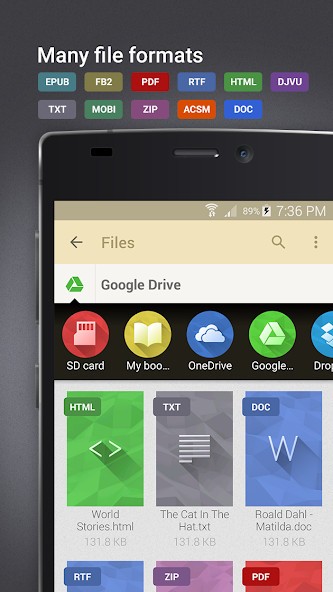
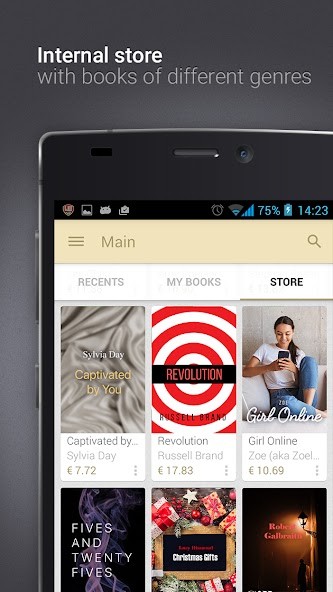
As an e-book reader, the app supports EPUB, DJVU, TXT, and PDF, as well as MOBI, HTML, and even MP3 audiobooks. However, that’s not all; eReader Prestigio also offers an In-App store with EPUB and FB2 e-book files, available in multiple languages. This flexibility isn’t about brands, it's about the reading experience.
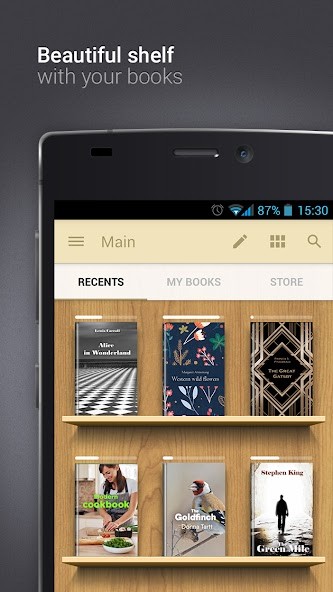
Upon opening the app, you get a familiar-looking bookshelf. It is modeled after the shelves of your house library. No special skills are required to use it. Importing files, browsing your library, or adjusting your reading settings, everything flows smoothly. It is also perfect for readers who value page-turning over gadgetry.
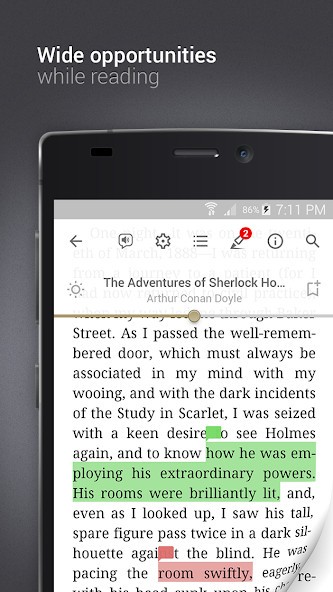
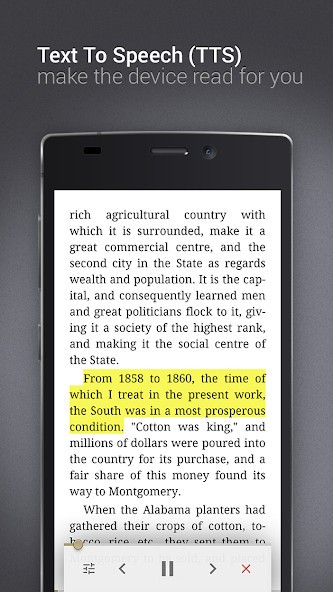
If your device supports text-to-speech, eReader Prestigio enables you to hear your books when you cannot read, and this can be while resting or doing other tasks. It simply adapts to you, not the other way around. This application is not attempting to transform reading. It is only an attempt to make it more flexible and easier.
Why Should I Download eReader Prestigio?
eReader Prestigio eliminates all the hubbub and provides you with a clean, distraction-free space to enjoy your e-books. In case you are the type of person who has e-book files of all sorts scattered across various locations, possibly even in various languages, this app can help you put all of them under one roof. There is no need to convert anything and to be concerned about compatibility; just open, read, and proceed.
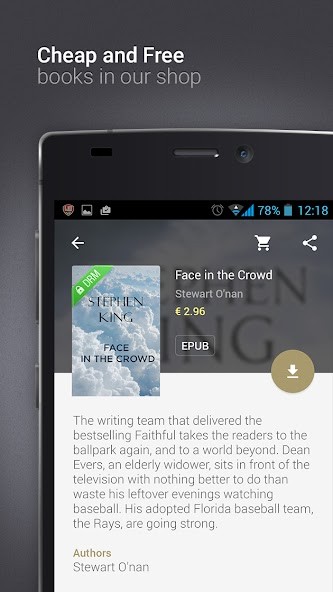
Another feature that makes eReader Prestigio shine among the others is its multilingual in-app store that provides a great variety of books in hundreds of languages, including ones that are difficult to find anywhere. It is, therefore, ideal if you're a bilingual reader or just wish to read foreign literature. The application not only serves English audiences; it gives access to world stories written in their own languages. It does not matter whether you are refreshing your memory of a second language or want to read books from home while living abroad, eReader Prestigio will make this process easy and pleasant.
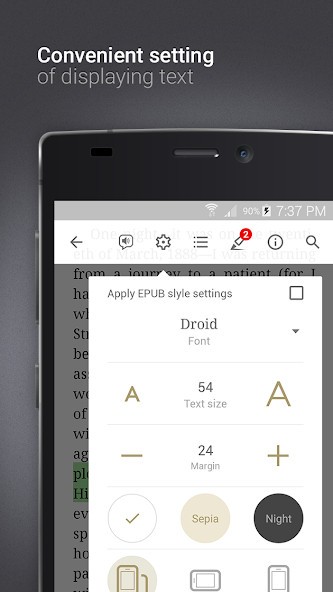
The other factor that makes it unique is that it accommodates readers who prefer to take charge of content intake. You can change font size, type, and spacing. Background color can be modified to facilitate nighttime reading. You can scroll or swipe, turn pages, or turn on a flow; it is very up to you. That is the type of personalization that allows you to get comfortable with the experience instead of struggling with a fixed layout.
Another strength is text-to-speech. Do you have a book that is present on your to-read list, but you cannot find any time to read it? The app can read it to you. The voice function is compatible with many languages and is beneficial to people who have difficulty maintaining a balance between reading and their active lives. Better still, it resumes where you left off, whether in audio or visual mode.
Prestigio eReader is also good for parents. The range of children's books in the store is not bad, and the design of the app is safe and relaxing. And, of course, you can add you’re own kids’ e-books. You are not overwhelmed by advertisements or spontaneous pages. You might want to concentrate on reading with your child or let your child read age-appropriate material. It is simple to change accounts, look through new titles, and all is well organized.
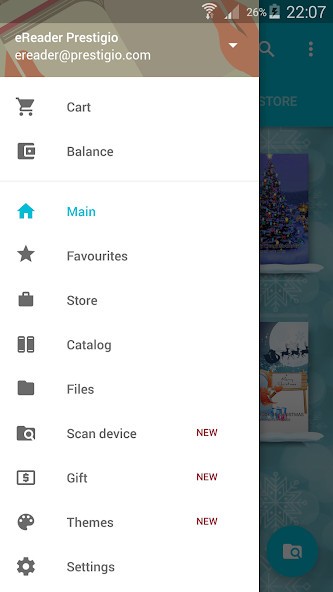
The thing that really makes it worth a download is that it does not need to ruin your collection. Whichever method of sideloading books (email, cloud storage, websites), the app imports them seamlessly and allows you to sort them as you like. With categories, favorites, and recently opened files, you can keep everything organized. It is not attempting to become a bookstore or subscription service. It is a reader and digital bookshelf.
Is eReader Prestigio Free?
Yes, it's available at no cost; the eReader Prestigio merely has to be downloaded. It is packed with a great deal of features and does not require payment to use them. There are optional in-app purchases for extra tools or customizations, and for the store.
What Operating Systems Are Compatible With eReader Prestigio?
All Android devices (smartphones and tablets) support eReader Prestigio. It has a steady performance on most Android platforms, and the app is not so heavy that it can run even on old phones. There is no iOS version. Check the alternative to find something suited for Apple users.
What Are the Alternatives to eReader Prestigio?
One of the options, which provides a similar smooth reading process, with multiple format support, is PocketBook reader. Just as in eReader Prestigio, you can read EPUB, PDF, MOBI, and more without converting files. It has a minimal and clean interface that only concentrates on providing a reading-first experience. You may also synchronize your cloud storage, leave notes on documents, and sort your files. PocketBook doesn’t try to distract you with unnecessary features, but merely functions. The majority of users prefer using it because of its slick performance and straightforward design. For Android and iOS.
Another good option is ReadEra. It is one of the light-weight, non-ad-based reading applications on Android and iOS. It does not require sign-ups or logging in and thus doesn't clutter your screen. ReadEra helps with almost all e-book formats, like EPUB, PDF, DJVU, DOC, and FB2. You do not have to subscribe to use the basic capabilities, and the application is optimized well to work offline. It is good when it comes to individuals who want to open a file and read it without distractions or tracking.
Then there's Moon+ Reader, focused more on deep customization and high-end features. It’s more for readers who want full control of their settings – margin setting, line spacing, custom gestures, and highlighting are available. The amount of personalization may make it longer to install, but once done, it makes a very special reading spot. Moon+ also gives full statistics on reading, online libraries, and reading time. It is a bit heavier than eReader Prestigio, yet to a serious reader who likes to have everything going their way when it comes to layout and design, it might end up being that solid pairing.