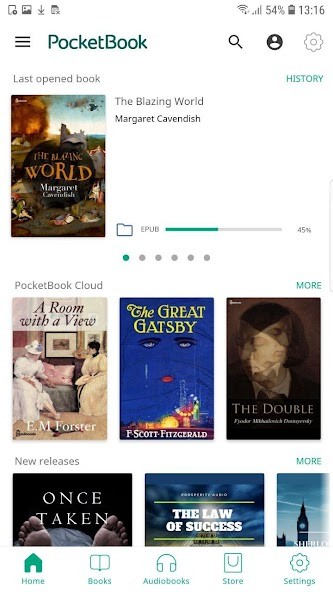
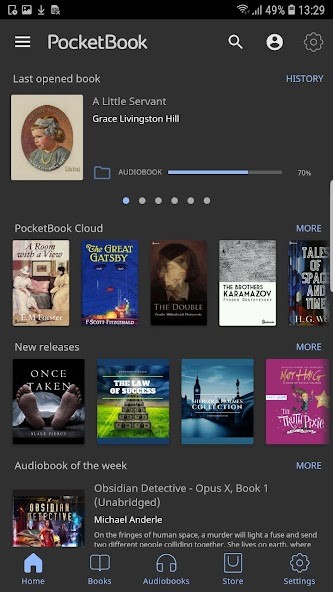
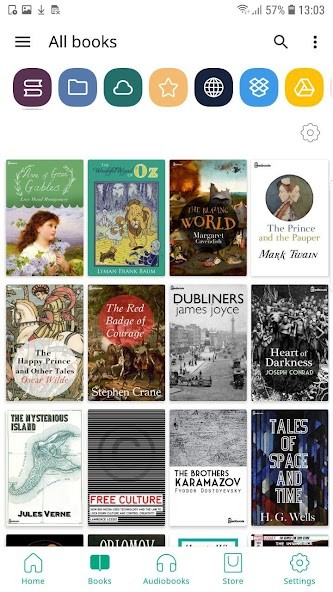
PocketBook Reader is a simple, highly adjustable reading application that can work with a wide range of different file formats, such as PDF, EPUB, MOBI, FB2, comics in CBR and CBZ. You don’t need to worry about book compatibility. You simply upload it and read it. This is one of the things that distinguishes it first: it does not make you stick to its store or rely on proprietary formats. It allows you to import your own books and read them as you like.
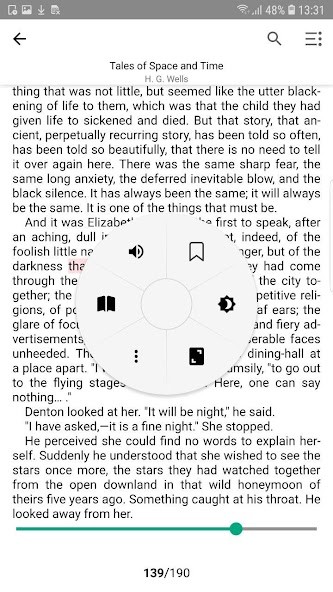
Its design is not complicated and does not intrude. You simply turn the page—that’s it. You are able to customize your text style, use a night mode, brightness control, and even change the background to make it less straining. Those things make all the difference when you are the type of person who reads for hours on end or would prefer to read in bed. It is not that you are combating the app; you are just reading.
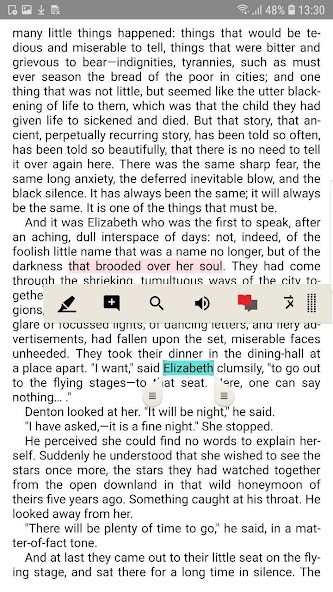
You are also able to annotate, highlight, and bookmark, which is practical in case you study or simply do not want to forget some quotes. And for those who like reading aloud, it has an in-built text-to-speech feature that will read to you your books. That alone makes it more than just a reader—it becomes a way to enjoy books on the move.
Why Should I Download PocketBook Reader?
PocketBook doesn’t make a big deal out of things; simply download it, add your books, and begin reading. That’s it. It is fast, uncluttered, and lightweight.
The app excels in customization. You have an option to adjust fonts, text size, line spacing, and margins to your preference. You can even choose to have a variety of different page-turn effects, or you can leave the page-turn effects off altogether and have instant flipping. You probably know what it is like to use an e-reader, such as Kindle or Kobo—this app is quite close to the same sensation while using your phone or tablet.
PocketBook Reader accommodates quiet moments without flashing you with distractions. It values your pace—whether you read slowly before bed or speed through a book on vacation. The app is not concerned with being flashy—it just works. It provides you with only the tools that are necessary to work with the notes, but without turning the process too complicated. It is a perfect wandering in the private small library that waits for you, picks up where you left off, and allows you to engage in the loss of time you want by reading them.
It is not only reading, but even more. The application is device-synced. When using PocketBook across multiple devices, it keeps track of your reading progress: when you change from a phone and a tablet, your reader will not forget where you left it. It syncs your highlights and notes across devices. Such a smooth experience enables you to read at home, pick up and go, and not lose track.
Other minor details include large file handling capabilities. Other apps will simply lag or crash on some eBooks, especially large academic PDFs or a comic with a lot of images. PocketBook processes them without a hitch. You are able to zoom, scroll quickly, and search within files without delays and freezing. That is why it is an excellent choice when it comes to students or comic fans who value stability just as much as readability.
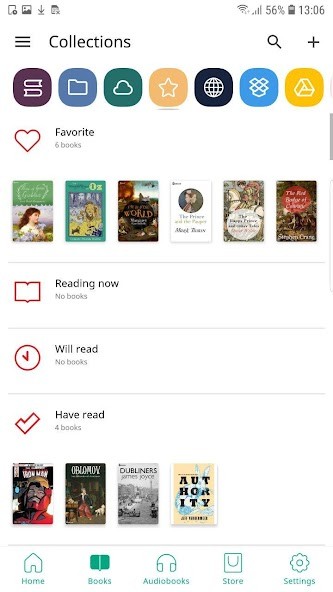
If you’re the kind of person who values having an organized library, you will also like the tagging and sorting features. You will be able to make collections, mark books as read, and even use cloud storage services to store your files. It does not restrict you. It leaves you room to tailor the reading experience on your own.
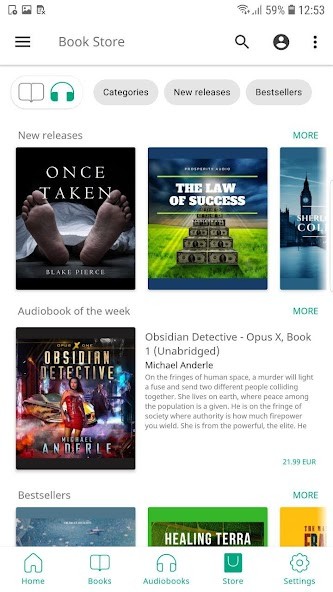
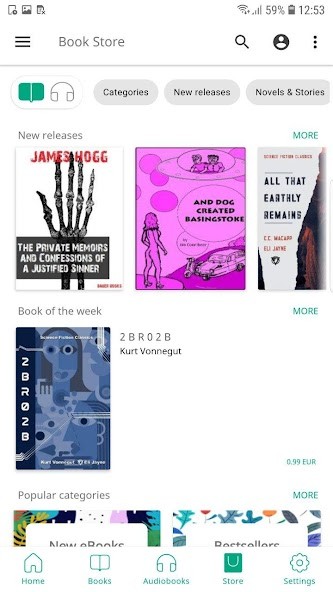
It also has built-in access to a number of online catalogs. PocketBook links you to free books in the public domain libraries if you’re looking for free books to read. You’re never forced to use it—it’s just there if you want it.
Is PocketBook Reader Free?
Completely free, yes, PocketBook Reader can be downloaded and used. It has no hidden charges and no subscriptions involved. The reading features and tools are complete, making this free app a rare find among e-readers.
What Operating Systems Are Compatible with PocketBook Reader?
PocketBook Reader is available on Android and iOS. You may simply download it through Google Play or the Apple App Store. It has been optimized for both smartphones and tablets, and is designed so that it automatically adapts its layout according to your screen size. It also supports the PocketBook device itself, a line of e-readers, if you own one of their physical e-readers. The syncing feature is compatible with supported platforms, provided that you log in to the same account.
What Are the Alternatives to PocketBook Reader?
ReadEra is a good alternative when you need something with a few features and concentration. It also has many formats and, just like PocketBook, does not require registration or an internet connection after installation. It is a bit more modern-looking and organized into categories like Read, Unread, and Favorites. Nevertheless, the lack of text-to-speech and the straightforwardness and rapidity may be favored by casual users who prefer their books to open fast and look nice.
eReader Prestigio is more colorful, with a bookshelf-style interface and a pre-packed library of classic books. It features multilingual text-to-speech and has night mode and themes. It is also good in children's books thanks to its user-friendly layout. It may seem a bit busier than PocketBook, yet it will add some charm to its users who prefer a visual way of handling and reading books.
Moon+ Reader is a power user’s app. It features galore—gestures, page animations, multiple font rendering engines, and in-depth logs of the reading behavior. It even syncs with Dropbox, and it has other plugins to make it more customizable. It is available in both the free and pro versions, and although the former version comes with advertisements, it offers more functionality than most basic apps. Moon+ is somewhat excessive at first, but when you’re the kind of reader who prefers to take everything under control of their reading environment, you should give it a look.