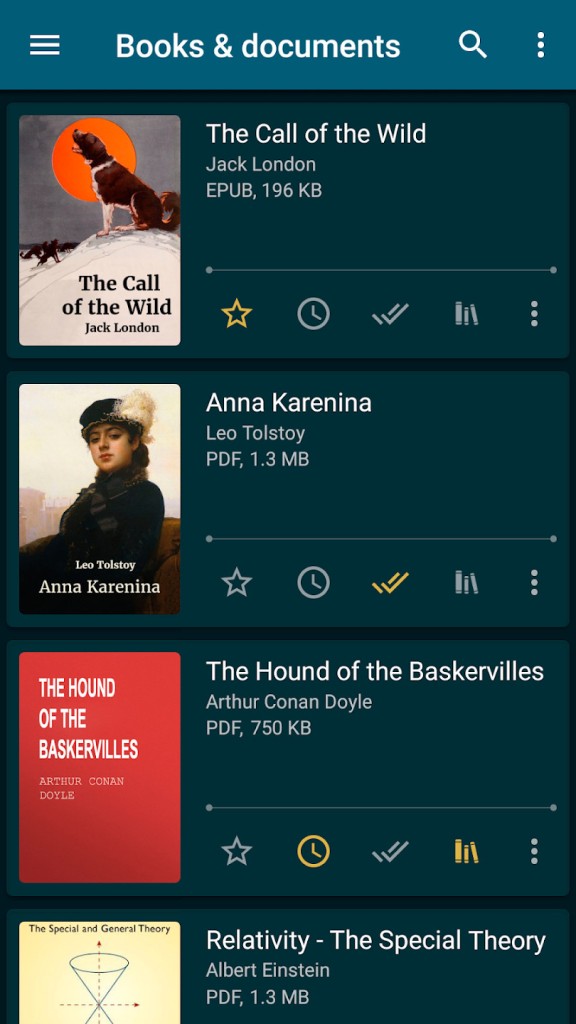
ReadEra is a comprehensive eBook reader that works seamlessly with various formats, even without converting them. It supports, for example, EPUB, PDF, Microsoft Word (DOC, DOCX, RTF), Kindle (MOBI, AZW3), DJVU, FB2, TXT, and CHM. When you launch the app, it scans your device's storage for compatible files and automatically adds them to the library in various categories.
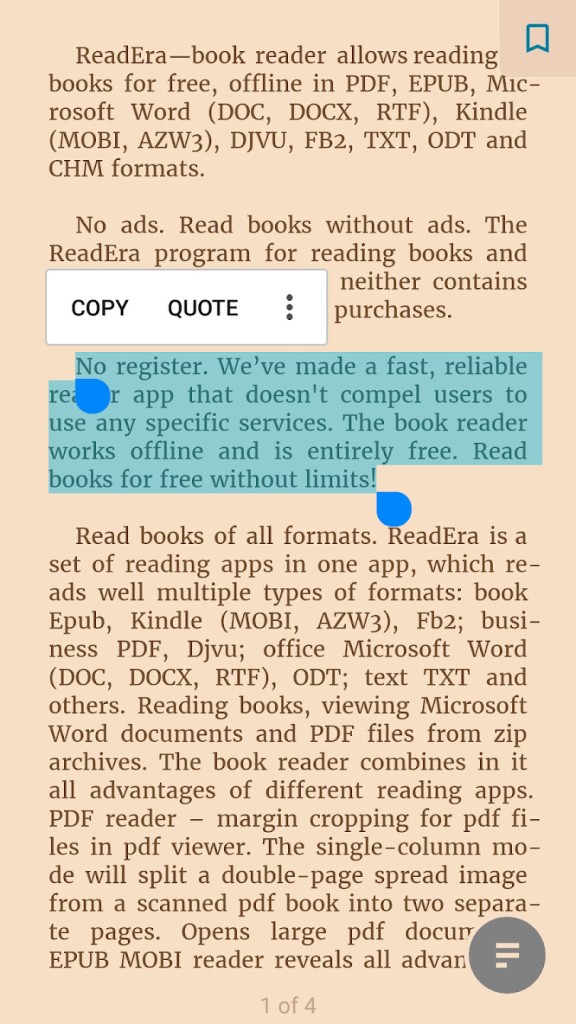
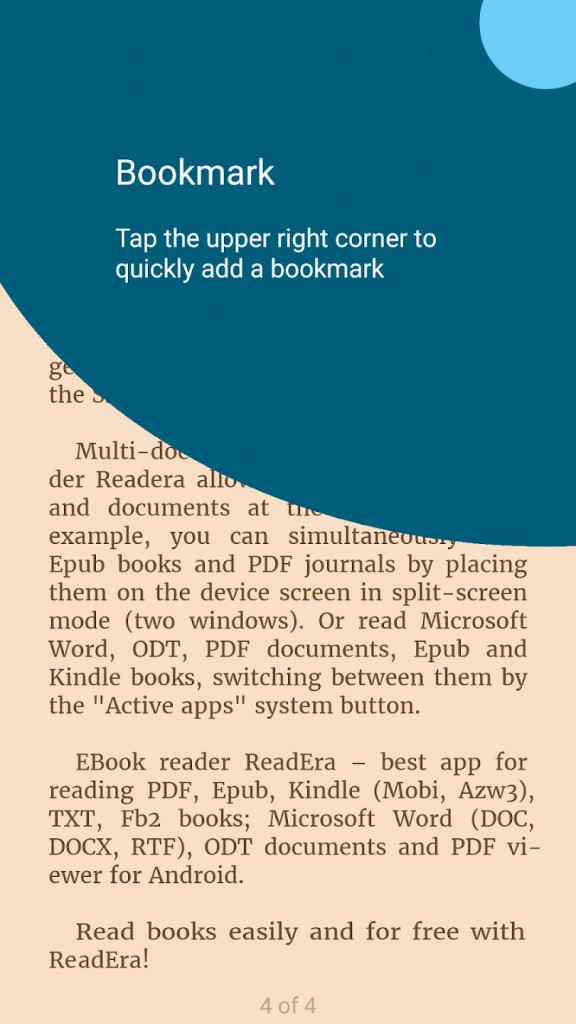
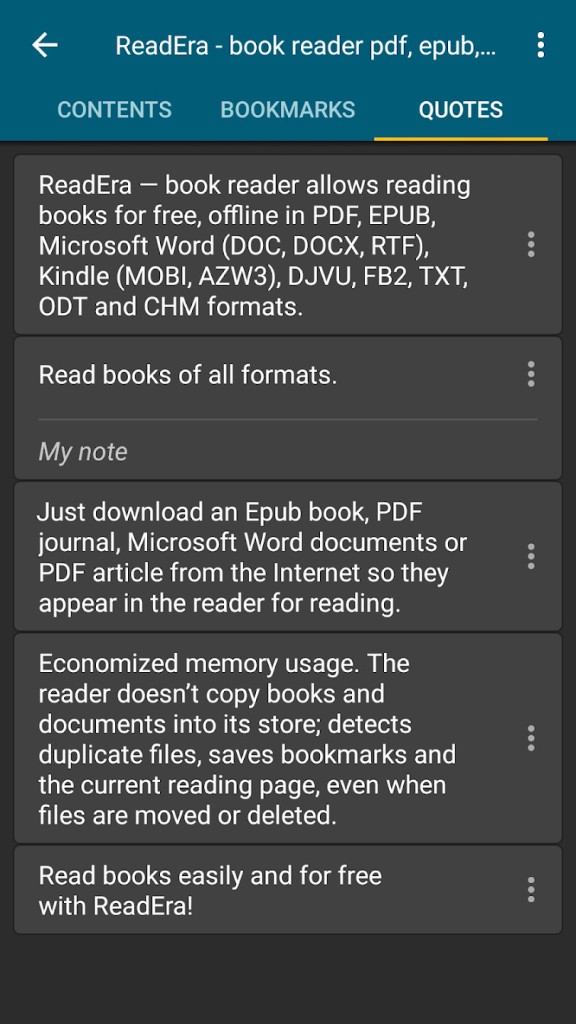
With ReadEra, you get access to standard features such as navigating through a table of contents, searching for specific text, adding bookmarks and notes, saving quotes, changing fonts and their settings, tracking reading progress, and adjusting brightness and background. On top of that, it also offers a special mode for kids, and you can even split your screen to read two documents at the same time.
You can use ReadEra offline, and it also doesn't send your data anywhere, so all files, books, reading progress, notes, and saved quotes are stored locally on your mobile device. You can download ReadEra for free for iOS and Android through the App Store, Google Play Store, and Huawei AppGallery, but it also has a premium version.
Why should I download ReadEra?
While you can find a lot of ebook readers for mobile devices, most of them are packed with ads. ReadEra, however, is completely free of them, even though it's not paid software. It gives you a clean and straightforward interface and supports an extensive number of different formats, so you don't need to convert your files. You can use ReadEra with standard formats like EPUB, MOBI, TXT, PDF, or DOC, but also load DJVU, RTF, CHM, and FB2 files, making the app a central hub for all types of documents.
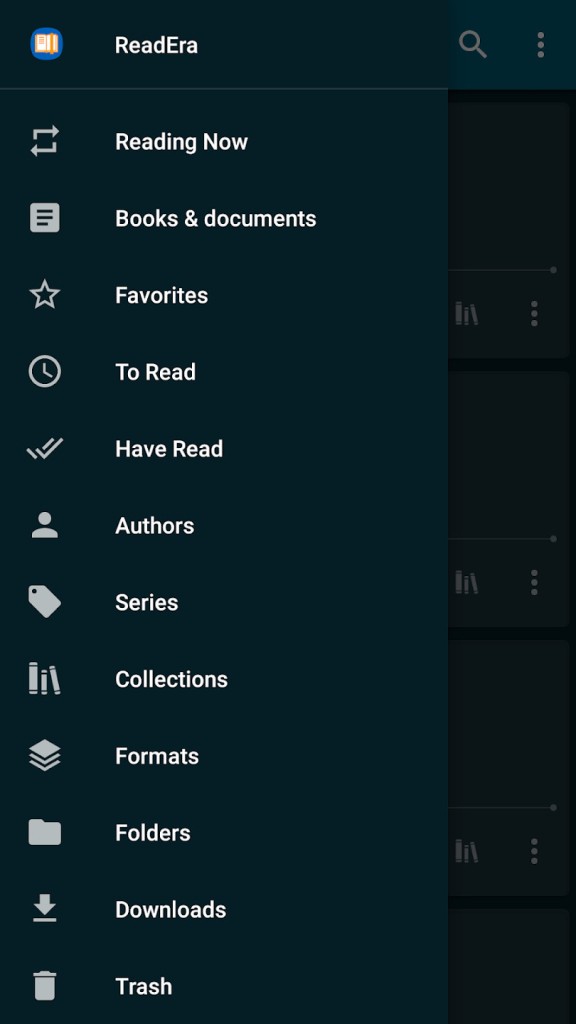
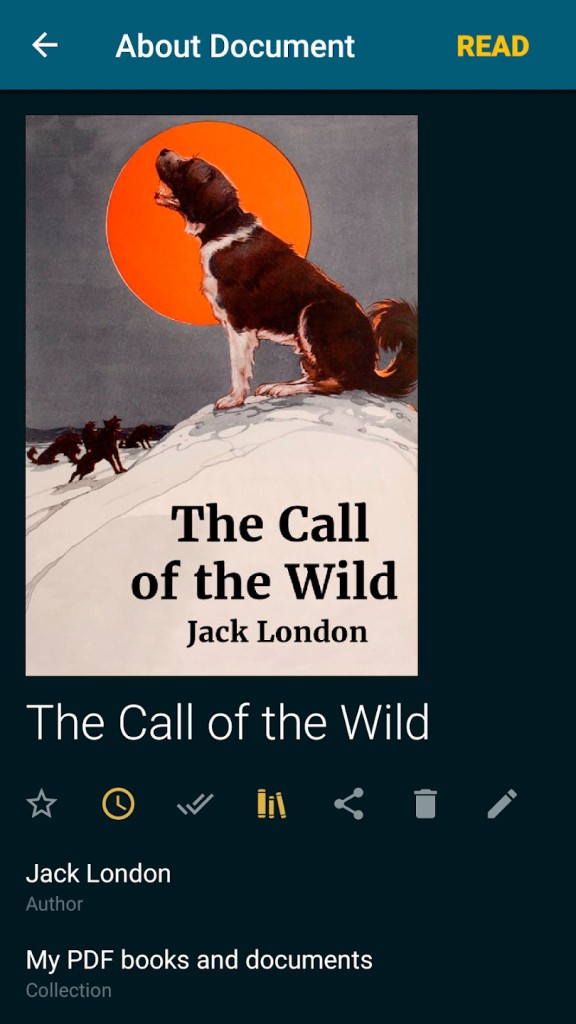
With ReadEra, you also get automatic library management features. The moment you open it, it scans your device for supported files and puts them into groups in your in-app library. You can sort your collection by title, author, series, or date added. ReadEra organizes books from the same series into one collection, so you don't need to do it manually. You are able to create your own lists or browse through standard ones like "Favorites," "To Read," and "Read Books."
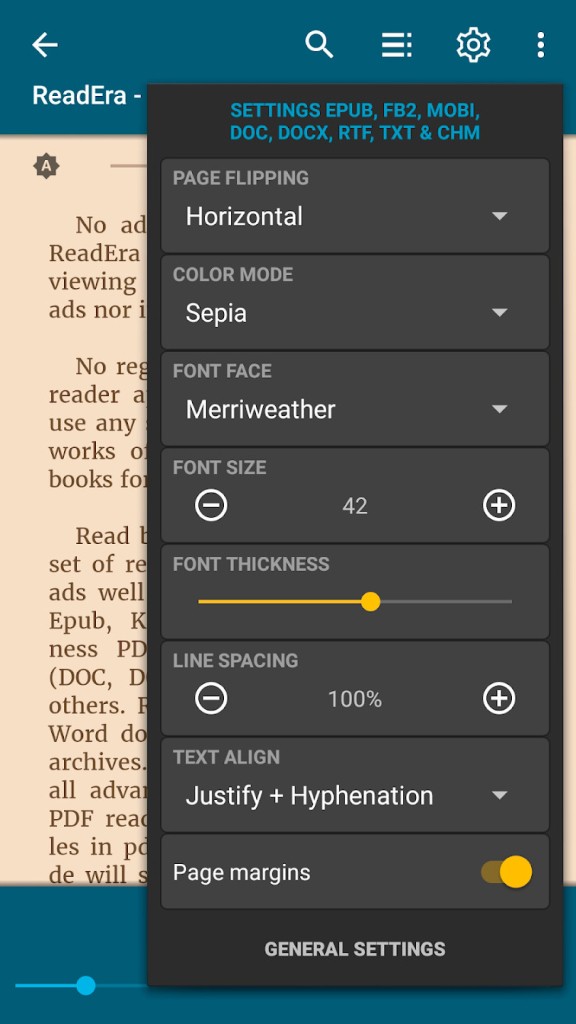
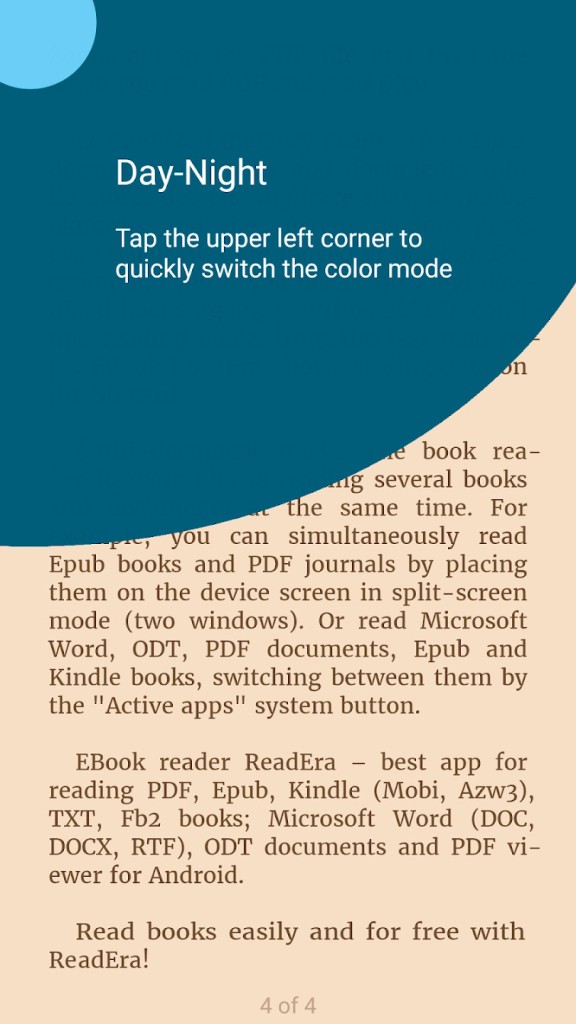
When you start reading, ReadEra remembers your progress, highlights, and bookmarks for each book separately. It displays a reading progress percentage and page number, even if you have two books open at the same time. You can also customize the screen with different themes and background colors (light, sepia, dark, black), change the font type, size, and spacing, and scroll through the document or change pages with a flipping animation.
All of these features are meant to reduce the strain that reading on a screen has on your eyes, and you can even crop margins for less flexible formats like PDF or DJVU to have the screen filled with text, not empty space.
You can also use ReadEra's unique feature that allows you to split the screen and open two different documents at the same time. Reading texts side-by-side is useful when you need to compare them, check translated documents against the original version, or just want to have reference material on one side to look things up. Each screen is navigated separately, and this option is great if you need to study or research various topics.
ReadEra works fast, doesn't put any strain on your device, and saves all your data locally, so there are no background services collecting information about it. It also functions fully offline, which is perfect when you don't have an internet connection, and you don't need to set up an account to use it. The app doesn't show any ads, and you can download ReadEra for iOS and Android mobile devices.
Is ReadEra free?
Yes, ReadEra is a completely free app. Its mission states that reading should be accessible, so they don't charge anything for their software.
However, there is a separate app called ReadEra Premium that offers a bit more on top of everything available in the free option. In the paid version, you can synchronize your books across devices with Google Drive, keep all your quotes in one place, upload your own fonts, and even set up a custom view for the library.
What operating systems are compatible with ReadEra?
ReadEra is software created for mobile devices, so it works with any smartphone or tablet running Android 4.1 or higher, as well as iPhones and iPads on iOS 15.0 or newer.
At the moment, there's no version of ReadEra for desktop computers or laptops.
What are the alternatives to ReadEra?
PocketBook Reader is another free ebook reader for iOS and Android that supports an extensive number of file formats. You can sync your entire library through PocketBook Cloud and keep your reading, notes, highlights, and progress consistent across all devices with PocketBook Reader on them. PocketBook also has its own line of eBook readers with eInk technology and integrated access from the app to the PocketBook library of books you can buy. PocketBook Reader supports text-to-speech functions to read your books aloud, and the app offers additional features through microtransactions, but the base version is free of charge.
eReader Prestigio is an Android-only ebook reader that supports multiple formats, highlighting and making notes on books, and the option to change how it displays text with different fonts, margins, sizes, orientations, and backgrounds, as well as a built-in online store. On top of that, eReader Prestigio also has text-to-speech support so that it can read content to you. It comes in two versions: a free one that gives access to most features, and a premium, paid one that removes ads and unlocks more advanced settings.
Moon+ Reader gives you complete control over how you want to read and is highly customizable. You can get the free version or pay for Moon+ Reader Pro, but even without paying, you get broad file format support and full control over every aspect of how the text is displayed (like text justification, font scaling, color, and even gesture controls). The paid version unlocks multitouch support, provides advanced options for PDFs, reading statistics, and removes ads. You can also sync your reading progress to cloud services. Moon+ Reader is only available on Android.