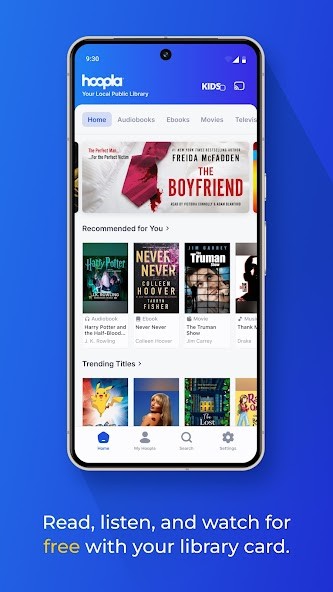
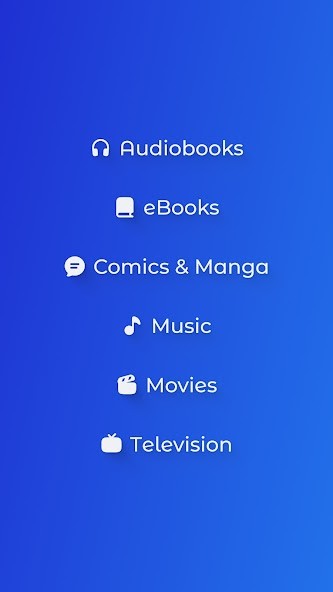
Hoopla offers cloud access to anyone in the US with an active public library card. You can stream or download tens of thousands of ebooks, audiobooks, graphic novels, movies, TV shows, and music albums directly to your chosen devices. It relies on the catalog offered by public libraries, and as soon as you verify your library card, you have access to the same selection of content nationwide.
The service is funded from library media budgets, and you can borrow a specified number of titles a month, each with a time limit. Usually, you get 72 hours for video content, 7 days for music albums, and 21 days for printed and audio content. You can launch your content on-demand in a dedicated media player and use the same content simultaneously with others.
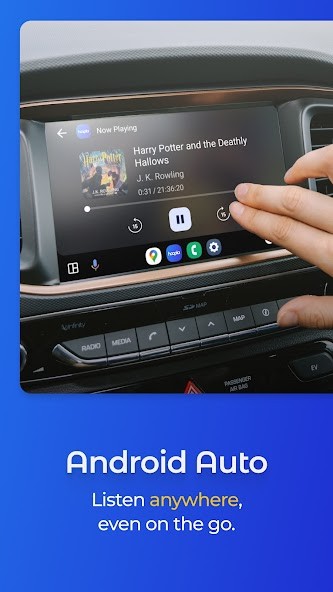
It's a great option for anyone who wants free access to quality content. Hoopla can be used on a wide variety of platforms without any hidden fees. You can download the app on smartphones and tablets, use it on web browsers, select Smart TVs, and use it through car apps like CarPlay or Android Auto.
Why should I download Hoopla?
Because of its partnership with public libraries, Hoopla gives you completely free on-demand access to a wide range of media. All you need is a library card, and you can borrow Pulitzer-winning books, blockbuster movies, top-rated audiobooks, or indie graphic novels. You don't need to go to a physical library for that, and you have ad-free access to different media.
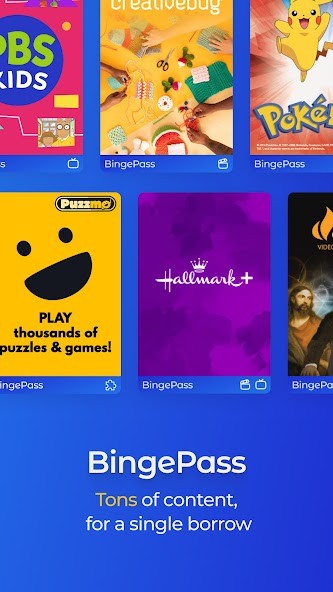
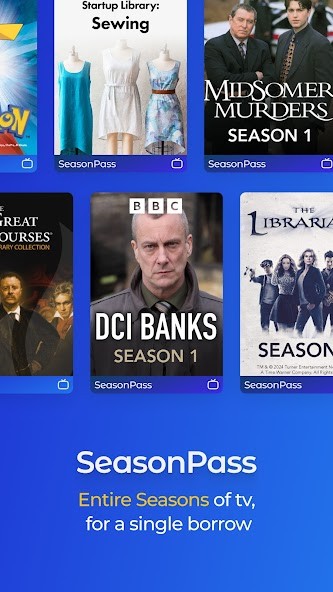
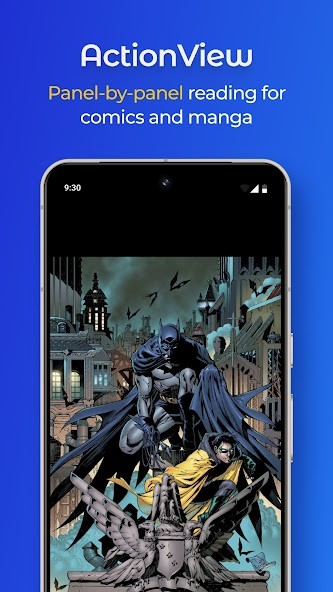
What also makes Hoopla very attractive is that you can choose from thousands of fiction and nonfiction ebooks, including the newest releases, professionally narrated audiobooks in full length, movies and TV shows from both major studios and foreign productions, kids' shows, full music albums of different genres, and even comics or graphic novels with an interactive reading app.
While usually digital libraries limit the number of copies that can be borrowed, Hoopla allows you to get access to your media instantly if that title is available. This is possible because of the simultaneous use licensing that enables multiple people to stream the same content without waiting in a queue, even if it's in high demand.
When using Hoopla, all you need to watch out for is your monthly borrowing limit, which your local library determines. Usually, you get between 5 and 10 titles a month. How long you can have a given title depends on its type, and usually the limits are: 21 days for ebooks and audiobooks, 3 days for movies and TV episodes, and 7 days for music albums. When your time limit expires, the titles are automatically returned to the library, and you don't have to worry about "late fees."
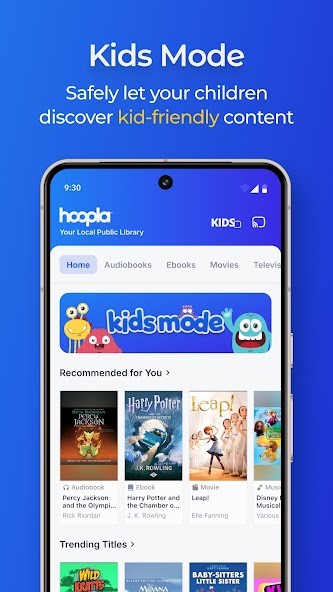
You can use a "Kids Mode" to filter out all content in Hoopla to display only materials appropriate for children. The app also supports downloading content for offline viewing, so you can access all the borrowed titles without an internet connection.
When you get an audiobook from Hoopla, you get a media player that adjusts to the modern standard and allows you to adjust your playback speed, bookmark a certain place, and set up a sleep timer if needed. It has all the options you'd expect when listening to a book. You can sync progress between devices and just continue where you left off.
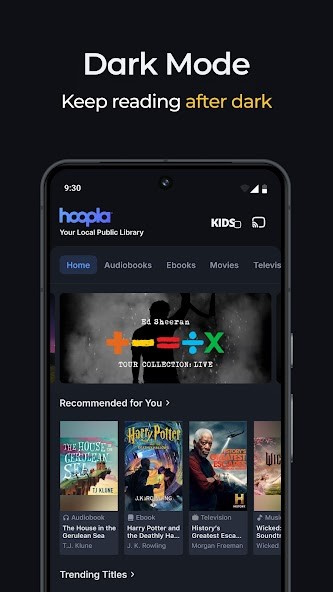
Hoopla has an amazing ebook reader that's great even for long sessions. A great part of the service is that it works with multiple devices. You can download Hoopla for your tablet, smartphone, or selected Smart TV or launch it on your computer without any issues. The interface is well done and optimized for different devices, so you get a consistent experience.
Is Hoopla free?
Yes, Hoopla is a free service linked to the US public library system, and all you need to use it is a valid library card. There are no hidden fees or ads, but there are borrowing limits you need to watch out for.
The limit you get depends on your local library, but usually you can borrow around 10 titles a month. Registering your card and address lets you instantly borrow and launch your content.
What operating systems are compatible with Hoopla?
Hoopla is a cross-platform service that works on a wide range of platforms that include Windows (7, 8.1, 10, 11), macOS (11 and above), iOS (16.0 or newer), Android (7.1 or higher), Chomecast, Android Auto, Apple CarPlay, Amazon Fire, modern web browsers (Firefox, Chrome, Edge, Safari), Chromebooks, Fire TV, LG TV, Samsung TV, Android TV, And Roku TV.
What are the alternatives to Hoopla?
Libby by OverDrive is another digital content library based on collaboration with public libraries. It only offers audiobooks and ebooks. The content you can find in Libby depends on the offerings of your local library, and your monthly limit is also linked to their licensing model. Some titles that are in high demand may require you to wait until they become available because Libby uses a one-copy-per-user borrowing model. You can use Libby on Android, iOS, and the web for free with a library card.
CloudLibrary is a public service used by libraries and academic institutions to access ebooks, audiobooks, and digital textbooks. It supports multiple formats, and you can create your own bookshelf that will sync across devices. It can track your progress and show your personalized suggestions, and the library of available content depends on the catalog offered by local libraries. You can use CloudLibrary on Android, iOS, Windows, macOS, and some e-readers.
Sora, by OverDrive Education, is a platform dedicated to students and educational institutions as it offers access to digital textbooks, audiobooks, and various educational content. You can also find classroom assignments and multiple tools, and the service links with school-approved Google accounts and complies with student data protection laws. It works on Android, iOS, and the web, but the service is not open to the general public.