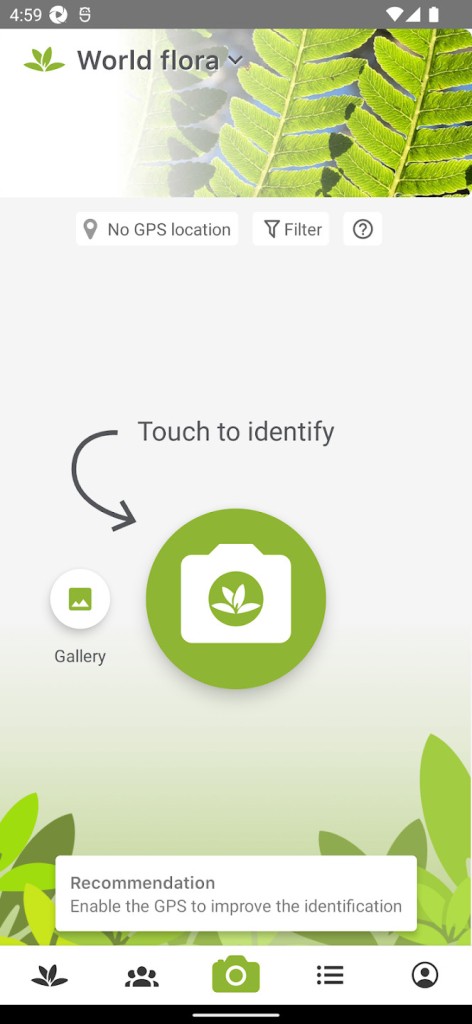
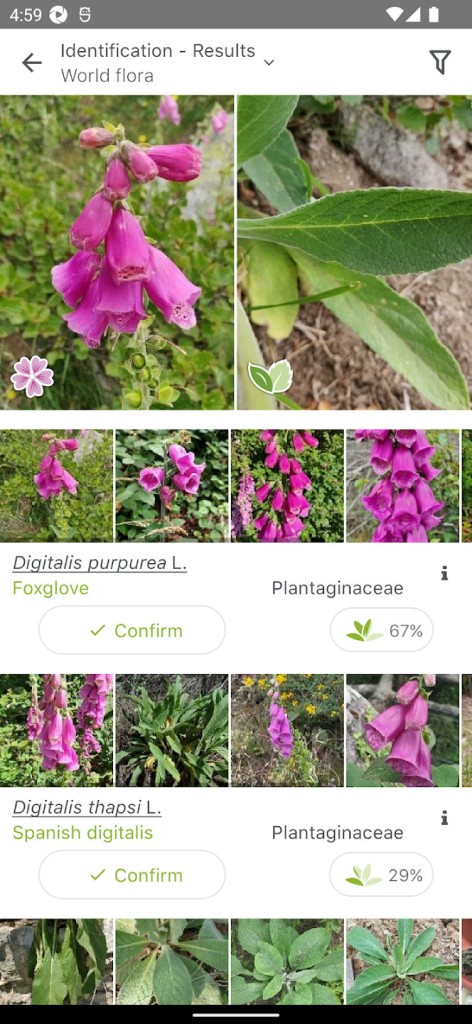
PlantNet (aka Pl@ntNet) is a science collaboration tool for figuring out “what’s that plant?” without dragging a botanist around. You take a photo on your phone—leaf, flower, fruit, bark, the whole plant if you want (even better)—and the app tries to match it. It’s not magic, it’s pattern matching fed by a very big photo library and a very active community. You get a shortlist, you compare your picture with theirs, and you pick the right one if it fits. And when you share an observation, it doesn’t just vanish; it becomes part of a citizen science project, so researchers can see how plants are doing in the real world, not just in books.
It isn’t only garden stuff. Wild plants are the main target: flowering plants, grasses, ferns, conifers, vines, weeds in sidewalk cracks, things popping up in a vacant lot, all fair game. Cultivated plants are in there too (parks, yards), just not the main focus. Accuracy goes up when you don’t send one random snap from far away. The app even says it: flowers, fruits, and leaves are the most helpful organs; tiny traits matter more than you think—thorns, hairs on a stem, a bud shape, those details separate look-alikes from the same genus. A full plant shot helps for context, but usually you still need a close shot of the “tell” part.
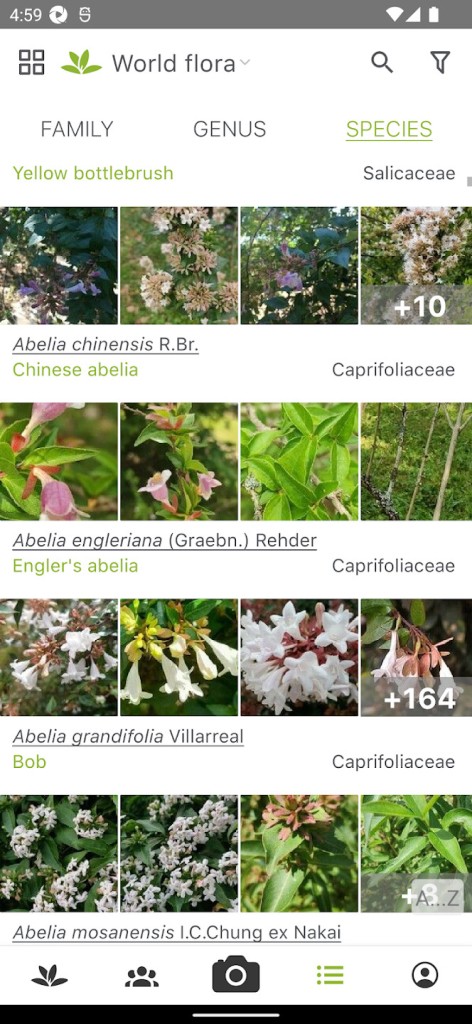
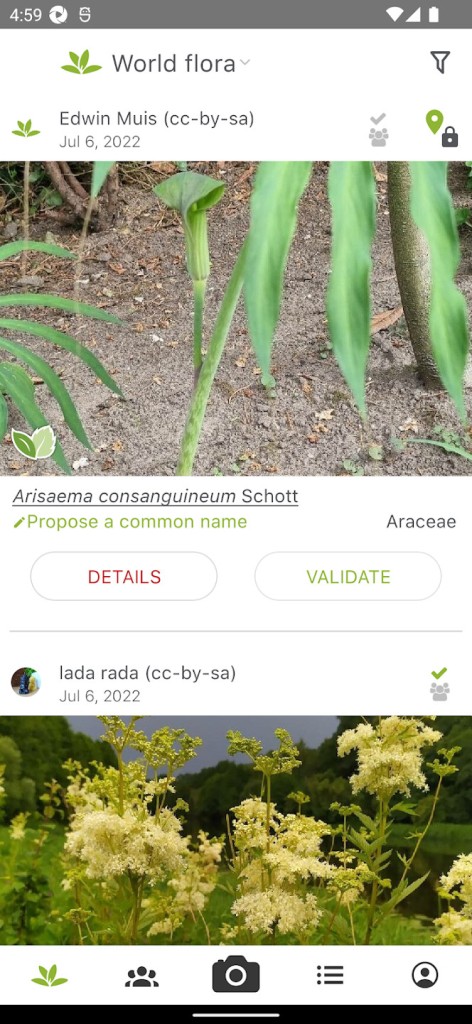
Behind the scenes, it’s not just an app throwing guesses. There’s a review process. Observations get checked by other users and, over time, the better contributors’ votes carry more weight (because they’ve shown they know their stuff). The project keeps growing; they’ve added new features over the years, like filtering by genus or family, multi-flora search if you’re not sure which regional set fits, re-identifying older observations, mapping your finds, plus links to species sheets if you want to read more than a name.
The idea is simple—snap a plant, get a name—but the system underneath is busy, and it keeps improving because people keep using it.
Why Should I Download PlantNet?
Because guessing from memory is slow and usually wrong when two species look almost the same from three meters away, and you are not a botanist anyway. You’re on a trail, in a city park, maybe a roadside, and something catches your eye. You take two or three pictures, close enough to show a leaf vein pattern or the flower’s little details, and you get suggestions right there. No need to carry a heavy field guide or wait until you’re back at a desk. If you want the name of a plant that your kid brought home, or a weed taking over a corner of your garden, same flow: shoot, compare, decide.
It’s also a way to learn what lives around you without turning it into homework. The feedback loop is quick. You post, the community agrees or nudges you toward a different species, and you start to see which traits matter. After a few weeks, you’ll catch yourself noticing the difference between two “identical” daisies because one has a different bract or hair on a stem. That’s the point—less guessing, more seeing.
And the citizen science bit isn’t just a buzzword. When you add observations with a location (you can blur it or generalize if you prefer), they help build a bigger picture: what species are common, which ones are moving, flowering times shifting, things like that. There are micro-projects and themed projects (useful plants, a country set, a region focus), so your casual snaps can feed bigger questions. If you’re a teacher, there are group tools; if you manage a park, mapping is handy; if you’re just curious, it’s still useful.
Accuracy depends on the photo. That’s worth repeating. If you upload a single distant shot, the app will shrug and throw broad guesses. But if you give it a flower close-up, a leaf underside, and maybe fruit or bark, the hit rate jumps. Tiny details can be the whole story. You’ll feel it after a few tries—what to shoot becomes second nature.
Is PlantNet Free?
Yes. You can download and use it for free. The online version is free to access, too. They ask for support and donations to keep it open (servers, development, research all cost something), but the core use—identify a plant from photos, contribute observations—doesn’t hide behind a paywall. That’s important for a community project; the more people can use it, the better the data gets.
What Operating Systems Are Compatible with PlantNet?
It runs on phones. iOS and Android are covered—go to the App Store or Google Play and grab it. There’s also a web version if you’re on a laptop: you can upload images from your camera roll and identify from a browser. If you’re out of signal, some setups allow offline/embedded use after downloading the needed flora, so you’re not stuck when the trail has no bars. Either way, the flow is the same: take clear photos, feed them in, review suggestions, and pick the right one if it matches. Older phones work too; this isn’t a heavy 3D game.
If you’re switching devices later, your account holds your observations and maps, so you don’t lose your history. If you never make an account and just identify things, it still works; you just won’t have a personal log. Use what fits you. The main thing is: it’s on iPhone, it’s on Android, and there’s a web address for desktop use when you want a bigger screen to compare gallery shots.
What Are the Alternatives to PlantNet?
iNaturalist is the big community platform where people log all kinds of living things, not just plants—birds, insects, fungi, everything. You upload a photo, the system suggests a taxon, and then the community (lots of naturalists and experts) weighs in. It’s strong for verification because there are many eyes on each observation, and observations can reach research grade. If you like the idea of your plant photo sitting next to a butterfly or a mushroom from the same park, with a serious review chain behind it, iNaturalist is a solid pick. It’s more generalist, bigger scope, and the social layer is deep: projects, checklists, seasonal trends, and the works.
Seek (by iNaturalist) is the more hands-on, kid-friendly scanner. Point your camera, it tries to identify live without making you sign up or post publicly. Badges, challenges, instant feedback. Great if you want quick names and you’d rather not deal with accounts or public maps. It’s lighter on the social science side, heavier on that “what’s this right now” feeling. Handy for families, school trips, or anyone who wants the result without managing an observation feed.
PictureThis Plant Identifier leans toward fast plant ID with a polished interface. Aim, shoot, instant name, and a tidy card with care tips if it’s a garden plant. It’s popular with home gardeners who want to know what they’ve got and how not to kill it. There’s a paid tier with more features, and it does a proper job on common ornamentals. For wild plants, it can still help, though like any identifier, it’s only as good as your photo (and you still want to double-check similar species). If your main use is houseplants, yard plants, or common landscape shrubs, PictureThis is an easy on-ramp.