Some kids just click with books right away, but plenty of others don’t. A lot of parents know the struggle of trying to get their child to sit down and actually read without turning it into an argument. Reading App for Kids Books is made for that kind of situation. It’s not meant to take over bedtime stories or replace teachers. It’s more like an extra tool on a phone or tablet that makes books feel easier to handle and a bit less of a battle.
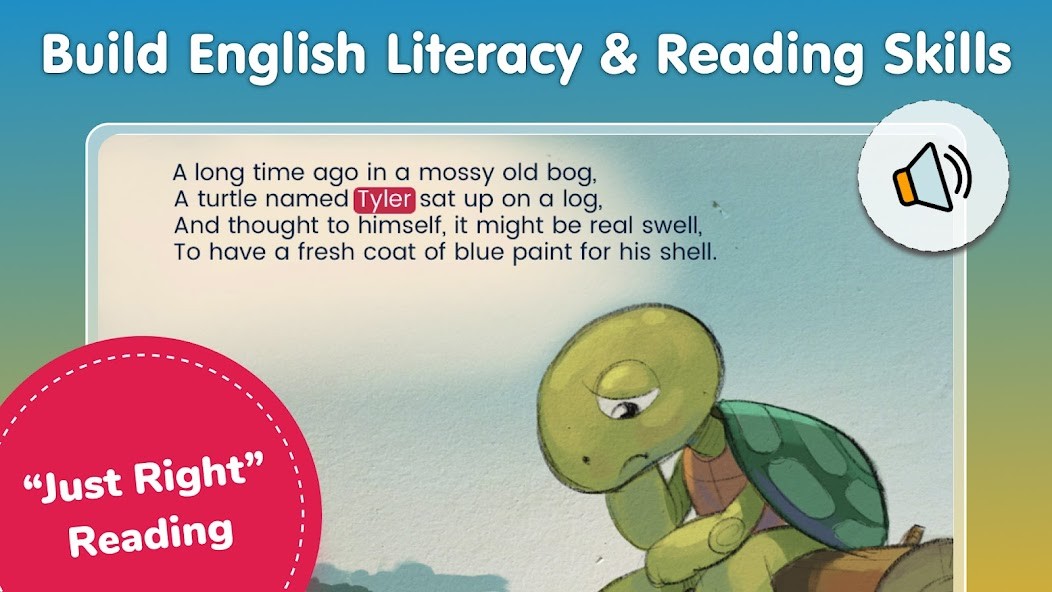
The idea itself is pretty simple, no gimmicks. A child opens the app, picks a book, and either reads it by themselves or taps the “read to me” option. While the voice reads, the words light up on the screen. That keeps kids from skipping around or losing their pace. For kids who are still learning English, the steady voice works as a kind of model. They hear the word, they see the word, and over time, it starts to stick. For very young kids who are just getting started, it’s like having a little guide so they don’t get stuck every time a tough word comes up.
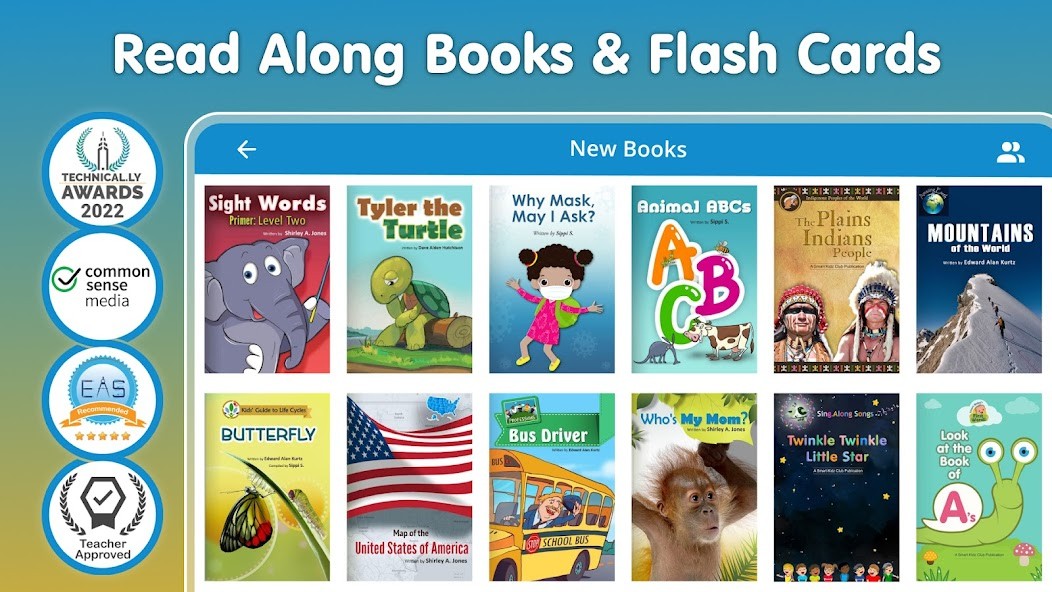
The app isn’t only about fun stories. It has a big library, more than 5,000 titles, with a mix of topics. Fiction is there, of course, but also nonfiction books about animals, space, explorers, poems, science, health, and so on. That mix matters because some kids are not drawn to stories at first but get hooked when they read about dinosaurs or space rockets. Parents use it in different ways. Some make it a daily habit, ten or fifteen minutes every night. Others just use it as a backup when homework reading isn’t enough. It ends up fitting into the day in whatever way works best for the family.
Why Should You Download Reading App for Kids Books?
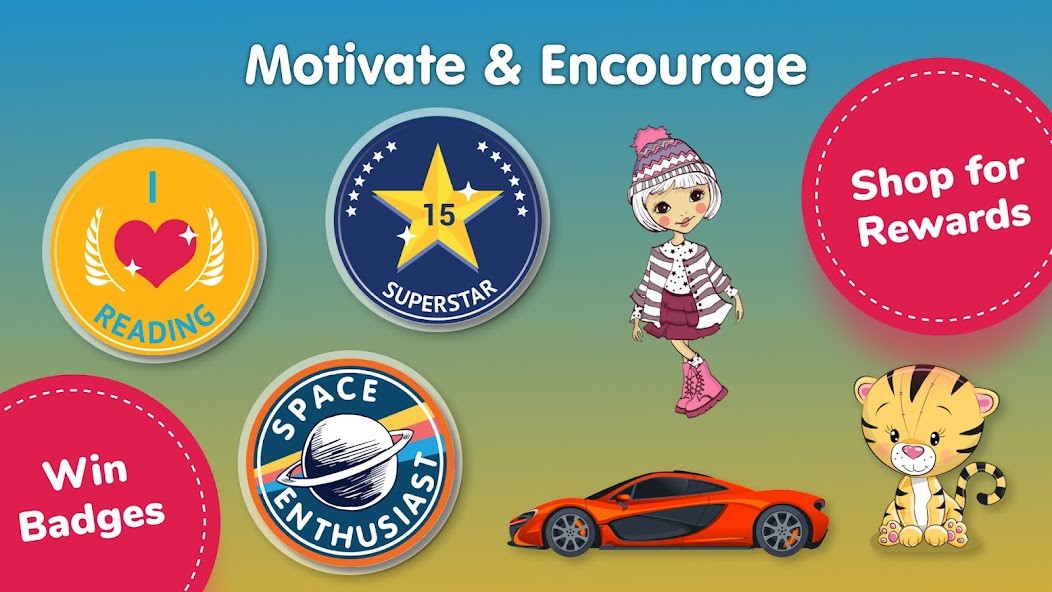
Parents could ask why download this kid’s app instead of the dozens of other apps existing on the stores. The main answer is that it keeps focus on reading. A lot of apps aimed at kids are half games, half lessons, with flashing colors and rewards that make the app itself more exciting than the reading. This one does have rewards like badges and a leaderboard, but those are small nudges, not the main show. They make kids curious enough to keep going, but they don’t steal the point, which is practicing words on a page.
Another reason is habit building. The app pushes steady, short reading sessions, ten to twenty minutes a day, just like teachers recommend. Not hours of screen time, not endless swiping. Just a small chunk of focused reading. That’s how kids actually improve. The option to switch between listening and reading alone also helps because no two kids are the same. Some days they’re in the mood to listen, other days they want to try on their own. The app lets them pick without pressure.
Organization is another detail that matters more than people realize. Books are sorted clearly by age, grade, topic, and level. Parents don’t need to scroll forever to find something that fits. If a six-year-old loves space, you can pull up space stories right away. If a nine-year-old needs nonfiction for school, you can filter and find it fast. That saves time and keeps frustration down.
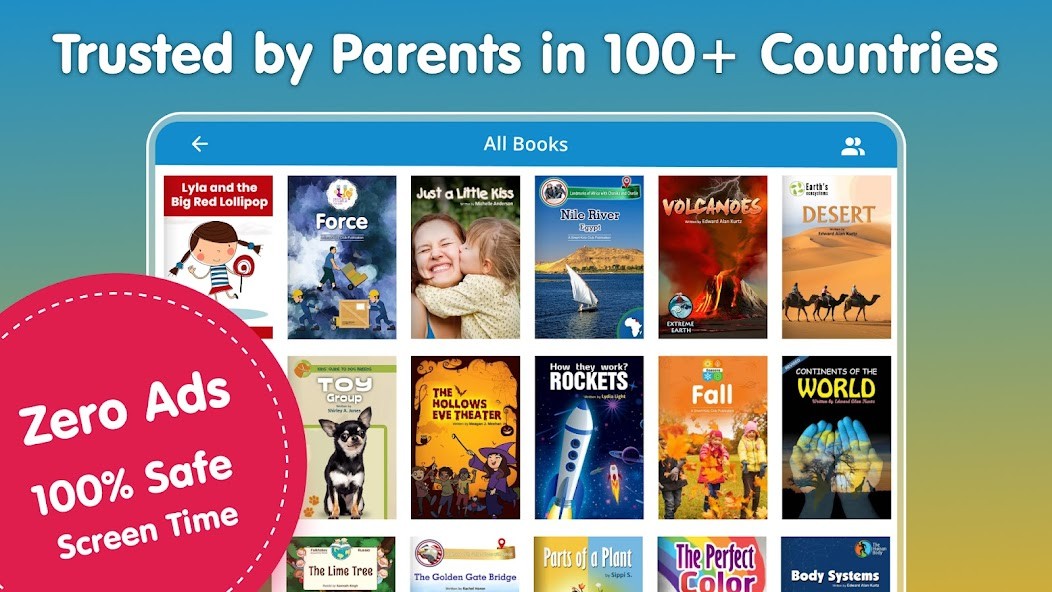
Safety is a huge plus. There are no ads popping up, no accounts needed, no payment details just to get started. That already makes it stand apart from a lot of free kids’ apps. Parents can hand the device over and not worry that the child will stumble onto random videos or click on hidden links.
Is Reading App for Kids Books Free?
Yes, you can download and begin without paying. A fair number of books are open in the free version, enough to actually use it daily if needed. If families want more variety, there are paid options, but the free side is still good enough on its own. That’s different from many competitors that give you just a taste and then wall off everything else behind a paywall.
Another strong point is that there are no sneaky ads. Many kids’ apps show ads between every tap, breaking concentration and sometimes leading the child off into unrelated apps or purchases. Reading App for Kids Books avoids all of that. For parents who want a safe tool without distractions, this is a relief.
What Operating Systems Are Compatible with Reading App for Kids Books?
The app runs on both Android and iOS. Phones are fine, but tablets usually feel better because of the larger screen and clearer text. The app isn’t heavy, so it works even on mid-range devices without slowing down.
There’s also offline reading. Parents can download books in advance, so kids can use them without the internet. This is useful when traveling or in places where Wi-Fi isn’t steady. On a car ride, a flight, or even just a visit to grandparents, the child can still open books. With no internet, parents don’t have to worry about safety either. It makes the app more flexible compared to ones that only run online.
What are the Alternatives to Reading App for Kids Books?
Epic is one of the bigger names, with a very large library that includes comics and audiobooks. A lot of schools already use it. Kids enjoy the variety, but parents sometimes feel it leans more toward entertainment than steady skill-building. You also need an account, which not every family wants to set up.
Books for Kids Reading & Math blends reading with math practice. It doesn’t have as many books, but the math angle makes it handy for families who want a two-in-one helper. Children can switch from stories to numbers without changing apps.
Vooks takes a different route by animating the books. Children watch the story like a short film while listening to the words. For visual learners, this can be engaging. But some parents think the animation makes it less like actual reading. If the goal is to mimic paper books, Vooks might feel distracting.