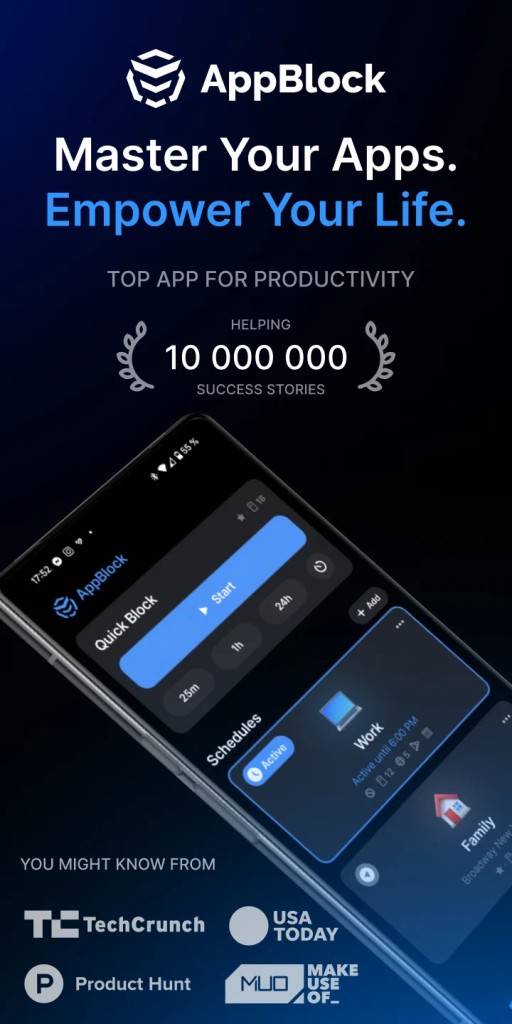
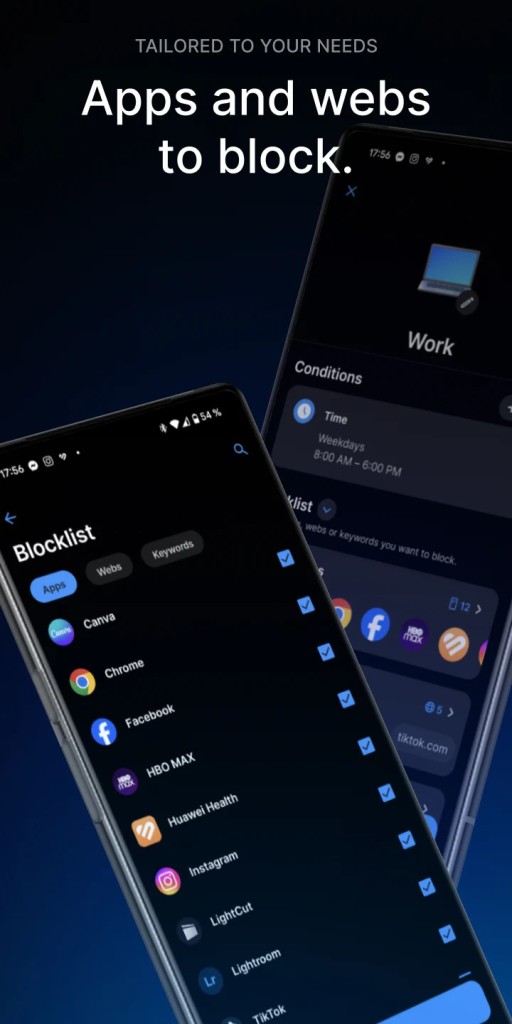
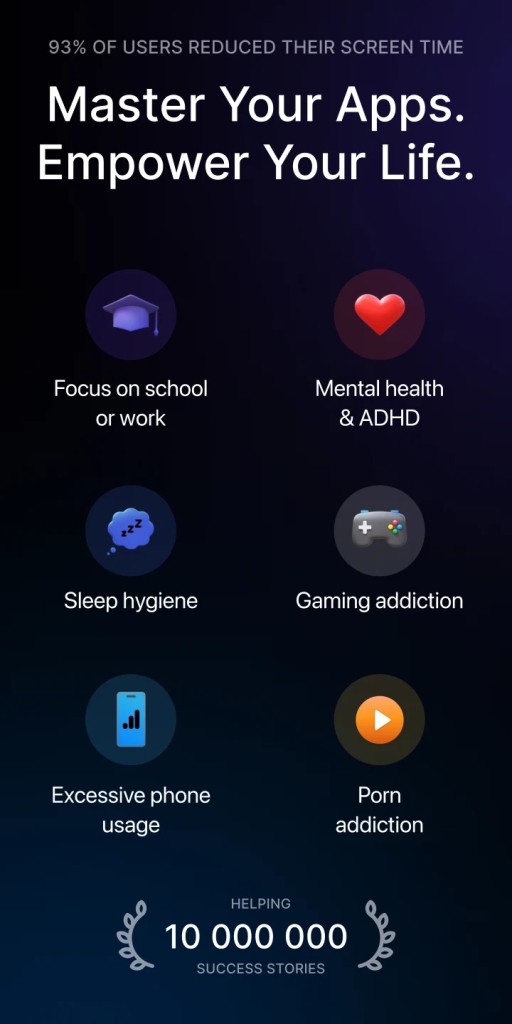
AppBlock is a highly customizable app for your phone and Google Chrome that you can use to fight digital distractions and stay focused. It gives you all the necessary tools to block specific apps and websites that you tend to waste your time on. It's a great solution if you need to work or study so that you stop picking up your phone to procrastinate.
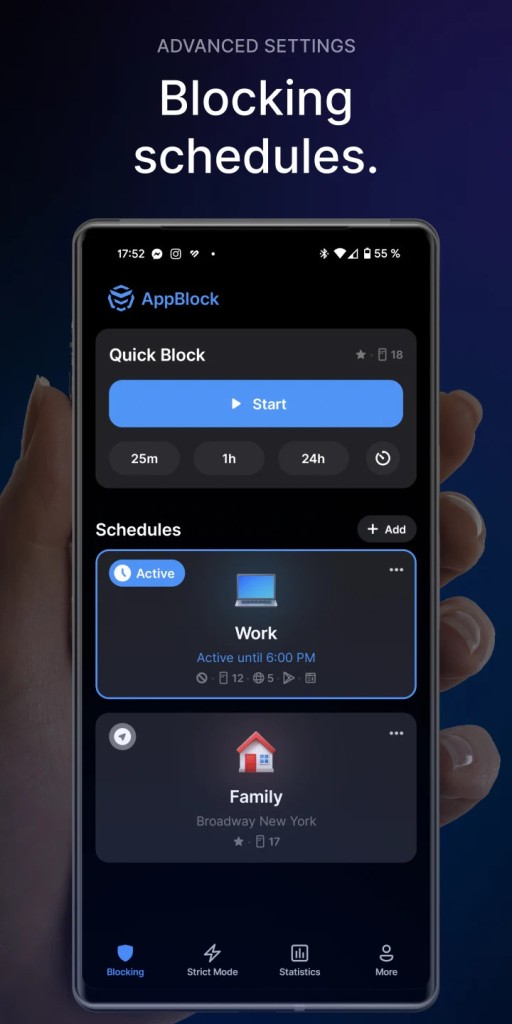
With AppBlock, you can use different blocking profiles for different situations and needs. For example, if you set up a "work focus" profile, it blocks all your social media and news apps during the workday, and a "study time" profile only allows access to your educational apps. You can also create a custom profile for family time that can block everything for an hour in the evening or any other time. AppBlock is a flexible tool for managing how much time you spend in front of your screen.
Basically, AppBlock gives you everything you need to enforce your own rules about how you're using your devices and helps ensure they don't distract you. It also offers a "strict mode" that prevents you from changing your settings when the block is running. AppBlock also provides you with usage statistics to help you understand your habits and make lasting changes to how you interact with your phone. You can download AppBlock for free or get a premium version, and it works on iOS, Android, and Google Chrome.
Why should I download AppBlock?
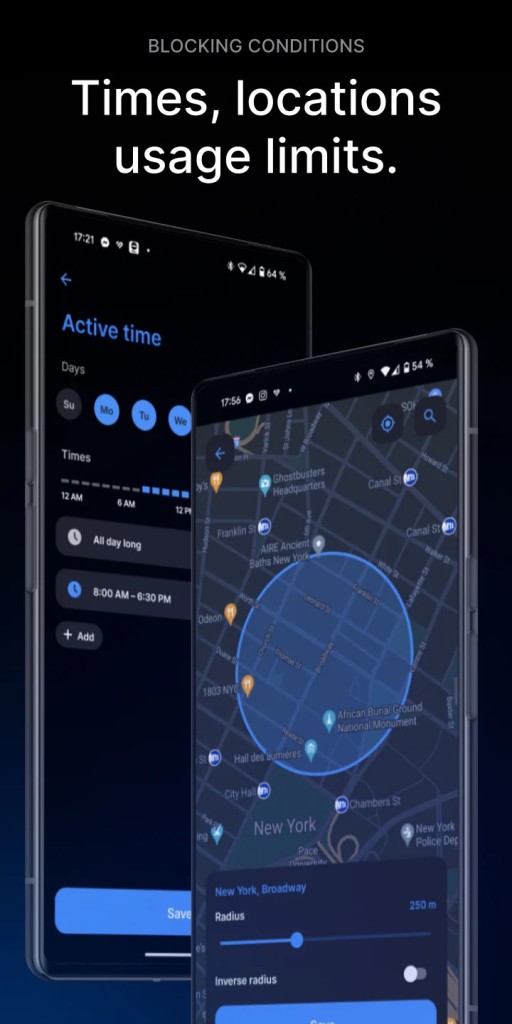
AppBlock gives you the option to create highly customizable blocking profiles, and each of them can have different sets of rules for the different parts of your day. You can set up a "work" profile that blocks Instagram and YouTube from 9 AM to 5 PM on weekdays, and a separate "weekend morning" profile that blocks your work email until noon on Saturday. This lets you tailor how you use your phone and what you can do on it, making it much easier to stay focused on the task or bond with your family and friends.
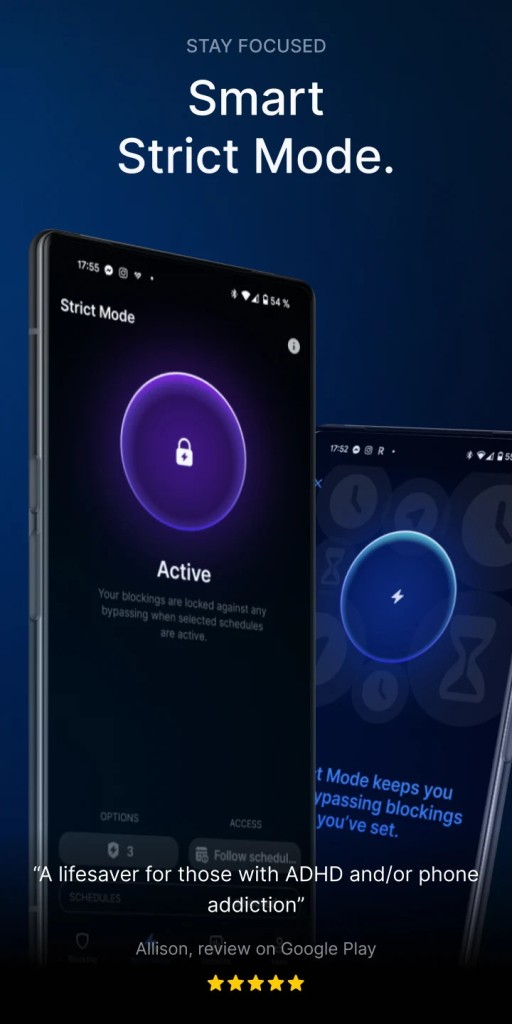
If you use AppBlock with "strict mode" on one of your blocking profiles, the app will prevent you from changing the settings for that profile until the scheduled block time is over. Once you commit to a focus session, you can't just easily disable the block when you get a craving to scroll. It's a powerful way to hold yourself accountable and build better habits, but also to work better and more efficiently.
You can also use AppBlock to schedule your focus time in advance, so you're not just limited to turning blocks on and off manually. Use AppBlock to set up detailed schedules for all of your different profiles. You can have a "study" profile that activates automatically every evening before an exam, or enable a "no distractions" profile that turns on for a specific two-hour block when you need to do some deep work. This "set it and forget it" approach helps to build a routine, and you don't need to remember every time to block these times for focusing.
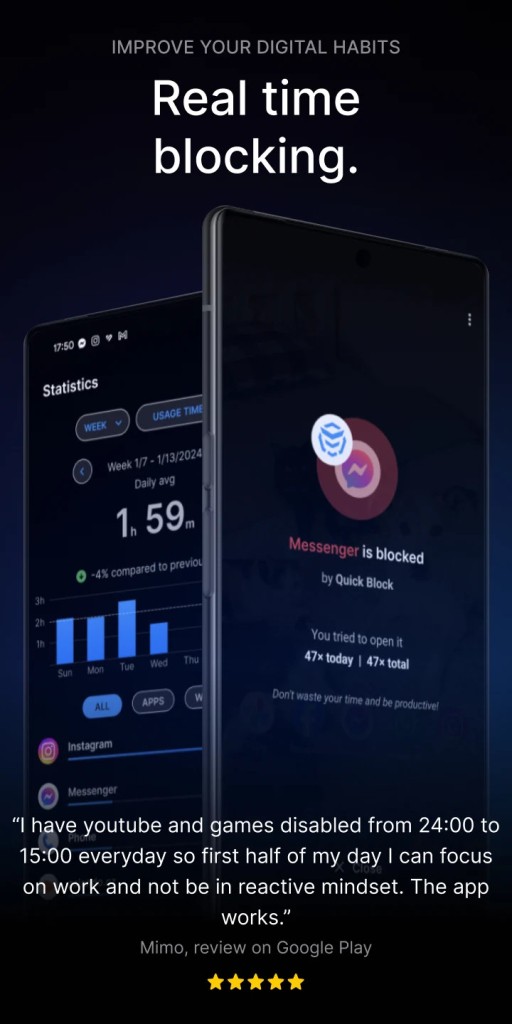
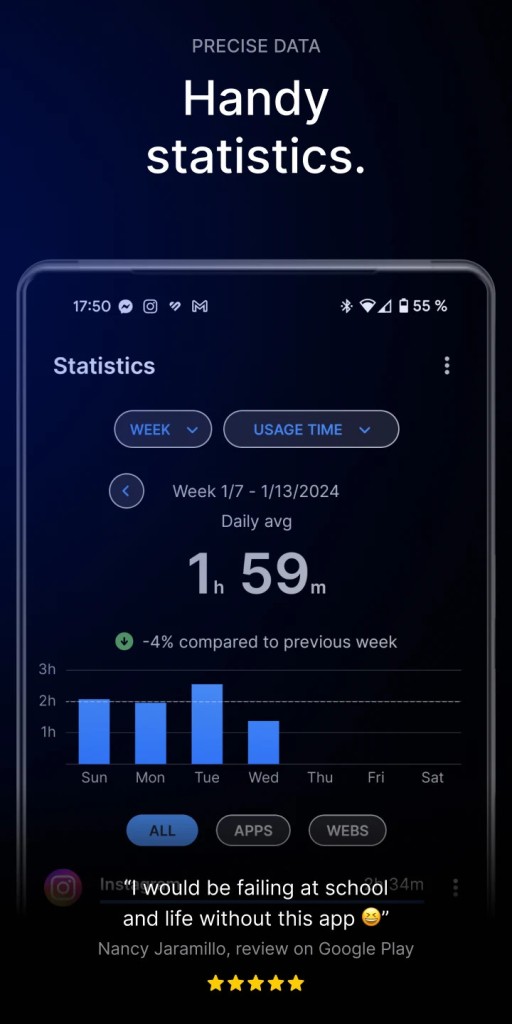
Because AppBlock provides you with usage statistics, you get a better understanding of your habits. The app can track how much time you spend in different applications and how many times you open them throughout the day. Seeing a chart that shows you've spent three hours on TikTok can be a powerful wake-up call and can give you the data you need to make more informed decisions about which apps you need to block.
You can also use AppBlock to block specific websites and notifications, so you're able to add specific, distracting websites to your blocking profiles, but you can't access them through your browser either. AppBlock is a free app that also has a paid version you can subscribe to to get more advanced options, and it works on iOS, Android mobile devices, as well as on Google Chrome.
Is AppBlock free?
AppBlock offers a free version that you can download, and it allows you to set up a few blocking profiles and block a limited number of applications and websites. You can subscribe to the Premium version if you need more features and want to remove the limits.
The paid subscription removes all ads, allows you to create an unlimited number of profiles, blocks as many apps and websites as you need, and allows you to pay for it monthly, annually, or get a lifetime license.
What operating systems are compatible with AppBlock?
AppBlock is available for devices running Android 9.0 or higher and those with OS 16.0 or newer. You can also get it as an add-on for Google Chrome from the Chrome Web Store.
What are the alternatives to AppBlock?
Digitox is a wellbeing tool that tracks and analyzes your phone habits and provides statistics on your screen time, the number of times you unlock your device, and the app you use the most. You can use this data to set up limits for specific apps to improve your digital habits. You can get Digitox for free with an optional paid subscription, and the tool works on Android and soon also on iOS.
Touch Grass is a wellbeing tool that helps reduce screen time by requiring you to step outside and snap a photo of grass before unlocking selected apps. It adds playful real-world friction to screen use, encouraging mindful breaks and healthier digital habits. You can use it to block distracting apps, track your screen time, and even earn "skips" if you occasionally need quick access. Touch Grass is free to download with an optional paid subscription that unlocks unlimited app blocking, detailed habit insights, and free skips. The app is currently available for iOS devices, with Android support planned for the near future.
Forest is a productivity app that helps you stay focused by gamifying your focus sessions. When you want to start a task, you plant a virtual tree in the app. As long as you stay focused and don't leave the app, your tree will grow. But if you get distracted and open a blacklisted app, your tree will wither and die. This creates a charming and surprisingly powerful incentive to stay on task, and Forest has a free version on Android and iOS, but you can also get it as a browser extension for Chrome.