Valentina Studio is one of those tools that surprises you the moment you open it. One would naturally think it to be like any other database management tool. When you start digging, though, you realize there’s so much more to querying tables or browsing rows. It is a tool that has been created to be used by developers, database administrators, analysts, or simply anyone who regularly works with structured data and does not want to have a workstation that looks cluttered or overdone.
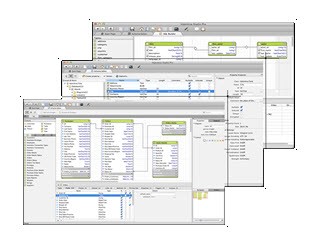
You hook up to a database, be it MySQL, PostgreSQL, SQLite, MariaDB, etc., and then all of a sudden, it is like a light switch has turned on, and lo and behold, you have diagrams, schemas, data browsers, and SQL editors, all of which make actual sense. It is all graphic without gimmicks. And it is not like you are writing queries on a black screen and waiting to get something back; you are manipulating the schema of your database. It is possible to observe the connection between things. You are able to edit tables or plan your own table and get immediate responses.
Valentina Studio does not attempt to redesign database management. It only makes it easier to work with, more graphical, and a little more self-explanatory. To many users, that’s exactly what they’re after.
Why Should I Download Valentina Studio?
It is like the software that you feel you do not need, but after being frustrated with the fundamentals and having to dive deeper into the database structure, you realize it is necessary. Valentina Studio is not the same as opening a database and performing queries. It has to do with smarter, more flexible engagement with your data. All schema editing, diagraming, and visualizing are combined, and that is time-saving. The other thing is that you do not have to use three different tools or applications to design a database, query, and export data to a database; you can do it all here.
The visual schema editor is one of the most handy ones. Drag tables, build relationships, alter fields, and the whole database structure coming to life in front of your eyes: all of that is possible. This, by itself, is a massive difference to visual-based thinkers. To represent the database or explain how the database should work, it is a storytelling device; you are not explaining how data works or what it is, but you are demonstrating how it works.
The honors also go to the query editor. It has syntax highlighting, code folding, and auto-complete, and it remains stable even under heavy workloads. You are able to perform complicated queries, combinations of tables, and testing procedures; it works. You’re not left wondering if something’s broken behind the scenes.
Valentina Studio does not do too badly in data browsing as well. It loads fast, filters well, and it does not even lag as you turn through thousands of records. So the tool lets you sort, export, or even update records directly in the table view without even having to write any line of SQL, even when you do not want to. Such versatility is useful for hands-on data professionals.
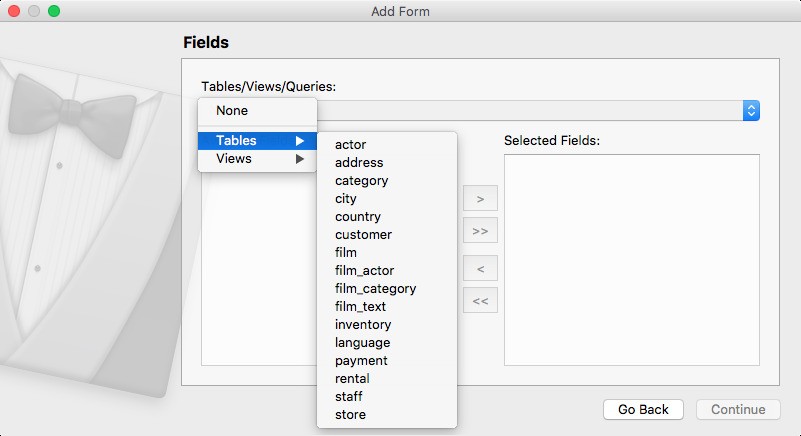
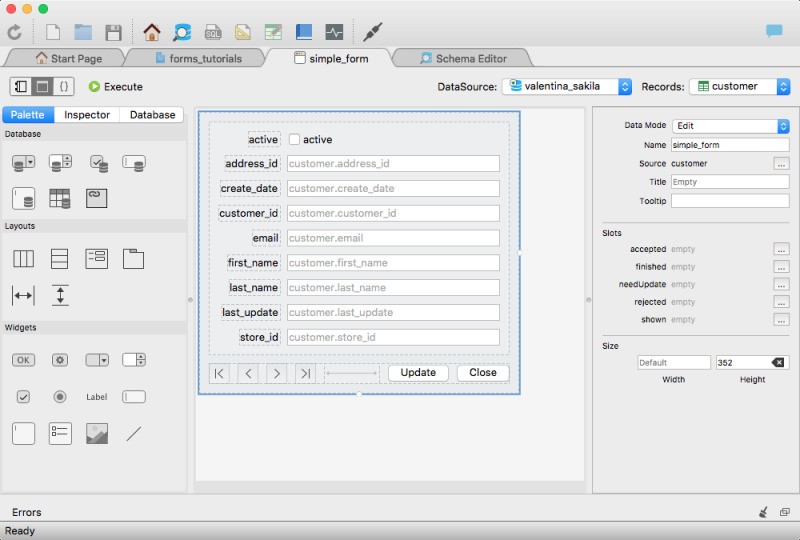
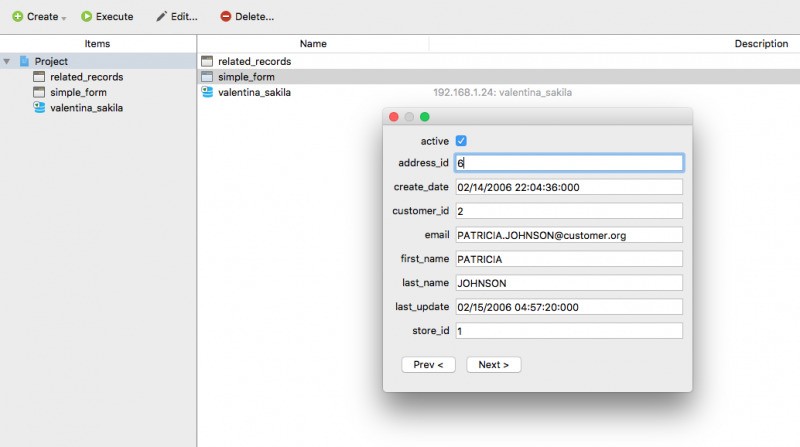
It also features aspects that suit the more professional users. You will be able to control users and access, schedule backups, and even deal with Valentina Forms in case you want to create Vfb forms around your database design. And when dealing with different databases or between SQL dialects, it supports all the major ones at a single interface. In itself, that makes it less cumbersome compared to using MySQL Workbench, pgAdmin, and SQLite Browser.
And it will be some time before you realize that Valentina Studio will be that all-purpose center to which you come to get your business of designer, maintainer, occasional user, or casual explorer. It is not in an attempt to be over-impressive in any way; it just works, and that reliability is what keeps users coming back.
Is Valentina Studio Free?
Yes, there exists a free edition of Valentina Studio, and it does most of the basics: data browsing, queries, schema editing, and so forth. There exists a paid version, which is called the “Pro” version, containing additional features, such as advanced reports, forms, or database comparison tools, which are essential to users. The free version is, however, sufficient to accomplish most short tasks without feeling like you’re using a stripped-down version.
What Operating Systems Are Compatible with Valentina Studio?
Valentina Studio is available on macOS, Windows, and Linux. It is cross-platform in nature, such that the experience will remain the same irrespective of where you are working. There is no need to be concerned with the process of setting up complex configurations. It just needs installation, logging in, and starting to connect to databases. It manages base databases and connects to distant servers without problems and updates them enough to remain steady and up-to-date.
What Are the Alternatives to Valentina Studio?
There are a couple of other tools that one inevitably encounters when working with databases on a regular basis. They all present something just a bit different depending on how comfortable you are or how you like to work.
MySQL is one of the structural blocks in this puzzle. It is not so much a drop-in replacement of Valentina Studio since it is a database engine rather than a management interface; however, it is significant. The alternative with most users is the usage of applications, such as MySQL Workbench, to run MySQL using MySQL Workbench, a tool for visual modeling, query editing, and user management. That tool is a visual modeling, query editing, and user administration tool, which belong to the features that Valentina Studio shares. However, MySQL Workbench is highly dedicated to MySQL and does not blend so well with the different databases. Valentina Studio is more flexible, in case you are dealing with mixed environments.
Of course, there is Navicat, which could be deemed as one of the more refined and professional solutions. It can work with an increased number of database engines, and its UI is polished, which many users are fond of. It is strong and it does everything, including design and deployment. However, there’s a price to pay. Navicat licenses are relatively expensive, particularly to individuals or small groups of people. Assuming that you are budget-conscious and yet your desire is that cross-platform support, Valentina Studio turns out to be a viable option.
Another competitor is DBeaver. It is also open-source, strong, and feature-rich. It has a flexible nature and a system of plugins, and many developers adore it. It supports various databases and provides a well-fitted query interface, as well as visualization tools. DBeaver is slightly more technical in nature than Valentina Studio, which makes it better suited to those developers who tend to modify their own tools and are unscared by settings. It is extremely capable, though it may not feel user-friendly right away.