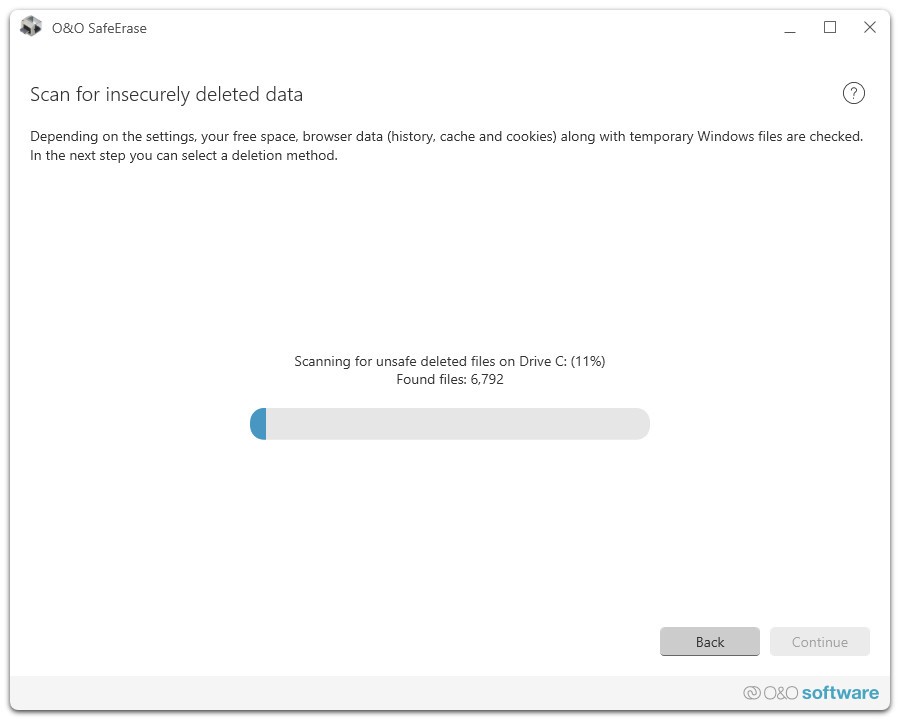
O&O SafeErase is a professional utility for destroying data and making it impossible to recover, which protects your privacy. It can safely and permanently remove sensitive data, which is more effective than using built-in deletion tools. It’s great when, before selling, donating, or disposing of a computer, you need to ensure that your private information, confidential documents, financial records, and personal photos are wiped and unrecoverable.
Usually, when you delete a file on Windows, it’s not fully removed, but rather hidden, and the space it takes is marked as free to reuse. If you don’t overwrite this space, your file can be easily restored using software for data recovery that is widely available to anyone. O&O SafeErase works differently as it overwrites the deleted file multiple times with random, useless data, so it effectively shreds any trace of the original data and makes it impossible to restore it.
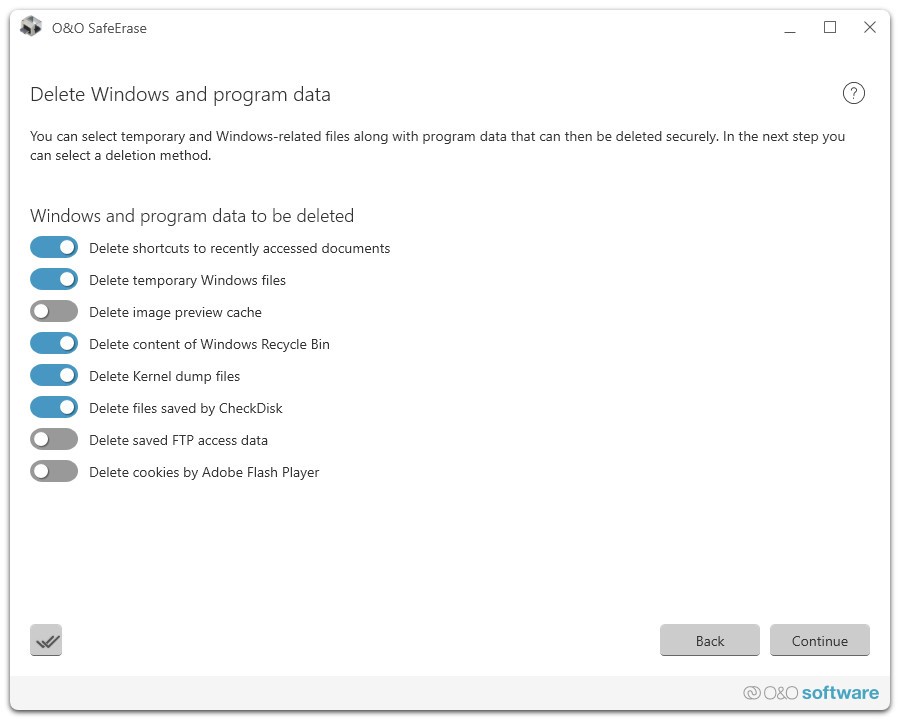
Since O&O SafeErase can wipe clean any file, folder, or hard drive so that nothing remains, it effectively protects your privacy. Things like your internet activity in the form of cookies, history, and cached files are cleaned, and you can also use it for entire partitions or your entire computer with the operating system. This way, you can be sure there’s no personal data left and safely give your machine to another person.
Why should I download O&O SafeErase?
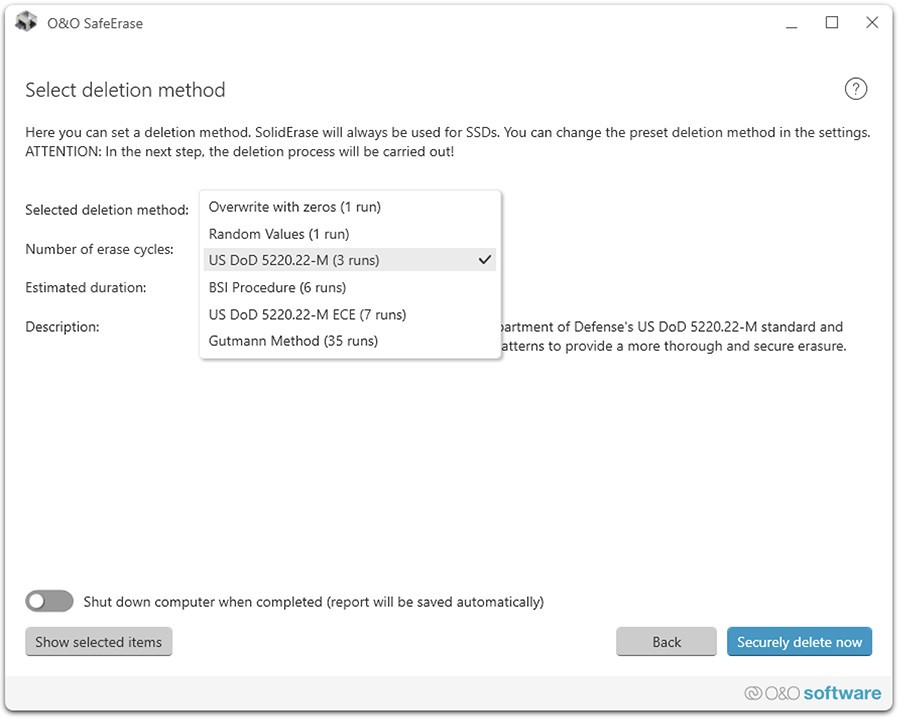
The main reason to get O&O SafeErase is that it provides you with a reliable option that permanently deletes any sensitive data. You’re not just removing your files from the system; you’re actually shredding any trace of them, as O&O SafeErase uses six different data deletion algorithms, like the Gutmann method and a US Department of Defense standard. They work by basically overwriting data multiple times using different patterns and random characters, so that nothing of value can be reconstructed, even when using highly specialized equipment.
When using Windows standard deletion method and the recycle bin, your files can leave recoverable pieces for years ahead, as long as nothing overwrites the disc space they occupied. With O&O SafeErase, you can be sure all of that will be removed and the free space on your disk will be thoroughly cleaned. This way, you can use O&O SafeErase not only to remove specific files or folders but also to destroy anything that might remain in what you can see as free space. You can choose an option that doesn’t touch any existing files or folders, but just wipes clean free storage and sanitizes it from any historical actions and data.
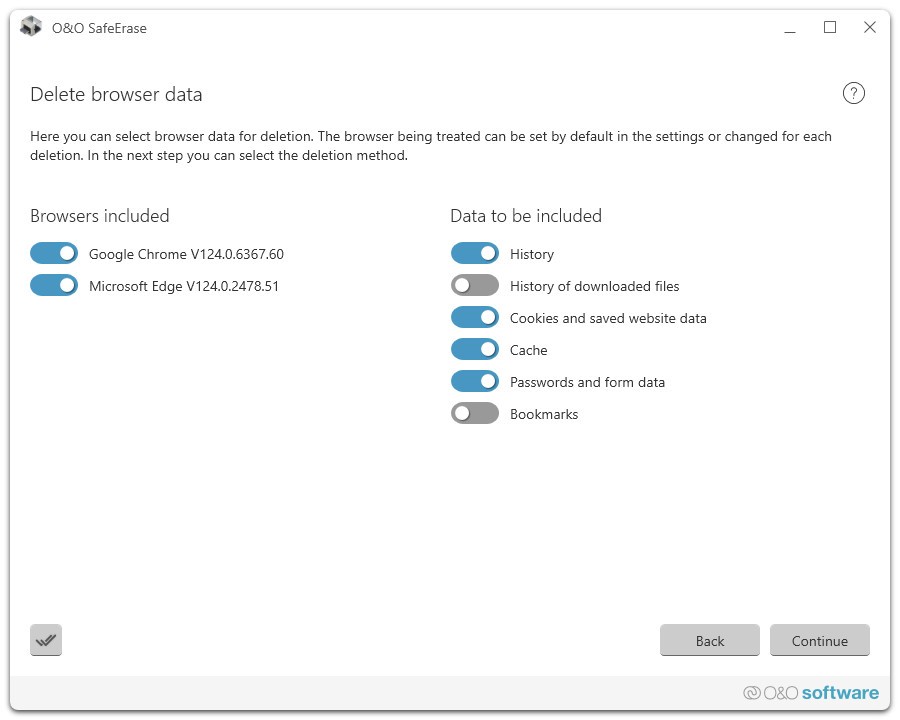
O&O SafeErase works with legacy HDD drives as well as modern SSDs, even though both of those work very differently. Methods that might be effective on the older hard drives won’t work on the new discs, so O&O SafeErase employs a TRIM command. What it means is that the tool uses internal controllers inside the disc to erase entire data blocks. It’s a method supported by SSD manufacturers and the safest way to destroy files without damaging the disc itself. O&O SafeErase also offers tools for wiping web browsers of any data.
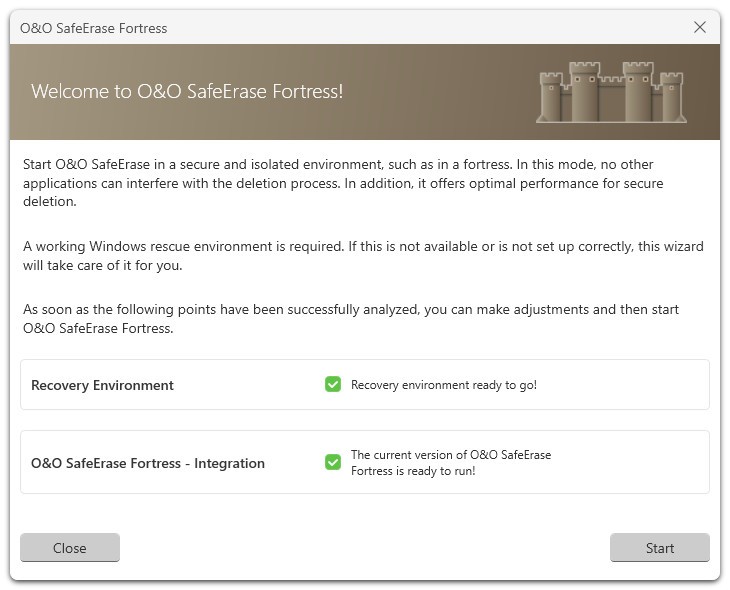
If you need to prepare your computer before selling or disposing of it, O&O SafeErase offers a feature that totally wipes your entire system. With it, you can create a bootable USB drive and start your computer from it. Once you do, it erases all your disk partitions, removes the entire Windows operating system, and makes everything you had on your computer unrecoverable. Because of that, you don’t need to worry about anyone ever having access to your personal information, like passwords, financial data, photos, or documents. You can download O&O SafeErase and use it on Windows 10 and 11 computers. It also supports Microsoft Edge, Google Chrome, Mozilla Firefox, and Internet Explorer to wipe data off.
Is O&O SafeErase free?
No, O&O SafeErase is not a free tool, so in order to use it, you need to buy one of the versions it comes in (Professional, Server, Admin, or Tech).
You can test the tool on a free trial, but it doesn’t allow you to entirely remove files until you pay, which is the whole purpose of this tool.
What operating systems are compatible with O&O SafeErase?
O&O SafeErase was developed only for Windows operating systems and works on Windows 10 and 11 and various Windows Server editions. Currently, the software is not available for macOS or Linux.
What are the alternatives to O&O SafeErase?
EaseUS BitWiper is a tool for wiping data from partitions, hard drives, and other storage devices. It makes the files impossible to recover and can also allow you to remove your entire system with a bootable external drive. You can use the free version of EaseUS BitWiper if you only need to safely delete individual files, but if you’d like to perform bulk operations, then you need to buy the full version. EaseUS BitWiper works on Windows only.
Eraser is a completely free utility for deleting files that was developed as an open-source project. It integrates into the Windows context menu, so you can simply right-click on any file and erase it permanently. You can use it to set up scheduled cleaning tasks, and it can also clean any free space on your disk from any traces of previous data. You can download Eraser and use it on Windows computers, as there’s no version for Linux or macOS.
Shredo is a utility for macOS users that allows you to shred files or folders by dragging them into the app window. You are able to select the deletion method it uses and specify how many times you want the data to be overwritten. In order to use Shredo, you first need to buy it through the Mac App Store.