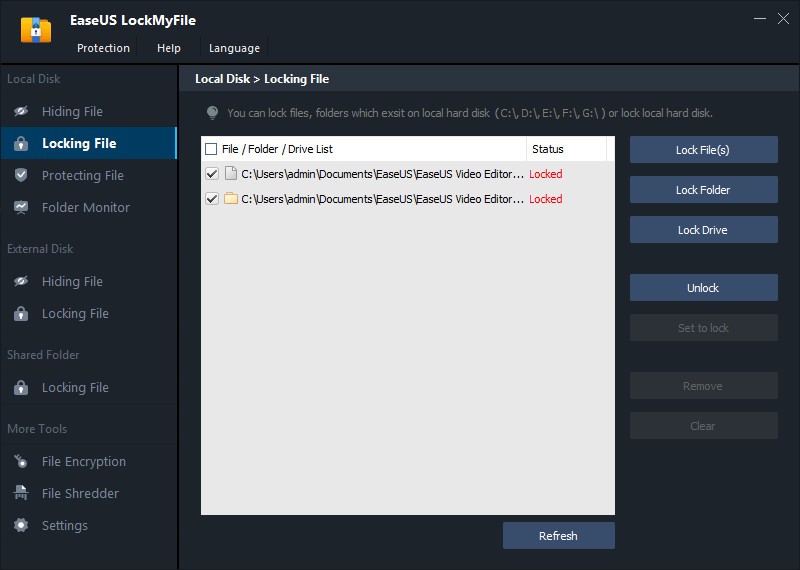
EaseUS LockMyFile is basically a way to hide files and folders on your computer so nobody else can see them. If you’ve got a folder, maybe it’s work documents, maybe it’s photos, maybe something you just don’t want others opening, this program makes it invisible. It doesn’t just rename it or push it into a corner; it actually vanishes from normal view. Even when somebody tries searching through Windows, nothing shows. Safe Mode doesn’t reveal it, either. On top of hiding, you can lock files/folders with a password. That way, even if someone knows the folder exists, they can’t open it. And when you put new files inside, they get locked too.
The software also does encryption. That’s turning files into a format that can’t be read at all without the right password. It uses AES, which is a strong encryption algorithm. The files can be wrapped into GFL or EXE packages, so if you move them onto another device, they’re still protected. Add to that the monitoring part: you can set it to watch a disk or a folder. Anytime something changes, it keeps a log. Useful if you’re trying to keep an eye on shared computers or network drives.
And it works across more than just your main hard drive. USB sticks, external drives, and even folders shared over LAN can be protected. It also has a “self-protection mode,” which means someone can’t uninstall it without the password. If people keep trying the wrong password, it can email you and lock things down.
So that’s what it is: hide, lock, encrypt, monitor.
Why should I download EaseUS LockMyFile?
Because not everything on your computer is meant for others. People use the same machines, or they borrow them, or you’ve got files on a USB stick that you don’t want to lose. If someone else has access, there’s always a chance they'll open something private. With this tool, you just remove that risk.
The Windows OS system by itself doesn’t give much. Sure, you can set permissions or mark something hidden, but any person with enough knowledge can undo that. Here it’s different. Hidden means hidden. Locked means locked. Even if they know where the folder is, they can’t open or delete it without the password.
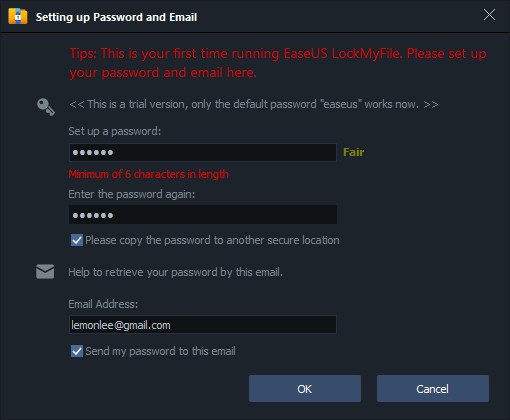
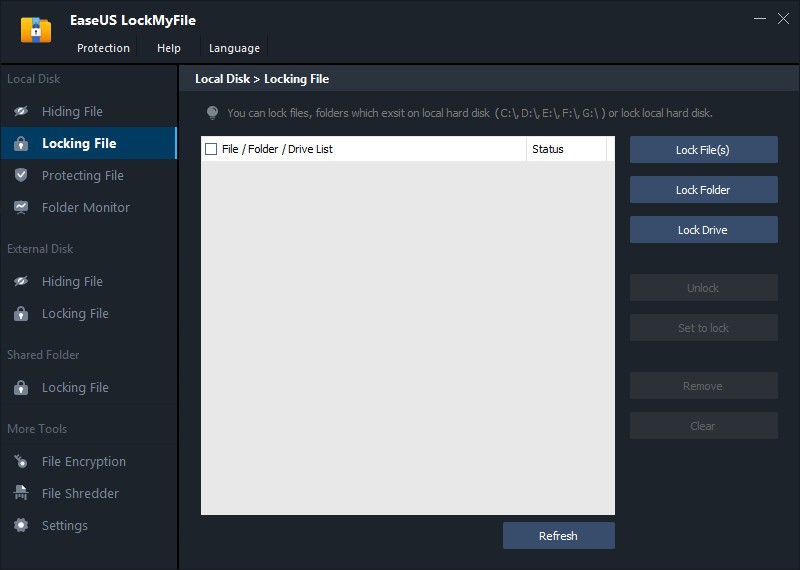
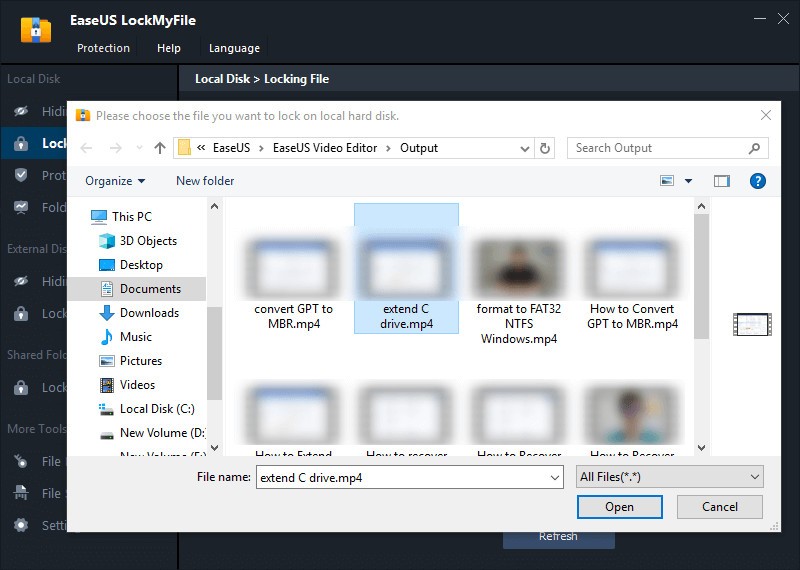
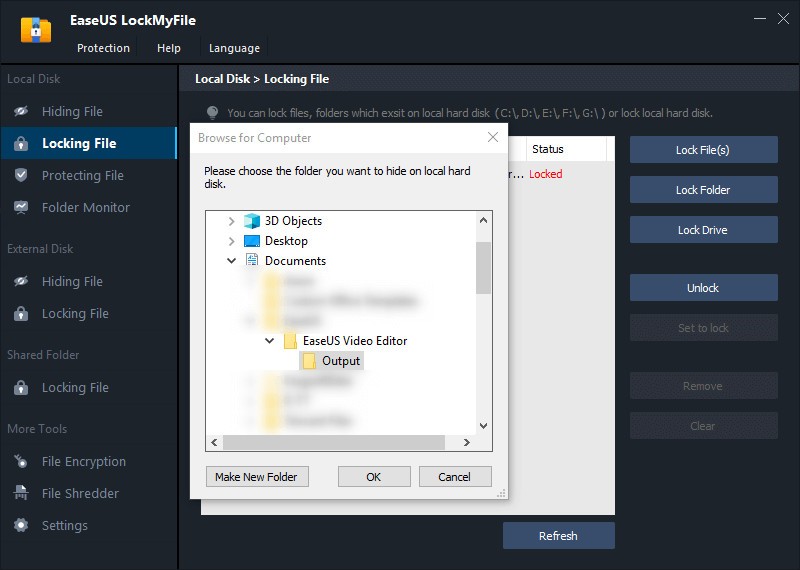
It’s also easy. No scripts, no complicated IT setup. Right-click in Explorer, or drag a file into the program window, and it’s locked. Everything is tied to one password, and if you forget it, you can reset it through your email.
Another big reason is the extras. Monitoring is something many people don’t realize they need. If you share a folder on a network and want to see who is changing what, this does it. Or maybe at home, you leave your machine running and want to know if someone has been messing around. The log tells you.
And encryption matters. Let’s say you copy files onto a flash drive. If the drive is lost, normally, whoever finds it can open everything. Encrypt it with LockMyFile, and it doesn’t matter where the drive ends up; the files stay locked unless the right password is typed.
There’s also self-protection. Without the password, no one can uninstall the program. Too many wrong guesses? It alerts you. That’s how you know if someone is trying to poke around. You decide what’s seen, what’s changed, and what isn’t.
Is EaseUS LockMyFile free?
There’s a free download, but it’s more like a demo. You can use some functions, see how it works. The full protection, especially encryption and broader use, is in the paid version. Most people end up buying the license if they want it long-term.
What operating systems are compatible with EaseUS LockMyFile?
It’s for Windows. That includes old systems like 2000 and XP, and all the way up to 11. So it’s broad. Doesn’t matter if you’ve got an old desktop or a newer laptop; it works. There’s no Mac or Linux version. If you’re on those, you’d have to look for other tools. On Windows, it integrates smoothly. You right-click, hit lock, and are done.
What are the alternatives to EaseUS LockMyFile?
Wise Folder Hider is one. Developed by WiseCleaner, it can hide files and folders and lock them with a password. It also provides an encryption functionality, and you can even password-protect files and folders that are on a USB drive. Simple interface, quick to use. People who want something very light often go for it. And for good measure, Wise Folder Hider offers an encryption tool that you can take with you everywhere on a USB disk (portable version).
Folder Guard, by Winability Software, is more about control and offers an interface a bit more complete than the previous alternative. It not only locks files but can also block access to Windows features like the Control Panel and other resources linked to the OS. Good for people who want system-level restrictions as well as file privacy. In all its tools, Folder Guard offers the possibility to create a master password that permits to unprotect all files and folders at one time.
Folder Lock is another. It does hiding and locking, but it also has backup and cloud sync. Many pick it when they want security mixed with storage options. For encryption, it uses AES 256-bit, which is said to be military grade. It can protect folders, files, and even create portable lockers. And if you want to erase an important file, Folder Lock comes with a shredder. And most of that is available in the free version.