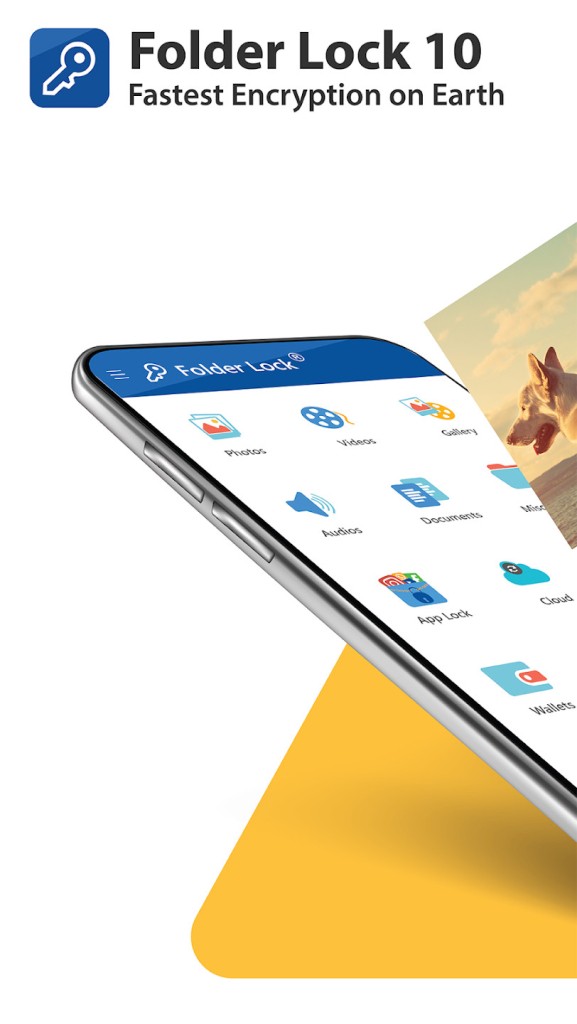
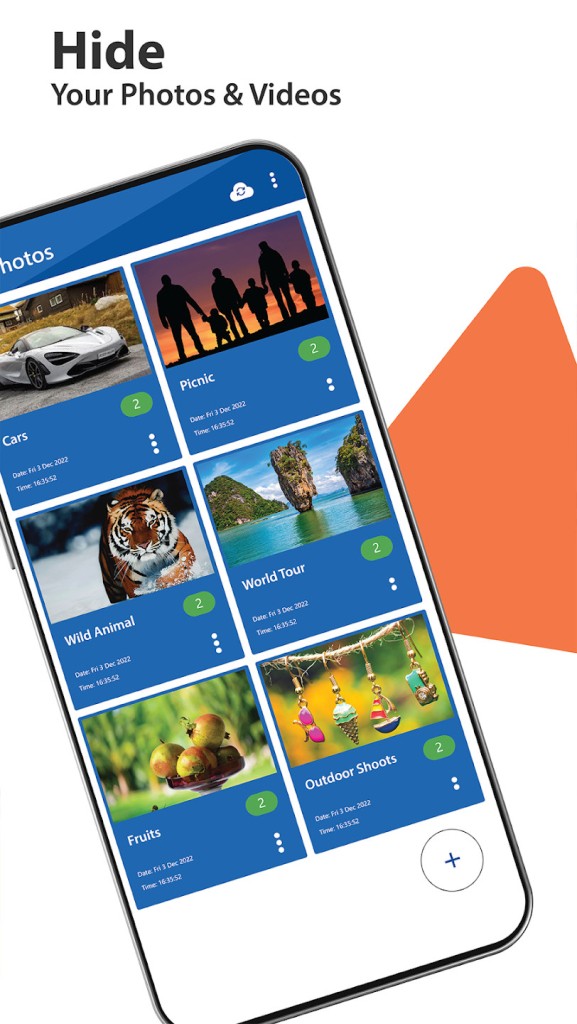
Folder Lock is an app built to protect your private files on any of your devices. Whether you need to keep photos, videos, documents, or voice notes secure, it’s got you covered. It works by letting you lock up different types of files and folders with a password. If you don’t want others to see certain things, this app helps keep them all hidden behind a secure password.
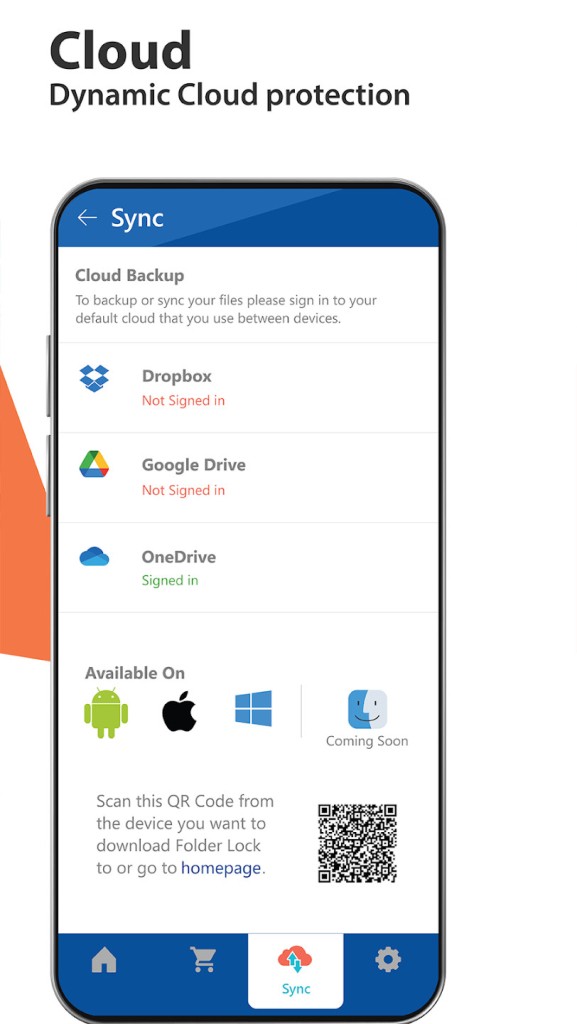
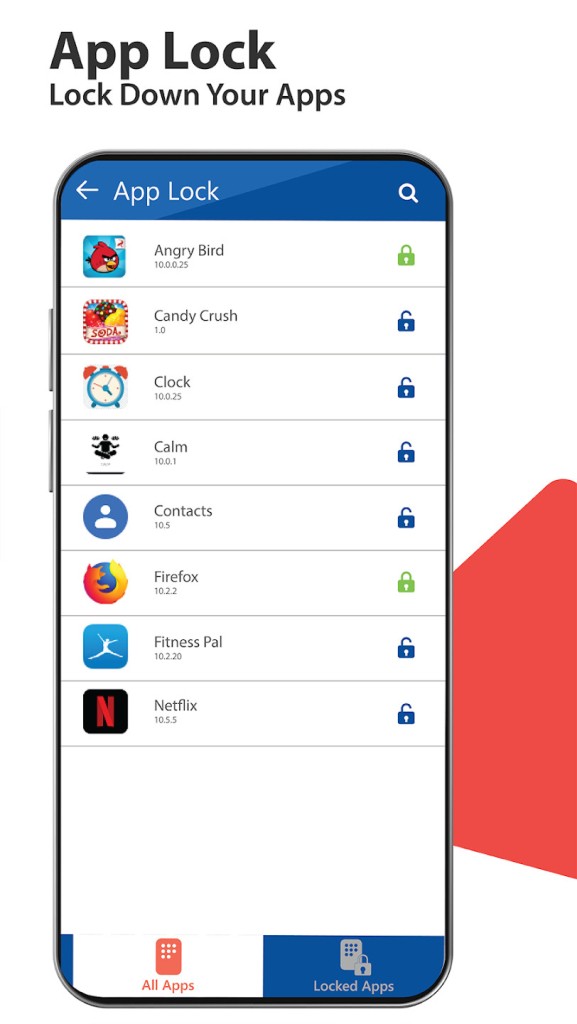
What’s great about Folder Lock is how it lets you take control of your data. You can lock apps, hide files, and even move your sensitive content between devices with Wi-Fi transfer. Instead of worrying about using cables or relying on cloud services, you can simply transfer files directly and securely. You can even sync the info between your mobile and desktop devices.
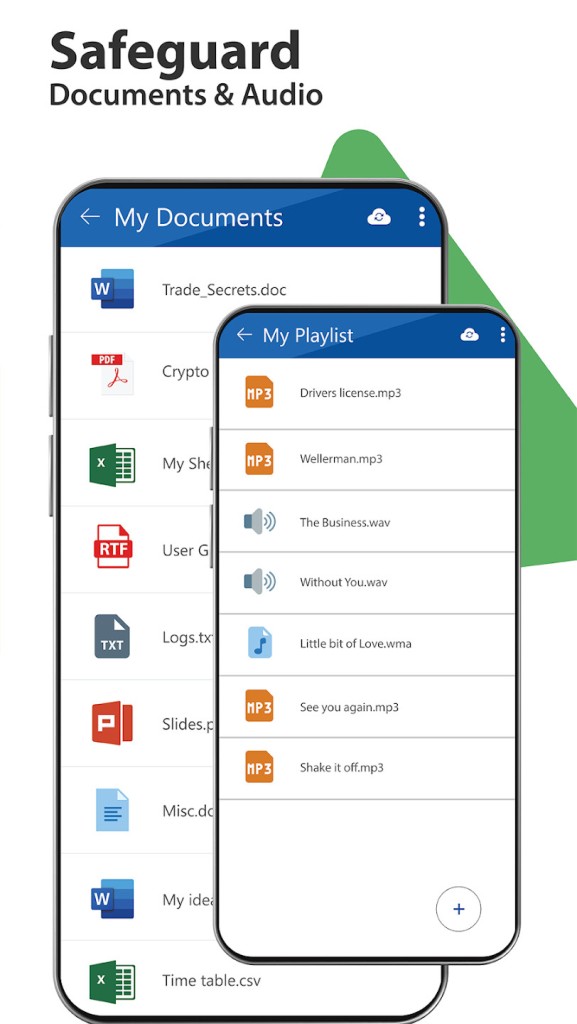
Another cool feature is its ability to secure everything you store—photos, videos, documents, contacts, and wallet cards. Folder Lock lets you keep all that stuff under wraps. So if you’re cautious about your privacy or share your device with others, this app helps keep your data private.
It’s a straightforward, no-fuss solution to data protection on Windows, macOS, iOS, and Android. Folder Lock doesn’t make things complicated, which is what makes it an excellent choice for people who want to keep their files private without jumping through hoops.
Why Should I Download Folder Lock?
If you care about keeping your personal stuff safe from prying eyes, then Folder Lock is worth a look. The app does a simple job: it locks your important files so no one else can access them. It helps you lock photos, videos, documents, and even apps. For anyone who’s not comfortable with others snooping through their data, this app is a great tool to have.
Besides just locking files, Folder Lock makes transferring files easy. If you want to move content between your phone and your computer, you can do it wirelessly without any trouble. No USB cables or complicated software required. You just use your Wi-Fi connection, which makes it much easier to transfer things quickly and securely.
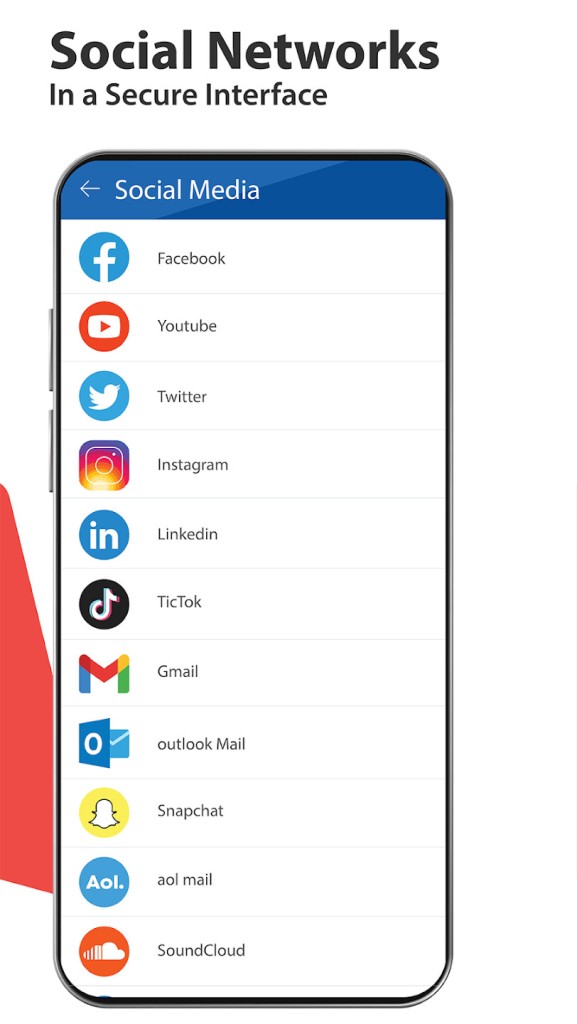
One of the standout features is the secure browser for the mobile version of the app (Android, iOS). If you use your phone to browse the web, Folder Lock keeps your browsing private. It leaves no trace of your browsing history or downloaded files. This feature gives you extra privacy while you’re online.
The mobile app goes a step further with its secure wallet, where you can store sensitive data like credit cards, IDs, health cards, and even business cards. It ensures that all this private information stays secure and doesn’t get exposed, even if your phone is lost or stolen.
For added peace of mind, Folder Lock also includes extra features like hacker deterrents. If someone tries to break into your account, it takes a picture of them and logs the attempt. This adds an extra layer of security for those who might be worried about unauthorized access.
Is Folder Lock Free?
Folder Lock offers both a free version and a paid version. The free version gives you basic file protection features—locking your photos, videos, and documents. You also have 1 GB of free storage, and you can install the program on up to 2 devices. However, if you want to use the advanced features like secure Wi-Fi file transfer, secure browsing, and wallet protection, or get more storage and more devices, you’ll need to upgrade to the paid version.
The premium version isn’t too expensive, especially considering the extra features it unlocks. If you're someone who really needs full protection for your sensitive data, upgrading will be worth it. But if you’re just looking to lock up a few things for privacy, the free version works just fine.
So, if you don’t need the advanced features right away, you can start with the free version and see if it fits your needs. But for full protection and functionality, the premium version is the way to go.
What Operating Systems Are Compatible with Folder Lock?
Folder Lock is first a desktop software that allows you to protect files on your computer. It is compatible with Windows (10/11 in 64-bit) and macOS operating systems.
It is also available for both Android and iOS devices, making it accessible for most users. It works on Android phones running version 4.0 or higher, and iPhones that use iOS 9.0 or newer. Whether you're using an older phone or a brand-new one, the app is designed to work smoothly across a variety of devices.
This cross-platform compatibility means that no matter what device you have, Folder Lock can help keep your files safe. It’s a straightforward, easy-to-use app that makes it easy for anyone to secure their personal data.
What Are the Alternatives to Folder Lock?
While Folder Lock is a solid choice for file security, there are other options out there that offer similar features.
One of them is EaseUS LockMyFile. This app lets you encrypt and lock files on your PC, but it doesn’t have a mobile version. So, if you need something for your phone, this might not be the right fit.
Another option is Wise Folder Hider. It’s a free app that hides your files and folders on Windows. It’s easy to use and does the job of keeping files secure, but it lacks the additional features that Folder Lock offers, like secure Wi-Fi file transfer or the secure browser.
Lastly, Folder Guard is a more advanced alternative for Windows users. It offers detailed security controls and is good for restricting access to files on a computer. However, it’s not as user-friendly as Folder Lock, and it doesn’t have mobile support. So, it’s not the best choice for someone who needs an app for their phone.