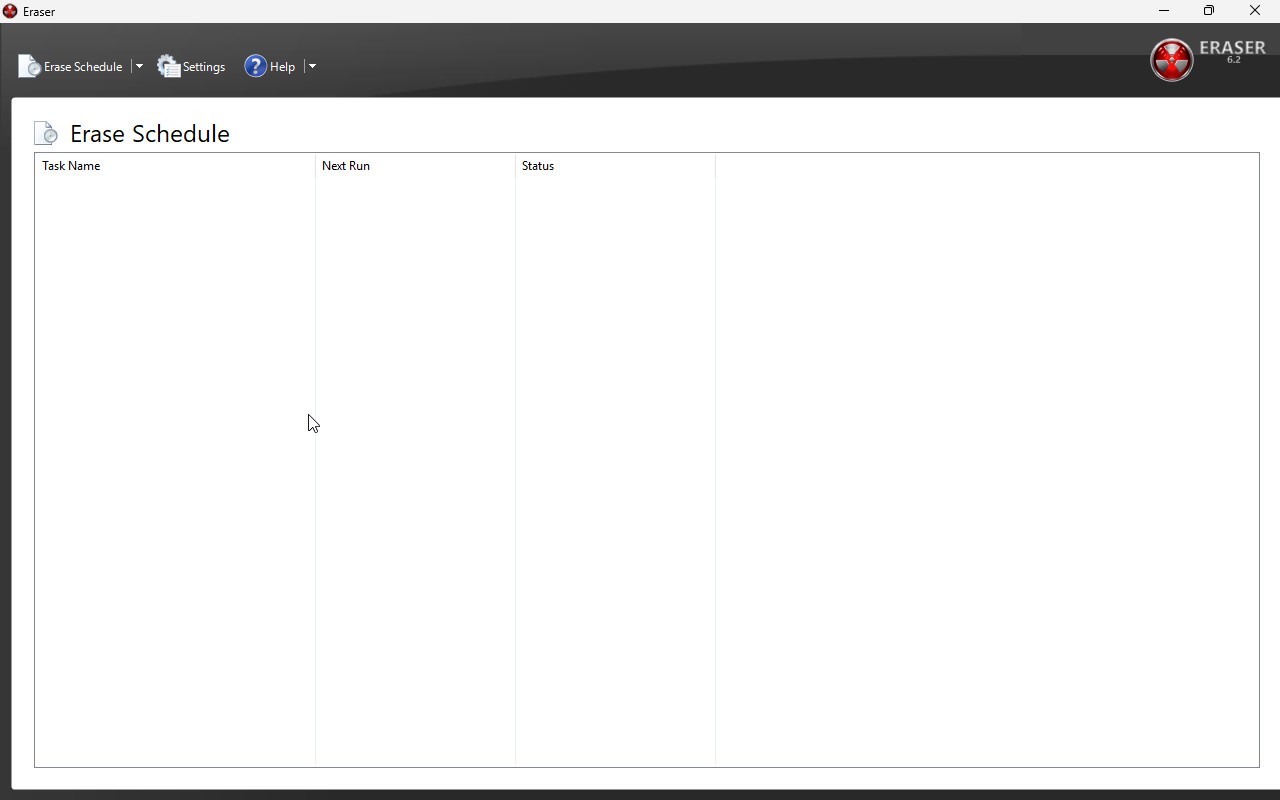
Eraser is a piece of software that’s been around for years, quietly serving people who want to make sure their deleted files stay gone. On a normal day, when you delete a file on Windows, it doesn’t actually vanish. It goes into the Recycle Bin first, and even when you empty that, the file data usually lingers on the hard drive until it gets overwritten by something else. That’s why recovery tools can bring back files you thought were long gone. Eraser solves that by deliberately overwriting the space where your files lived, making it almost impossible for typical recovery tools—or even more advanced ones—to bring them back.
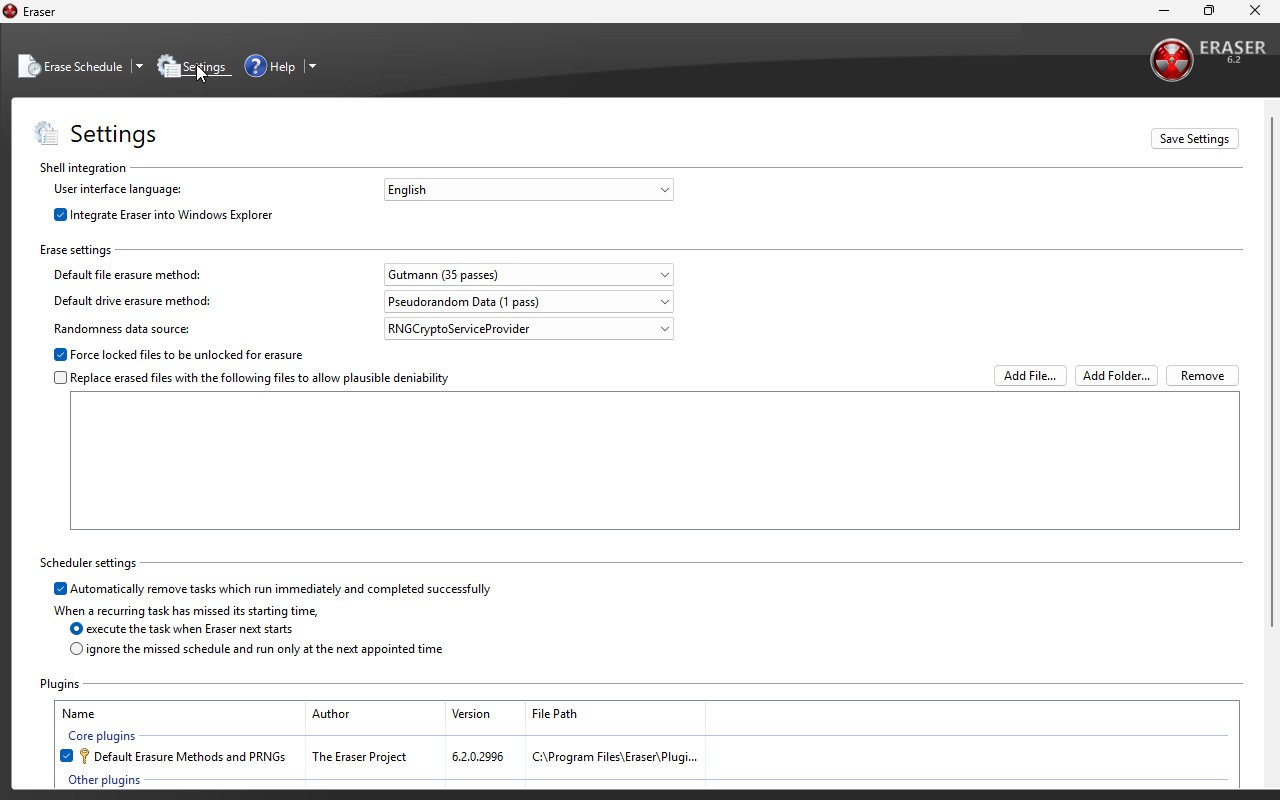
At its core, Eraser is a secure data deletion tool. You pick a file, folder, or even unused space on your disk, and Eraser replaces the leftover bits with carefully chosen patterns of random or structured data. It does this multiple times, depending on the method you choose. Some methods, like the Gutmann algorithm, overwrite with dozens of passes. Others are quicker and still very effective, like the DoD 5220.22-M standard used by the U.S. Department of Defense. The idea is simple: if the old information is buried under enough new data, no one’s pulling it back out.
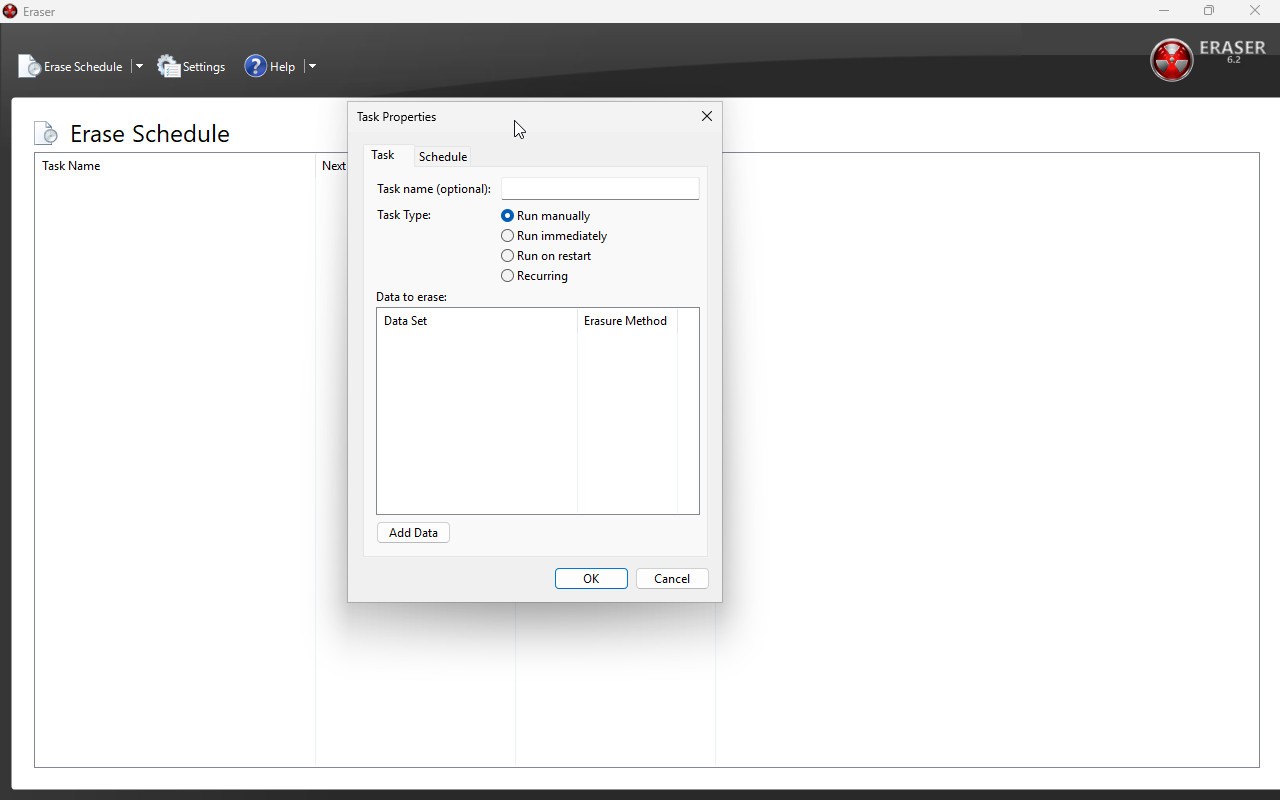
What makes Eraser stand out is how flexible it is. You can set it to handle single files, entire folders, or even the free space on your disk where deleted files used to be. You can run it right away, or you can schedule jobs to happen when you’re not around. And because it integrates directly with Windows Explorer, you don’t have to launch a separate window every time—you can right-click a file and securely delete it on the spot. It’s straightforward once you get used to it, but it also gives more advanced users plenty of control if they want to fine-tune how things are wiped.
Why should I download Eraser?
Most of us think hitting “delete” is good enough, but if you’ve ever seen how fast recovery software can bring files back, you start to realize it isn’t. Imagine selling your old laptop or giving away an old hard drive. Even if you’ve deleted everything and cleared the Recycle Bin, there’s a good chance someone with the right tools could still see your old documents, photos, or even saved passwords. Eraser takes away that risk by actually destroying the data in a controlled way. It’s the digital equivalent of shredding paper documents instead of just throwing them in the trash.
There are a lot of reasons people use Eraser. Privacy is the obvious one. If you’ve got financial records, medical details, or personal photos you don’t want out in the world, secure deletion gives you peace of mind. Businesses use tools like Eraser to make sure sensitive client data doesn’t fall into the wrong hands. Even individuals who just want to tidy up their computers benefit, because wiping free space clears out remnants of files that were deleted years ago but still technically recoverable.
Another reason to consider downloading Eraser is its flexibility. You don’t have to run a full wipe of your drive every time. You can choose one stubborn file you want gone and erase it immediately. Or maybe you’d rather set up a recurring job that scrubs your free space once a month, so you don’t have to think about it. Eraser supports both. And if a file is in use and can’t be erased at the moment, you can even schedule it to be wiped the next time your computer restarts.
Is Eraser free?
Yes, Eraser is completely free. You don’t have to pay for licenses, subscriptions, or hidden upgrades. It’s distributed under the GNU General Public License, which means not only is the program free to use, but it’s also open source. Anyone with the technical skills can look at the code, suggest improvements, or even adapt it for their own use.
That’s a big deal when you think about how many “security” products out there charge monthly fees for features that don’t even guarantee safe deletion. Eraser doesn’t lock essential functions behind a paywall. You get full access to the same powerful erasure methods professionals use without spending a dime.
Of course, being free doesn’t mean it’s lightweight or unreliable. The community and developers behind it have kept it updated for years. It works well on modern systems, and the updates keep it compatible with the latest versions of Windows. You’re not getting a cut-down demo—you’re getting the full thing at no cost.
What operating systems are compatible with Eraser?
Eraser is made for Windows, and that’s where it shines. It supports a wide range of versions, from older releases like Windows XP SP3 to modern editions such as Windows 10. It’s also compatible with several Windows Server versions, which is useful for businesses or IT professionals handling secure deletions on larger networks.
If you’re a Windows user, the coverage is broad enough that almost any machine you own from the last decade should be able to run it. The installer is straightforward, and once it’s set up, it integrates with the operating system so smoothly that it feels like it was always part of Windows.
Because Eraser relies on Windows-specific features—like Explorer integration and NTFS handling—it’s tied closely to the Windows environment. That’s not necessarily a bad thing. It means the software is optimized for one platform instead of trying to stretch itself too thin across many.
What are the alternatives to Eraser?
Eraser is a strong choice for Windows users, but it’s not the only tool out there. If you’re curious about alternatives, there are a few worth looking at depending on what system you use and what features you prefer.
O&O SafeErase is a well-known paid option. It offers multiple deletion methods, much like Eraser, but comes with a polished interface and customer support. Some people prefer it because it feels more user-friendly out of the box, though the cost can be a barrier. It also adds features like wiping entire partitions and generating reports for compliance, which businesses in regulated industries often need.
For macOS users, Shredo is a good choice. Since Eraser doesn’t run on Mac, Shredo fills the gap. It’s a drag-and-drop tool that securely deletes files by overwriting them. It doesn’t have all the deep scheduling features Eraser provides, but for Mac owners, it’s a reliable and simple solution to make sure deleted files stay deleted.
Another alternative is EaseUS BitWiper, which works on both Windows and macOS. It’s a paid product like O&O SafeErase, but it has a clean interface and a focus on wiping drives completely—useful if you’re planning to sell or recycle a device. It also supports multiple erasure standards, so you can choose how thorough you want the process to be.