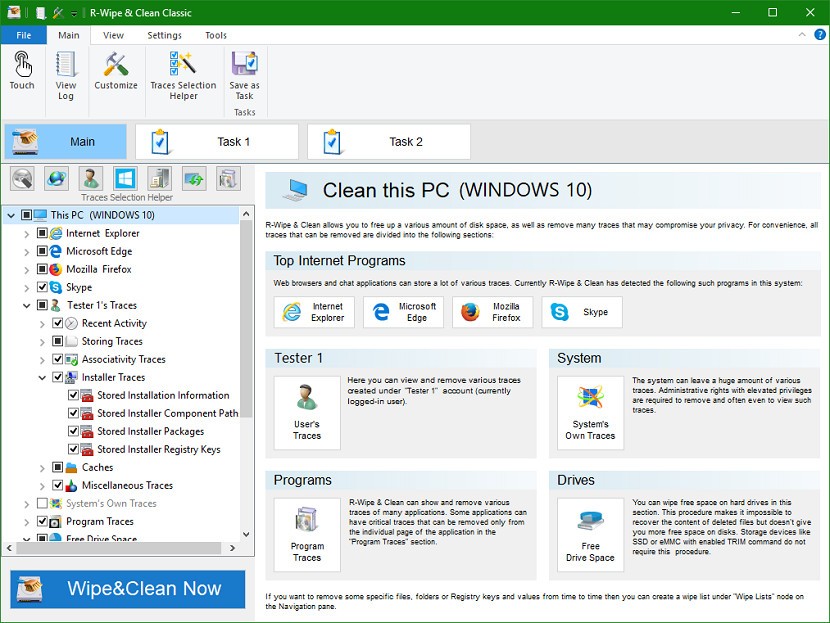
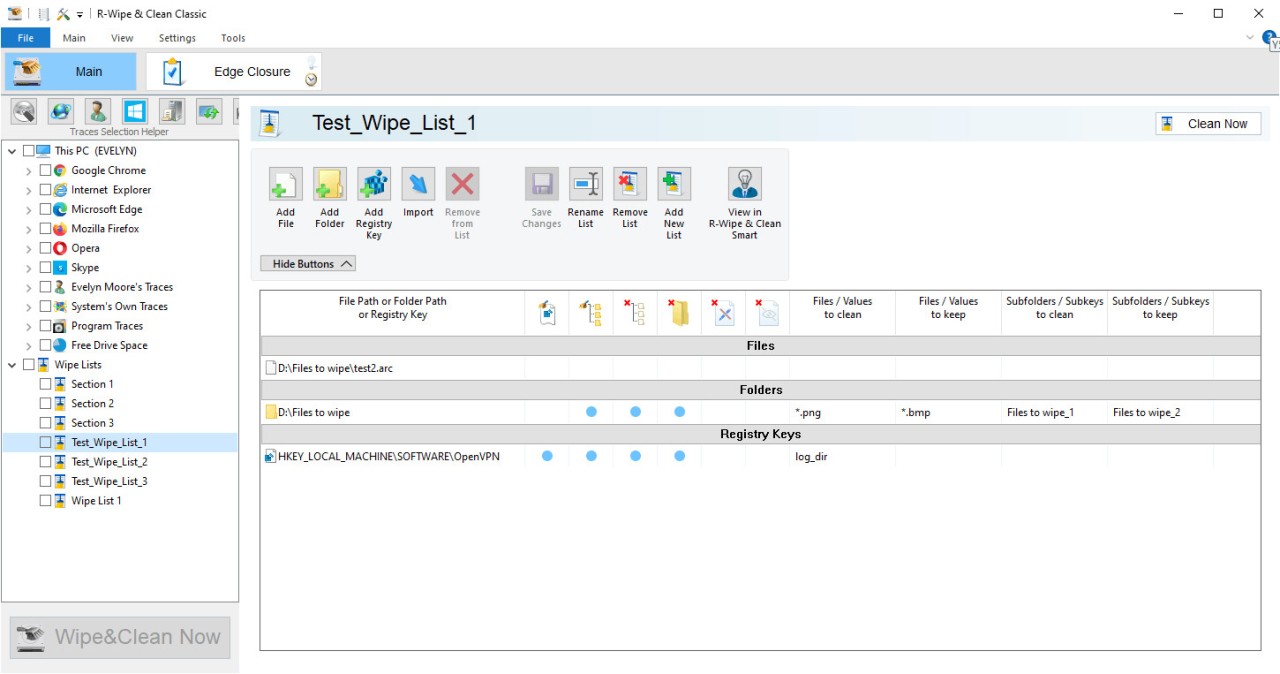
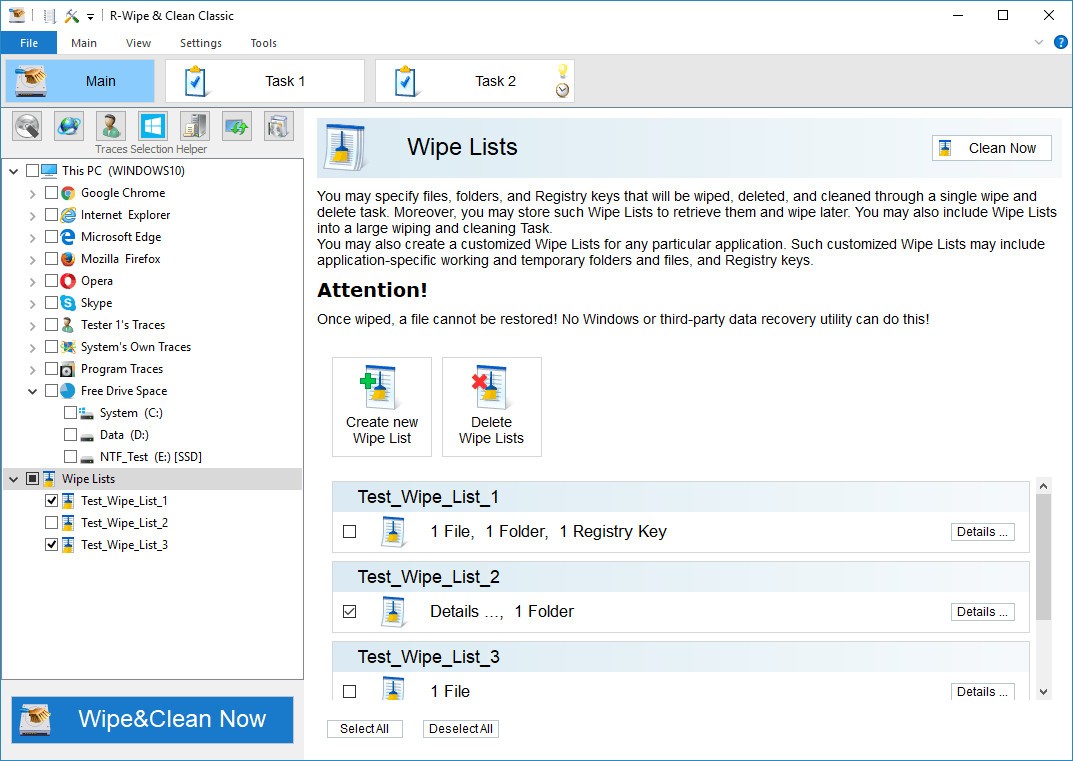
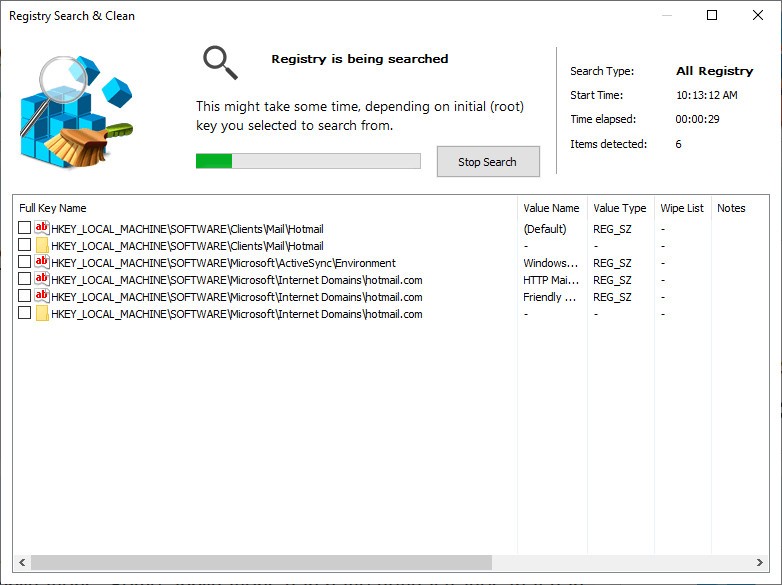
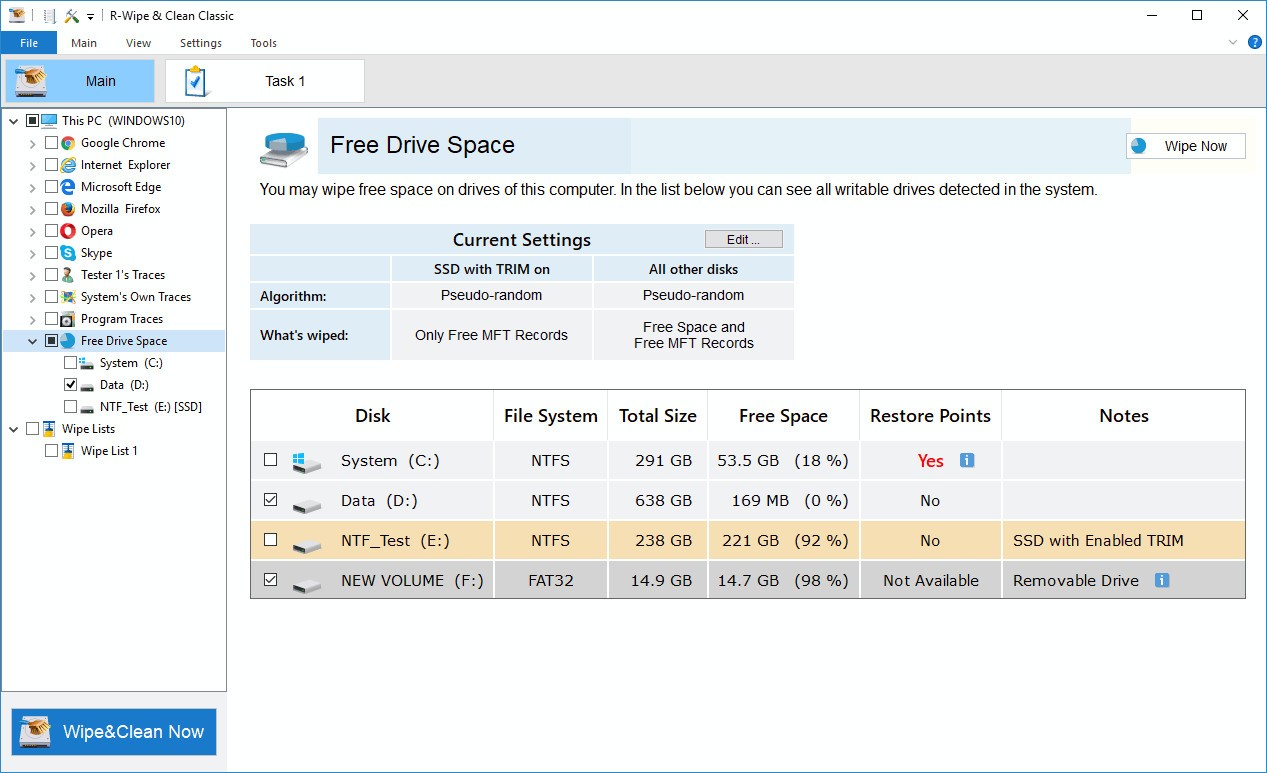
R-Wipe and Clean primarily draws its strength and potential from a privacy-oriented cleaning tool that is slightly more thorough than a standard system cleaner. It is not flashy dashboards and words that are too technical. Rather, it goes about cleaning the background clutter which accumulates in your system over time, such as cached files, temporary internet files, log files, and other remnants of software use that most users never even know are present.
R-Wipe & Clean is not like ordinary disk cleaners, which only free up space, and it combats digital detritus with obvious privacy intentions. It is a program that does not make much noise but works proficiently. Every time you visit the web pages, open files, or install programs, your system leaves behind small traces.
This app will assist you in clearing them out, leaving less of a digital trace. It has an easy interface, not that fancy, possibly a bit retro; however, it works. It does not bombard you with pop-ups and advertisements. It is just a matter of opening, and you tick the boxes wishing to be wiped off and letting it perform. Be it clearing up the browser history, the traces left in messaging applications, or temporary files left over in the system processes themselves, it leaves everything discreetly in your hands to decide on what to keep and what to eliminate.
It’s not designed for casual users who just want a prettier interface. It is for those people who want to know what is left over, especially so your system doesn’t quietly archive unwanted or sensitive data.
Why Should I Download R-Wipe & Clean?
This is mostly because of peace of mind. Most people are not aware of the amount of data collected about them on their machines. Gradually, your computer stores the history of your browsing, traces of files, logs of applications used, autocomplete data, saved passwords, media you have downloaded, and that is just the tip of the iceberg of other pieces that you simply do not need any longer. R-Wipe & Clean targets users who value precision.
There is more to it than getting back a couple of gigabytes of storage space; it is a matter of risk. The greater the number of data your system contains, the more vulnerable you will be in case a person acquires your device. With this tool, you can reduce that risk because you decide exactly what gets wiped for good. The other reason is control. It is not a matter of just one button to operate and wish that all goes well. You stay in control at all times. Much of the difficulty with setting it up is that some users choose to have it wiped daily, and some run it weekly or following a particular operation. In any case, the control remains yours.
It is also constructed to suit people who desire deeper cleaning as opposed to superficial cleaning. That is not the whole story: temporary files, cache, and browser cookies. R-Wipe & Clean delves into all application-related leftovers (such as those by Microsoft Word, Zoom, or Skype, or even games) and removes the digital clutter that is accumulated during everyday use. It helps to clean traces left by system services and modern Windows apps, which are not always compatible with other cleaners.
The application does not only come in handy on personal computers. In case you deal with sensitive files (i.e., files with financial data, legal records, or personal communication), it provides an additional security measure because it purges whatever may remain on your system once you are finished.
And since it does not constantly play in the background, and does not send alerts, etc., it does not compromise the performance of your system. It does not violate your workflow. You open when you are ready, use it in any way you want, and get back to the job. This is a useful app for people who care about digital privacy or those who simply want to have the impression that they control their machine. It is not some hype, no gimmicks, just good, thorough cleaning, helping you stay private and efficient.
Is R-Wipe & Clean Free?
R-Wipe & Clean is not free, yet it has a trial version. The free trial allows you to try most of its features and get a feel for how it works and what it detects, and how well the cleaning goes. To have full access to all automation choices and cleaning areas, one should have a license. Once purchased, it’s yours, no subscriptions, no recurring fees.
What Operating Systems Are Compatible with R-Wipe & Clean?
The program R-Wipe & Clean is compatible with Windows. It is compatible with quite a large variety of versions: Windows 11, Windows 10, Windows 8, and Windows 7. Regardless of whether you are running a contemporary system or maintaining an older one, it gives good results. It is also designed to support both 32-bit and 64-bit environments, which makes it adaptable across a range of hardware setups. As a system, it is lightweight in terms of performance. When it is in operation, it does not hog memory or the processor. It does not die even during the scanning of large drives. It regularly releases updates to keep it on par with the changes in the OS and the behavior of new apps.
What Are the Alternatives to R-Wipe & Clean?
The system cleaning and privacy protection field has just a couple of good substitutes. They also have a different tone and features line-up, and selection usually depends on how hands-on or hands-off you want to be.
Privazer is another privacy-oriented cleaner worth noting. It goes into a deep cleaning of your machine to clear up traces and defend sensitive information. It has an automatic registry cleaning feature, file shredding, and visualizes what it detects. It also focuses on secure deletion, which is beneficial for people who would like their trail to be clear permanently. The interface might be a tad more complicated, yet in the presence of users who require privacy, it is a strong alternative.
One of the most well-known names in the sphere is CCleaner. It is more inclined to those who are casual users, with a more mainstream interface and compatibility. It addresses clearing of the browser, temp files, and startup. Although it is not as thorough as R-Wipe & Clean at the trace level of deletion, there is solid overall cleaning to be found. CCleaner has a feature to uninstall software as well as to track browser plugins, which gives it an advantage in system maintenance as opposed to privacy.
Wise Disk Cleaner is mainly aimed at optimizing disk performance and removing junk files. It is easy to use, free, and it is quite simple. It is suitable, in case you have only one objective of the clearance and want your computer not to slow you down. Nevertheless, it might lack the same amount of detail and trace cleaning as R-Wipe & Clean. It is more of performance, less of privacy.