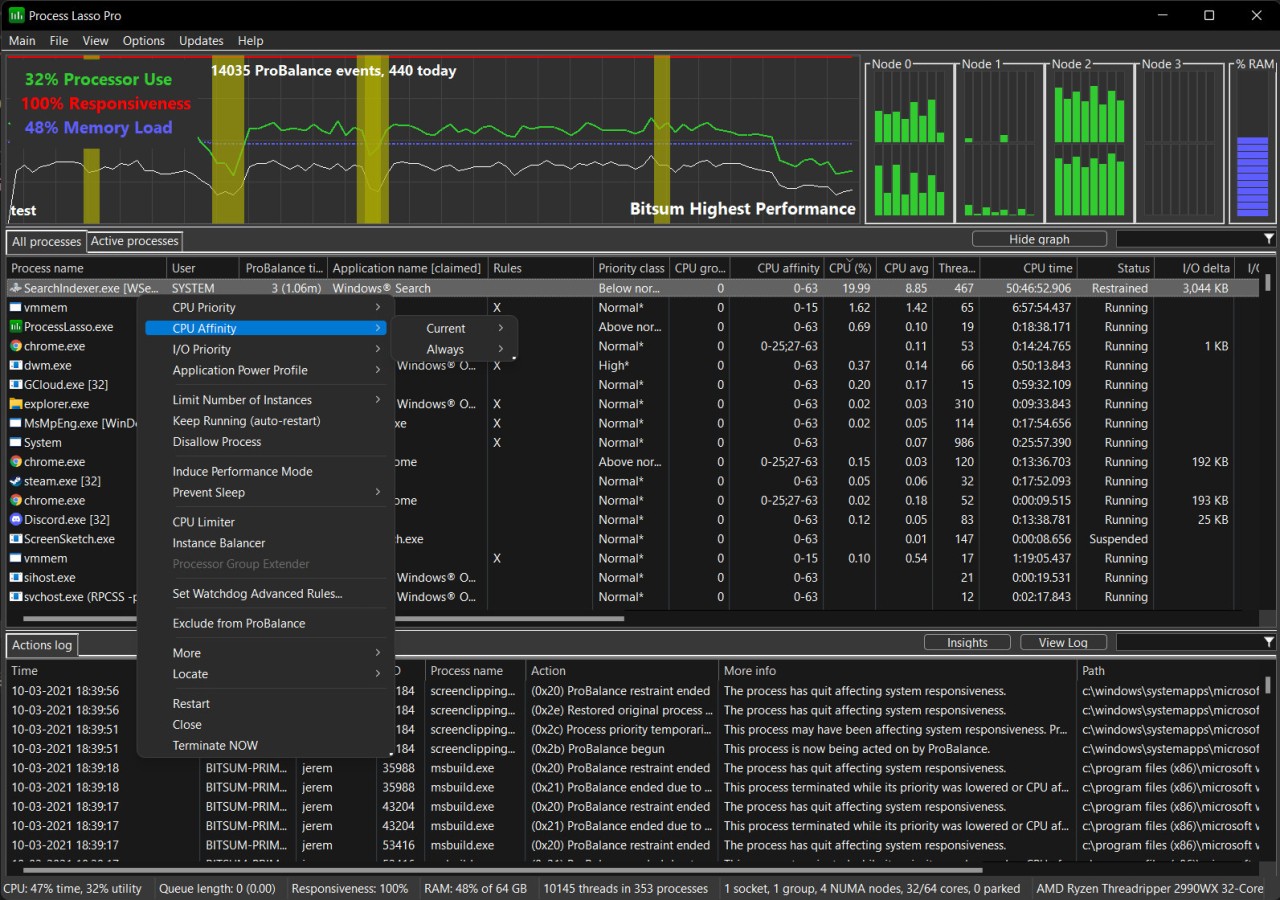
Process Lasso is among those applications that do not raise much commotion, but the impact it creates becomes evident as soon as your system no longer lags behind. It is a process management tool, although it is not only about seeing what is running, but about taking charge when things get out of balance.
Any time your computer is behaving unresponsively or unusually sluggish when you are not doing anything heavy, that is typically the time that Process Lasso really comes in handy. On the superficial level, what it does is not that complicated; it monitors the processes of your system and tunes the allocation of resources so that nothing remains bumpy. However, behind the scenes, it is very delicate: managing background processes, so you can prioritize what you feel deserves more system focus.
It does not kill the processes or delete programs. Rather, it sets up a modification in the manner in which Windows uses them. It preempts runaway tasks that steal all the CPU processing, workload balances, and lock-ups. Something like a silent controller behind the scenes always diverts the traffic so that the road is never congested. When one begins to utilize Process Lasso, they become less aware of it, yet the smoothness remains. It is a tool of that kind.
Why Should I Download Process Lasso?
Not all computer issues require a dramatic approach to the solution. Whenever it is necessary, sometimes not much is needed, just a bit of balance. That subtle balance is precisely what Process Lasso offers. Have you ever had your computer freeze up because one process decided to hog the CPU? Do you notice some slowness whenever doing a simple process? If so, then chances are, it’s not your hardware; it's your process management.
Process Lasso does not guarantee to speed up your system. It is smarter than doing that. It observes the activities, and it makes decisions in real-time on how to allocate processing power to which apps. It’s proactive management that keeps your system responsive, even with many tasks running.
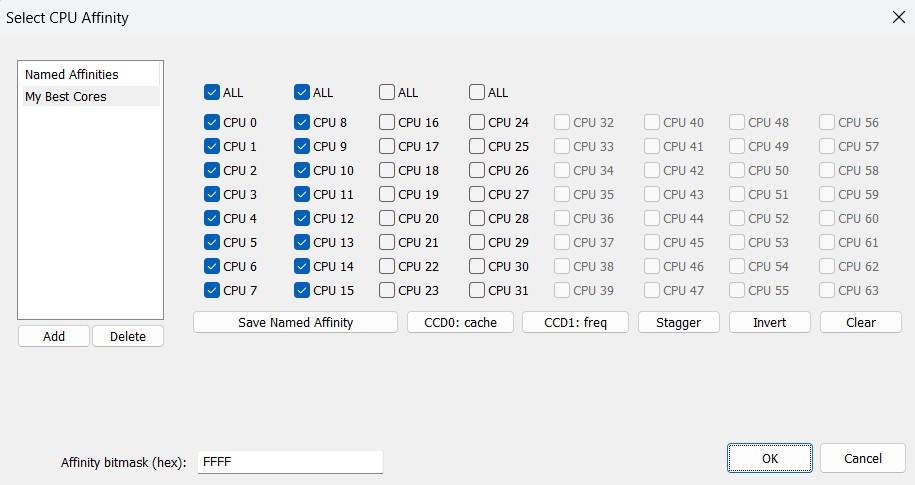
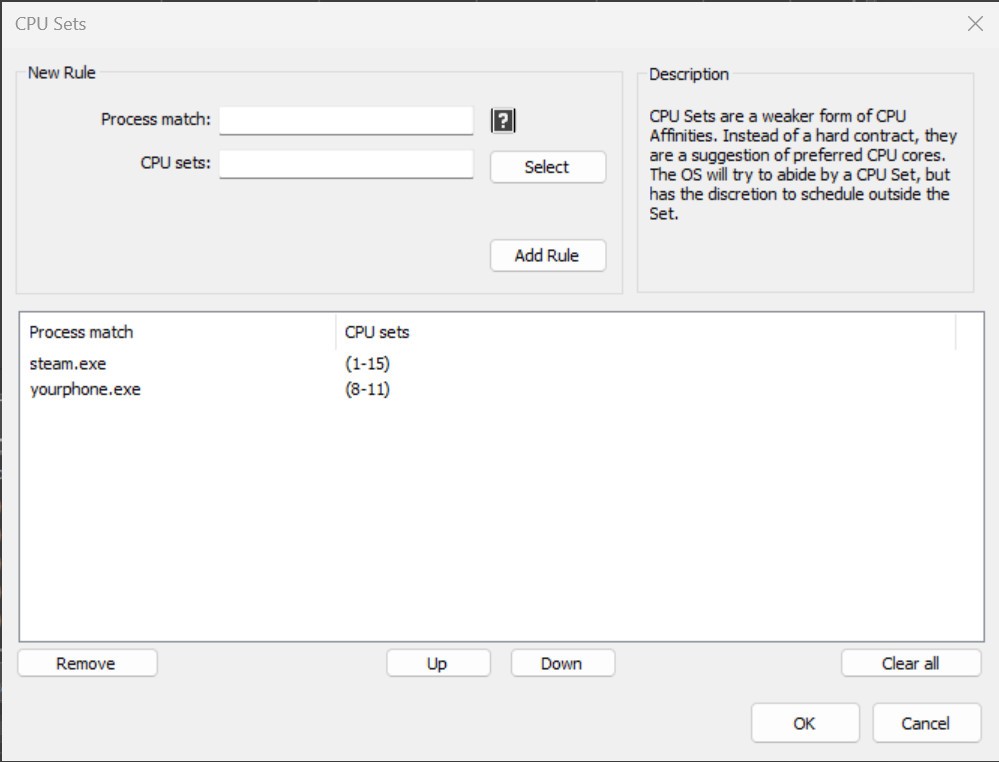
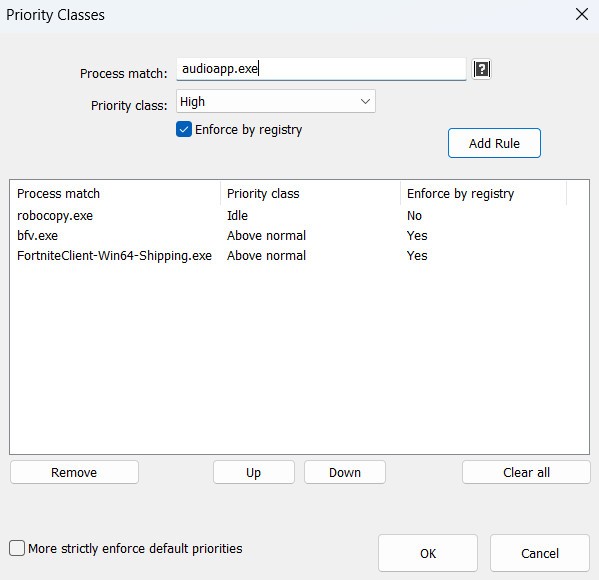
The software centers around the main feature referred to as ProBalance. It temporarily lowers the priority of all background processes that use too much CPU, so your system can remain responsive without forcing other processes to close down. It will work without you noticing most of the time, how subtle it is. It also includes power-user features. It lets you define default priorities of some applications and even allows defining rules regarding process affinities with the CPU, and enables or disables specific processes. In case you use the same habit of opening a set of tools daily, you can influence the behavior of your system to work automatically for you, rather than manually, every day.
Process Lasso also has a Game Mode and Performance Mode in case individuals use their systems with demanding applications. It does not get in the way of background tasks that, otherwise, interrupt the gameplay or even the editing software. It does not require a technological expert to gain value out of it. As soon as you install it, it begins to assist. Unless you require changing something, you do not do anything. Such support that is low-effort and high-return is not very common. That’s why so many users stick with it for years without removing it.
Is Process Lasso Free?
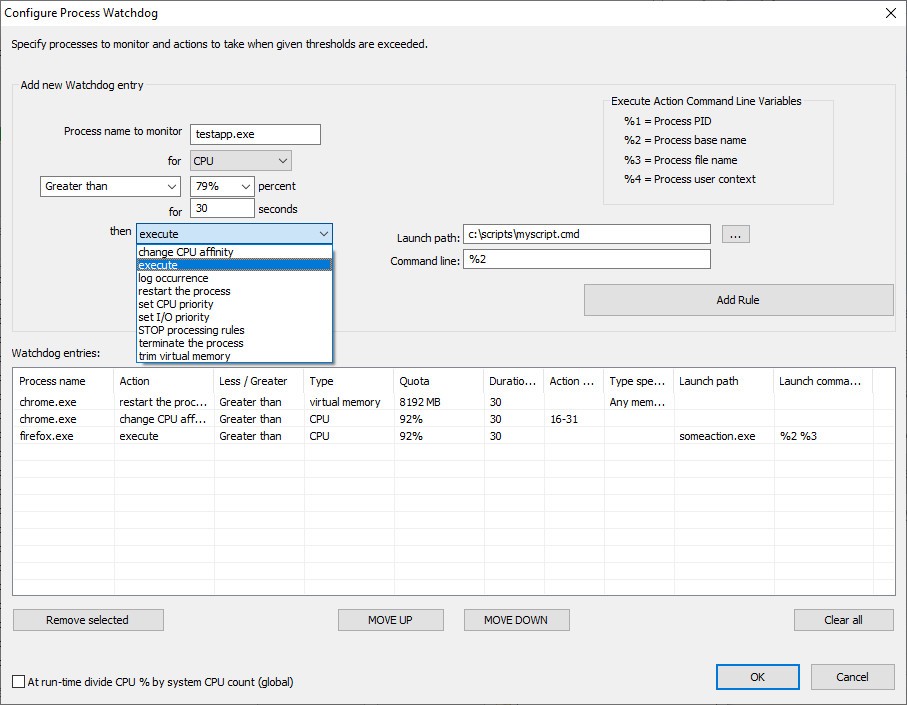
Yes, indeed, the basic functions of Process Lasso are free. It also has a paid version named Process Lasso Pro, which features more complex abilities such as permanent CPU affinities, watchdog rules, and automation of priority classes. The free version is sufficient for a lot of users. However, when it comes to more specific control or when used in a professional setting, the Pro version introduces the much-welcomed additional degree of flexibility.
What Operating Systems Are Compatible with Process Lasso?
Process Lasso is compatible with the Windows operating systems, such as Windows 7, Windows 8, Windows 10, and Windows 11. It is available on both 32-bit and 64-bit computer systems. It’s a lightweight program that doesn’t compromise your machine’s performance and functions quite efficiently on older PCs. When installed, it operates quietly in the background, consuming only a little amount of system resources yet proactively controlling the behavior of the CPU and memory. Be it a workstation or a personal laptop, Process Lasso fits right in the latter.
What Are the Alternatives to Process Lasso?
One of the most acknowledged alternatives is called Process Explorer. Developed by Microsoft as part of the Sysinternals Suite, it doesn’t provide a balancing tool like Process Lasso, but it has an effective resource visualization approach. When you need profound technical information on all running tasks, every thread, and handles running in the system, feel free to use this tool. It does not prioritize by itself, but lets you explore the data and make decisions on your own. It is excellent when you want to diagnose concrete issues or to get more information as to what your system is up to at the moment.
The other alternative is System Informer. It is a combination of classic process watching with a slight increase in control as compared to the Task Manager. You will be able to shut down processes, display graphs, and obtain live performance data. Not that it encompasses all the automation tools that Process Lasso may have, it puts much more control into your hands by providing an extra level of control over the way you interact with the running programs. It helps those users who are not so much concerned about processing their ways manually but wish to have something that will not interfere too much, but will be present when needed.
Then there is System Monitor II, which is a real-time performance type of widget rather than a process manager. It resides on your desktop and shows the usage of the CPU, the amount of RAM used, and the programs running all the time. It does not give you deep control over processes, though it’s still helpful when you need to have a live eye on what your system is doing. There are individuals who can combine it with other tools, such as Process Lasso, and thus they will obtain both assistance and control.