DBeaver is a multifaceted database management application that can be used by anyone working with data developers, analysts, or database administrators. It is not confined to a particular database type, which is why it is very flexible. It allows connecting to MySQL, PostgreSQL, Oracle, SQLite, Microsoft SQL Server, and many others. It is flexible, and that is evident as soon as one starts using it. At its most basic form, DBeaver provides a straightforward yet capable interface to peruse, edit, query, and handle databases. You do not have to learn all the SQL commands or write some scripts blindly. The application has a graphical layout, thus you may be able to browse tables, construct charts, manipulate rows, and perform SQL commands all in one place.
An interface may seem to be technical at a glance, but it is not overwhelming. All is done in panels. You can read your database schema in one window, open data tables in another, and execute queries in a third window. One gets the feeling of a fully planned workbench. It is not that hard when you start getting the hang of it. It is open source, stable ,and it is continuously being maintained by a team of contributors. And there is the best thing about it, it does not make you work in a specific way. DBeaver lets you work either by writing raw queries or using visual tools.
Why Should I Download DBeaver?
DBeaver lets you access your databases, but you do not have to be highly proficient with each of the platforms. This level of flexibility is uncommon. The majority of tools are proprietary to a particular system, or they have a major learning curve. DBeaver is special because it supports numerous databases with a single neat bundle.
The compatibility of DBeaver with different databases is one of the greatest reasons people eventually prefer to use this application. You may be operating a PostgreSQL server one moment, and accessing a MySQL database the other, and you still do not have to switch tools. It saves a lot of time for those working on mixed environments or multiple projects.
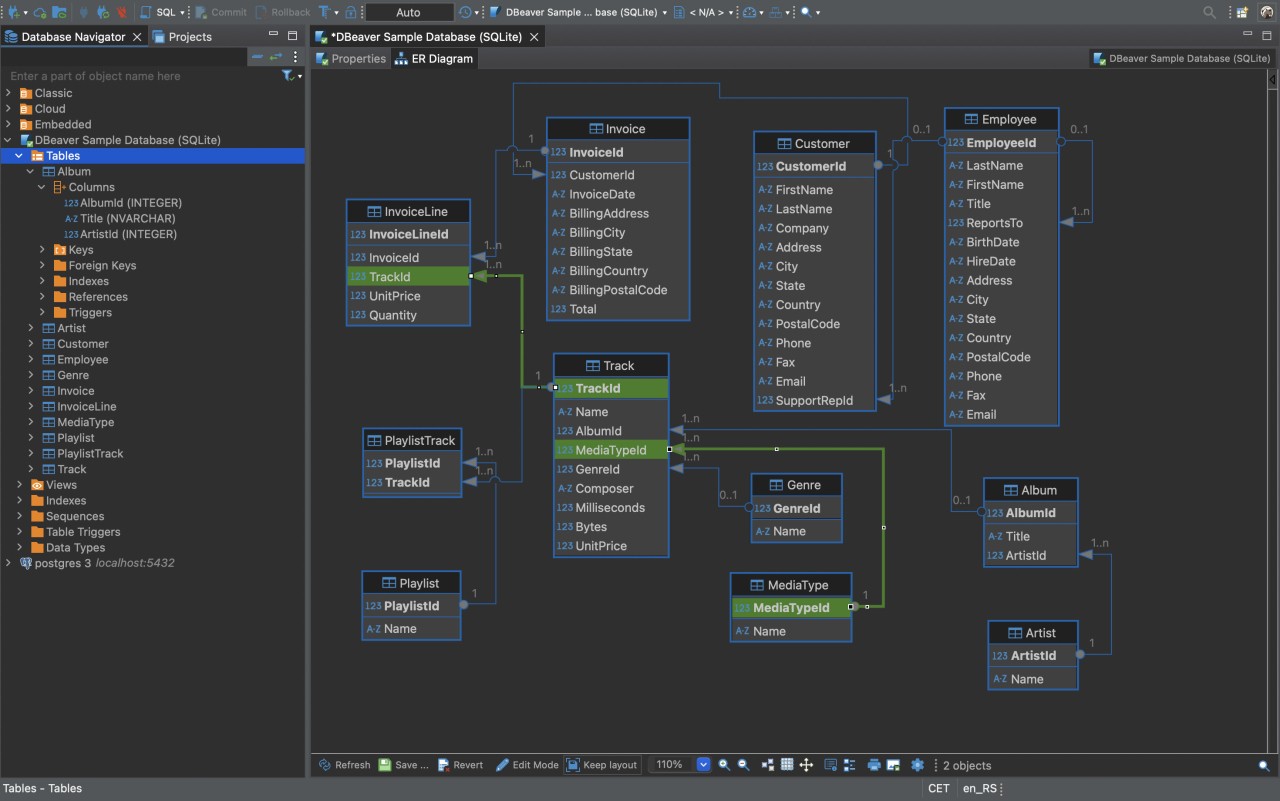
The visual editor is also its strong side. DBeaver helps you have a simple comprehension of your data structures. You can view your data in a clear and organized format, look at ER diagrams, and check relationships between tables. Instead of having to type out commands and joins, you can have things represented graphically instead. It also helps a lot in debugging and troubleshooting. Suppose something goes wrong with your application and you want to check the data. You can query the database, edit its values, test the changes, and track performance all in the same window.
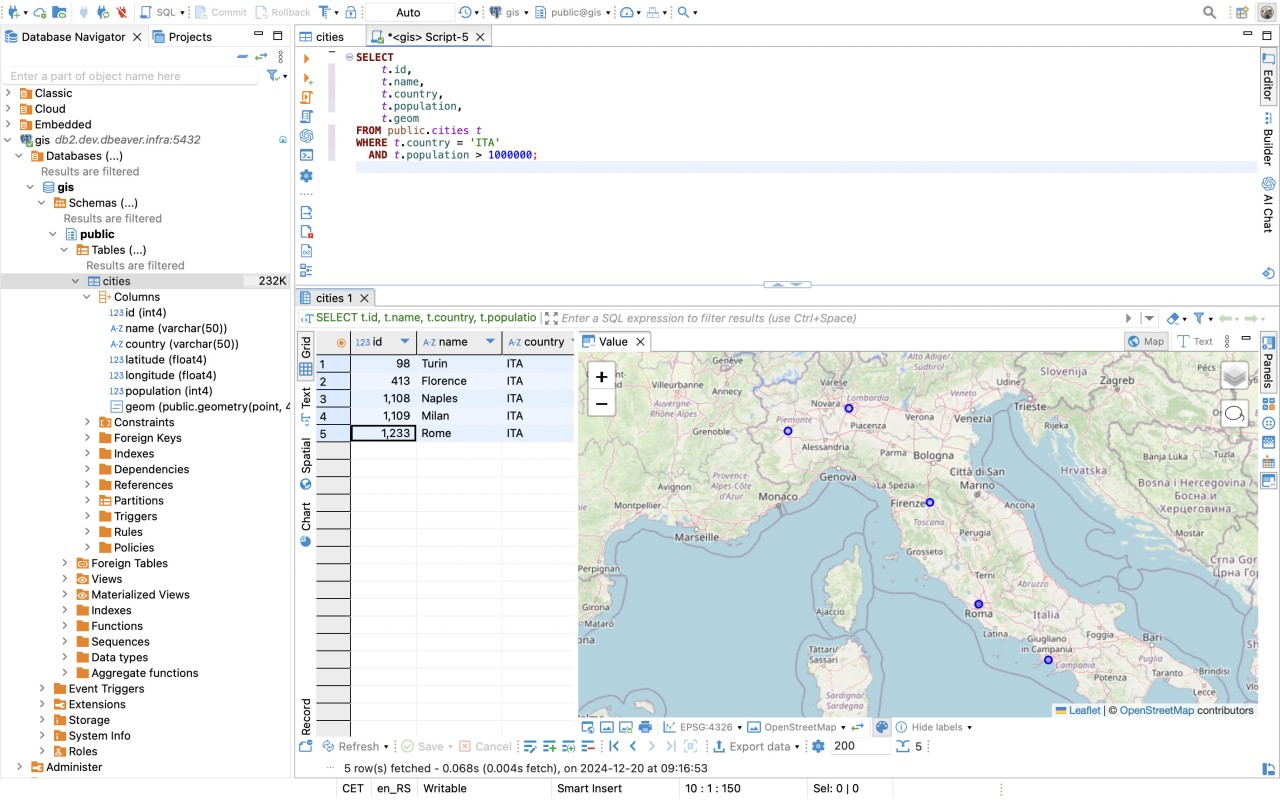
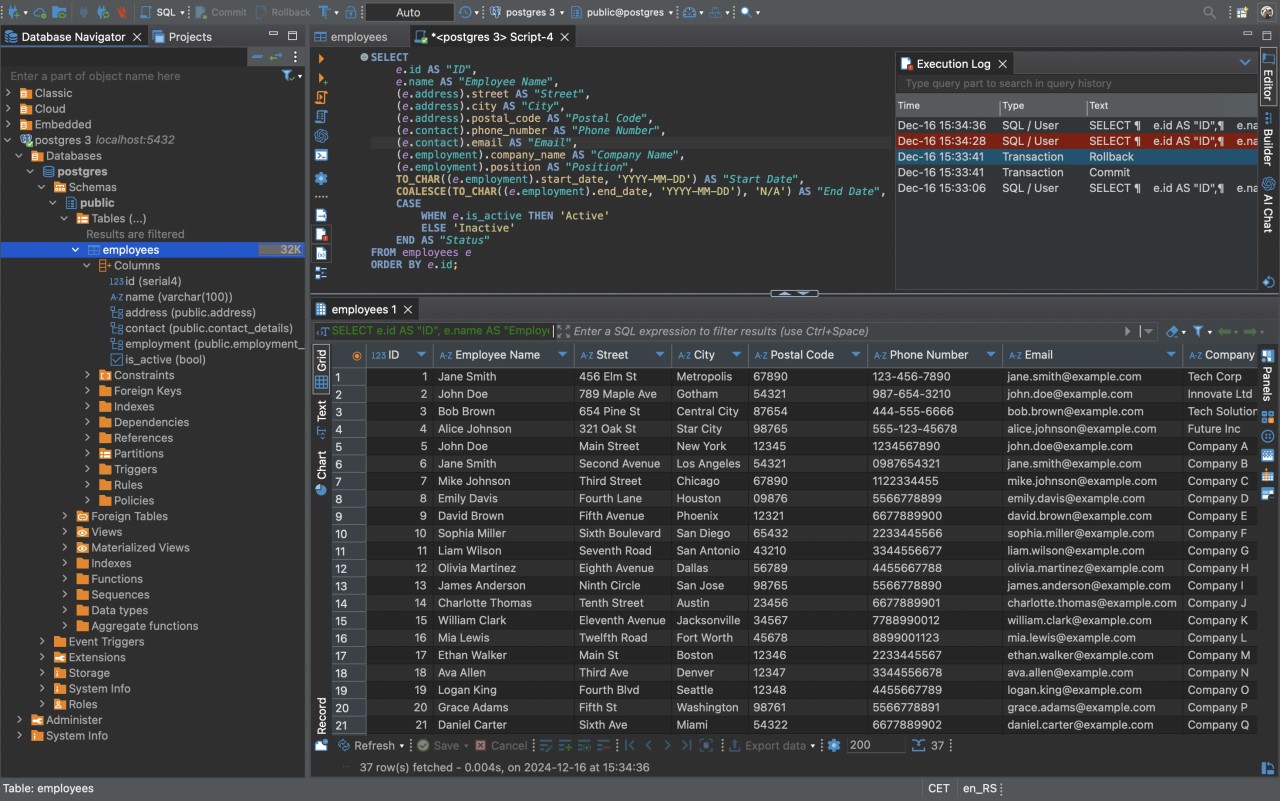
The other remarkable feature is the SQL editor. It allows syntax highlighting, auto-complete, and even error tracking. It allows writing complex queries to be much less stressful. And especially when you are starting to learn SQL, getting the results in real time gives you confidence in the very first session.
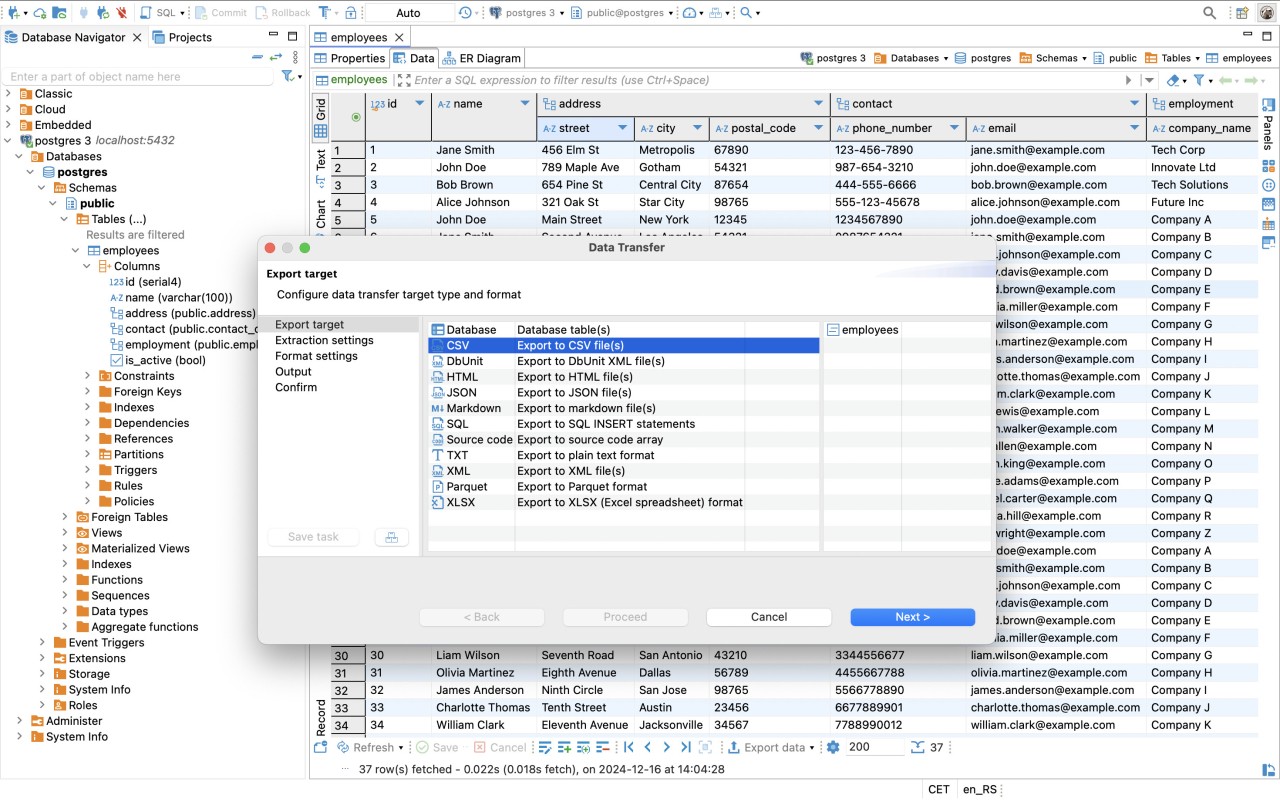
In the case of working teams, DBeaver provides export and import facilities that simplify teamwork. It is possible to export data as CSV, Excel, SQL scripts, and share. Remote databases can also be accessed via SSH. This is useful where some sense of security and access control is an issue. And last, it does not come in the way. No enforced cloud storage, no unnecessary reminders, no locked features hidden behind a login. DBeaver does not need too much space or too much flow. It leaves you to work the way you want and is there in the background, supporting you.
Is DBeaver Free?
Yes, DBeaver is free for individual and community use. It comes out with an open-source license, and this implies that everybody is allowed not only to download it but also to use and alter it. Also, there is a commercial version, DBeaver PRO, with additional functionality: enhanced security, some extra integration, and support of NoSQL databases. However, the free version of the product is sufficient for most users, including those working with traditional SQL-based systems.
What Operating Systems Are Compatible with DBeaver?
DBeaver supports Windows, macOS, and Linux. It is cross-platform compatible, so switching devices doesn’t require relearning the tool. The experience is very similar whether you use a Windows workstation in the office or a MacBook at home. It is simple to install. You will be able to download an installer or a portable version according to your desire to use it. DBeaver can also be used with Java, and most systems already have the prerequisites for effectively using it. Updates are released regularly, and the team is fast in bug fixes and performance. In general, it is steady, bootable, fast, and runs on both new and old hardware.
What Are the Alternatives to DBeaver?
A few more tools may provide similar functionality, but there is no need to use them in your work environment.
MySQL Workbench is a good choice for users interested in MySQL databases only. It provides modeling, query execution, server management, and visual editing capabilities, but only for MySQL or MariaDB. It’s most effective when you’re working solely within that ecosystem, but not the best when you deal with a variety of types of databases.
Another database management tool that operates within multiple systems is Valentina Studio. It is very sleek and is compatible with PostgreSQL, MySQL, SQLite, and Valentina DB. Among its strong positions are a visually-based query builder and reporting tools. It has a free version as well as a paid version. The free version is on solid ground, yet a good number of features require a purchase of the paid version.
dBase is another database tool, emphasizing more on building conventional databases and legacy systems. It is employed in sectors like government and healthcare, where critical systems still rely on older software. It is a commercial program and is neither as modern or flexible compared to the various contemporary tools, such as DBeaver, but in some particular settings, where usage of older database formats is active, it is nevertheless useful.