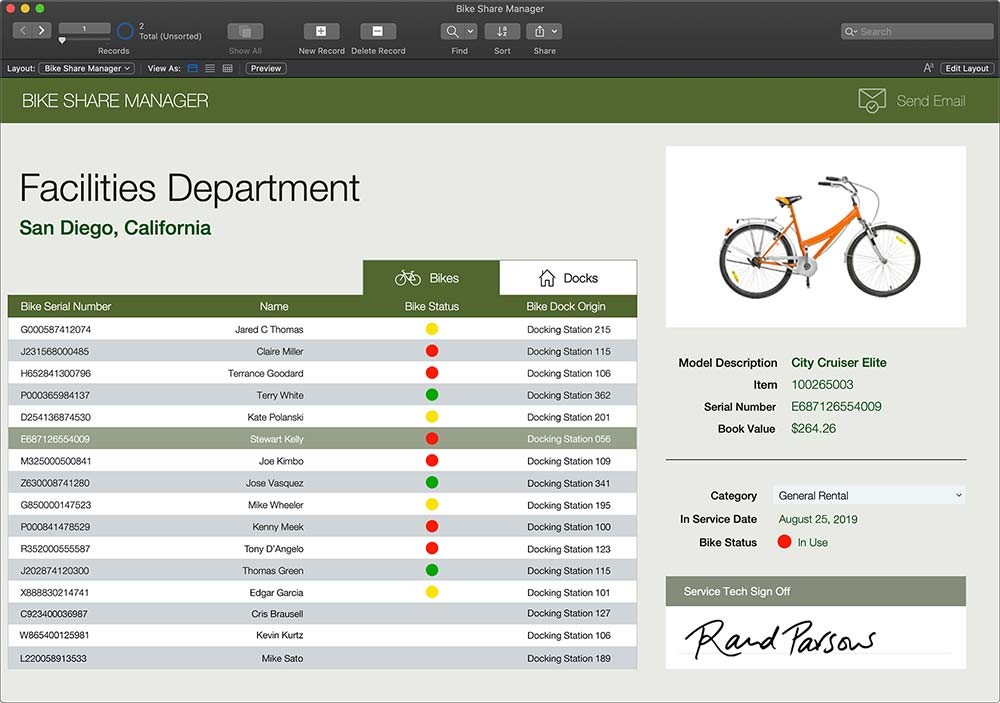
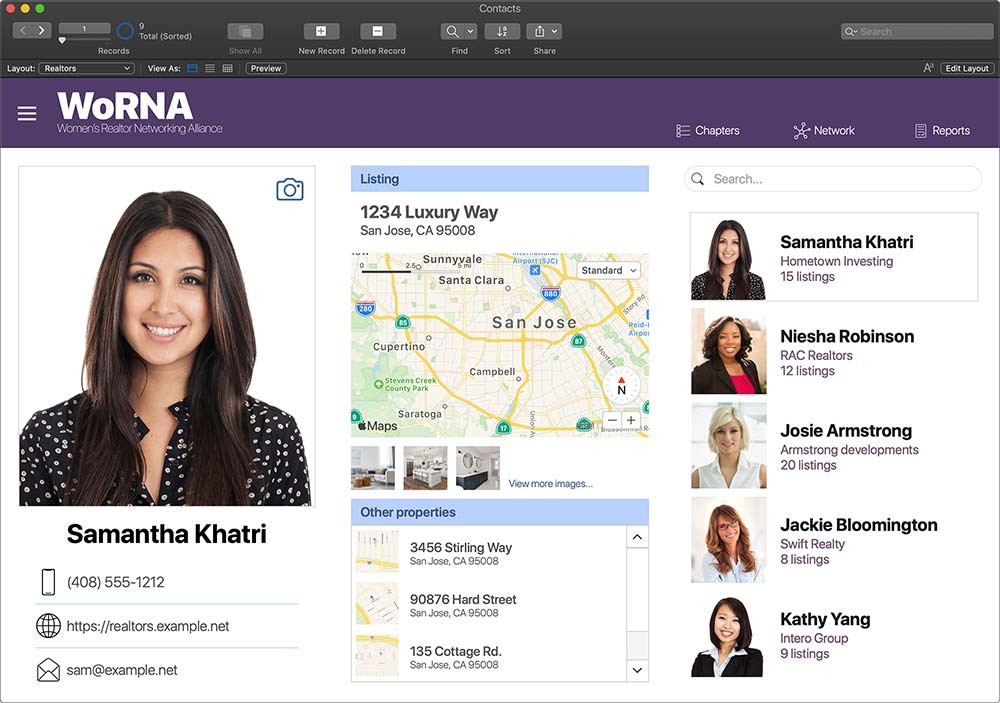
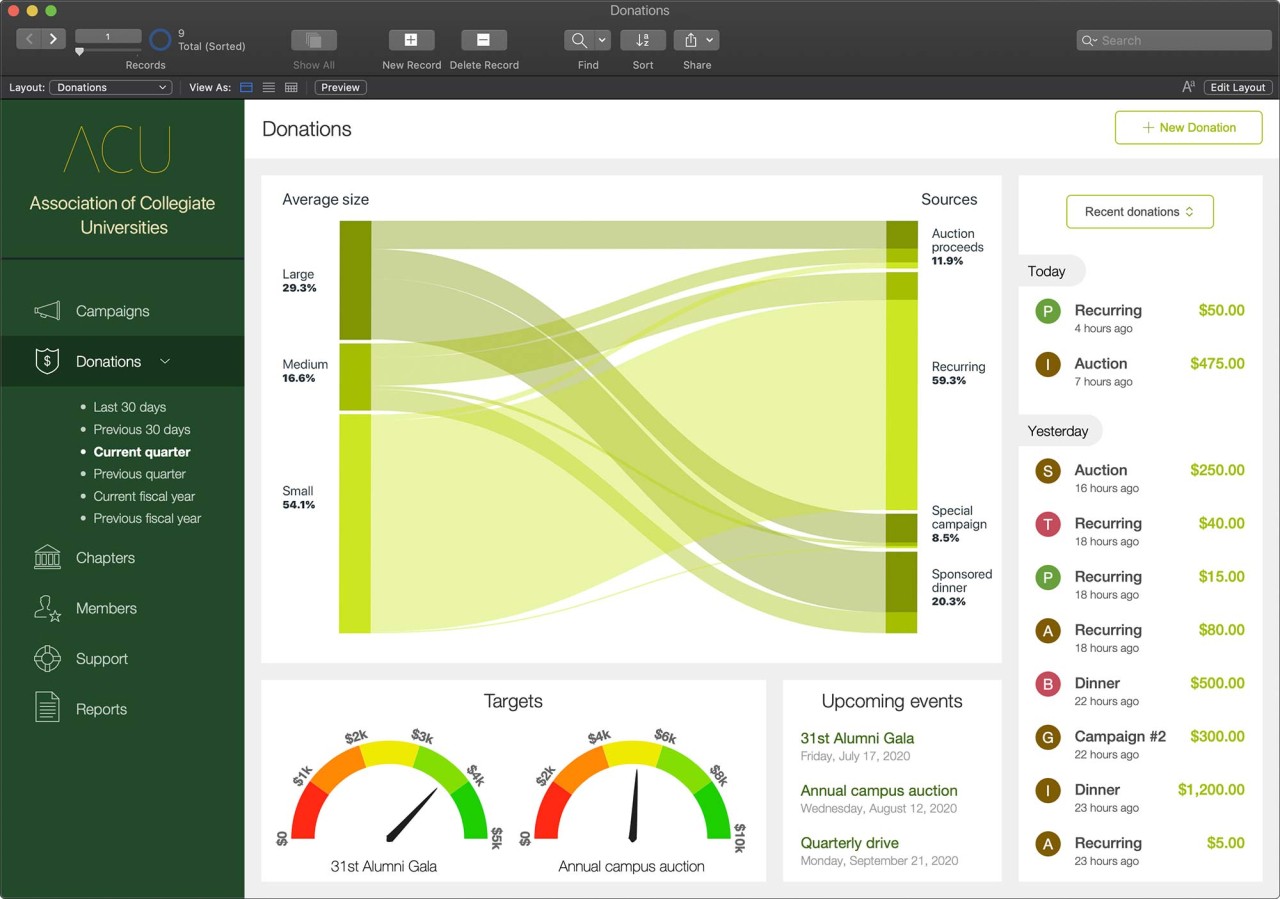
Claris FileMaker Pro is one of those tools that doesn’t fit neatly into a single box. It isn’t a full coding platform where you need years of training, and it isn’t a lightweight app you toss away after a few weeks. It sits somewhere in between, letting people build their own systems when spreadsheets stop working, but hiring a big developer team feels out of reach. Businesses use it to put together databases, custom apps, forms, and connections between all the little pieces of work that usually get scattered.
The latest version brings AI into the mix, not as some shiny add-on, but as a way to make the apps you build inside FileMaker run smarter. That might mean pulling insights from the data you already have, or letting users type plain language questions instead of running complex queries. For teams that don’t have developers on hand, that difference matters. Suddenly, what once required outside help can be handled in-house.
It has been around for decades, and in that time, people have used it in almost every industry. Some keep it very small, just a local system tracking contacts or invoices. Others roll it out company-wide with cloud hosting, real-time collaboration, and connections into every other platform they rely on. That flexibility is what sets it apart; you can start with something basic and keep expanding without throwing it away when your needs shift.
Why Should I Download Claris FileMaker Pro?
Most teams hit a point where the tools they started with no longer match the work they do. A growing shop can’t track orders in a single sheet forever, a healthcare group requires more than email chains to track patient data, and a services firm can’t keep project notes scattered across drives. That’s where FileMaker fits in. It gives you control to build what you need without waiting months for a custom software project.
The reason to download it is not because it is the trendiest option. It’s because it puts the shape of your system back in your hands. You can start with something plain, like a simple job tracker. Later, you can expand to invoicing, scheduling, linking up to APIs, or connecting with external databases. Each step grows on top of the one before it. That ability to start small and evolve is what keeps people using it long term.
It is also fast to test ideas. Someone in the team comes up with a way to reduce wasted steps. Instead of sending a request off and waiting, you can build a form or a script in FileMaker and see if it works. If it does, keep it. If it doesn’t, throw it away and try again. That cycle gives smaller businesses a way to keep pace with larger competitors who have bigger tech budgets.
Adding AI on top makes the speed even more noticeable. Instead of spending time on repetitive queries or routine reports, you can pull answers out of the data directly. It isn’t about making everything automatic; it’s about giving staff tools that feel within reach, not locked behind technical walls.
Is Claris FileMaker Pro Free?
No, this is not a free tool. There is a trial version so you can try it, but the full product requires licensing. The cost depends on how many users you have and how you choose to deploy it, whether on FileMaker Cloud or on your own servers. Some businesses see the price as a hurdle if they only want something tiny. Others see it as fair value because one platform replaces several apps and makes the team faster.
It is important to note that the free trial actually gives you a real sense of what you can do. Unlike some software that locks everything behind a paywall, FileMaker lets you explore and build, so you know if it fits before paying.
For teams, especially those who want scalability, the licensing model allows them to grow. A handful of staff can use it at first, and when the company expands, the same system can stretch to fit. It isn’t free, but for many, it saves money in the long run by cutting the need for multiple overlapping tools.
What Devices Support Claris FileMaker Pro?
FileMaker is built to run almost everywhere. It supports Windows and macOS, and through FileMaker Go, it works on iPhone and iPad as well. That is not just a nice-to-have feature. It means staff in the field or on the move can still access the same system that the office uses. Data doesn’t stay locked in a desktop computer; it moves with the people who need it.
There is also WebDirect, which runs in browsers. That makes it easy for companies that don’t want to install software on every device. Staff can log in through a browser and still work with the apps. That mix, desktop, mobile, browser, keeps teams connected no matter where they are.
You can deploy it in the cloud, on-premises, or in a hybrid. For some companies, the cloud is easiest. For others, with strict compliance rules, keeping it in-house is the way to go. Either option works. That kind of flexibility is rare, and it helps FileMaker stay useful in industries with very different needs.
What are the Alternatives to Claris FileMaker Pro?
Five also focuses on low-code custom app development. It pushes for speed and flexibility, though it doesn’t have the same long track record. Another is Retool, often used by data teams. It is very strong in connecting to databases and APIs and making quick dashboards or internal tools, though it can feel more technical for people without a coding background.
Budibase is another, leaning heavily on being open source. It appeals to teams that want to keep costs down or prefer a community-driven tool. It lets you build internal apps quickly, though, like Retool, it may need more technical comfort compared to FileMaker.
Retool is a platform designed to let teams quickly build internal tools—such as dashboards, workflows, admin panels, or AI-powered agents—without long development cycles. It combines natural language input, drag-and-drop components, and custom code, making it accessible for non-specialists while still powerful for developers. Beyond app building, Retool integrates with databases, APIs, and external services, enabling businesses to create tools for data analysis, operations, support, and AI workflows.