Budibase is a great option if you ever need a custom app for your business, like an admin panel, a customer database, or an inventory tracker. You can use it even if you don't have a lot of time or extensive coding skills to build it from scratch. It's an open-source, low-code platform that's designed to make building internal business applications superfast and easy. The whole idea is to give you a powerful set of visual tools so you can create the exact software your team requires in a fraction of the time it would normally take.
The core of Budibase is its all-in-one approach to app development. It combines everything you require into a single platform. It has a built-in database, you can connect it to external data sources like PostgreSQL or Airtable, it offers a visual interface builder for designing your app's UI, and it has powerful automation options where you can create complex business logic without writing a ton of code. It's a complete toolkit for turning your data into a fully functional web application.
Budibase empowers developers and non-developers to build the tools they need to work more efficiently, making it a fantastic solution for businesses that want to digitize their processes, create custom dashboards, or build internal tools without hiring a whole team of software engineers. Because you can host it on your own infrastructure, it's also a great choice for companies that have strict data privacy and security requirements. Apart from that, you can mainly use Budibase on any operating system through its web service.
Why should I download Budibase?
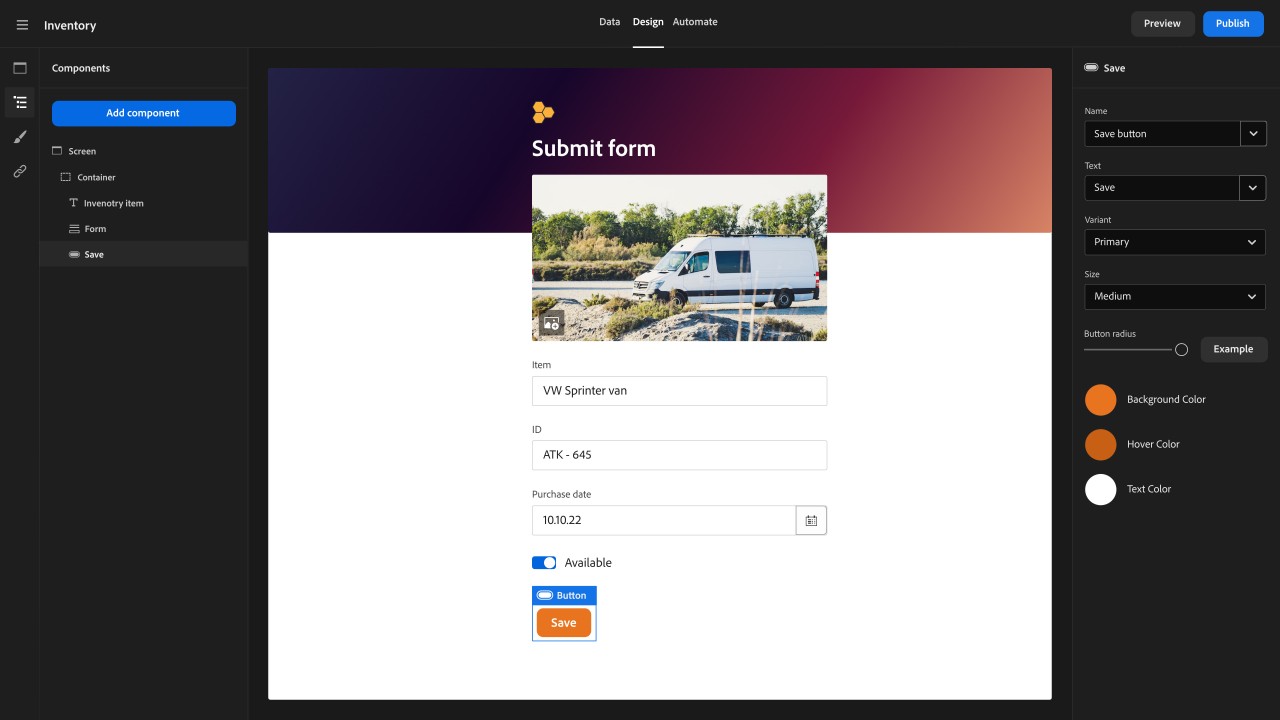
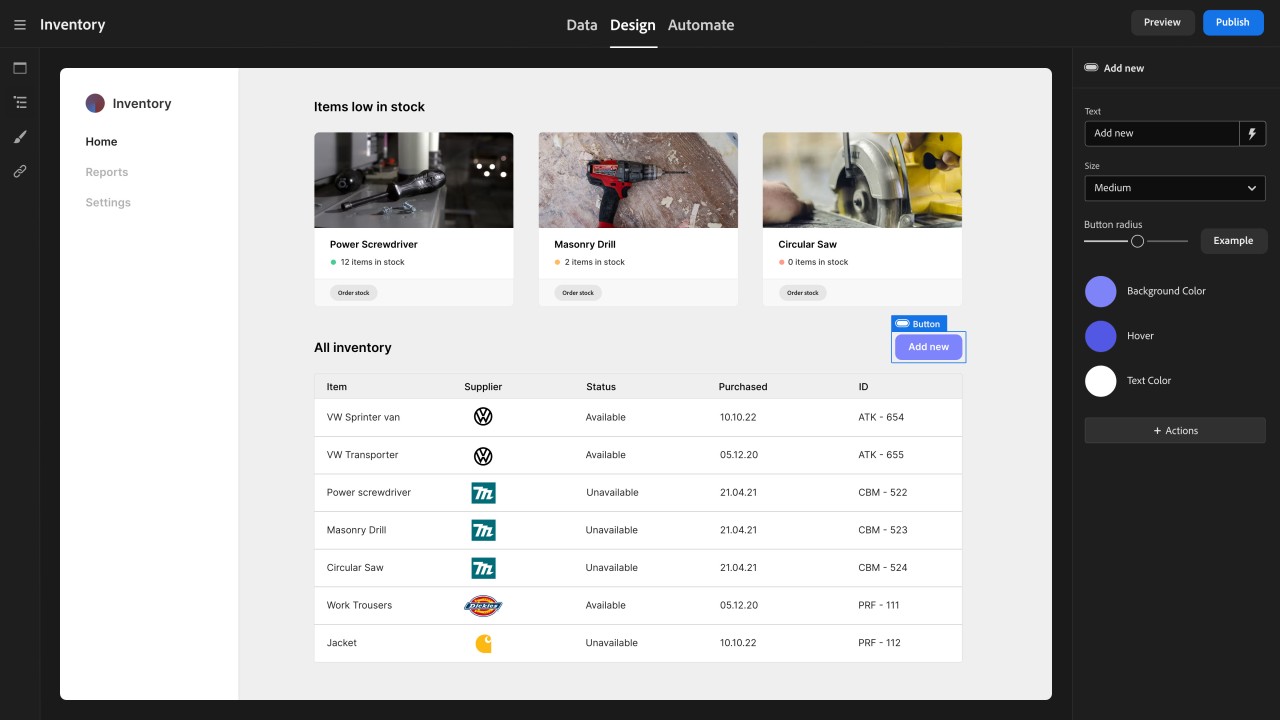
A lot of people choose Budibase because it's an incredibly fast and intuitive visual app builder. You can design your application's user interface by simply dragging and dropping pre-made components onto a canvas. You can add tables, forms, charts, buttons, and a lot more without writing any HTML or CSS. This visual approach means you can build a fully functional and professional-looking admin panel or customer portal in a matter of hours, not weeks.
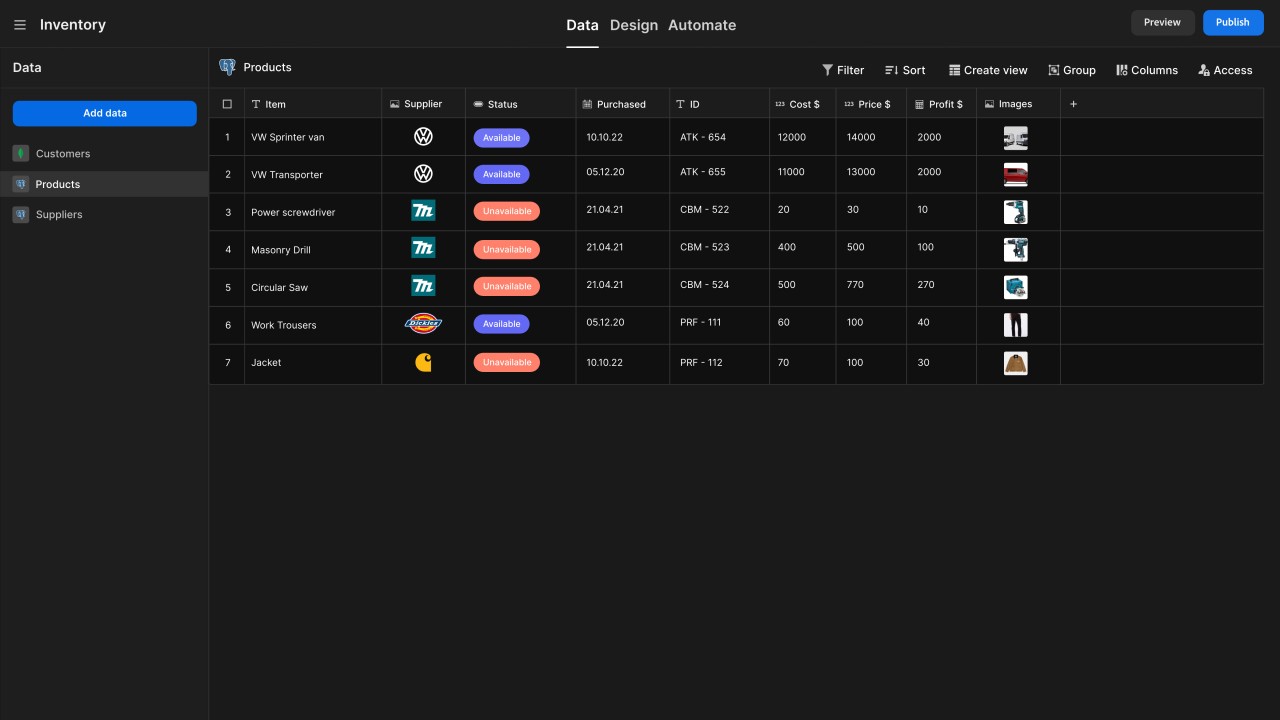
You can connect Budibase to any data source as it's designed to work with the data you already have. It has built-in connectors for a huge range of popular databases and APIs, including PostgreSQL, MySQL, MongoDB, and Airtable, and it also supports generic REST APIs. With it, you can set up a beautiful and modern user interface on top of your existing, complex database without moving any of your data. It also has its own powerful, built-in database, which is great if you're starting a new project from scratch.
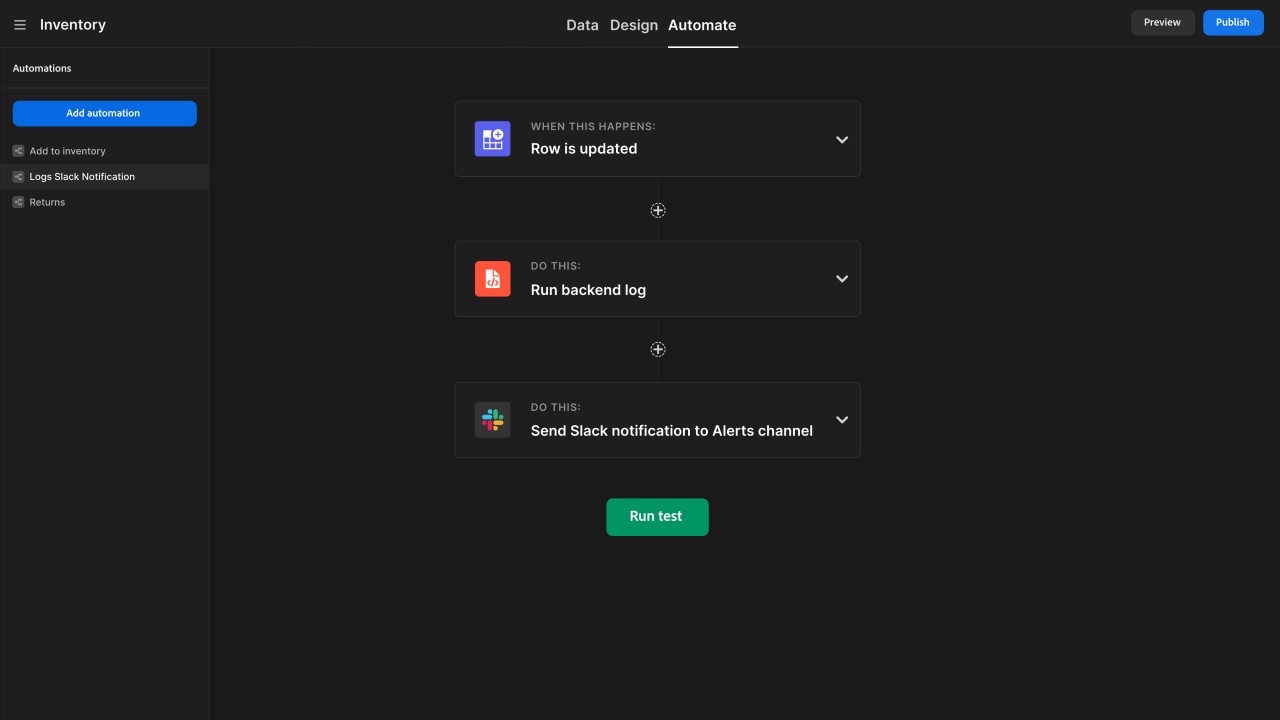
With Budibase, you can automate your business processes through a simple, visual workflow builder that helps you get rid of repetitive manual work. You can create complex automations that trigger when certain events happen in your app. For example, you could create a workflow that says, "When a new user signs up through a form, automatically send them a welcome email, create a new record for them in the database, and send a notification to the sales team in Slack." This is all done through a simple, easy-to-understand visual interface.
Budibase also gives you the freedom to host your applications anywhere you want**. This is a huge advantage for businesses that care about data security and control. While Budibase offers a convenient cloud hosting option, you can also choose to self-host the entire platform on your own private infrastructure, whether it's on your own servers or in a private cloud like AWS or DigitalOcean. With it, all your application data stays within your own network, which is a critical requirement for industries like healthcare and finance.
Budibase is open source, and its source code is publicly available for anyone to view, audit, and even contribute to. This provides a level of trust and transparency that you don't get with proprietary software. There's a huge community behind Budibase, and you can use it on any operating system by simply opening its website through a browser of your choice.
Is Budibase free?
Budibase has both free and paid plans, where the free option is great for individuals and small teams. This plan allows you to build an unlimited number of apps and includes most of the core features of the platforms.
For teams and businesses that need more advanced capabilities, there are several paid tiers that add features like more powerful automations, custom branding, more granular user roles and permissions, and dedicated customer support. The self-hosted version is also available for free, but has paid enterprise plans available for advanced features and support.
What operating systems are compatible with Budibase?
Budibase is primarily a web-based platform, so you can access the app builder and your finished applications from any modern browser on any desktop operating system. If you choose to self-host, Budibase is typically deployed using Docker, which can run on a Linux server, a Windows machine with WSL2, or a Mac.
What are the alternatives to Budibase?
Five is a low-code development platform that is focused on helping developers build and deploy database-driven web apps quickly. It is an excellent option if you need a tool that's good at generating a full-stack application just using a MySQL database. It automatically creates a user interface and a back end for you, and then you can use standard programming languages like SQL, JavaScript, and TypeScript to customize it. Five is a commercial product, but you can use its free tier for development and learning; only paid plans allow you to deploy applications and are charged based on usage.
Retool is another low-code platform that you can use to build internal tools like admin panels, dashboards, and database front ends. It offers a massive library of pre-built UI components, like tables, charts, and forms, that you can quickly drag and drop onto a canvas. It also offers a huge number of native integrations with popular databases and APIs, making it very easy to connect to your existing data. Retool offers a free plan that is great for small teams and startups. If you need more advanced features and higher usage limits, then you can choose from multiple paid plans. You can host Retool on your own servers or use its cloud-based service.
Claris FileMaker Pro is a powerful low-code platform that has been around for decades and is a complete, all-in-one solution for creating custom applications for desktop, mobile, and the web. It has its own integrated database, user interface builder, and a scripting language called FileMaker Scripts. You can use it to create powerful and complex applications without a ton of traditional coding, and it now offers a bunch of AI features that help you along the way, but which you can also include in your final apps. FileMaker Pro is paid software that you can test for 45 days, but then you need to buy a license, and you can download it on macOS, Windows, and Linux PCs.