Wrike is a project management platform designed to help teams organize work, track progress, and collaborate more effectively. At its simplest, it’s a digital workspace where tasks live, deadlines are clear, and updates don’t get lost in endless email chains. Instead of having files in one place, conversations in another, and timelines buried in spreadsheets, Wrike brings it all together.
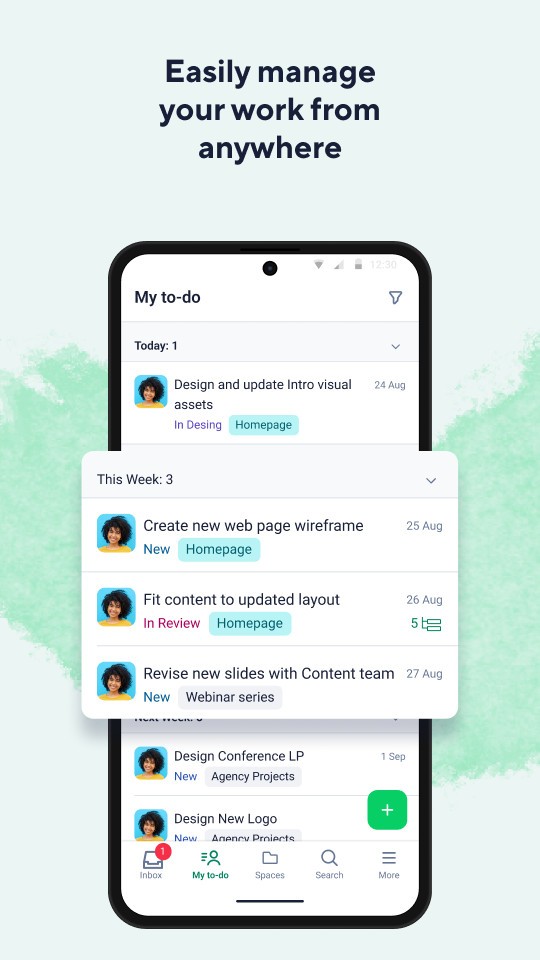
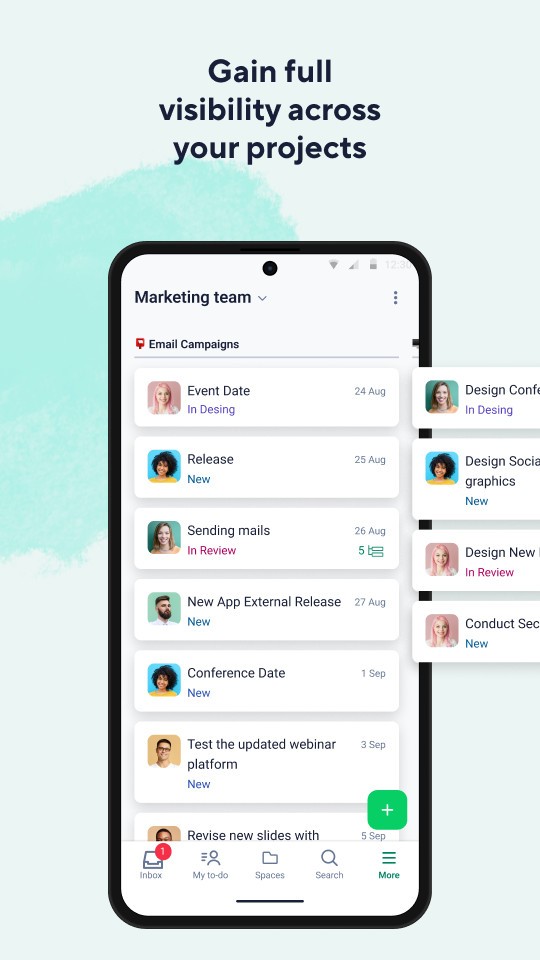
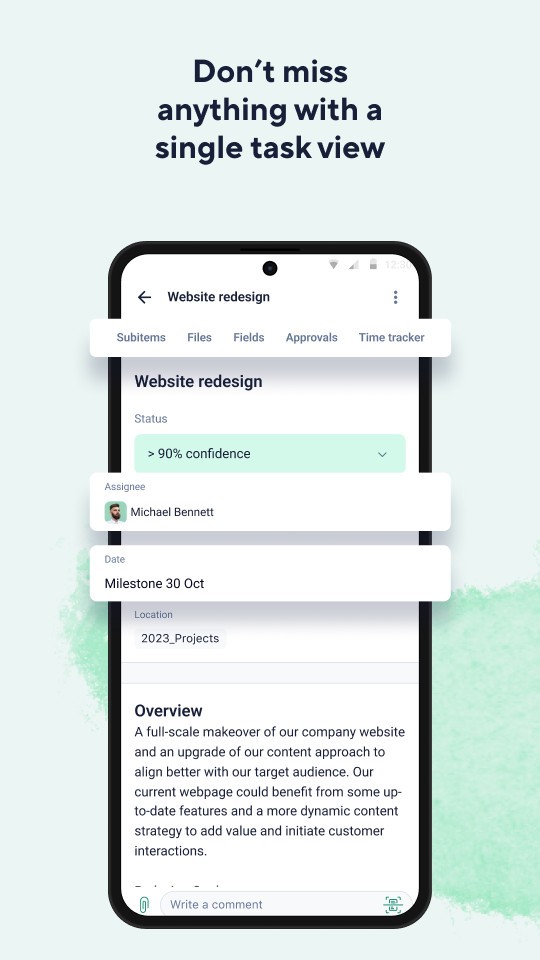
When you log in, you’re greeted with a dashboard that can show tasks, projects, and timelines depending on how you prefer to work. You can build projects from scratch, break them down into smaller tasks, and assign them to specific team members. Each task can include due dates, attachments, comments, and status updates, so everything tied to the work stays in one spot.
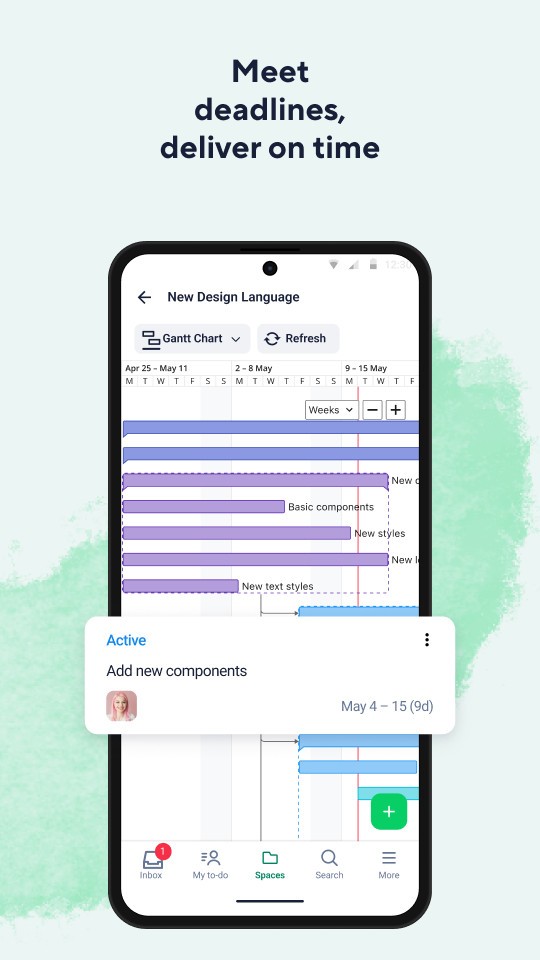
Wrike also gives you options for how you want to view projects. Some people are comfortable with list-style task views, while others prefer Kanban boards where you move items from “To Do” to “In Progress” to “Done.” And for teams managing more complex projects, there are Gantt charts to lay out dependencies and schedules visually. That flexibility is important because not every team organizes work the same way.
The platform isn’t limited to task tracking. It integrates with common tools like Google Drive, Microsoft Office, Slack, and many others. This makes it easier to connect Wrike with the apps your team already uses. In short, Wrike is both a project tracker and a collaboration hub, helping people cut through the clutter and focus on getting work done.
Why should I download Wrike?
The biggest reason is clarity. Teams often waste time just figuring out who’s doing what and when it’s due. Wrike eliminates that uncertainty by making responsibilities visible to everyone. Each task is clearly assigned, deadlines are set, and progress is tracked in real time. That means fewer status meetings and less confusion.
Another reason is accountability. When work is scattered across emails or sticky notes, it’s easy for things to fall through the cracks. In Wrike, each piece of work has an owner. You can quickly see what’s overdue, what’s on track, and where the bottlenecks are. For managers, this visibility makes it easier to keep projects on schedule. For team members, it creates a sense of responsibility without the need for constant reminders.
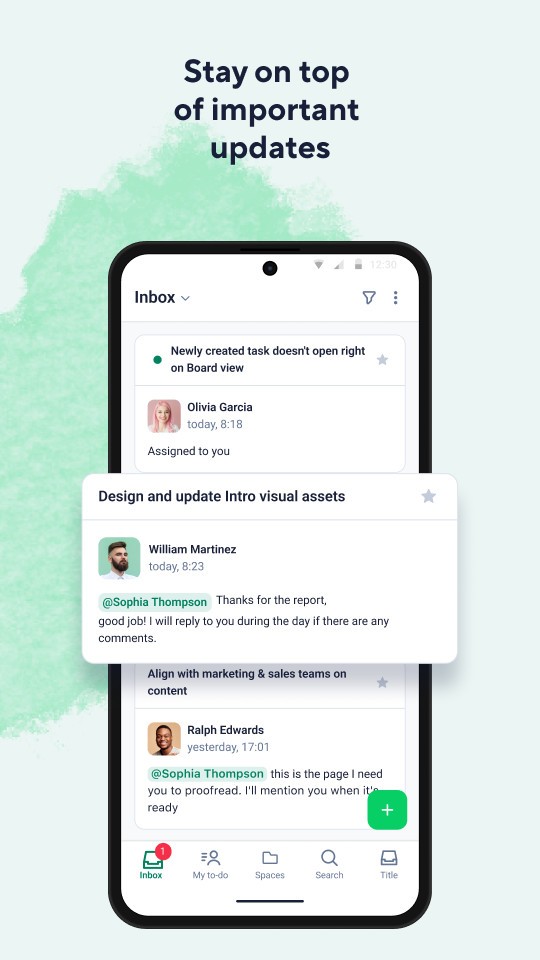
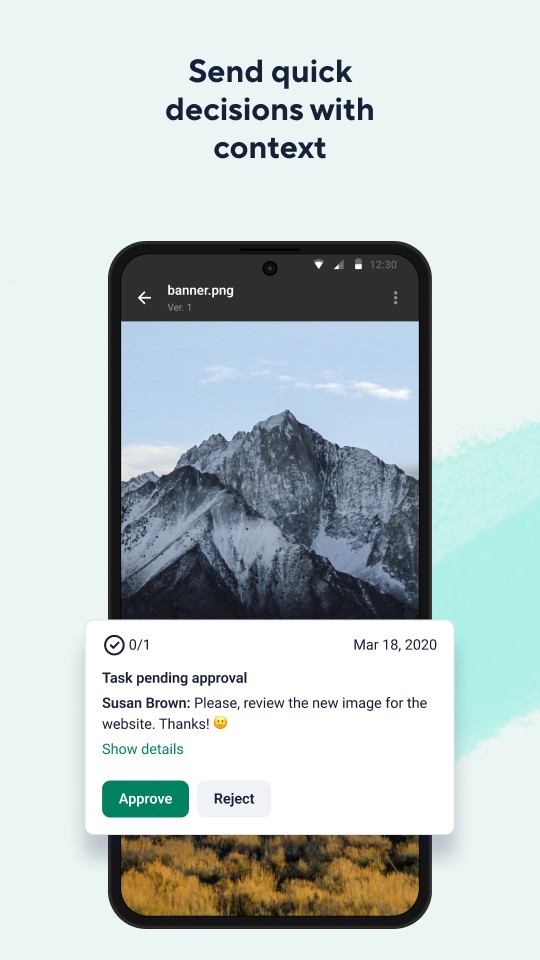
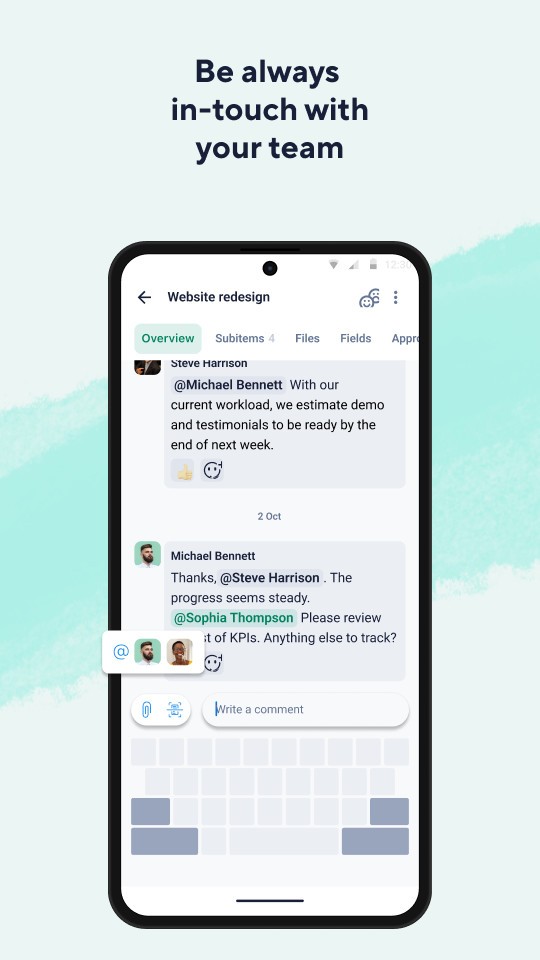
Wrike also improves collaboration. Instead of starting yet another long email chain, teammates can comment directly within a task. Files can be attached, revisions tracked, and updates made without leaving the app. That keeps discussions relevant and connected to the work itself.
The adaptability of Wrike is another strength. A marketing team might use it to plan campaigns, assigning tasks for copy, design, and social media. A product development team can use it to track releases and bug fixes. Agencies can manage client projects, while nonprofits can use it to coordinate volunteers and events. The tool isn’t stuck in one industry or workflow—it adapts to many.
And if you’re working remotely, Wrike is even more valuable. It bridges the gap between people in different time zones and locations. Instead of chasing updates, you log in and see where things stand. It creates a virtual “office” where everyone can stay aligned.
Is Wrike free?
Yes, Wrike does offer a free plan. It’s aimed at individuals or small teams who need basic task management. With the free version, you get simple tools like task creation, file sharing, and a board view to keep track of progress. For light use, that’s enough.
But the more advanced features are reserved for paid plans. Wrike’s Professional and Business tiers include things like Gantt charts, custom workflows, time tracking, and advanced reporting. For companies juggling multiple projects or needing detailed oversight, those tools make a big difference.
At the Enterprise level, Wrike adds even more—enhanced security, user permissions, and automation for large organizations that need to scale. Pricing is structured so you can grow with the software. You don’t need to jump straight into a premium tier. You can start free, see how it fits your team, and then upgrade only when it makes sense.
That flexibility is one of Wrike’s strengths. It doesn’t force you to commit from day one, but it has room for you to expand as your projects and teams grow.
What operating systems are compatible with Wrike?
Wrike is highly compatible since it works on the majority of platforms. On the desktop, it can work right in your web browser, which makes it compatible with Windows, macOS, and even Linux. There is no installation required to start, and you can use both Windows and Mac dedicated desktop applications, should you choose.
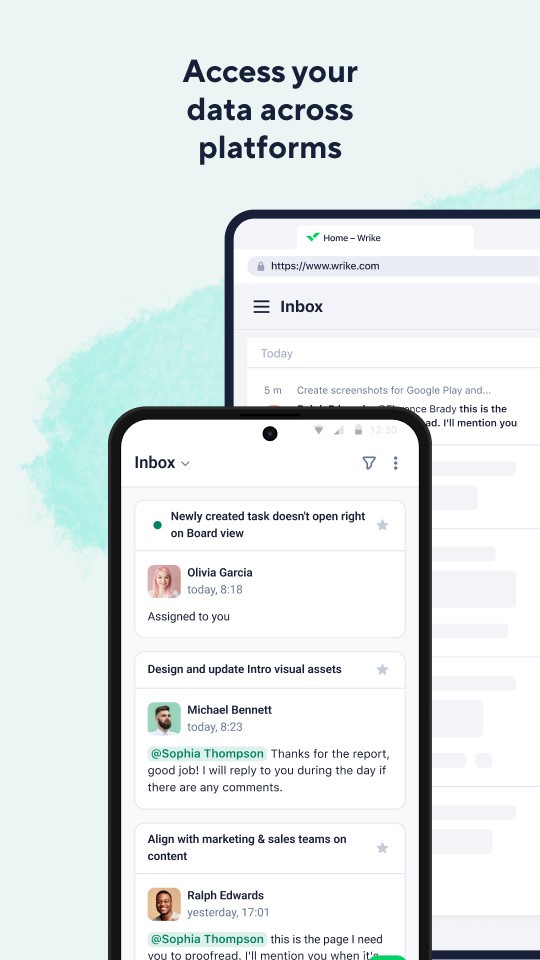
Wrike has iOS and Android apps to use on mobile. This allows one to easily check on projects, update or comment on tasks when you are not at your desk. The applications are built in a manner that they integrate perfectly with the desktop version, and therefore, your progress and updates are always in line across devices.
With Wrike being a cloud-based system, you do it on one device, and it is reflected on the other devices immediately. You will be able to work on a project on your laptop, look at it on your phone during a meeting, and resume it later on your desktop without a single step being taken away. This adaptability is what makes Wrike useful with teams that do not necessarily need to be close to each other and to work with the help of the same device.
What are the alternatives to Wrike?
Wrike is a good option, and it is not the sole project management platform available. One of the following alternatives may suit you depending on your needs and preferences:
Chanty-Team Collaboration is more chat and communication-based. It is an amalgamation of messaging and lightweight task management, which is good when smaller groups need something straightforward and simple to implement. It lacks the complexity of Wrike when it comes to project planning, but it is simple and easy to use.
The interface of Monday.com is bright and colorful, as well as highly customizable. You are able to create boards and monitor anything: projects, sales pipelines, HR processes, and customize them for one of your teams. It is highly graphic and can be customized, but some novices can be somewhat intimidated by the sheer number of choices.
ClickUp is a company that seeks to offer an all-in-one app, i.e., task management, documents, goals, and even chat, all in one application. It is very feature-rich and highly customizable, thus it is ideal for teams that desire to have a single tool to do almost everything. But since it is crammed so much, it can look congested when you only require basic functions.