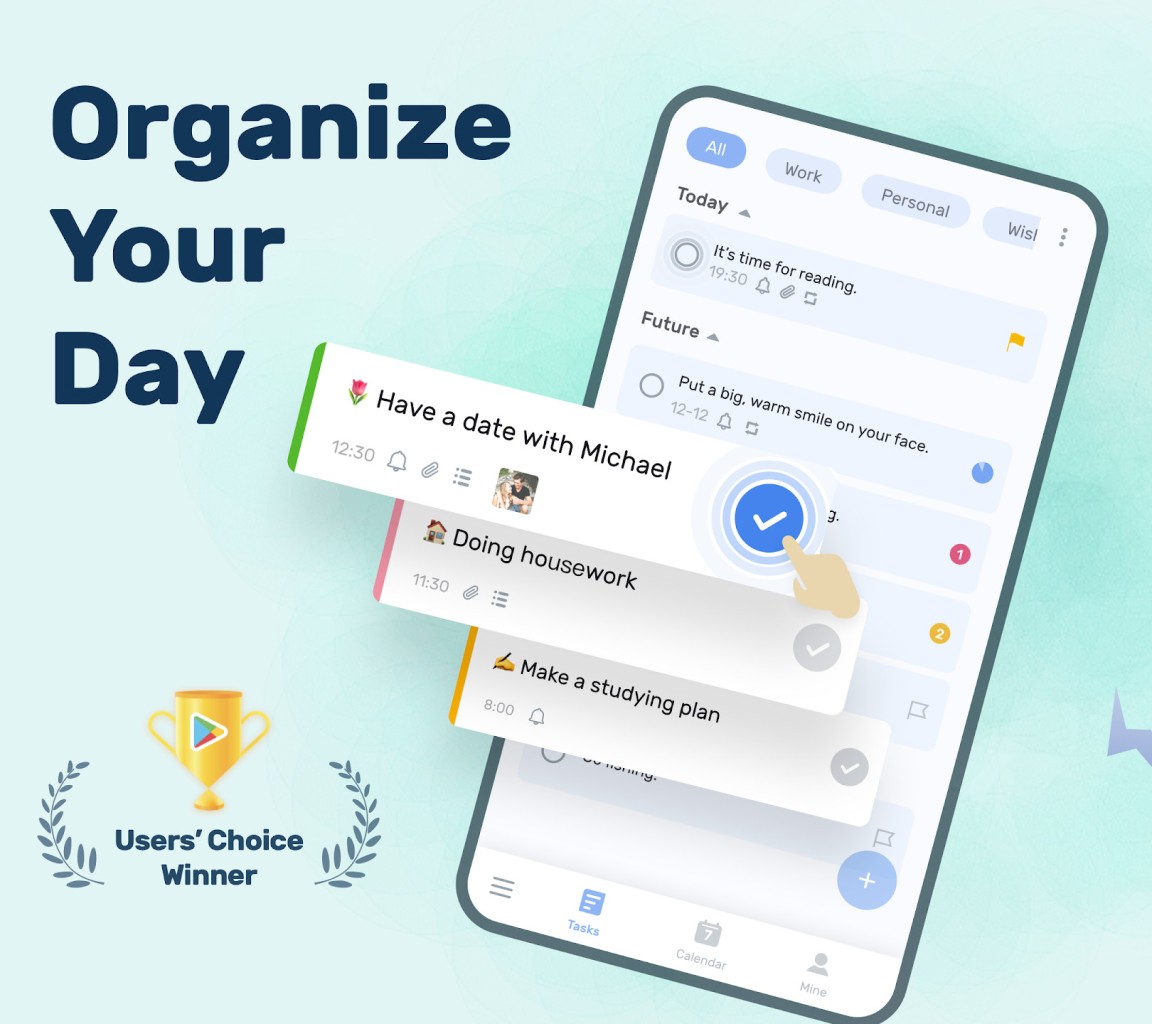
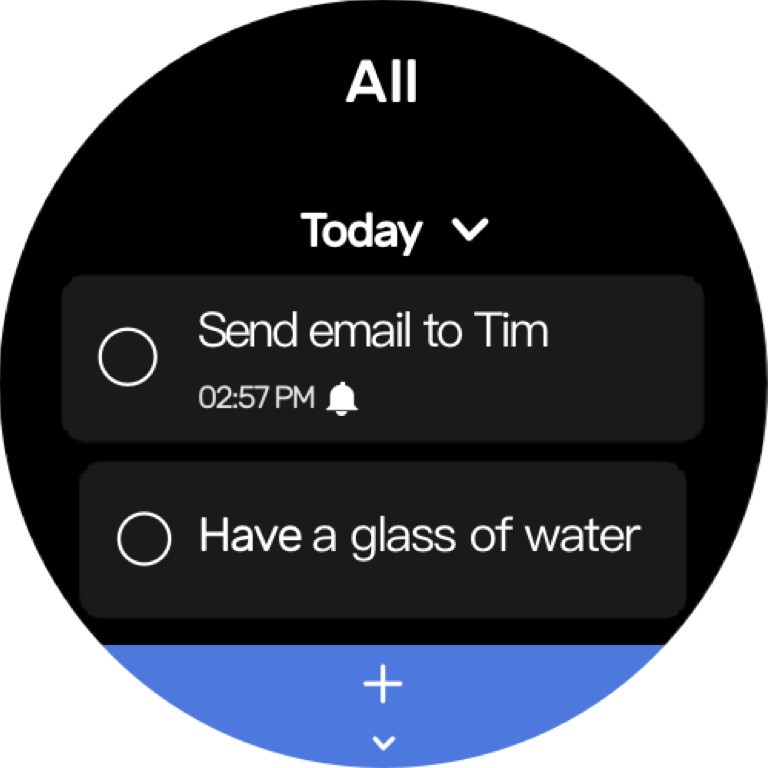
The idea behind To-Do List - Schedule Planner mobile application is to enable users to track their plans in order to manage daily activities, and set and track goals and habits that are productive. Thanks to its widgets, you always know what you have to do.
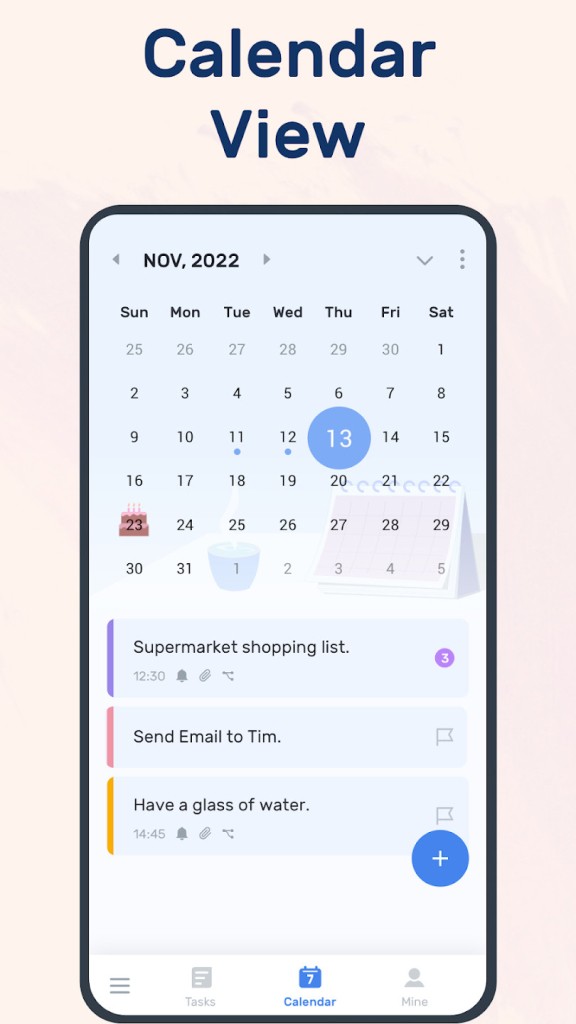
The app was designed to be simple and flexible, so along with basic to-do list capabilities, it features planning features and helps to plan your day, week, or any longer-term project. From a basic checklist to an elaborate planner, it helps you organize your work, study, or personal objectives. To-Do List offers a nice and clean interface where you can plan, create a checklist, and check and review your work.
The outstanding feature of the app is the combination of the traditional to-do list and functionality promoting planning and implementation. The interface makes everything tidy and simple to navigate, as well as avoiding the clutter and complexity that may accompany more feature-rich productivity apps. This is why To-Do List qualifies as a powerful option to consider by those who want to access a functional application to keep all potential duties in sight.
Why Should I Download To-Do List?
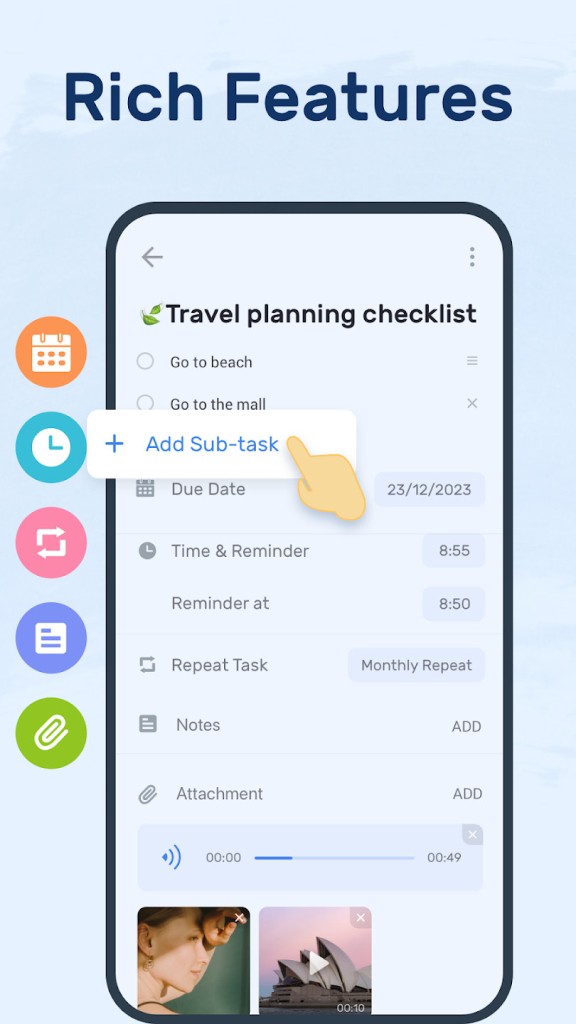
The fact that To-Do List - Schedule Planner is both easy and functional is one of the primary reasons why one should download it. The app enables you to write down the tasks and lists that come to your mind quickly, and set deadlines and reminders so that you do not forget anything. Large goals can be separated into smaller objectives and, therefore, make it easy to feel the progress and not be overwhelmed. With the daily and weekly planner, you can easily tell at a glance what needs your attention at the moment, what is upcoming, and what can be postponed. This enables users to be organized even on hectic days.
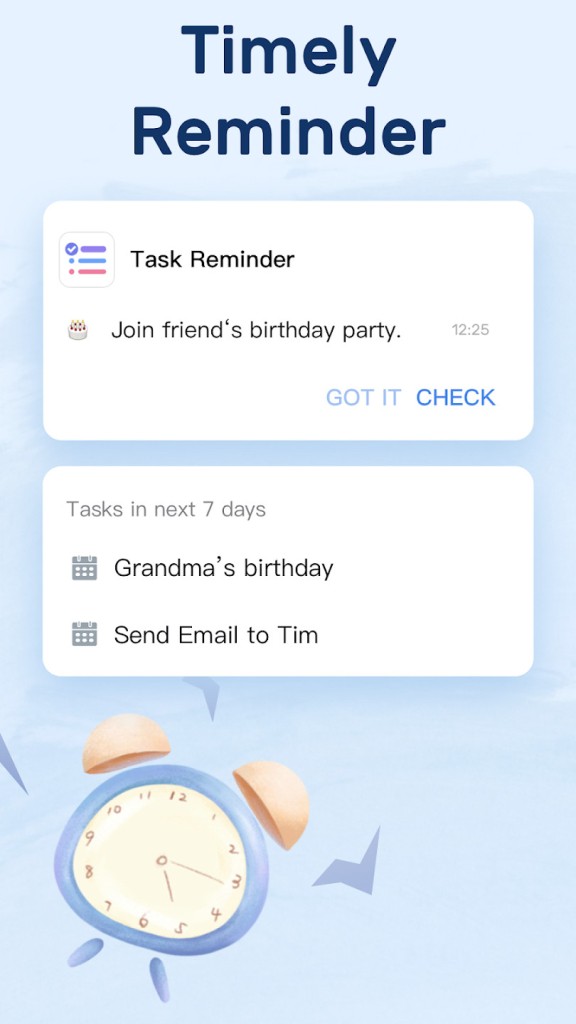
The other benefit lies in the reminder system of the app. Offering one-time or periodic reminder settings, To-Do List can keep you responsible in daily matters, as well as routines. You may create a reminder for things you require, such as appointments, deadlines, and daily routines, such as exercises, reading, or drinking water. The flexibility of setting the reminders in such a way as to fit your time and preferences contributes to these personal elements, which, in time, allow one to achieve consistency.
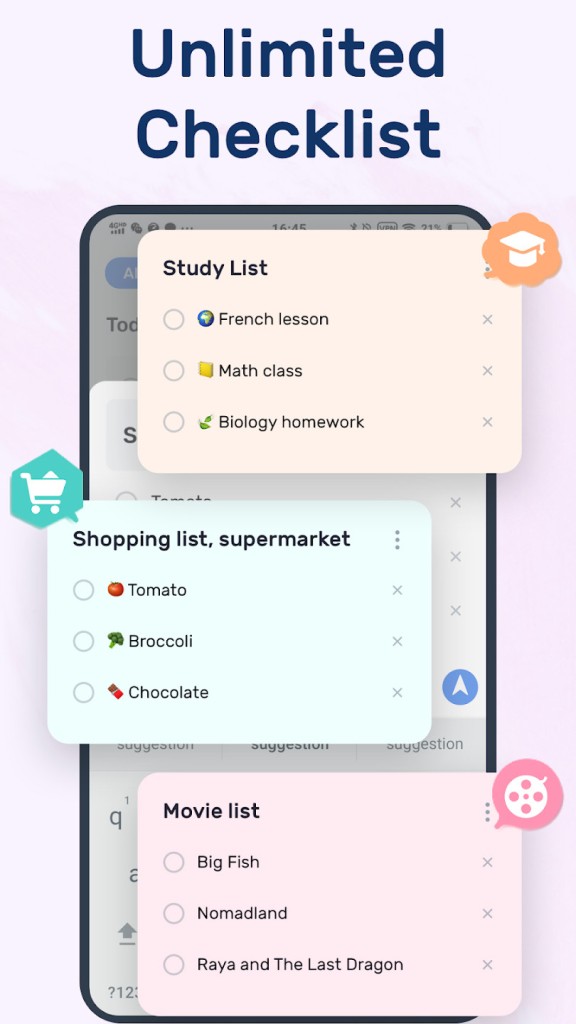
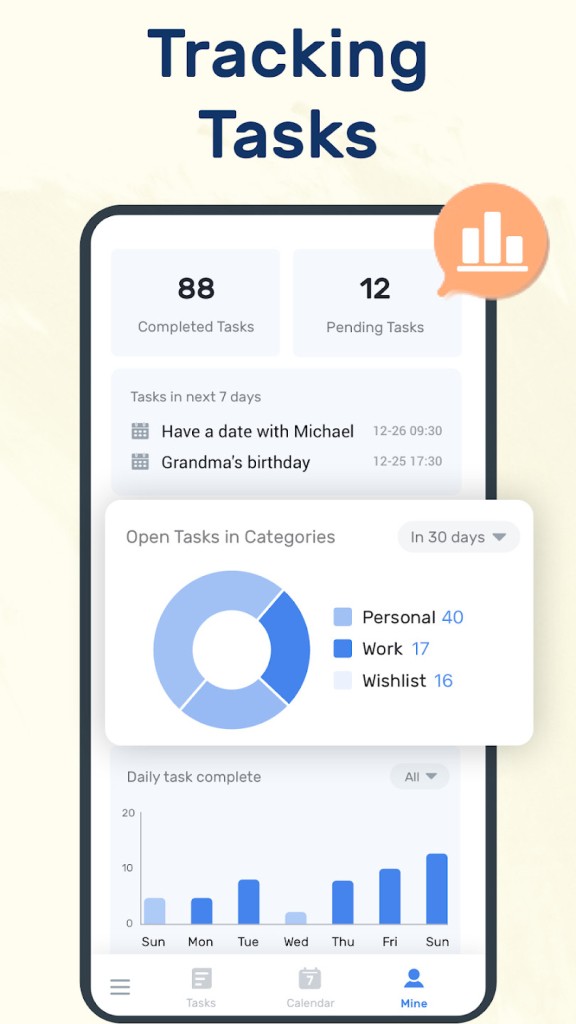
It has one more way of organization; To-Do List can help you with organization by categories, tags, or color-coding, so you can handle more aspects of your life, in the same app. Make lists by projects, by priority, by day, by anything. This brilliant app helps you tie together lists that may be related to work, but also ones related to children, errands, destinations, special projects, home chores, and much more. Such an organization prevents mental clutter and helps you focus on what matters. In the mind, concentrate on what is of the essence at any moment in time.
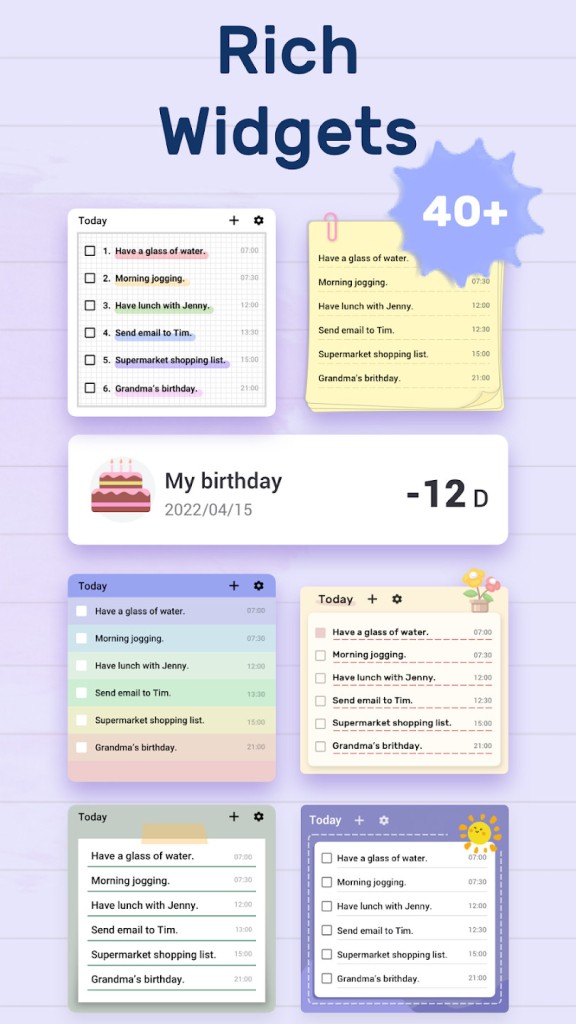
To help you stay organized, the app offers many Widgets that create reminders on your phone screen. You can also access all your reminders on your smartwatch (compatible with Apple Watch and Google Watch.
Is To-Do List Free?
Yes, To-Do List can be downloaded and used without any kind of payment at the basic level. Its application gives one the necessary functions of the program, such as the creation of tasks, schedules, reminders, and simple organizational tools, without having to make payments. This renders it affordable to the users, who may desire a secure planning application, but thankfully, do not need to act then with references to subscriptions and extra costs.
People interested in more advanced features, like the possibility to choose more themes, have a more advanced recurring tasks menu, or richer customization, may have an opportunity to make some in-app permanent purchases or subscribe to the premium program. Nevertheless, even the free version is completely usable in case of simple management and planning requirements.
What Operating Systems Are Compatible with To-Do List?
To-Do List can be used by Android and iOS devices, such as smartphones and tablets, and links with smartwatches such as Apple Watch and Google Watch. Note that the iOS app is compatible with Mac computers with an Apple M1 chip or newer.
The application is optimized to operate efficiently across a large variety of hardware, including the old low-end and new, expensive devices. It has the advantage of being lightweight, thus not consuming your battery or any speed in your phone.
What Are the Alternatives to To-Do List?
In case you are shopping elsewhere in the market for other task management applications, there are several substitutes that exhibit their own advantages or disadvantages depending on the capacity where you are seeking.
Microsoft To Do is a simple, minimalistic product that fits well into Microsoft-based environments, alongside Microsoft Outlook and Teams. It particularly comes in handy to those users who have already depended on Microsoft applications in their work or school, and it also boasts stable syncing, cross-platform shared lists, and straightforward task management.
Along with it, another widely used solution is Todoist, which is characterized by the availability of powerful organization functions and cross-platform support. Todoist also has labels, filters, priority levels, and project hierarchies, making it of choice for users handling complex projects, just as it is with team projects. It also provides such capabilities as natural language input, which allows you to enter a task by typing such info as Meeting Monday at 2 pm, and the app will resolve the time and date.
Any.do has a smooth interface, and its tasking/calendar/reminders combo can be a good option when one wants all things in one location. It allows voice entry, repetitive tasks and subtasks, and other features, including grocery lists, calendars, or virtual assistant integration. Any.do possess cross-platform support, meaning that one can switch between devices and update the to-do list wherever they happen to be.