Microsoft To Do is a task management and productivity application that helps individuals and teams organize their day, creating goals and bringing balance to their duties. Successor of the Wunderlist app, Microsoft To-Do has been developed by Microsoft and integrates well with other Microsoft services as Outlook, Teams, and OneNote, to create a unified workflow. Its application allows users to quickly access a clean interface to make a list of tasks, set reminders, create deadlines, and break down more significant projects into parts.
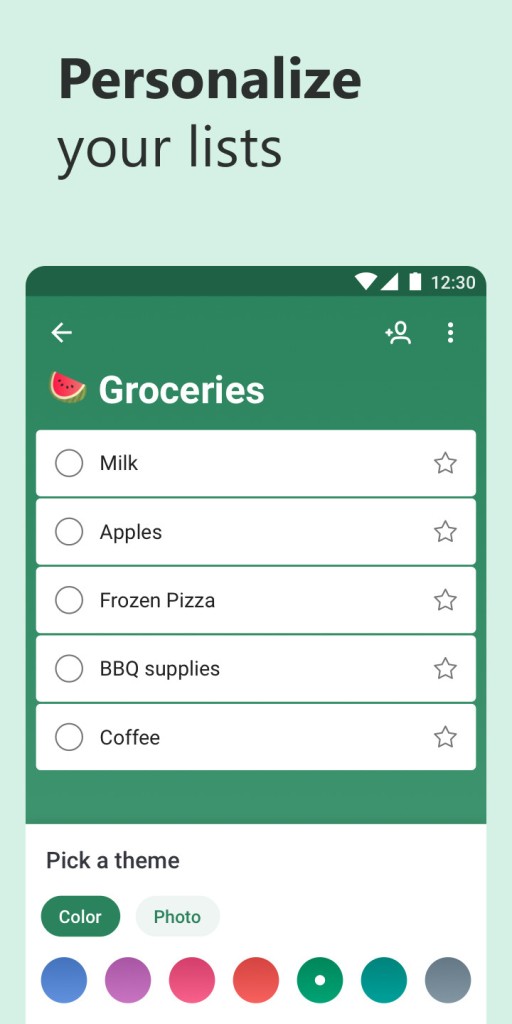
Flexibility is one of the main features of Microsoft To Do. You can make your own lists of personal errands, work projects, things you are studying, whatever you want to keep a list on. It is easy to manage complicated tasks since it is possible to add notes, due dates, attachments, as well as sub-tasks to different actions.
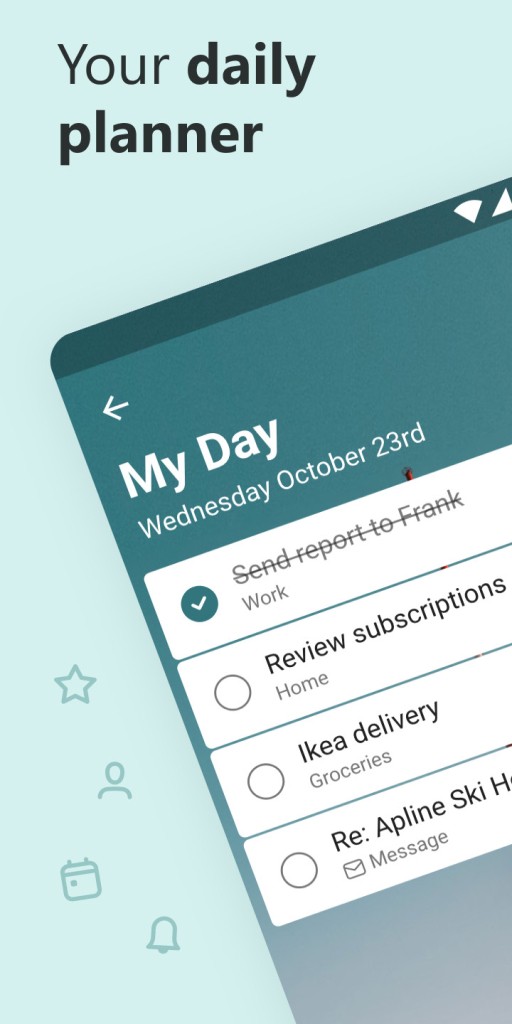
Microsoft To Do also has a My Day feature that makes it easier to concentrate on the tasks of the day rather than being overwhelmed with the tasks that should be done in the long term. The cloud-based design means that your work will be available across all the gadgets in the cloud, and you can access it anywhere at any time.
Why Should I Download Microsoft To Do?
Microsoft To Do is perfectly suitable for people who want to make task management easier and become organized. Ease of use is one of the main reasons why you should download Microsoft To Do. The design of the app is minimalistic, not distracting you unnecessarily when performing your tasks.
The process of adding, editing, and organizing tasks is simple and unobstructed; thus, the focus is on getting things done rather than the time you spend on how to use the app. It does not matter whether you need to organize current errands or plan bigger ones, Microsoft To-Do will help you organize your work in a way that you can clearly understand and estimate.
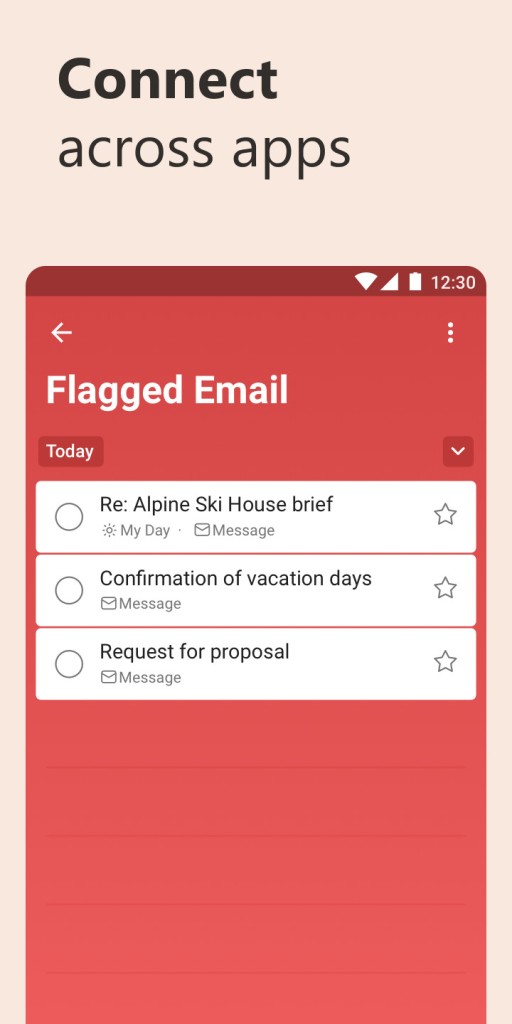
The other reason to download Microsoft To Do is the intelligent compatibility with other tools. Since it belongs to the Microsoft world, To Do integrates well with Outlook, flagging emails and activities, thus merging everything in a single place. When you already use Teams, OneNote, or some other Microsoft apps, To Do is the tool that integrates seamlessly with your routine.
This renders it particularly beneficial to a professional who would want his or her productivity tools to be communicative with each other. The possibilities of the app to attach files, leave notes, and prioritize an item also assist in storing all the information related to a task in one convenient place.
Is Microsoft To Do Free?
Yes, Microsoft To Do is a free download and free-to-use software. The app includes what it makes available entirely free of charge (unlimited task lists, sub-tasks, timely reminders, file attachments, and collaboration tools). It does not have any plans or hidden fees, and is available to anybody considering that one wants a powerful solution enabling effective task management without having to worry about subscription relationships.
By providing the To Do free productivity tool, as part of the commitment to providing integrated free productivity tools that would complement a family or individual subscription to its premium features offered, such as Microsoft 365, Microsoft provides a more robust offering to individual users or family members compared to the premium features offered they would receive.
As To Do is an integration with other free and paid Microsoft applications, users may enjoy new features in case they already use Microsoft 365. As an example, To Do interoperates with the task management functions of Outlook and allows the insertion of cloud-based file attachments on the basis of OneDrive. Nevertheless, the essence of the core features of this app does not force a user to have a Microsoft 365 subscription; therefore, it is a decent application by itself.
What Operating Systems are Compatible with Microsoft To Do?
Microsoft To Do can be synced with numerous devices and operating systems so you can make sure that the list of tasks you need to accomplish is within arm’s reach. It can be downloaded on Windows, macOS (through the web app), Android, and iOS. The touch devices need mobile apps, and they are easy to navigate and easier to access your lists, reminders, and notes. Its Windows version desktop client is fully functional with extra keyboard commands and more integration to Outlook and other Microsoft applications.
Besides native apps, Microsoft To Do can be accessed through an updated web browser. This easily allows you to check the things you need to accomplish, or add new tasks on any computer, regardless of whether you are using your own gadget. The cloud-based syncing of the app will make sure that the updates will reflect on all devices immediately, and thus your task lists will be updated regardless of your device: the phone, the tablet, or the computer. This multi-platform capability ensures that Microsoft To Do is a stable candidate even to anyone who may be utilizing different devices in the course of a day.
What are the Alternatives to Microsoft To Do?
Microsoft To Do has a few alternatives to choose from, where the approach to task management can be different.
Remember The Milk is a classic task management application that is fast, simple, and versatile. It has smart lists, tags, and strong search features that enable a user to sort out his/her tasks smartly. Similar to Microsoft To Do, Remember the Milk has these functionality options as reminders, due dates, and shared lists. Being productivity-oriented, it is a good option to use when a user needs the task to be handled quickly without any extra features.
The other trendy alternative is TickTick. It is also a task management tool and integrates other features such as a habit tracker, calendar overlay, and focus clock. The features of TickTick are versatile, which attracts users who require more than a list of tasks. The app is available in the free plan and as a paid app, with the latter allowing you to unlock bonus features such as personal smart lists and better facilities for collaboration.
Any.DO offers a beautiful, clean, and easy-to-use interface with a focus on minimalism and simplicity. It unites all the tasks, events in the calendar, and notifications in a single interface, enabling users to control their schedules and to-do lists. Any.DO has voice input, repeat tasks, and virtual assistant connection, and therefore is most convenient to users preferring hands-free management of tasks or having a more visual, calendar-centric interface.