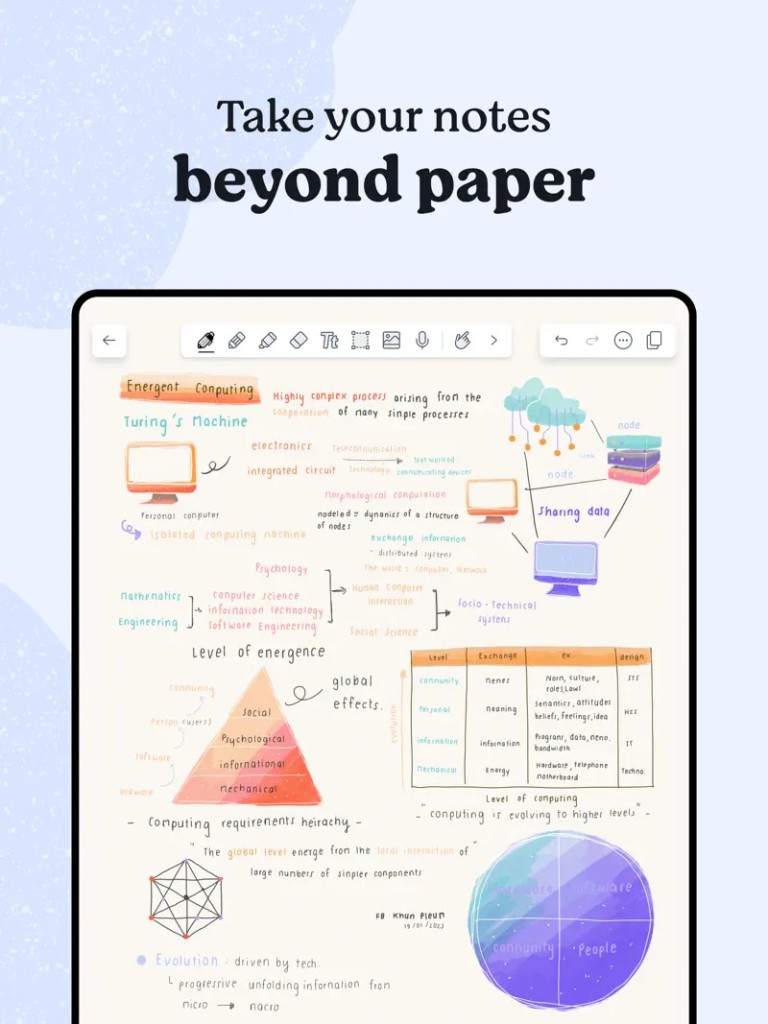
Notability is a user-friendly note-taking software that enables a user to jot down any idea and organize data in the most effective way to achieve productivity through writing, drawing, and audio recording. Notability started as a hit on iPad, but now it is one of the essential applications used by learners, businesspeople, and artists who require a versatile space to keep their notes.
Users can choose to work in the mode they feel most comfortable in, as the app supports handwriting, typed text, and sketches seamlessly. typed documents, sketches, and notes. Be it in a lecture, in a meeting, or when brainstorming ideas, Notability provides you with the tools that allow you to record, review, and refine the ideas in the most effective ways possible.
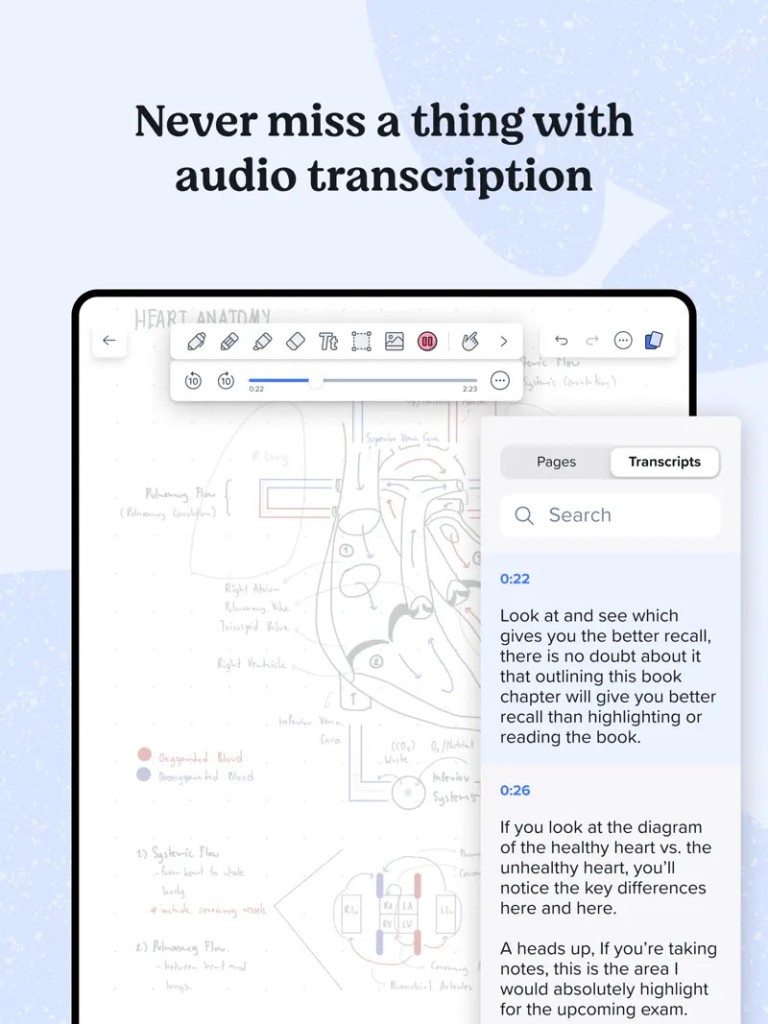
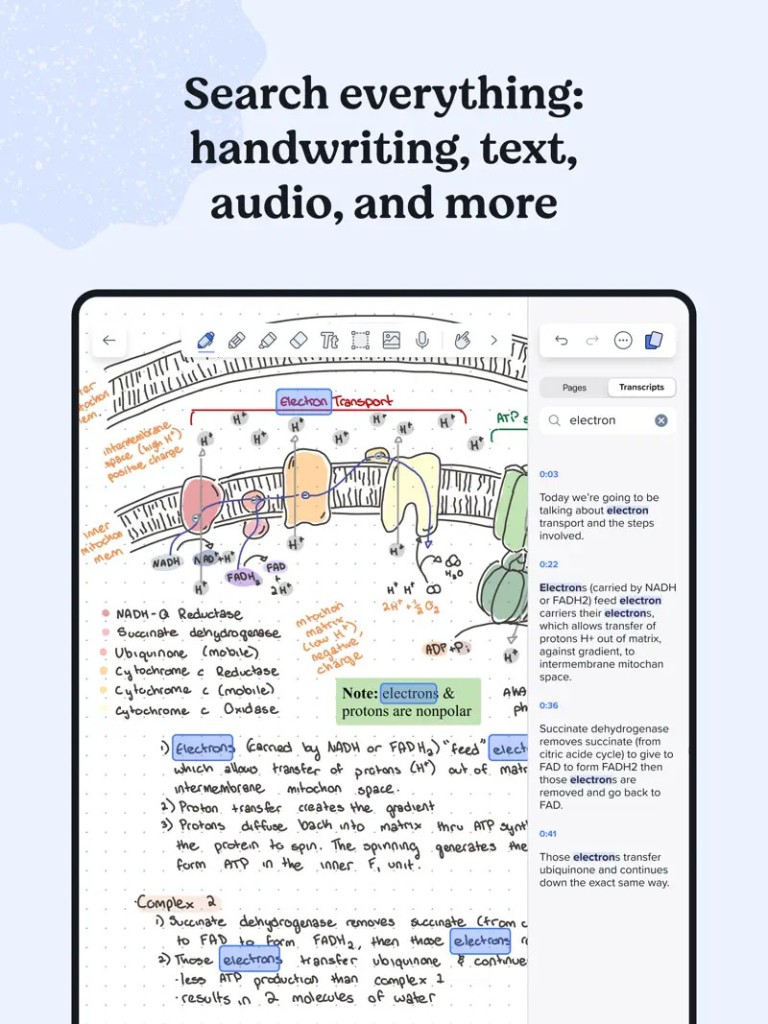
Among the most remarkable features of Notability, it is possible to integrate handwritten notes with typed ones in the same document. It is easy to move between tools: typing, drawing, and highlighting. Audio recording also takes place in the app, in which users can record spoken material and match it with their typed notes. Later, by tapping on a word or a drawing, it will take you to the particular point on the recording.
This attribute comes in handy, especially when students need to go back to the lectures or when professionals need to go back to the meetings. Notability has a clean interface and easy-to-use controls that allow one to concentrate on the work without being distracted by anything.
Why Should I Download Notability?
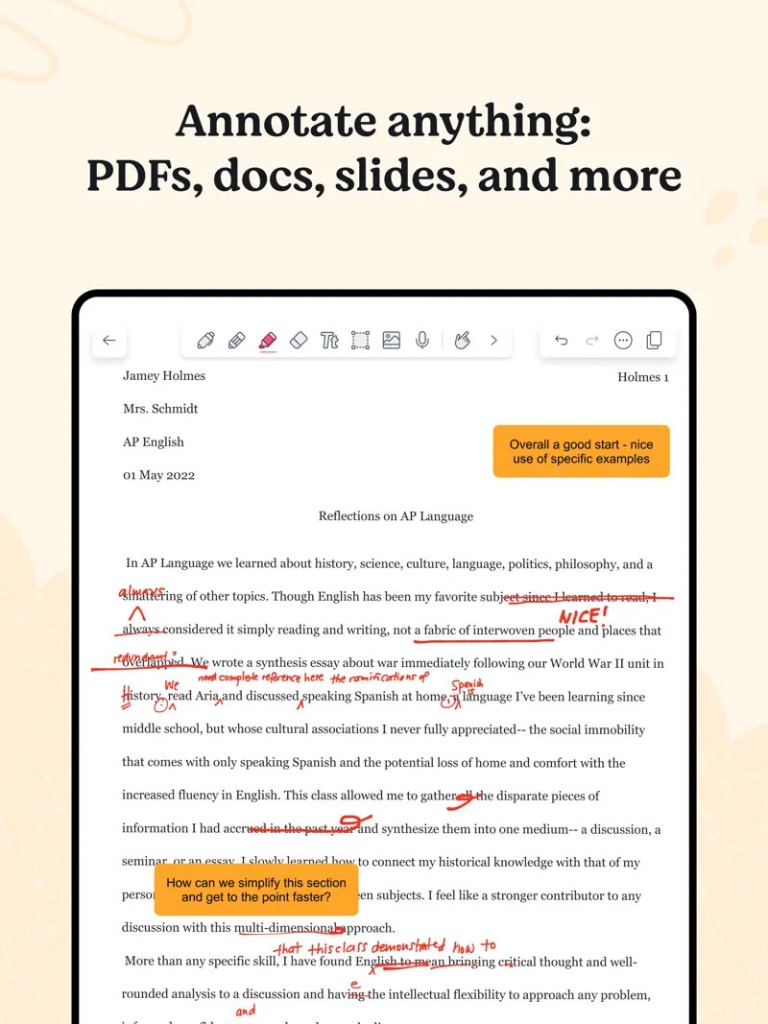
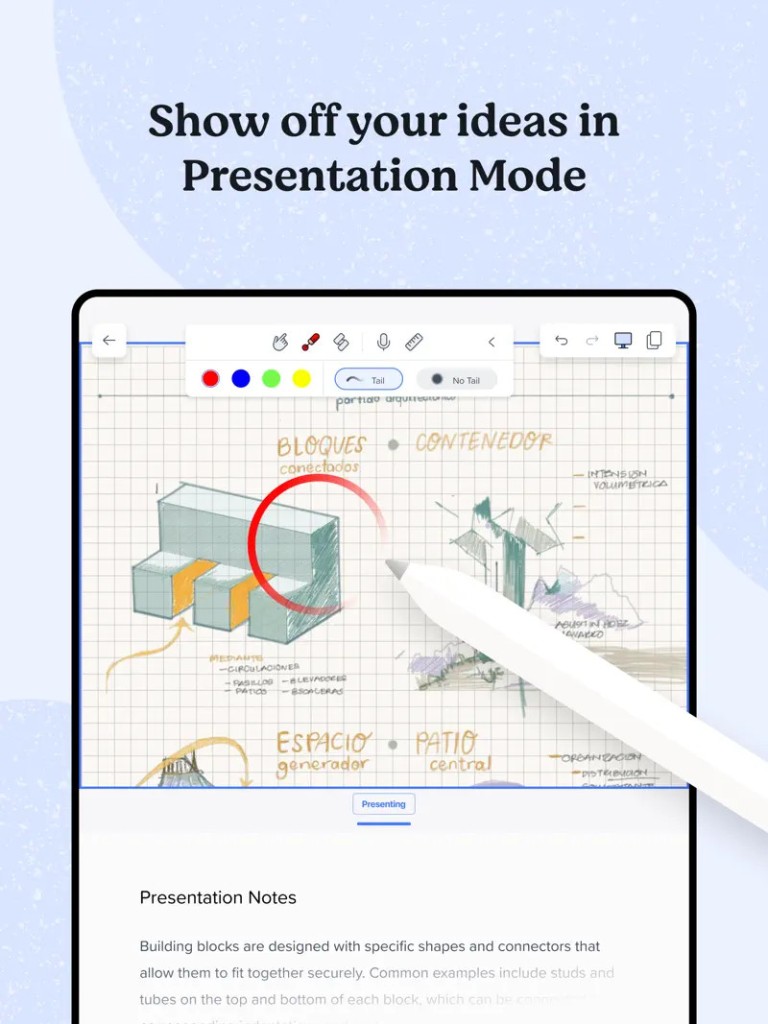
Versatility is one of the primary motives to select Notability. No matter whether you prefer to write with a stylus, type, or use a mix of both, or you have a different note-taking style or a skill of taking notes, this app fits any note-taking style or task. When you want to draw the diagram, highlight the PDF, and create a list of things that must be done to accompany your notes, Notability has everything you need in a single interface.
It is because of such flexibility that it becomes the more enjoyable option to have among people who not only want a digital notebook, but they want it to be creative, functional, and dynamic with the ideas that thrive in it.
In addition to referencing abilities, another great strength of Notability is the ability to record audio. Notability is one of the few note-taking apps that incorporates audio seamlessly. You can use the time of writing or sketching to record lectures, meetings, or personal thoughts. You may then replay the audio files and follow the audio scan over your notes.
This allows one to easily remember the background behind a certain argument or drawing. To the students, this implies that they never miss a vital piece of information. The professionals can use it as a sure method of going back to discussions and decisions made, rather than remembering them.
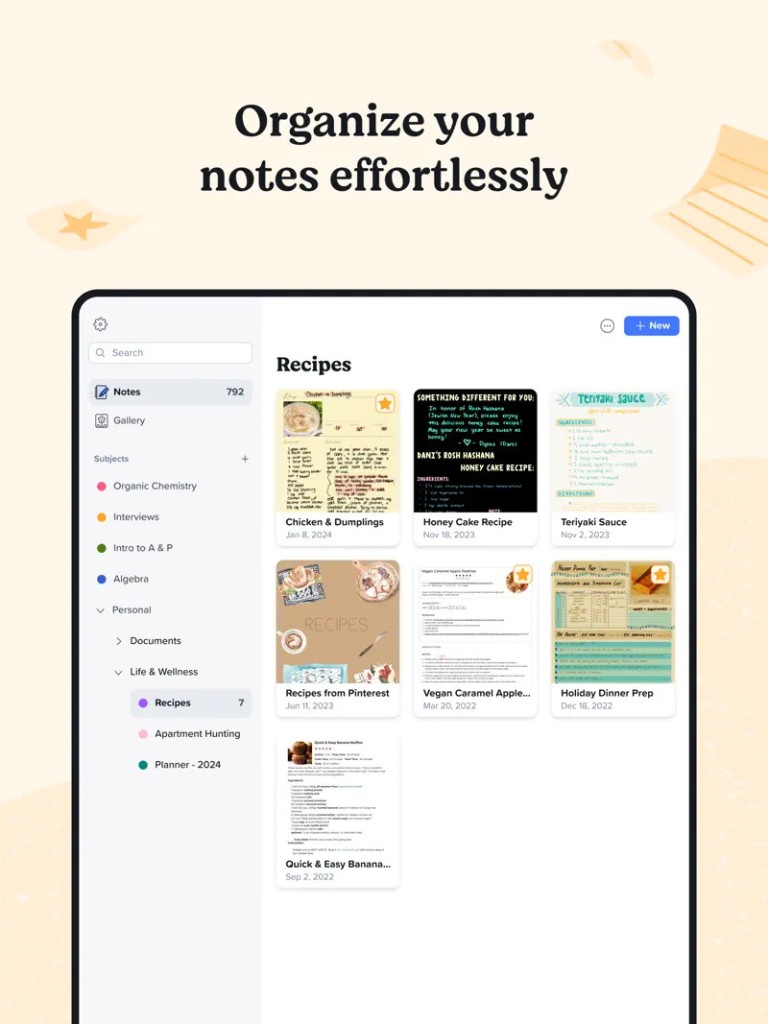
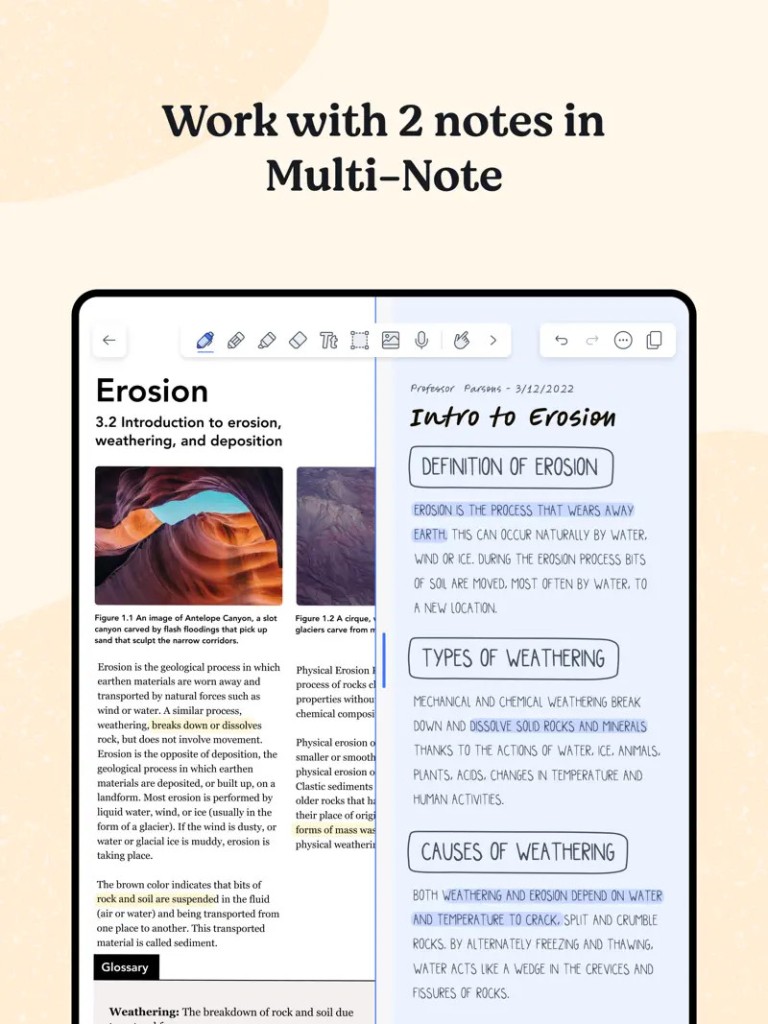
Another bright feature of Notability is its management of documents. The app allows importing PDFs, images, and other files; thus, you can annotate and group them with your notes. It allows you to add dividers and subjects that help organize your notebooks in a way that fits your working process. Your notes also synchronize with your iCloud, meaning that your notes will always be on all your devices. The search option will enable you to locate the handwritten text, typed words, and even annotations in a snap, thus saving you time and aggravation.
Is Notability Free?
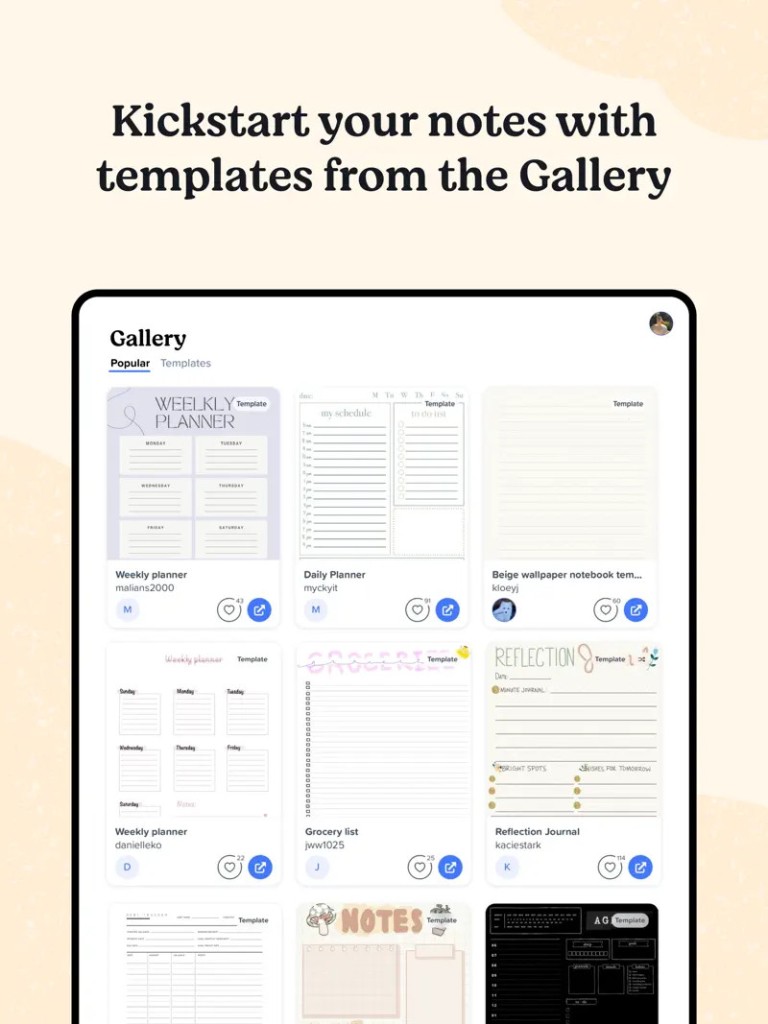
Notability is both paid and free. Its free version includes access to basic tools that let you make notes, record audio, or sync them between devices. Nonetheless, features like unlimited edits, improved handwriting recognition, and other paper templates are also included in the paid subscription known as Notability Plus.
This subscription activates the dynamism of the application for those who are interested in using it to the maximum. Notability works on the subscription model, giving it an opportunity to improve constantly and add more functions to it, though users have a chance to get to know its basic functionalities without paying anything.
What Operating Systems Are Compatible with Notability?
Notability is created to run on the Apple-based ecosystem. The application can be downloaded on an iPad, iPhone, and Mac and is synced without challenges via iCloud. It is optimized with an Apple Pencil on iPad that gives a natural and responsive experience with handwriting that resembles writing on paper.
The users of Mac can also enjoy the tools of the app to type the notes, markup documents, or listen to the audio records. Notability does not run on Windows or Android devices, but it is well-integrated with Apple functionalities, which means that one can easily work on it across their devices and in a coherent way.
What Are the Alternatives to Notability?
Notability has a few alternatives that have their advantages.
Nebo is an application that provides note-taking and revolves around handwriting recognition. It enables a user to write with a stylus, like writing on paper, and transforms handwritten notes into computer text. In addition to having math support and the ability to recognize diagrams, Nebo is a suitable app to take technical notes as well, and it can be used across several devices, such as Windows and Android, which makes its device compatibility greater than that of Notability.
Another alternative is the Concepts, which will be more oriented towards creative thinking and designers. Even though note-taking features were also provided, its main advantages are more conventional: flexible drawing tools, an unlimited number of layers (canvases), and well-adjusted drawing instruments. This application is best suited to people who would like to combine notes with illustrations or design elements. The app allows drawing with layers and custom brushes and has many export options, which means it can be used by visual thinkers.
Craft is a reference software app that is geared towards structure and collaboration. It enables students to produce nested documents, connect ideas with others, and collaborate on teams with people in real time. Craft can be used on Apple devices and the web; hence, it can be accessed over several platforms. Its clear, stripped-down design and emphasis on relationships among documents make it desirable to those who desire their notes to be as ordered as their minds.