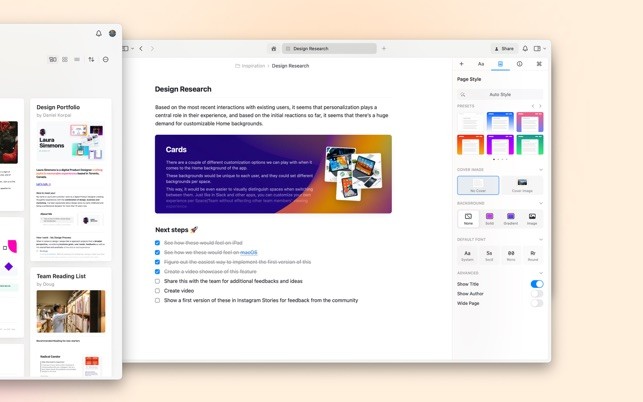
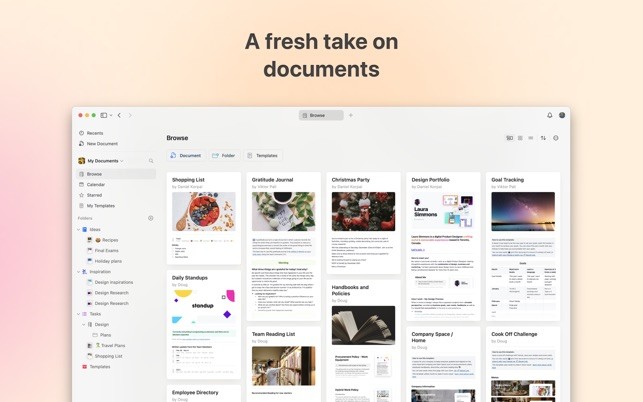
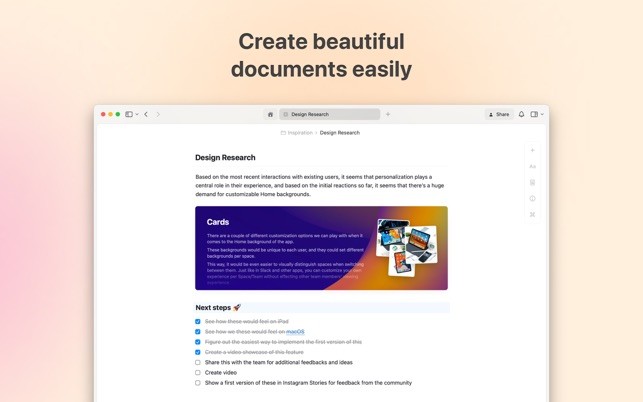
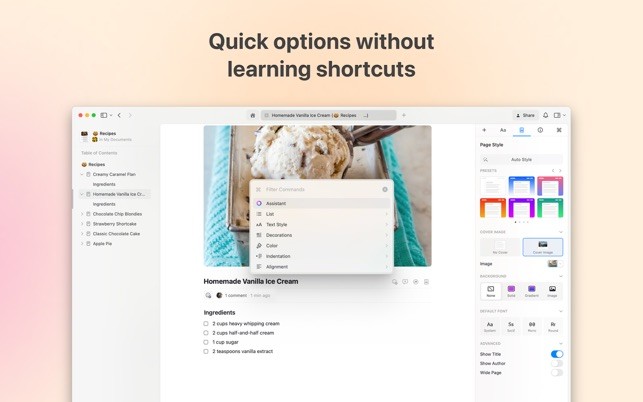
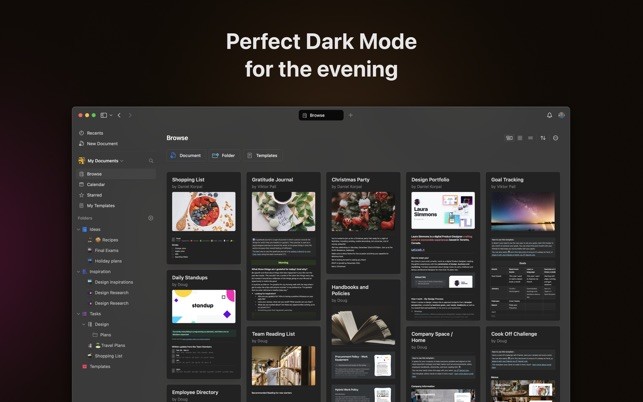
Craft is a new writing and note-taking app designed for simplicity and power. Its flexible design and appealing interface allow people to use the application cleanly and intuitively, create and organize their documents, and edit them.
The program enables combining text, pictures, links, tasks, and media into perfectly formatted documents that can be easily shared and brainstormed with others. The app is designed with simplicity and power to enable writers, students, professionals, and creatives to possess all the means necessary to carry ideas, build projects, and remain uncluttered with distractions.
Block-based structure is one of the main aspects that distinguishes Craft. Everything is managed as an individual block, removing the barriers created by paragraphs, images, or media objects, enabling the user to move things around, nest, or tie them together with ease.
The application also has a strong search and linking feature, which enables you to create a network of interconnected notes and documents so that you find it relatively easy to handle complicated information. The AI editing solutions provided by Craft allow you to rephrase, summarize, and improve texts, assisting the user in refining their work without changing apps or services.
Why should I Download Craft: Write docs, AI editing?
Craft would be an excellent option if you need a writing app that is more than a document app. The good thing about the app is that you have the freedom to create anything — from a note to a report, a journal, or even a project plan.
Its block-based design is convenient for arranging your ideas when it comes to outlining an idea, creating a draft report, managing tasks, or taking general notes written during a meeting. You can drag parts about, insert sub-pages, and reference related material, which aids in keeping any given difficult information at hand and obvious.
Another reason to download Craft is its editing support based on AI. The native AI assistants will be able to revise your sentences, summarize a lengthy text, or make it clearer and more neutral. It is easy to use, making professional documents elegant and demanding no copy and paste your work to other applications. The AI editing tool reduces the time spent, particularly when you are preparing longer-term works or when you want to repurpose the content to suit various people.
Craft comes with numerous features such as Markdown, keyboard shortcuts (for the macOS version), version history of all your notes, synchronization between your mobile and computer, etc.
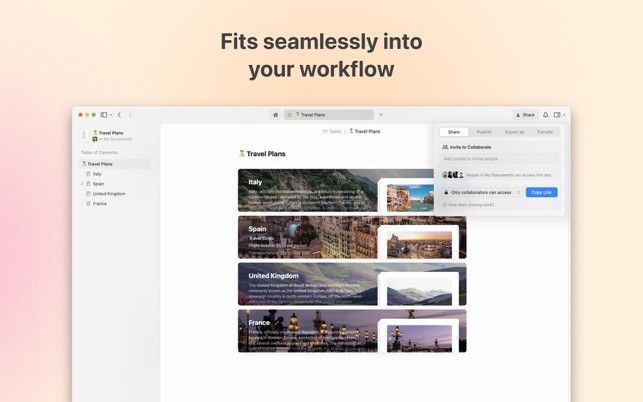
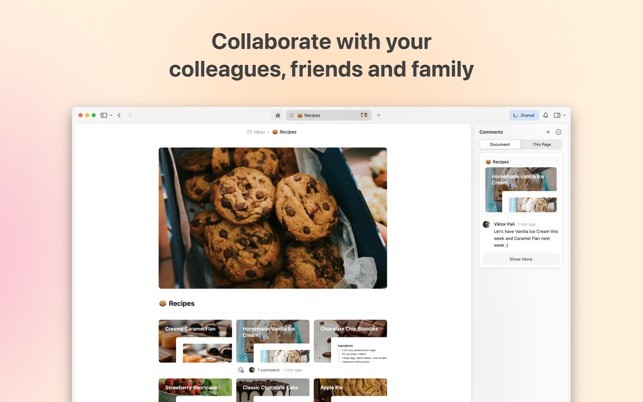
It also has sharing and collaboration via the app, which enables you to share any work so others can view it in real-time or edit your work, which makes it a valuable tool used by teams and classrooms and in creative projects.
Is Craft: Write docs, AI editing Free?
Craft has a free service and a subscription plan. The free version has basic functions that a user can access, including creating note pages, formatting documents, and sharing basic functions. This plan is liberal enough to create a user-friendly, visually pleasing workspace to write and structure their ideas. Nevertheless, to a user interested in utilizing all the features of the application, the premium plan of Craft includes such extras as team collaboration tools, AI-based editing assistance, unlimited storage, etc.
The premium plan is a subscription and is intended to satisfy the needs of the customer who uses Craft for professional, academic, or team purposes. The pro version also serves the purpose of financing further development of the app, so that Craft does not have ads and will aim at enhancing the writing and editing experience as much as possible. In both the free and paid plans, Craft is a home to a clean, distraction-free working experience in which the writing can be the focus.
What Operating Systems are Compatible with Craft: Write docs, AI editing?
and offers an integrated experience between Apple devices. The app was developed with these platforms in focus and offers features, such as offline access, has built-in file support, and syncs quickly via iCloud, making it desirable to users who already belong to the Apple community.
If you are not an Apple user, don’t worry, the app is now available as a Windows program (to be downloaded and installed) and as a web app that you can open on any browser on any OS, including Android. Users can view and edit documents as with the Apple apps.
The desktop and mobile versions have the majority of the most important functions of the web version, so that there are no disruptions to the workflow when you change your device. Craft can be used in nearly any workflow, and the blend of native apps and web-based access will work in any environment you’re in, be it at a desk, in a meeting, or on the move.
What are the Alternatives to Craft: Write docs, AI editing?
There are several alternatives to Craft: Write Docs, AI Editing, each with its own unique approach to writing, note-taking, and document management.
Nebo is a handwriting-oriented application that targets those who do not want to use a keyboard, but a pen. It provides formidable handwriting recognition that can convert a handwritten document to an editable, searchable form. Nebo is a good option for those who write a lot by hand but desire to be able to convert and structure them using a digital notebook.
Another alternative is Concepts: it brings sketching and note-taking together in a single application. Concepts were created with visual thinkers in mind, and this app has an infinite canvas where people can draw, write, and plan. It is an ideal tool for those users who need to incorporate both text and drawing in their documents, like designers, architects, or creative planners. Although the Concepts app is focused on drawing and making layouts, it has a flexible element of note-making, which can be used alongside written work.
Notability is a familiar application that combines writing, typing, recording audio, and annotating PDFs. It is particularly amicable to students and other professionals who seek to integrate the various types of note-taking in a single entity. The ability to create Notability supports the importation of documents, marking up of slides, and recording lectures or meetings, hence making it a wide option in academics and other workplace environments.