Tasks is a simple yet efficient app for adding reminders, organizing your to-do lists, prioritizing specific activities, and managing them with due dates or recurring alerts. It’s a perfect choice whether you need to track your errands, manage long-term projects, organize large undertakings, or collaborate with others on shared lists.
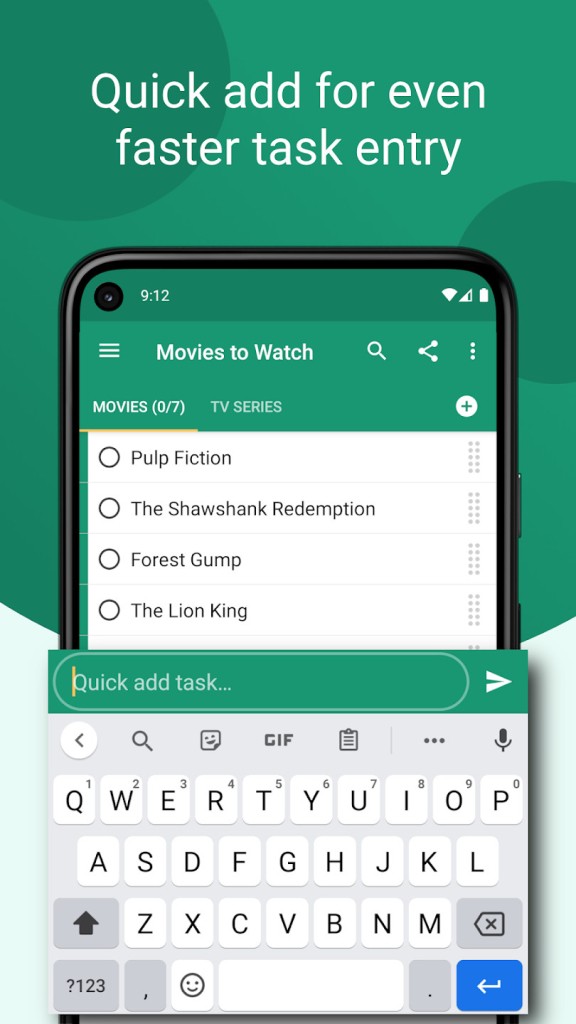
Instead of overwhelming you with different features, Tasks has a minimalist interface so that you can focus on what you need to do, quickly add and schedule items, and store all of that information locally unless you’d like to sync them to the cloud.
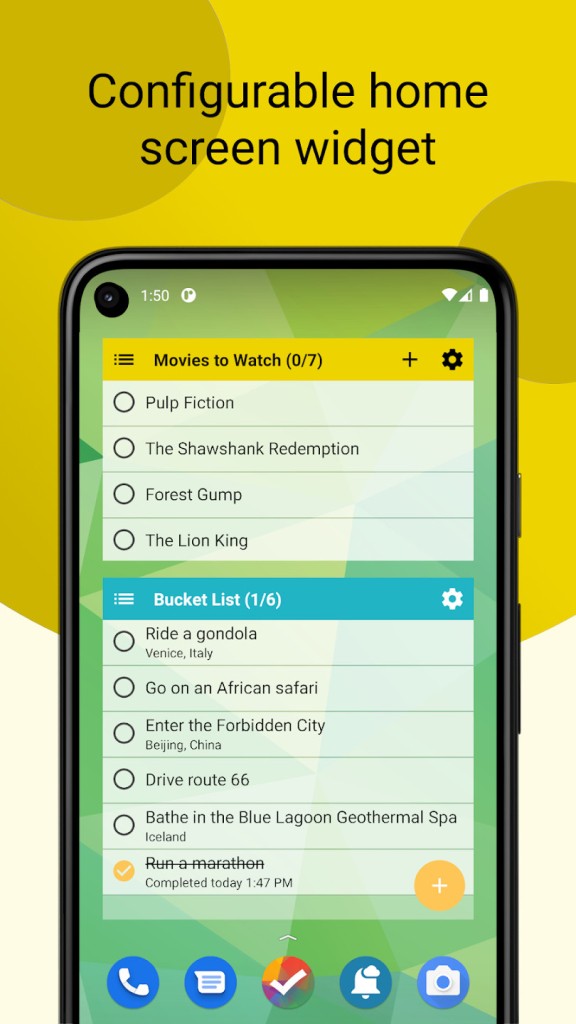
You can download Tasks for free on Android devices or get a premium subscription and use it on the web. You can add it as a widget to your screen, and the app integrates smoothly with the Android system, calendar, and notifications, so it can work fully offline.
Why should I download Tasks?
The primary focus of Tasks is to give you maximum flexibility and usability, as well as different customization options without distractions. The main actions you can take with the app are to create and complete items from your lists, as this is the main view when you launch Tasks. The items can be categorized by date, list, tag, or even a filter you create if you need something more refined.
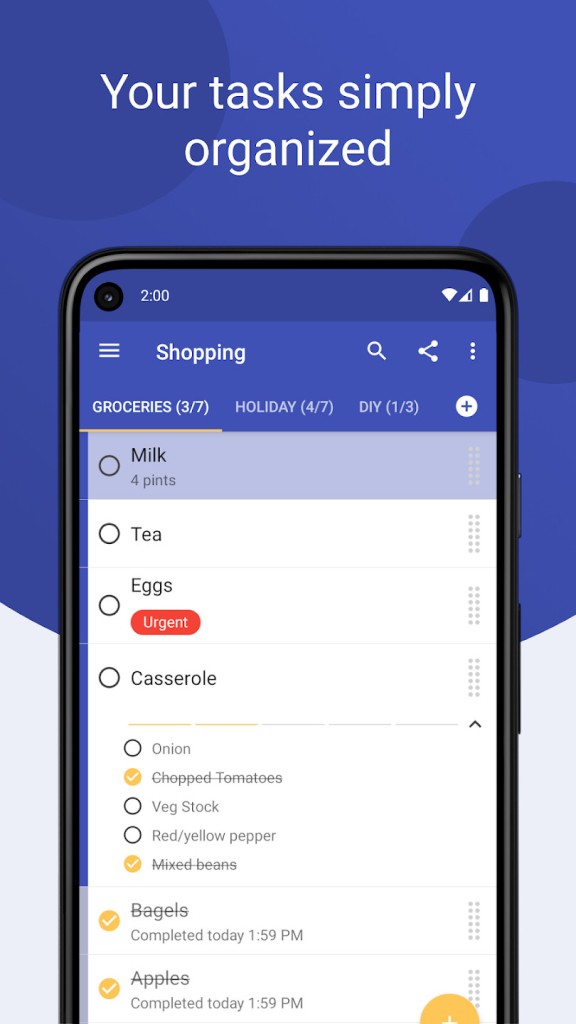
With Tasks, you can organize your lists in a hierarchy so that each task can have its own set of subtasks that will be nested beneath the main item. You can assign them low, medium, or high priority, add a due date, set a time when to work on that element, schedule a reminder, or put the task on a recurring schedule. These simple operations enable you to create complex lists for different projects, get weekly follow-ups, or set up a daily habit tracker that automatically sends reminders at a given time.
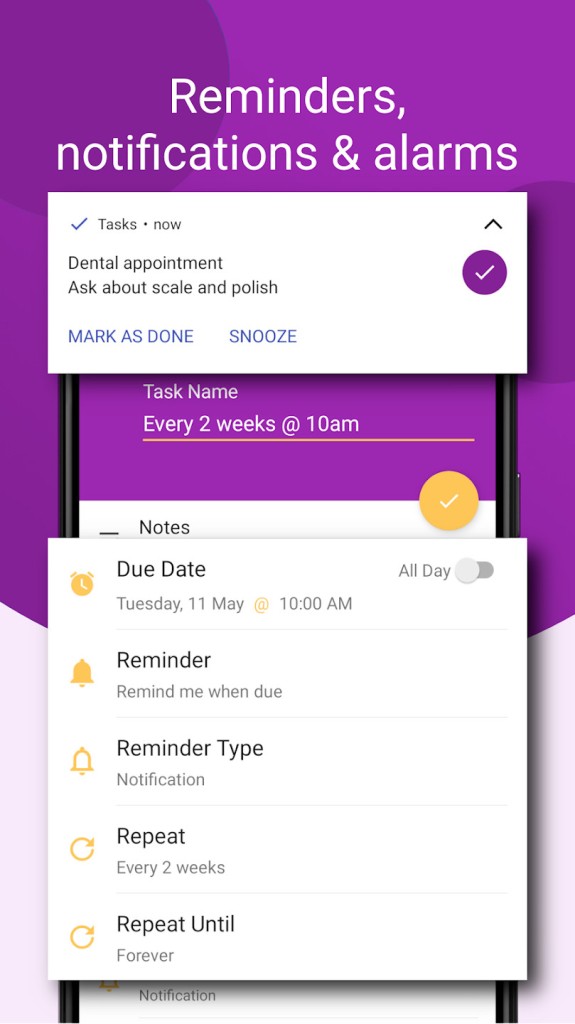
The reminders in Tasks are very flexible. They can be one-time or recurring items that follow the most basic rules, like every week, every Sunday, etc. You can also customize them to get a notification every 20 days or every 3rd Monday of the month. Since Tasks integrates with Android notifications, you can dismiss or delay a reminder directly from the notification panel. Tasks can help you stay on track or remember things like paying bills, attending classes, or taking medications.
Tasks also offers a tagging system where you can create color-coded tags and sort your lists by themes such as “Work,” “Personal,” or “Shopping.” Tags are the basis for smart filters so that you can search for tasks that match defined rules, like high-priority tasks that are due this week. You can edit your filters however you like and also view subtasks of any task you find.
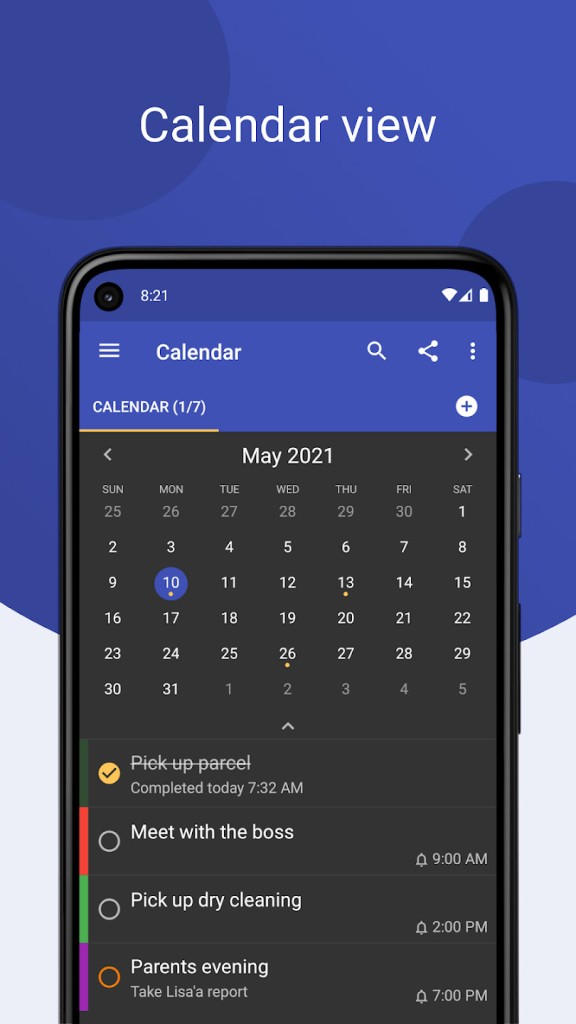
You can use Tasks together with the Android system calendar by syncing the two apps so that any task on your list is also visible between your appointments, meetings, or other scheduled events. This way, you can see all your obligations in a single place instead of switching between different apps.
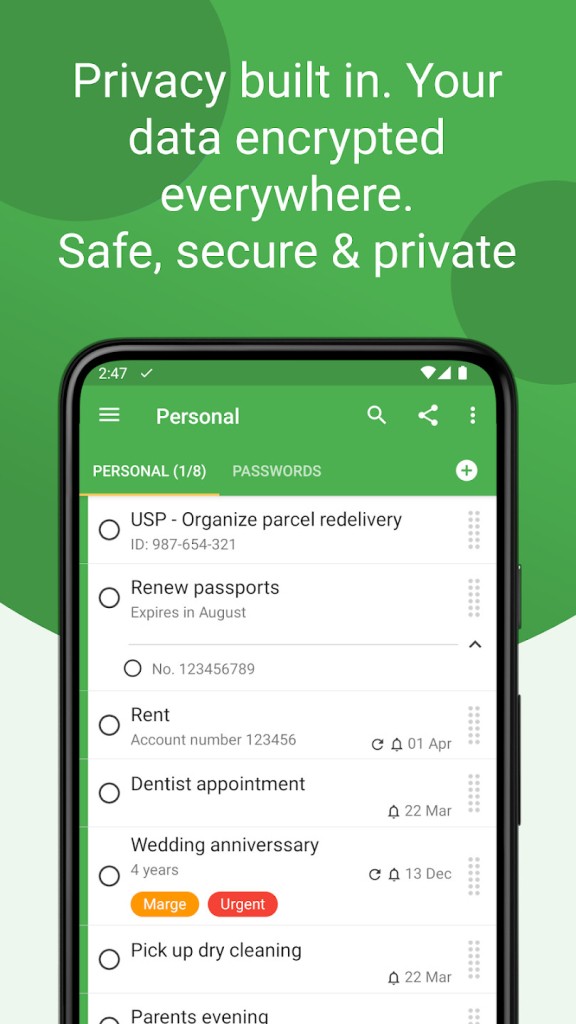
Tasks works fully offline unless you decide to sync your data to the cloud or another device, so you can also use it on the web. Because the app works locally, all your data is secure and protected from any online data leaks. You can also export and backup your data or restore it at any point. Everything you add to Tasks is also fully encrypted by default. You can download Tasks to your Android device for free, and you can also use the app through its browser or sync it between devices if you’re a premium subscriber.
Is Tasks free?
Yes, Tasks has a generous free plan that you can use without any ads, and it includes creating lists, sublists, tasks, and subtasks. On top of that, you can also use home screen widgets, set up reminders and alarms, or use the app in a dark theme.
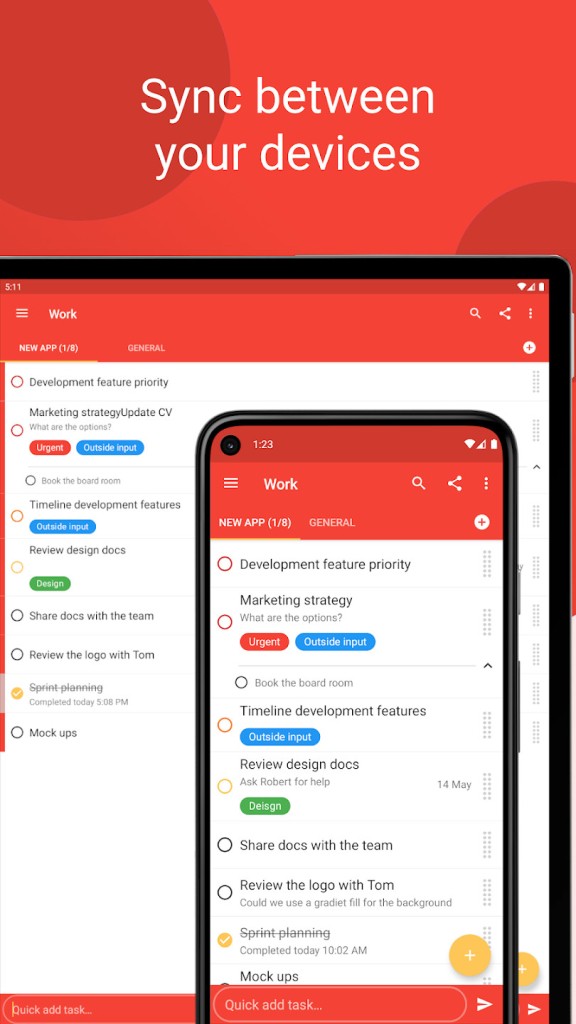
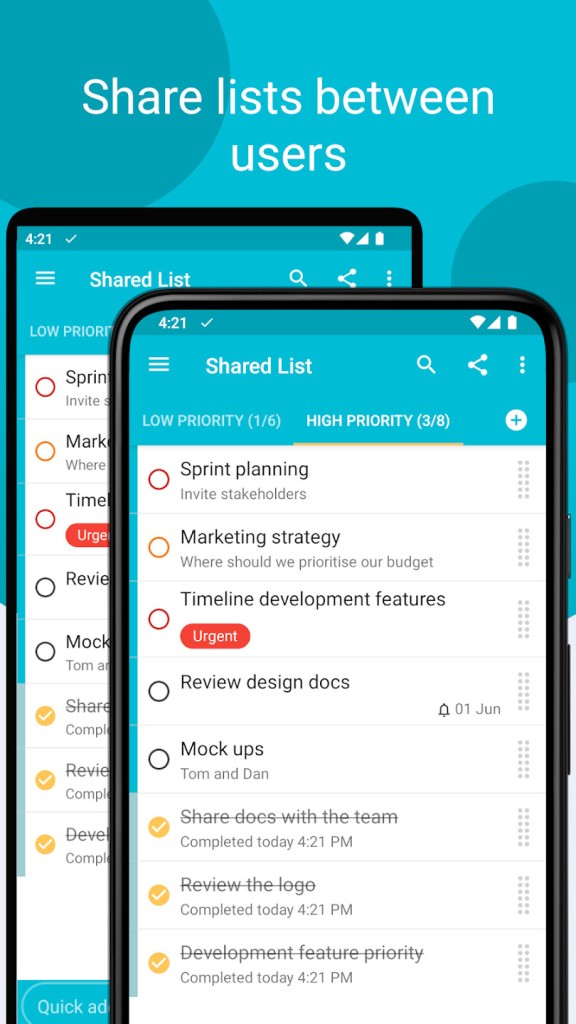
There’s also a premium subscription plan (or lifetime buy) that removes any limitations, unlocks the web app, lets you share your lists and work with other people, includes automatic cloud backups or manual export, and you can sync your lists between devices.
What operating systems are compatible with Tasks?
In order to use the app, you have to download Tasks on a device with Android 7.0 or later. You can also open Tasks or any web browser, whether on a computer or mobile, but to do so, you need to get a Premium subscription.
What are the alternatives to Tasks?
Todoist is a task manager used by businesses and individuals. It works on multiple platforms, including Android, iOS, Windows, macOS, and through a browser. You can integrate it with Slack, Google Calendar, and Outlook, create lists, labels, filters, and folders, set different priorities, and share that with your team or friends. Todoist is available in a limited free version and through a Premium subscription plan.
Google Tasks is a simple task manager that works great with Gmail and Google Calendar on the web, Android, and iOS. You can easily create tasks and sub-tasks and add due dates, and they will automatically sync across devices. You can use Google Tasks for free when you have a Google account.
Tasks.org is an app from an open-source project that works with open protocols so that it can integrate with Outlook, Thunderbird, Apple Reminders, and much more. You can create lists, tasks, and unlimited subtasks, apply filters and tags, and sort them manually if you like. The app is completely free, offers many customization options, and comes in multiple languages.