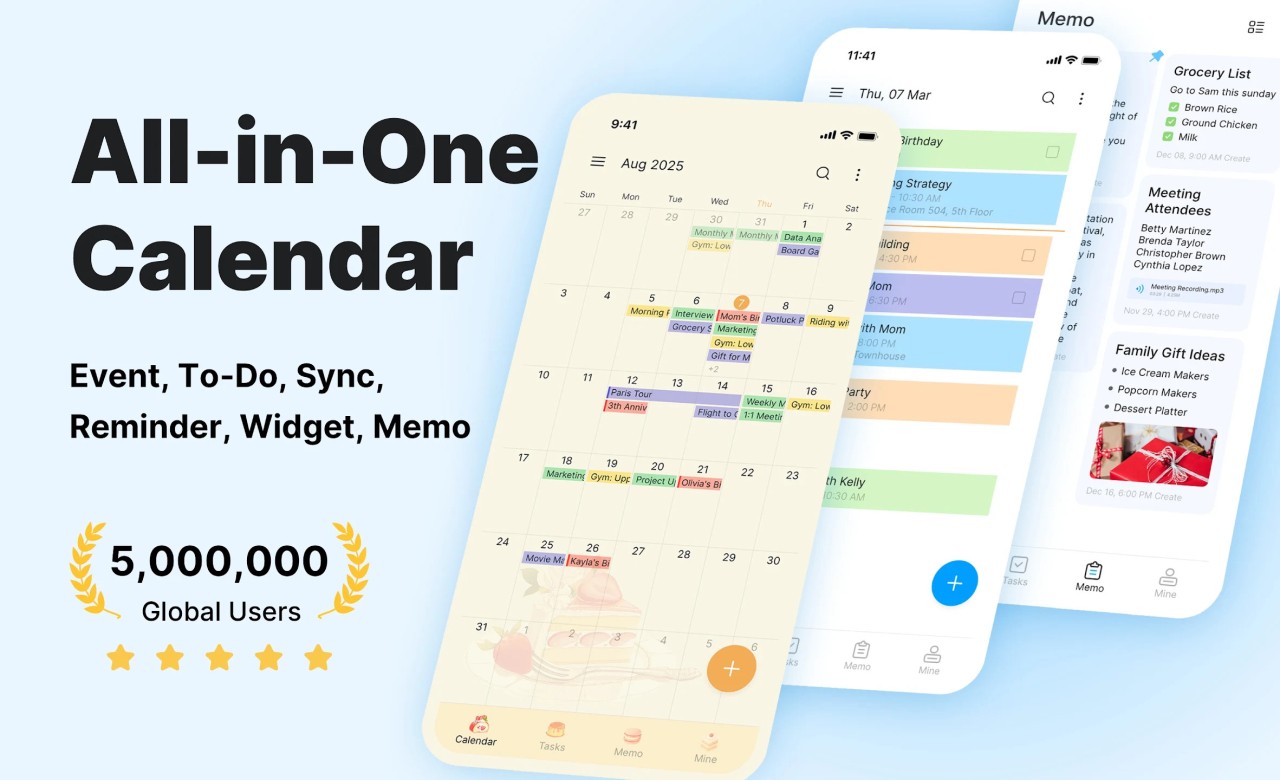
Calendar Planner is a digital calendar app that helps manage personal and professional schedules in one place. It’s made to simplify planning by pulling together your different calendars (iCloud calendar, Microsoft calendar, Google Calendar, etc.) so you don’t have to switch between apps or miss any important moments.
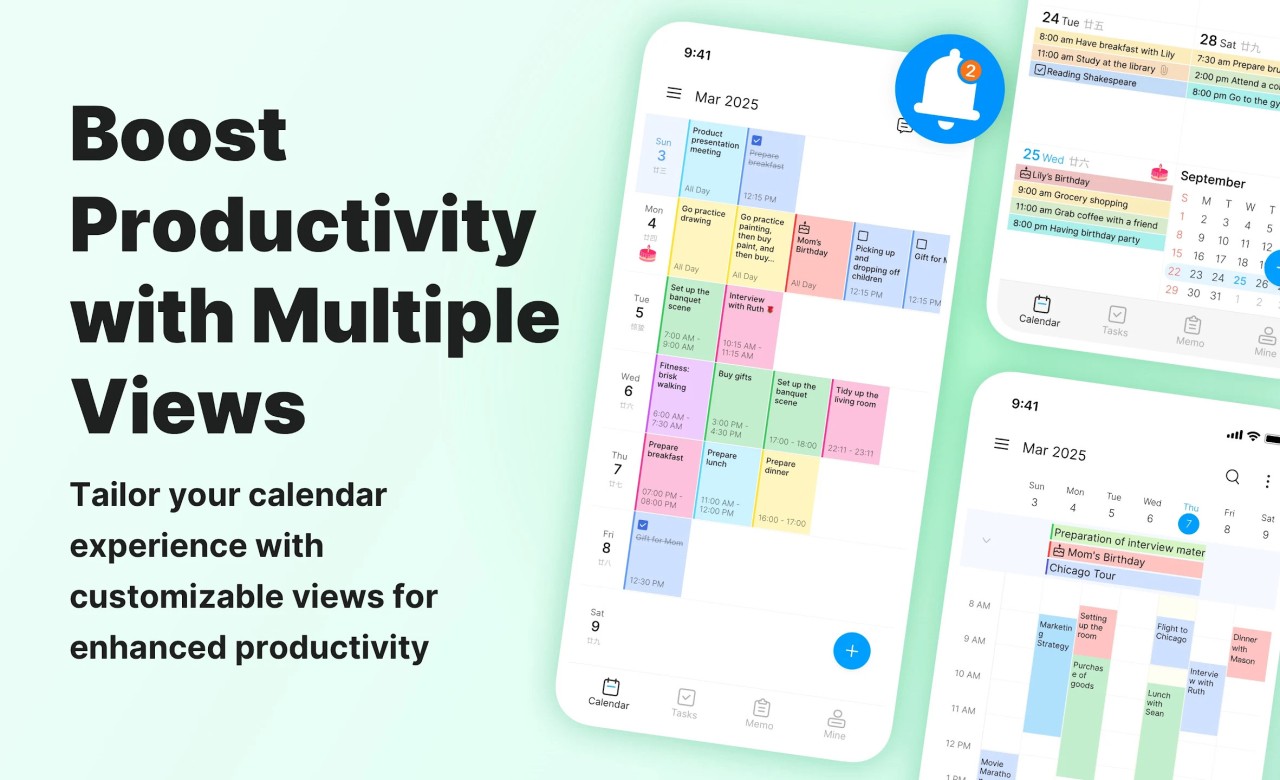
Whether it’s a birthday, a work meeting, or a quiet reminder to call someone, you can add it, and it’ll stay in view. The app gives you the usual views you’d expect: monthly, weekly, and daily, but also lets you switch to a simple list if you just want to scan what’s coming up.
What makes it useful is how it handles reminders and memos. You don’t just schedule things. You can also write notes for later, add short ideas, or jot down tasks without making them full calendar events. It’s less about being fancy and more about making daily life feel a bit clearer.
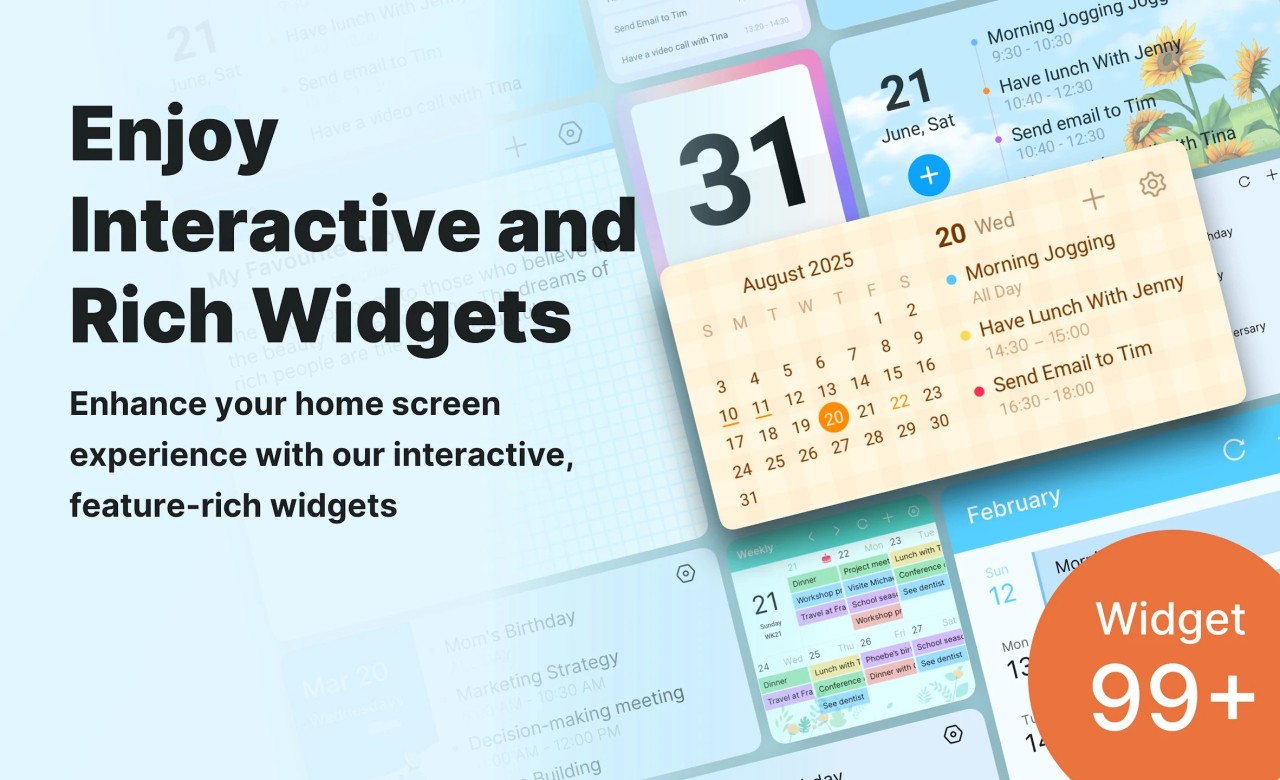
Calendar widgets let you check everything quickly from your home screen. Nothing flashy, just the basics done in a clean and workable way. It’s built for people who want their calendar to feel like a part of their routine, not an app they struggle with every day.
Why Should I Download Calendar Planner?
If you need a single place to see what your day looks like without flipping between apps, Calendar Planner helps with that. It’s made for people who want to stay organized without using ten different tools to do it. The main thing is how simple it is to combine different calendars. Maybe you have one for work, another for family, and something else for side projects. You don’t have to treat them separately here. The app lets you bring all of them into one screen, so you’re not trying to figure out what you missed just because it was on the wrong calendar.
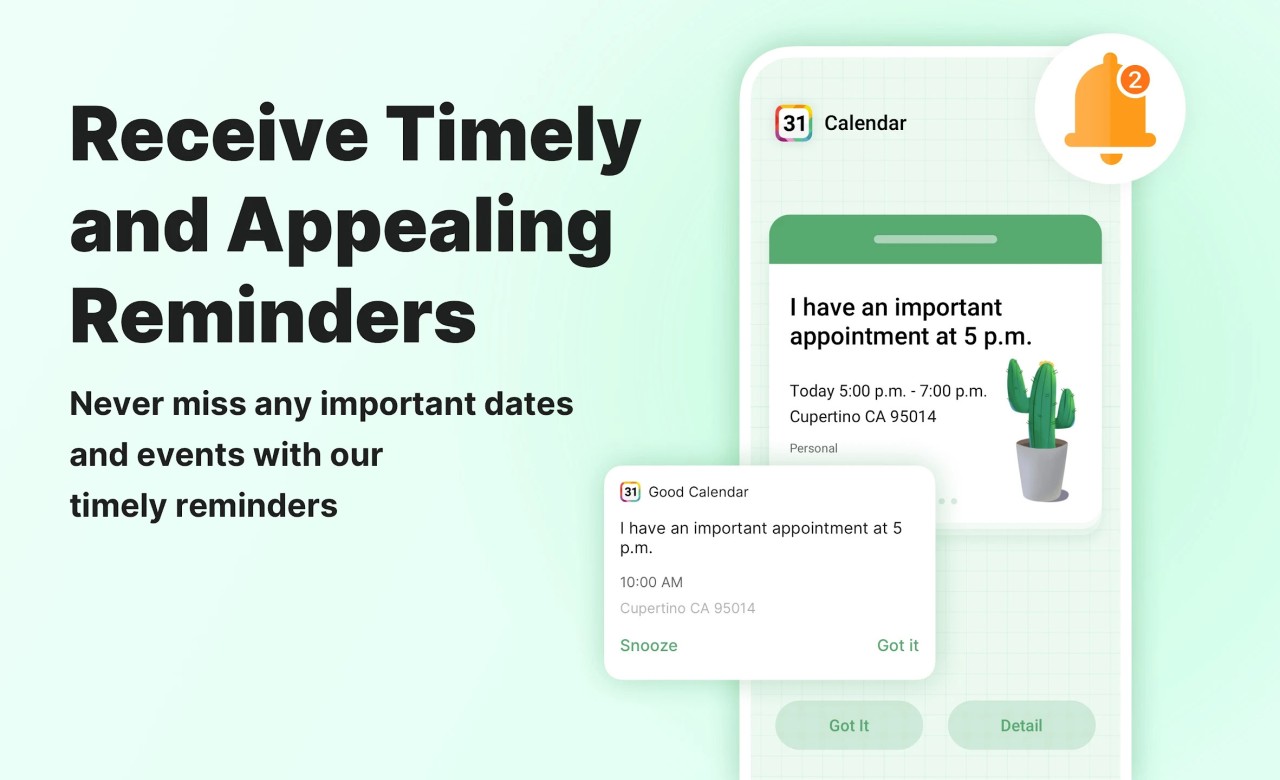
It’s also useful when it comes to remembering things. Sometimes you forget small stuff, not because it's not important, but because it gets lost in the mix. Calendar Planner has reminders that help bring things back to your attention without making a big deal out of it. You can set up alerts for anything—appointments, anniversaries, deadlines—and trust that it’ll tap you on the shoulder when the time comes. That part is solid and doesn’t require a lot of setup. You add something, pick when you want the reminder, and that’s it.
There’s also something to be said for how it lets you view your schedule. Some people like to look at the whole month, and others only care about today. You can switch between those modes without digging into settings or menus. Just swipe or tap, and you get what you need. If you’re the type who likes seeing your whole agenda for the day in one place, there’s a widget for that, too. It shows your calendar directly on your home screen. You don’t have to open the app every time. It’s there at a glance.
Another part that stands out is the space for notes and memos. You can open the app and just write something down. It doesn’t have to be a scheduled event. It doesn’t have to be part of a plan. Maybe it’s a quick thought or a to-do you’ll handle later. The app gives you that room. It's more flexible than some apps that try to box everything into events or tasks. This one keeps things a little more open, which makes it feel easier to use.
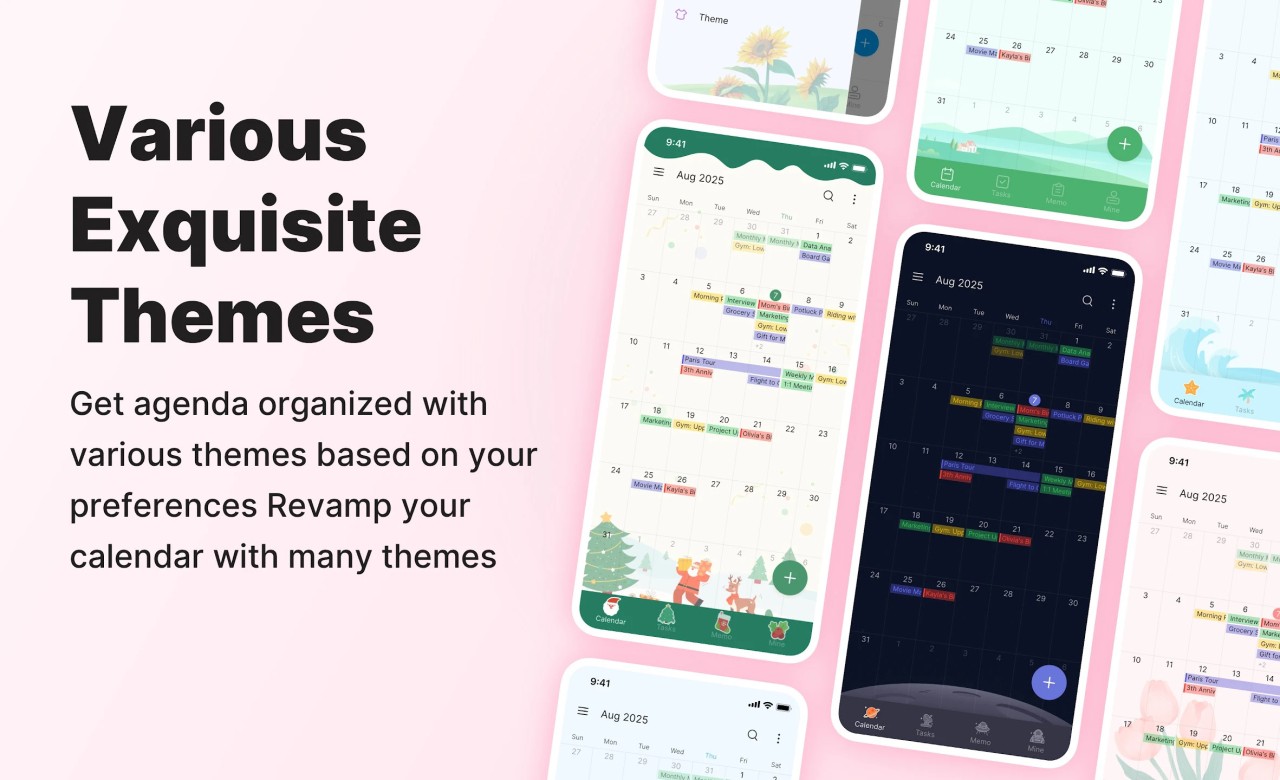
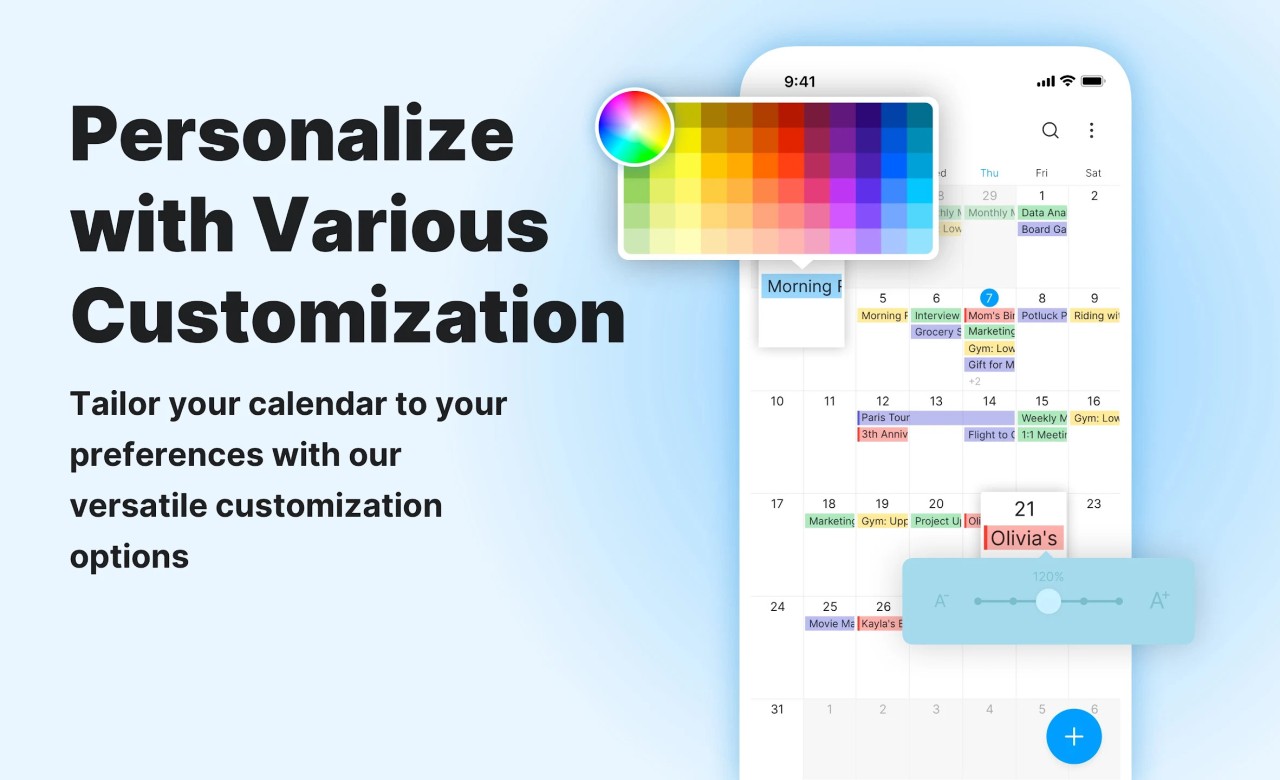
It also offers a variety of widgets that range from the simple task list to a more evolved calendar with details. And if you like to change the look of your apps, Calendar Planner offers you a wide list of themes. Of course, the customization is also on the calendar level, where each calendar can get its own color.
Is Calendar Planner Free?
Yes, Calendar Planner is free to use. You can download it, set it up, and start using it. Note that some features may require an in-app payment.
What Operating Systems Are Compatible with Calendar Planner?
Calendar Planner works only on Android devices. Most modern versions are supported, and it runs well even on older phones without draining battery or slowing down other apps. The layout is adjusted for phone screens, so you’re not dealing with tiny buttons or things getting cut off. It’s also available through Google Play, so updates come through automatically when they’re available.
What Are the Alternatives to Calendar Planner?
If you’re looking around for other calendar apps, there are a few that come up often.
Google Calendar is one that a lot of people already use. It’s good for syncing across multiple devices, especially if you already have a Gmail account. It lets you create events, add reminders, and check your day from just about anywhere. But it can feel a bit too connected to your Google account at times. Everything feeds into it, and some people might prefer something that keeps work and personal stuff a bit more separate.
DigiCal is another calendar option. It’s more visual and includes some interesting features like weather forecasts and customizable themes. It gives you more control over how things look and offers different types of widgets to show your schedule. But it can take longer to get used to if you’re just looking for a simple calendar that works without extra setup.
Then there’s Simple Calendar, which is exactly what the name says. It’s lightweight, open-source, and doesn’t require any cloud syncing if you want something completely offline. It doesn’t have as many features, but for people who want a private, fast calendar without all the extras, it does the job. It doesn’t sync across devices, though, so if you need something that connects your phone and tablet or sends reminders between platforms, it might feel limited.