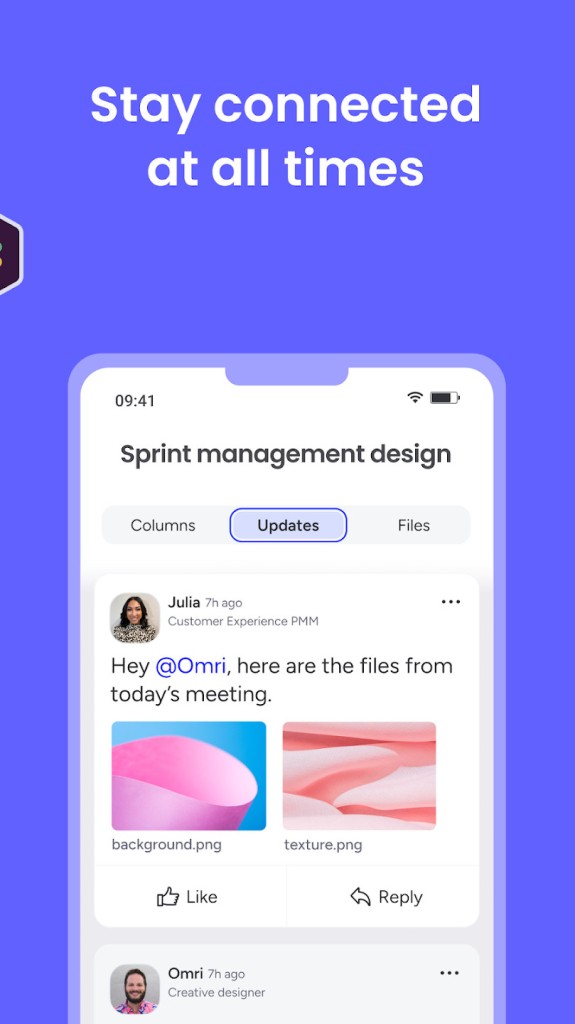
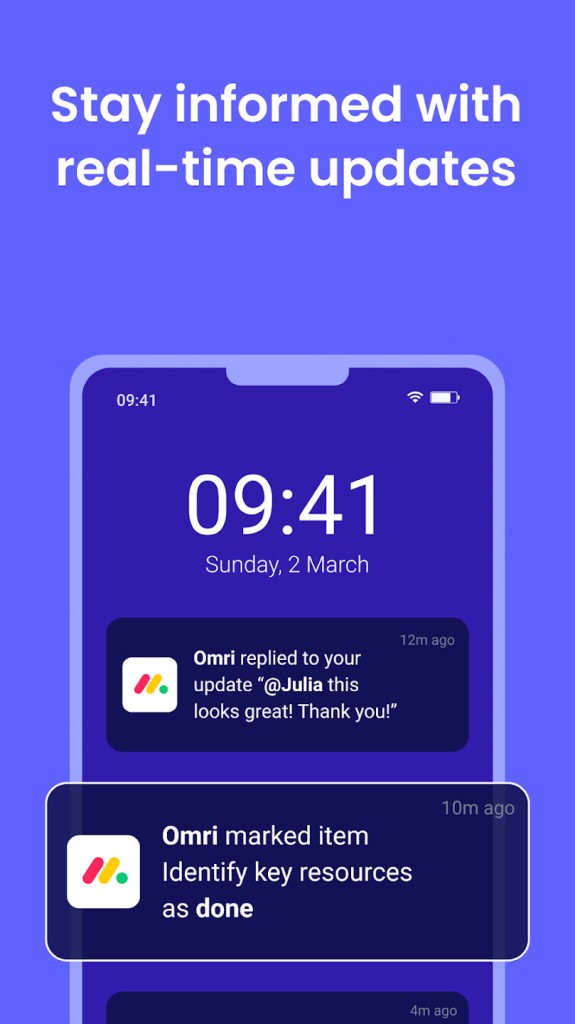
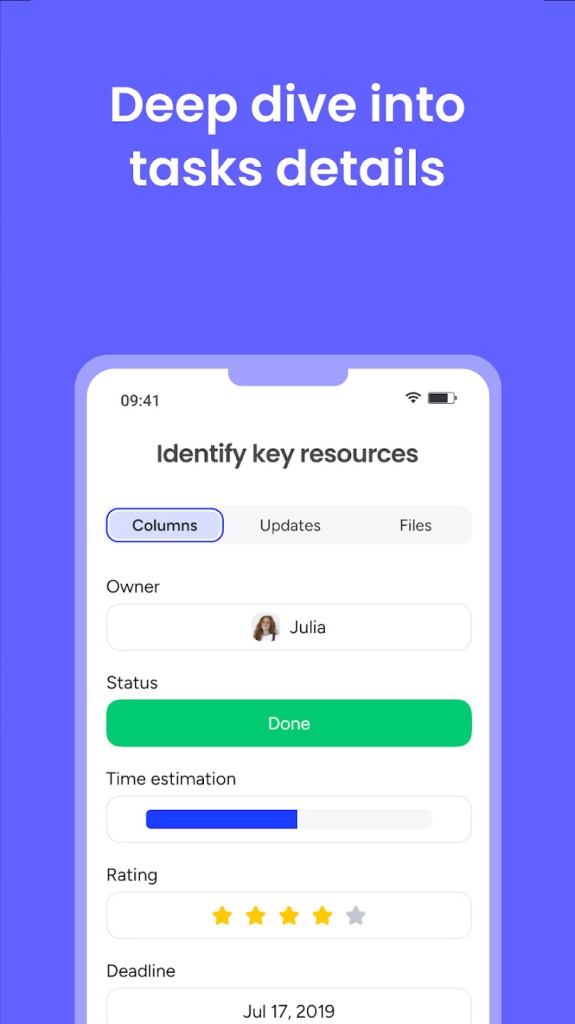
monday.com is a great platform for organizing your and your team's work because of its flexible nature and easy-to-use design. It's where you can plan, track, and manage all of your tasks. The platform can handle everything from simple to-do lists and small tasks to really complex, multi-stage projects that take months to complete. The idea behind monday.com is that it works as a central hub that brings everything and everyone together in one digital workspace.
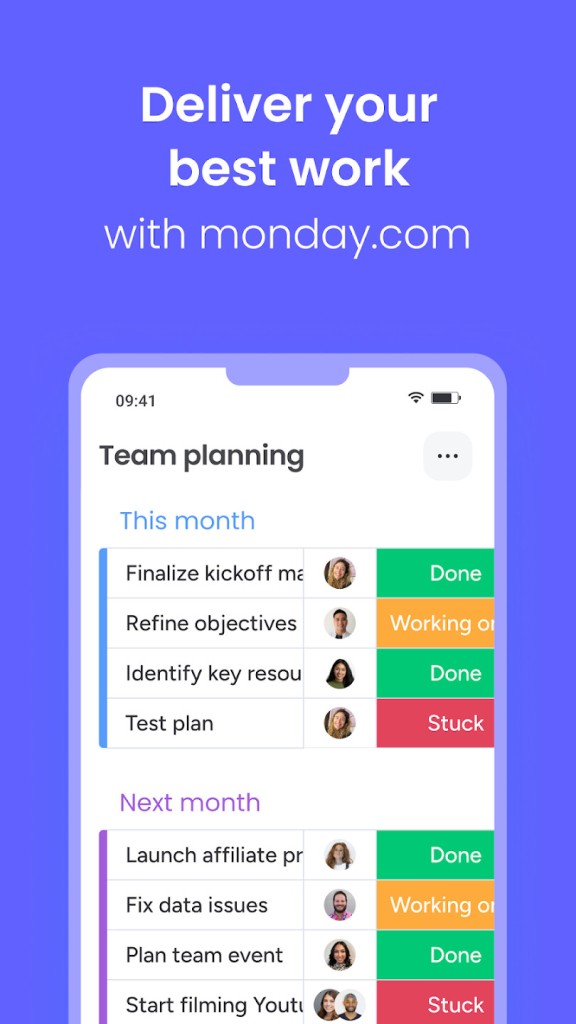
The core element in monday.com is "boards," which you can think of as smart, collaborative spreadsheets that can be customized with all sorts of different columns to track whatever you need. It's great for checking things like who's in charge of a task, what the status is, when the deadline is, and a whole lot more. You can then instantly switch between different views, like a Kanban board or a Gantt chart, to see your work in a way that makes the most sense.
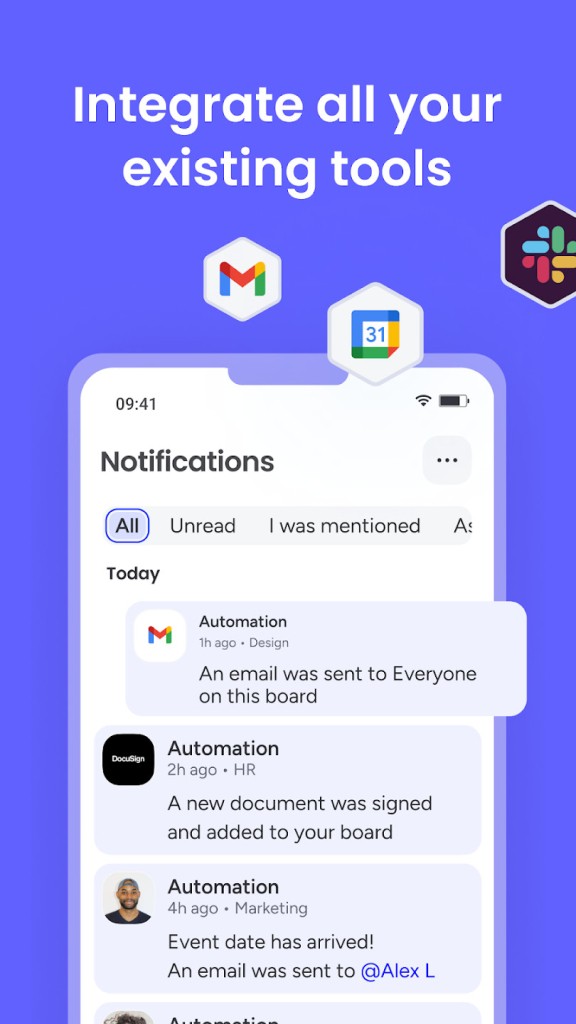
Ultimately, monday.com is a powerful tool for making your team's processes smoother and more efficient. It's used by all kinds of teams in just about every industry you can think of, like marketing, sales, software development, and HR. monday.com also has an easy-to-use automation builder, which eliminates a lot of tedious manual work, and you can connect monday.com with other business tools you're already using. You can download monday.com as a dedicated app for macOS, Windows, iOS, or Android, but it also works great on any modern browser through its web interface.
Why should I download monday.com?
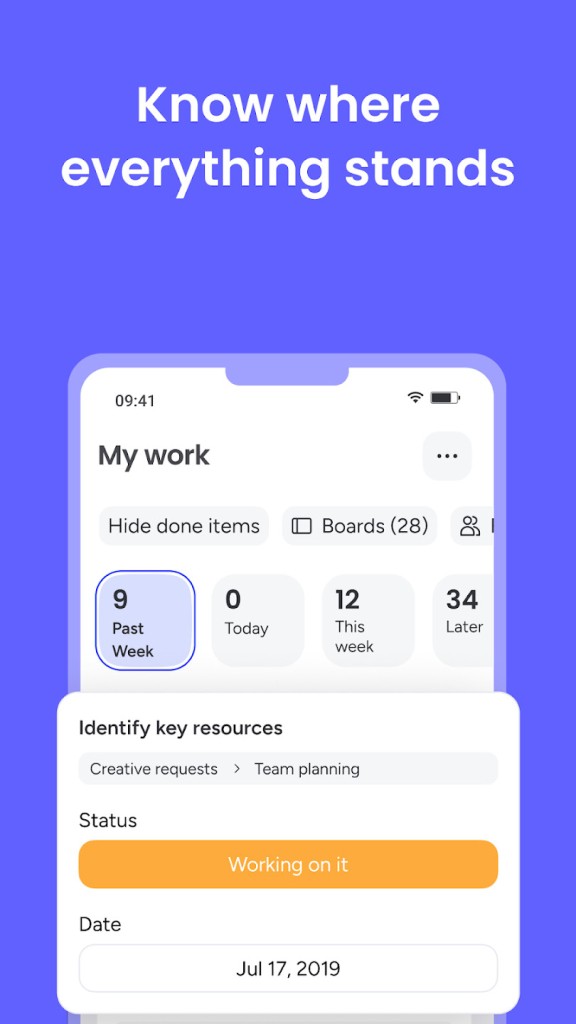
A strong benefit of monday.com is that it provides you with a colorful and incredibly visual way to manage work. Instead of just looking at boring lists of tasks, your work is laid out on vibrant and easy-to-understand boards. You can use brightly colored labels to show the status of a project, assign tasks to people with their profile pictures, and see how you're tracking against deadlines on a visual timeline. This approach makes it super easy for anyone on the team to see what's going on with a project in just a few seconds.
With monday.com, you also get a fully customizable platform that adapts to your team's workflow. You're not stuck with a specific way of doing things. Instead, you get a bunch of building blocks, like boards, items, and over 30 different column types, to create the exact system your team needs. So, a marketing team can set up a board to manage their content calendar, while a software team can set up a different board to track bugs, all on the same platform. You can use the Kanban View to see your tasks move through various stages of your workflow, a Gantt or Timeline View to see how tasks and deadlines are connected over time, or a Calendar View to see all your important dates.
You can use monday.com to automate repetitive tasks with a simple "if this, then that" builder. This feature can save your team a ton of time, and the platform has a no-code automation builder that uses simple, plain-language "recipes." For example, you can set up a rule like: "When a task's status changes to 'Done,' automatically notify the project manager." This gets rid of countless manual updates and ensures that important steps in your process are never missed.
monday.com is also great if you need to create high-level dashboards for a complete overview. These dashboards can pull in live data from a bunch of different boards and display it using widgets like charts, graphs, and progress bars. Whether you're a small team or an established company, monday.com adapts to your scale, and you can start for free and only upgrade if your needs grow. You can download monday.com dedicated apps for various operating systems or use it as a web service.
Is monday.com free?
If you want to check monday.com out, it has a free plan that's available forever and allows for a team of up to 2 people. It has limited features, but you can always upgrade to one of the paid subscription tiers if you want to unlock more options. The price depends on the number of users as well as the tier you select, and they are billed monthly or annually.
What operating systems are compatible with monday.com?
You can use monday.com main interface on the web with any modern internet browser, like Chrome, Firefox, or Safari, on Windows, macOS, and Linux. There are also dedicated monday.com desktop apps for Windows (10 and 11) and macOS (11.0 or later).
To access the platform on the go, download monday.com on iOS 16.0 or newer, and Android 8.0 and higher.
What are the alternatives to monday.com?
Chanty - Team Collaboration communication tool with real-time team chats organized into public and private conversations. It offers built-in audio and video calls to keep your team in sync. You can use Chanty on its free plan with a limited message history, while the paid plans unlock unlimited group chats and other useful features. You can use Chanty on the web, with desktop apps for Windows and macOS, and mobile apps for iOS and Android.
ClickUp is a productivity platform that combines tasks, documents, spreadsheets, chat, goals, whiteboards, and more into a single application. You can customize it so the teams are able to build very specific workflows, and ClickUp has a very generous "Free Forever" plan that includes most features with usage limits. With paid plans, you remove the limits and get access to more advanced options.ClickUp works as a web-based service, but also offers apps for Windows and macOS, as well as for mobile devices running on iOS or Android.
Wrike is a project management tool that's perfect for larger marketing and creative teams and as it has a more structured approach to project management than some of the more flexible platforms. It offers Gantt charts for managing complex project timelines and dependencies, and has detailed resource management and time tracking tools. You can use Wrike on its free plan, which offers basic features, but larger teams would need to upgrade to one of the paid subscription tiers. Use Wrike on the web, or with its desktop apps for Windows and macOS, or mobile ones for iOS and Android.