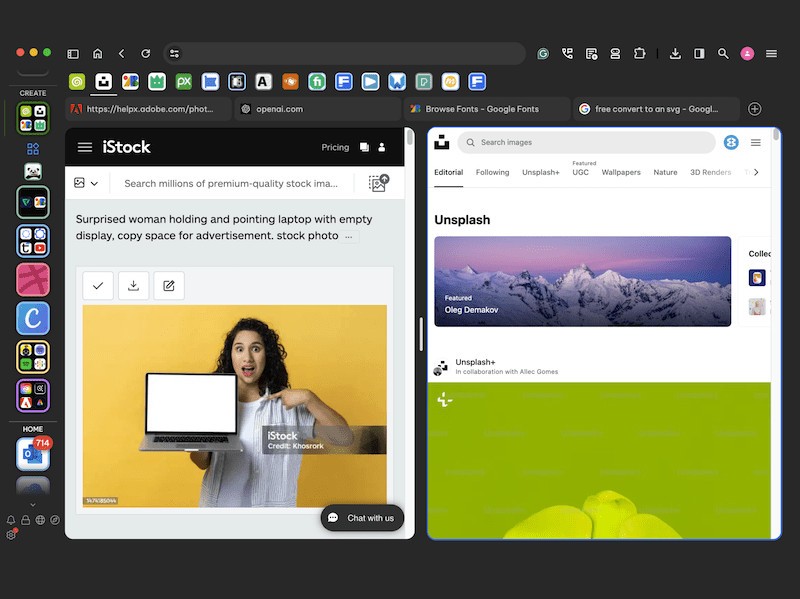
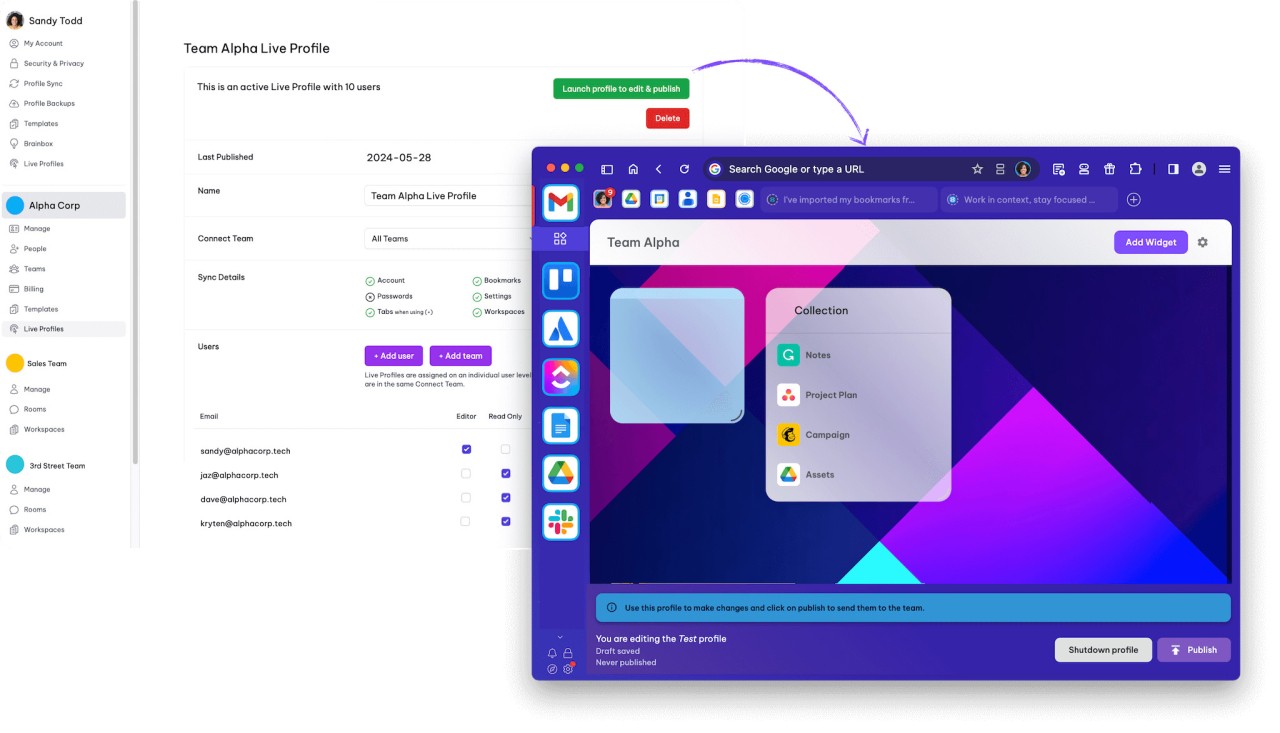
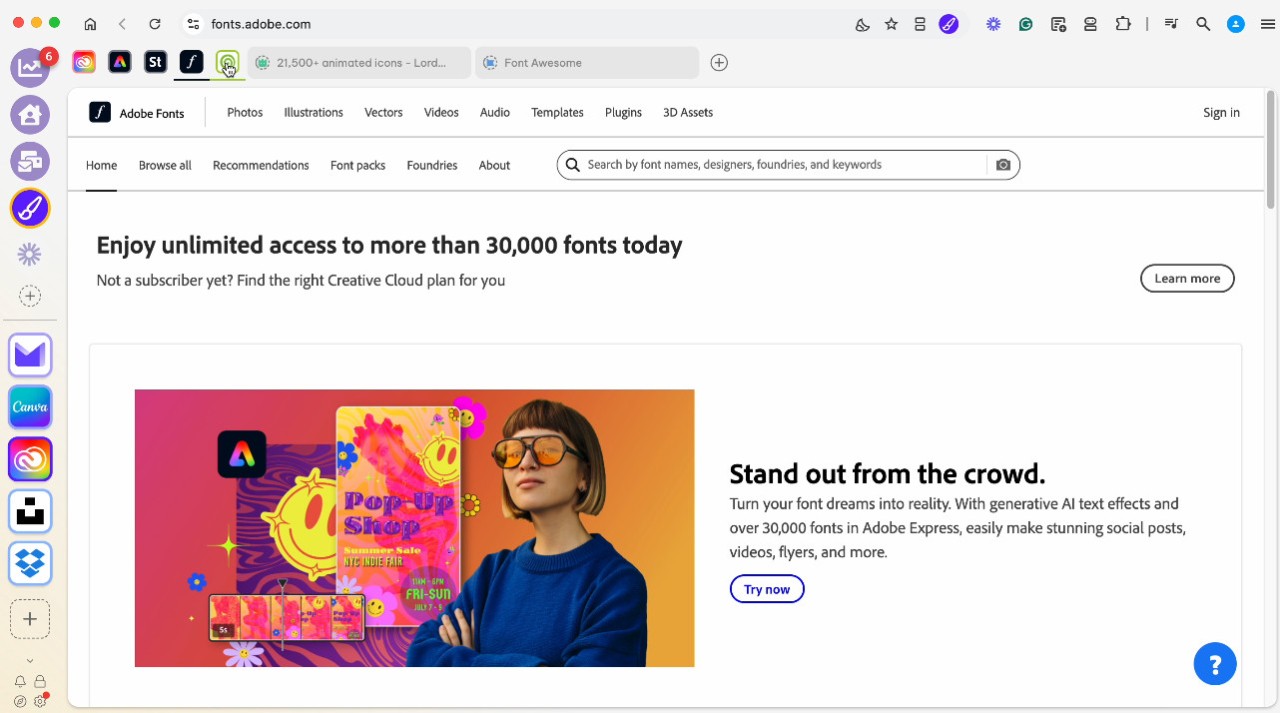
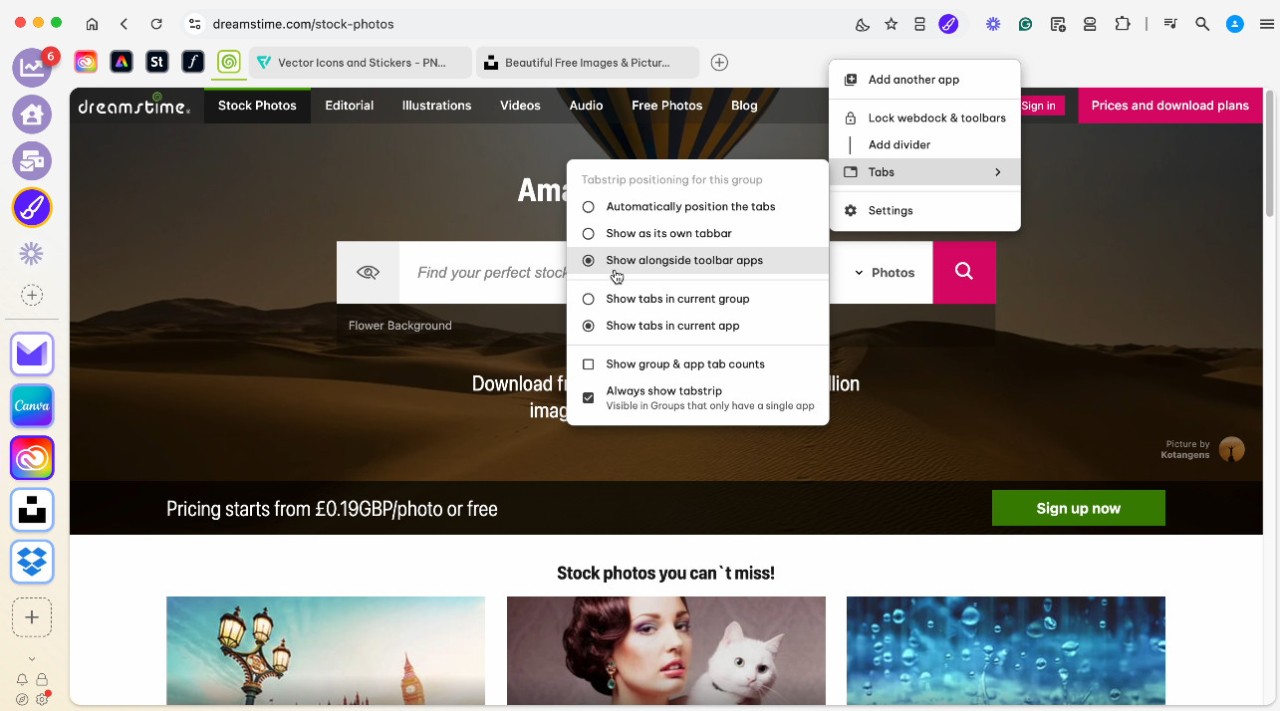
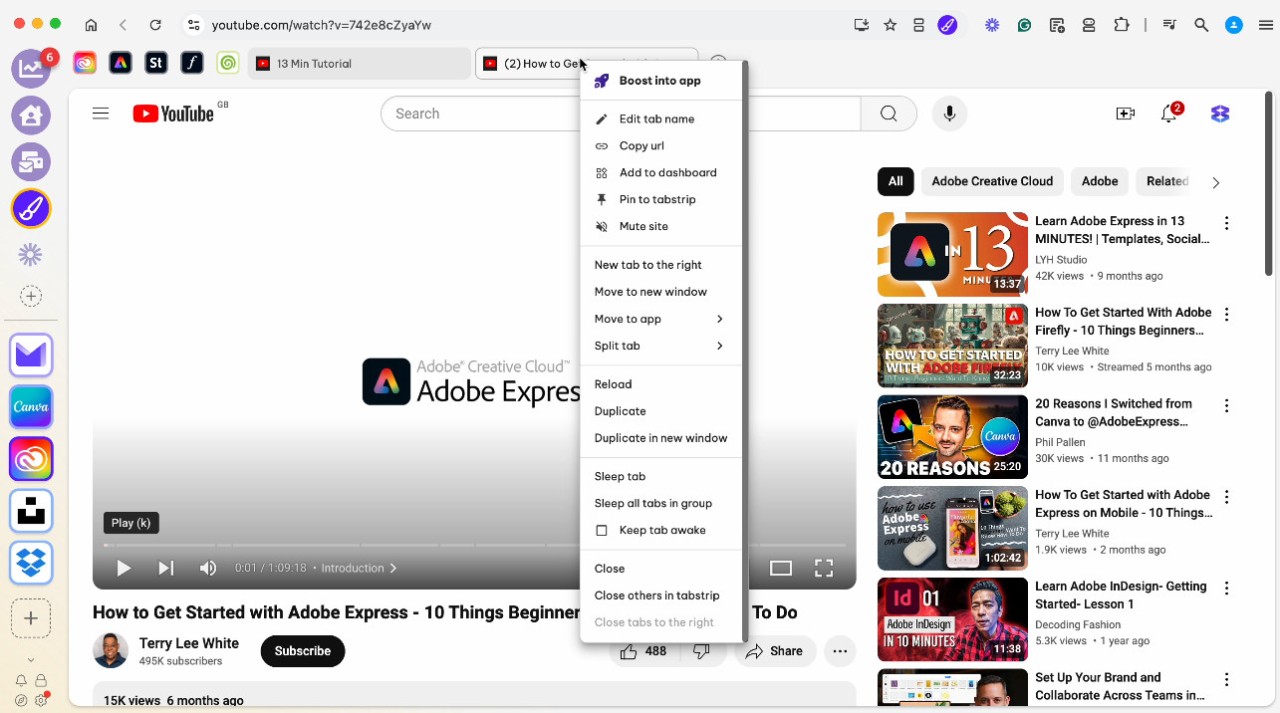
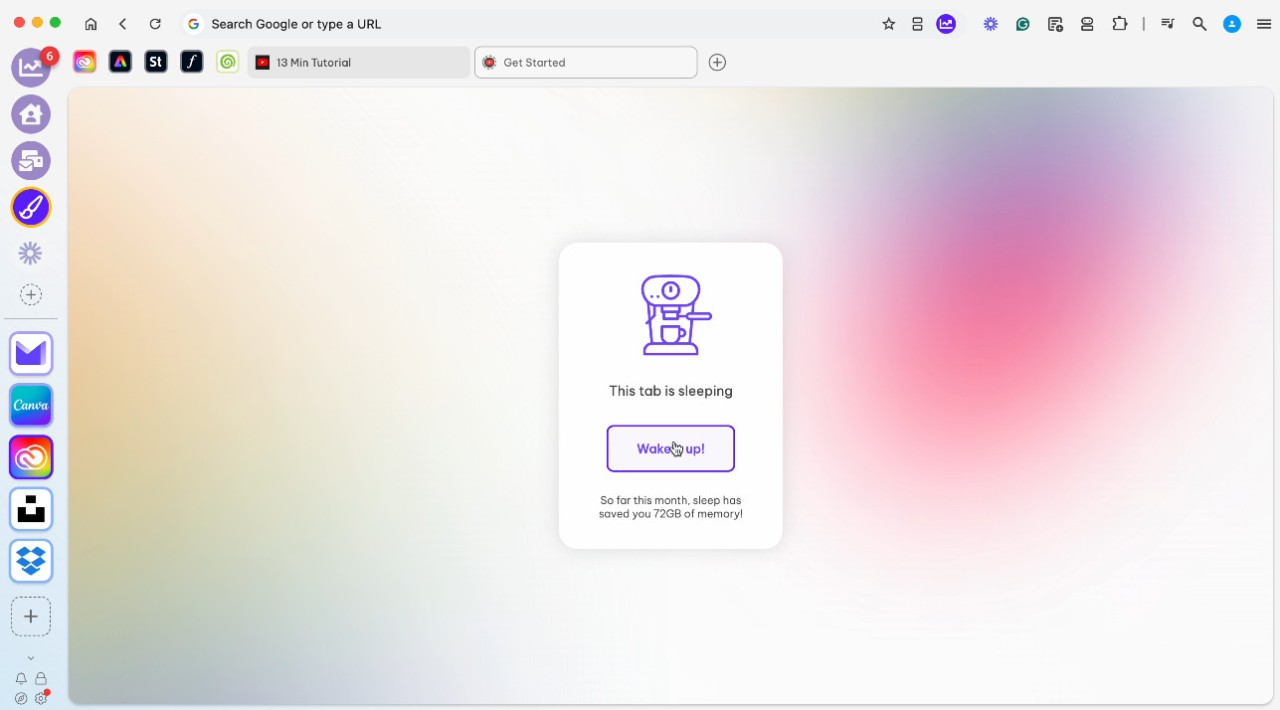
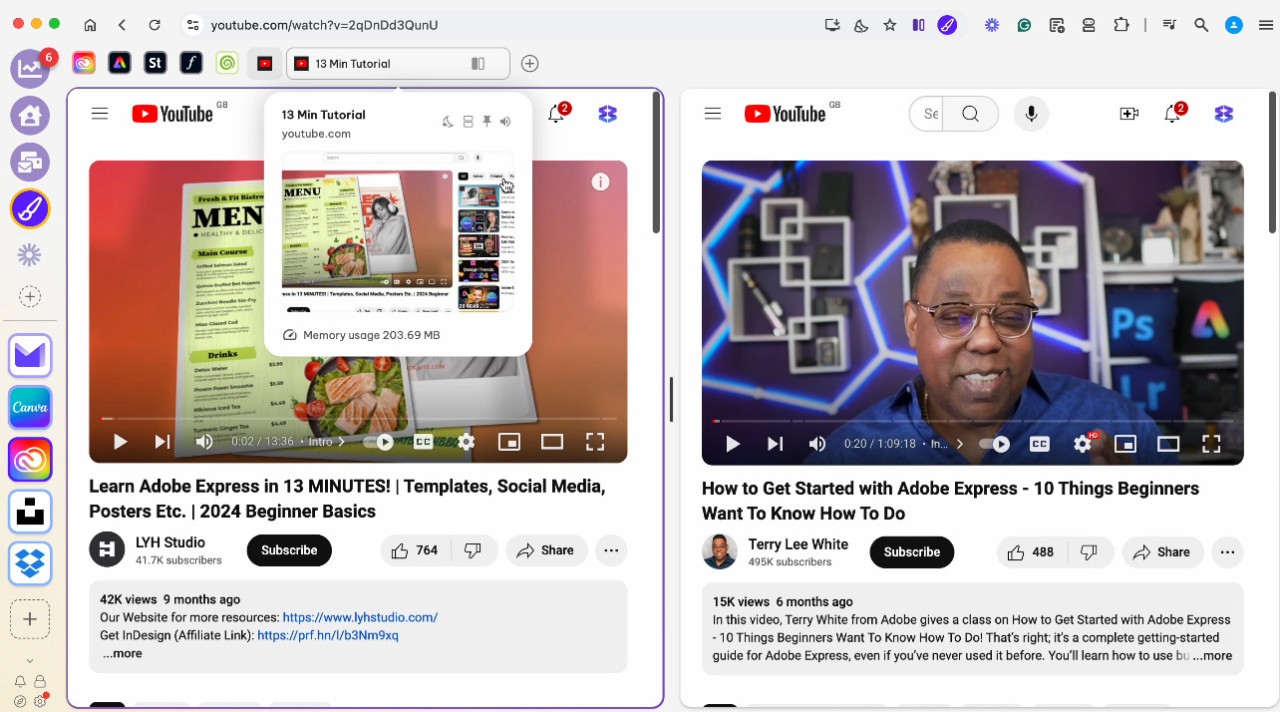
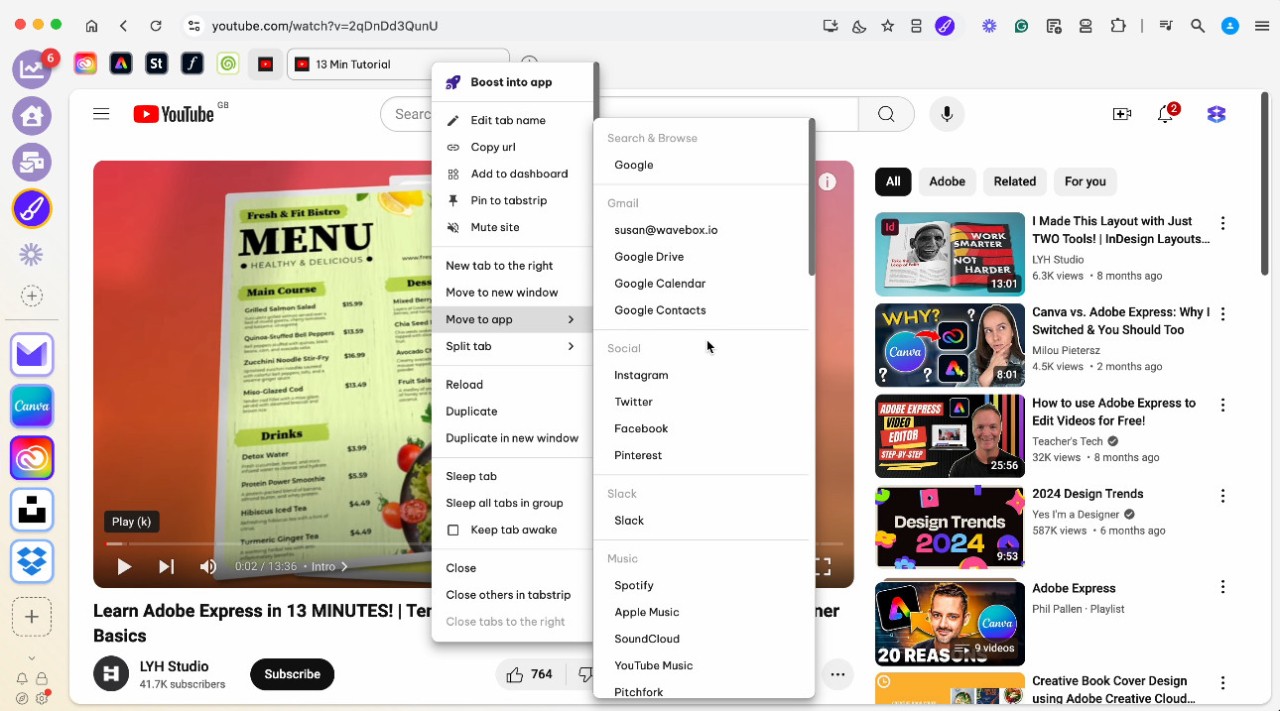
Wavebox is more than just another browser, it’s a tool that help you configure your every day work. Because between your Slacks account (one for work, one for clients), your multiple Gmail accounts (one personal, one for work), your Outlook account (because why not), and everything you work with daily, your browser rapidly become just chaos.
The cool thing about Wavebox is that it won’t trouble you if you have dozens of tabs, too many accounts or get really distracted. At first sight, it seems similar to a browser; however, it works as a main center for your files. When you add common tools such as Gmail, Slack, Trello, Notion and many others, everything can be organized easily.
Rather than using many different tabs or signing in and out frequently, Wavebox allows you to do everything there. It puts your apps, inboxes, and dashboards in a layout that is easy to understand. With just one click, you will be exactly at the page you are looking for. There’s no need to look for different tabs or be puzzled about what account to use. It becomes obvious that switching from one window to another used to waste a lot of your time.
The main joy comes from how easy it is to stay calm while working. Wavebox makes chaotic browser life noticeable by getting rid of the distractions. It once again makes it possible to manage doing more than one thing at a time. You stop struggling with your tools and start using them the correct way.
Why Should I Download Wavebox?
Wavebox helps you manage all your accounts with certainty. So you can manage your digital life comfortably, just like handling other things. No matter if you run a business, look after clients or need to manage your everyday work, it combines all your activities without pushing you to work differently. The system is used to help you manage your toolbox instead of replacing your tools.
To give you an example, you might have a few accounts in Gmail, several Slack workplaces, task tools such as Jira or Asana and some Google Drive spreadsheets scattered around. Normally, people keep all those pages open in new tabs or windows. Whenever you are distracted or reload a website by mistake, you forget what you were doing. In Wavebox, all the accounts and apps are placed in their own sections. It allows you to remember how you logged in, works perfectly with your other devices, and keeps your spaces sorted in an organized and comfy manner.
Time is another factor too. Wavebox is quick and it keeps running smoothly. Contrary to many internet browsers, Wavebox maintains its efficiency even when you open a lot at the same time. The browser clears up unused tabs on its own, runs background work well and protects you from losing memory. Using it regularly will make you notice its benefits.
It is also convenient that you can place your apps how and where you want. Workspaces can be set up according to clients, projects, teams, or anything else that sounds useful to you. Do you want to be able to access all your design tools together? Done. Want to avoid spreading your marketing apps and their reports between several dashboards? Easy. You are able to build your workspace according to your brain rather than a browser’s set-up.
It’s now easier to deal with push notifications. It is your choice how to use them. Every notification gathered by Wavebox can be handled by you, and you decide how and when to view them. That means you are powerful even without becoming disturbed by upcoming events. You end your multitasking, which leads to obtaining solid time for you to work on your projects.
If you depend on using multiple web apps during your day, then Wavebox turns out to be quite useful. It’s especially helpful for those juggling multiple web tools daily. It separates those who have to dump a lot of energy into their work and those who keep an effortless edge. You don’t need to arrange your tasks in challenging ways or switch between several windows as before. The information is neatly arranged, simple to reach, and up to date.
It doesn’t call for a lot of special effects. It does not pose as a superhero. It quietly gives you more time to work, without drawing attention or requiring major changes. At times, this is exactly what you are searching for.
Is Wavebox Free?
Of course, there’s a free version of Wavebox that comes with important functions. Although you have to pay for extra integration, multiple profiles, and custom controls, the free option gives you most of what you need.
What Operating Systems Are Compatible with Wavebox?
This app can be used on macOS, Windows, and Linux computers. It is compatible with both Windows and Mac and works very fast while you manage numerous apps at once. Information keeps coming in regularly, and it’s easy to switch devices without missing anything you were doing previously.
What Are the Alternatives to Wavebox?
Wavebox holds a place in the field of productivity, but a few other platforms are also trying to handle the same issue by bringing all tools together.
Shift is considered by many to be one of the main alternatives. It also makes it possible to connect several email accounts, messaging programs, and apps for work in the same place. The app is simple to handle and well-organized, though it favors email more than other ways to communicate. Shift provides a good choice if the main part of your work involves communication. Still, Wavebox includes features for app organization and output that are not present in Shift.
Ferdium is easy to use, free, and attracts people who are focused on protecting their privacy and enjoying freedom of choice. A range of apps work with Android, and almost everything on the platform can be tailored to your needs. It doesn’t have as much polish, which gives those who like to fiddle with their software a larger space to explore. If you are interested in exploring settings and personalizing everything, then it will appeal to you.
With Rambox, everything stays at your fingertips since it allows you to manage your apps in one spot. It is halfway in balance; it gives extra options over Shift but fewer than you get in open-source ones. Secure file sharing and storing is an important goal, so encryption and data safety features are added by default.
Additionally, there’s Opera, which works differently from other app tools but tries to help people become more efficient at work. You can also find messengers, the ability to manage your tabs, and a sidebar for pinning tools in it. Compared to platforms designed primarily for web browsing, Opera supports deeper productivity integration and does not do many productivity tasks. Some light integration is possible with Opera, but it’s not enough when you try to completely centralize your business activities.