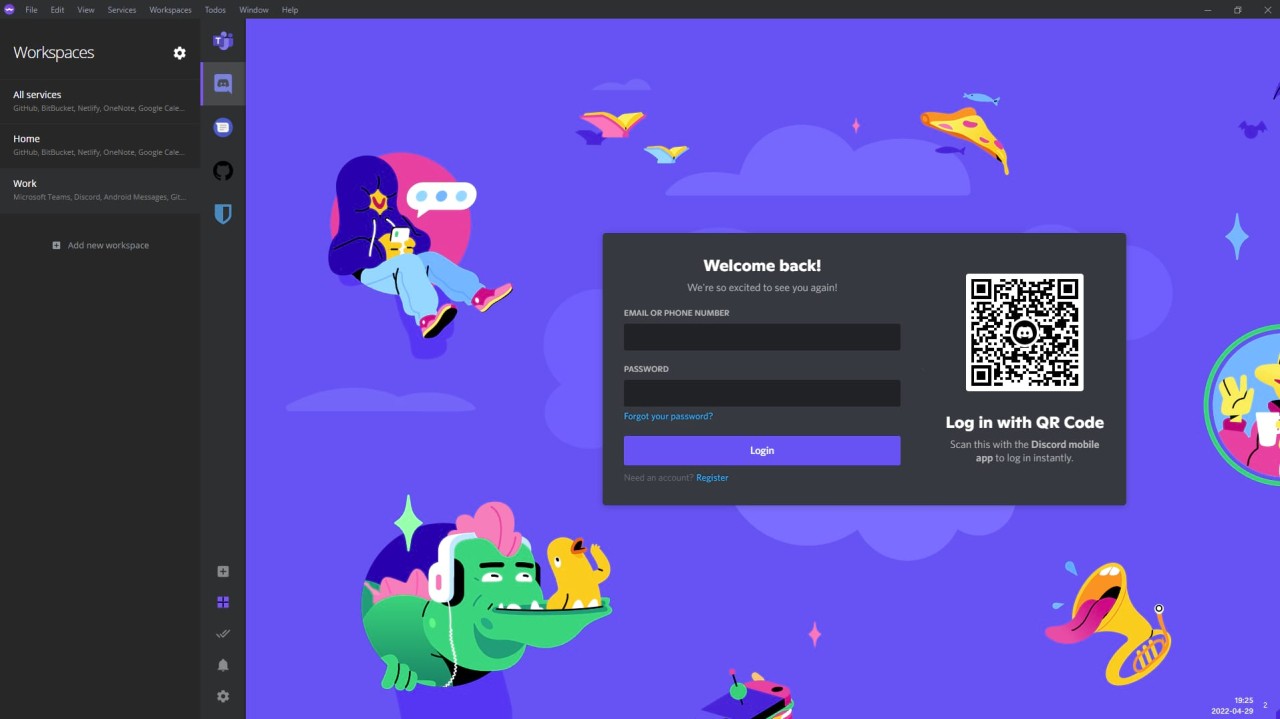
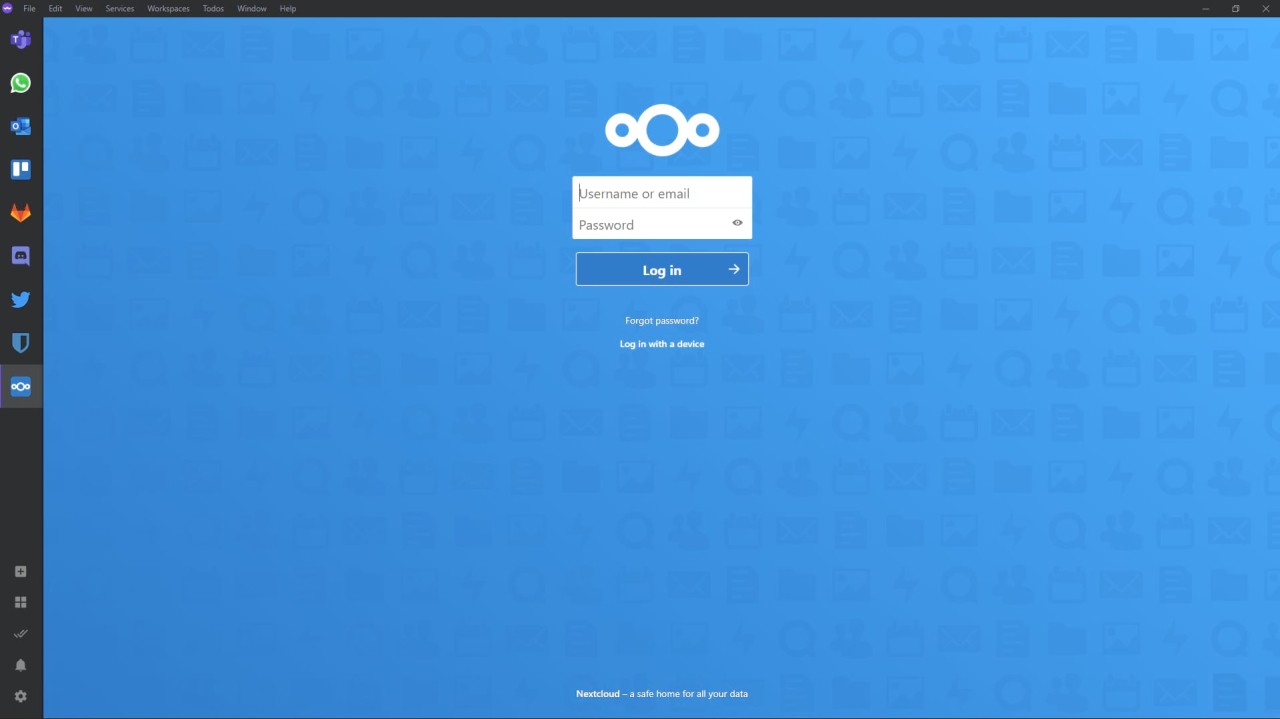
For those who constantly switch between different communication networks and work settings, Ferdium serves as a productivity platform. One main feature of Ferdium brings your most used tools, including WhatsApp, Messenger, Slack, Gmail, and other services, to view from a neat single window instead of needing to shift between tabs or browsers for every interaction.
Ferdium originated from the Franz and Ferdi code, but developers implemented numerous user-requested features not available in the original tools. The finished version of this tool was built on a working concept that required ongoing improvements to handle a realistic consumer workflow on the go.
The user experience is straightforward because this system allows users to consolidate all their applications into a single, distraction-free area. The platform streamlines your workflow by positioning all elements directly adjacent to one another, enabling continuous operation. The tool delivers exceptional value to remote workers who need to unite their collaborative platforms through different communication channels.
Ferdium serves as an adaptable platform that gathers Discord, Trello, and Google Calendar inside its convenient framework. Users install this program once to establish service connections, which enables all applications to operate quietly without interrupting their work.
Why Should I Download Ferdium?
The habit of managing multiple tabs and windows throughout the day has become common among most people, who move between Gmail and Slack views, along with phone Discord checks. The arrangement seems ordinary until you begin to recognize the time loss involved in maintaining organization.
With Ferdium, you can combine multiple services into a single unified interface. It's not flashy or complicated. It's just focused. Within Ferdium's interface, you will find every application properly positioned and ready to work, thanks to automatic login synchronization and real-time data updates.
Using Ferdium allows users to achieve maximum mental clarity, which is its primary benefit. Multiple projects and different client or team communications create an endless process of switching between windows for your workday. Ferdium eliminates that. The interface eliminates the need to constantly switch between open windows because everything is on the designated sidebar panel.
Your work area consists of everything organized into sections along the left sidebar, including your messaging tools, project boards, and various inboxes. The tool neither requests user data nor promotes feature upgrades because it operates smoothly without interruption. Digital tools show a decrease in this feature, making it rarer by the day.
Different users value the ability to personalize the tool to their needs. Through its interface, you can integrate your own applications, as well as self-hosted applications not already included on the preloaded list. The system provides users with the ability to specify which applications should remain notification-free and which should suspend their background activities.
Users praise the product because it lets them work in their preferred way. All users, especially developers working with Jira and GitLab, as well as teachers requiring various school software, can find their workflows handled by Ferdium. Users can utilize workspaces in Ferdium to keep their personal and professional services separate and organized.
The automated privacy approach stands as a prominent advantage of this system. Ferdium operates without any default sync functions to remote cloud servers. The program saves all account data on your local device, preventing it from reaching unknown external storage. Ferdium provides users with relief by allowing them to avoid cloud-based systems while their applications continue to work as intended.
The local storage system at Ferdium functions as a control mechanism that helps users maintain workflow independence from company oversight. The program is open source, enabling advanced users to modify its functionality or build their own versions. A small, uncluttered package contains everything you need to use Ferdium, regardless of whether technical proficiency is within your skill set. Users have a mature experience because this tool neither taunts, pressures, nor invades their privacy. Ferdium exists to assist users in their day-to-day work processing.
Is Ferdium Free?
Ferdium is free for its users. Users receive a complete free service with no testing period and access to all tools without limitations. Moreover, there are no interruptions from payment requests.
Users can access Ferdium for free because it is developed and maintained by an open-source community. Users can freely download Ferdium to use all its functions and modify it as needed, as the platform requires no subscription payments.
What Operating Systems Are Compatible with Ferdium?
The desktop version of Ferdium supports all essential operating systems throughout its operation. Users from all backgrounds can access workflow unification through Ferdium, as the app supports Windows, macOS, and Linux.
Simply download the system-matched installer from the website and follow its basic setup procedure. Once installed, Ferdium functions locally without an internet connection, allowing you to switch between existing logged-in services. The software lacks a mobile application, but the desktop installation provides reliable compatibility across different operating systems.
What Are the Alternatives to Ferdium?
Users seeking alternatives to Ferdium can find multiple options that meet their specific needs, but the choice depends on their objectives.
People who prefer lean social media platforms over comprehensive productivity services should start with Friendly Social Browser. Compared to Ferdium, which enhances multi-platform productivity software, the Friendly Social Browser focuses on a browser platform that aggregates Facebook, Twitter, and Instagram, into an advertising-free interface. The browser allows users to work distraction-free while conserving power and simplifying their interface. Users who prefer message viewing alongside pop-up-free browsing without excessive data usage will find Friendly Social Browser effective for their needs.
The chat application Beeper has received recent attention in the market. Beeper provides users with a communication platform that integrates iMessage alongside Signal, in addition to WhatsApp and other messaging applications, under a single interface. Beeper attempts to mimic Ferdium’s features. The Beeper audience includes tech-savvy users seeking an all-encompassing messaging platform that requires minimal configuration. The platform serves messaging better than productivity features, yet it fulfills the desire to connect different platforms through a single interface.
SocialPilot provides its services for organizational social media management tasks at the business level. This platform focuses primarily on scheduling capabilities, content strategy analytics, and platform scheduling functions. SocialPilot suits users who maintain multiple business profiles because it specializes in social media posting and monitoring, but it does not replace Ferdium's dashboard workspace. Digital marketing professionals in agency environments should consider SocialPilot to manage multiple social media accounts, as it offers advanced features but operates on a paid model.