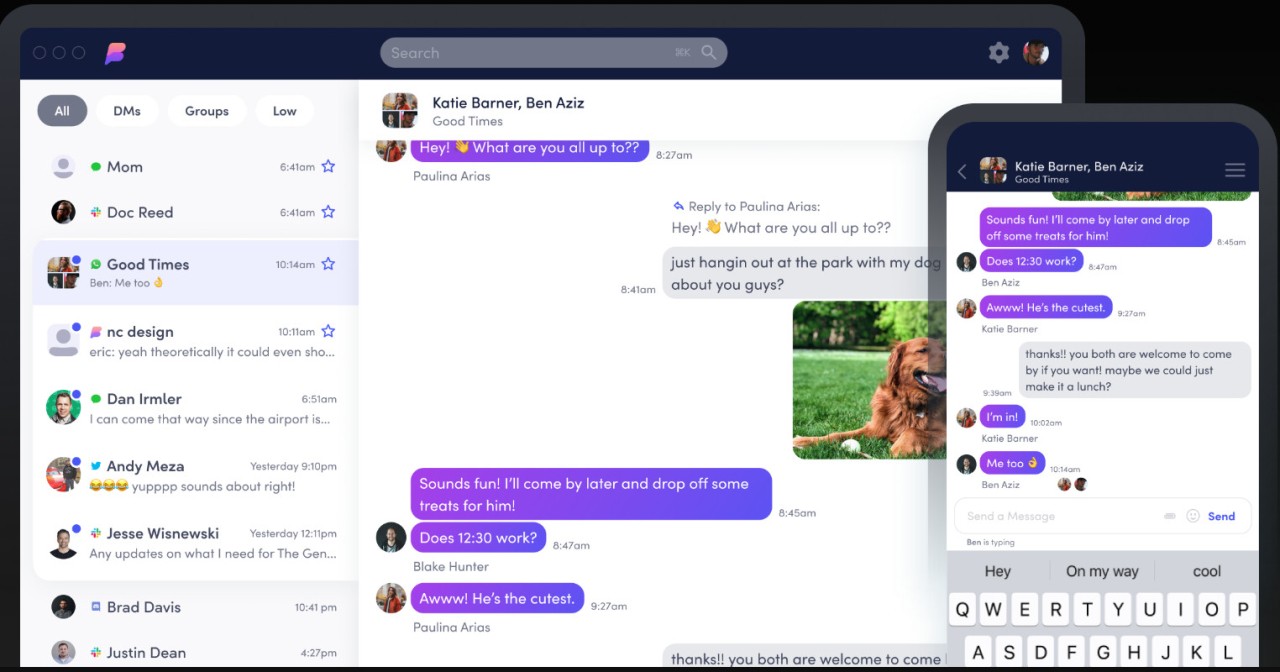
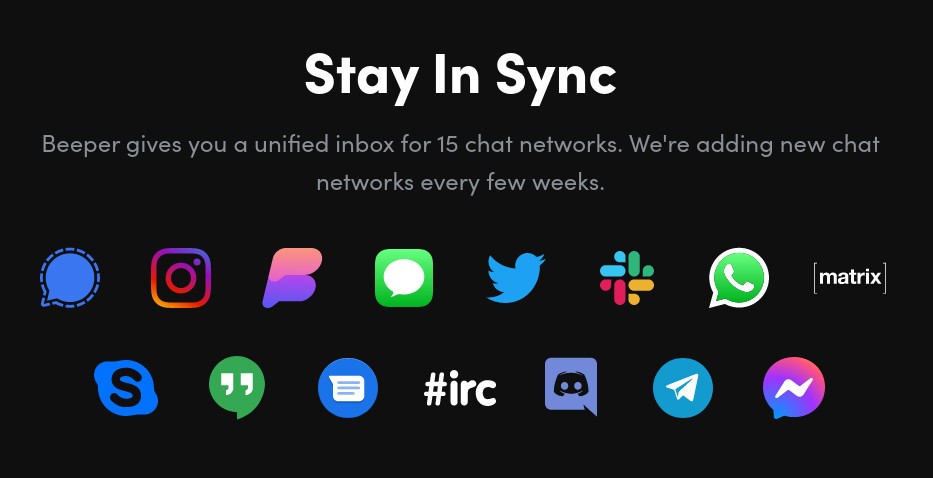
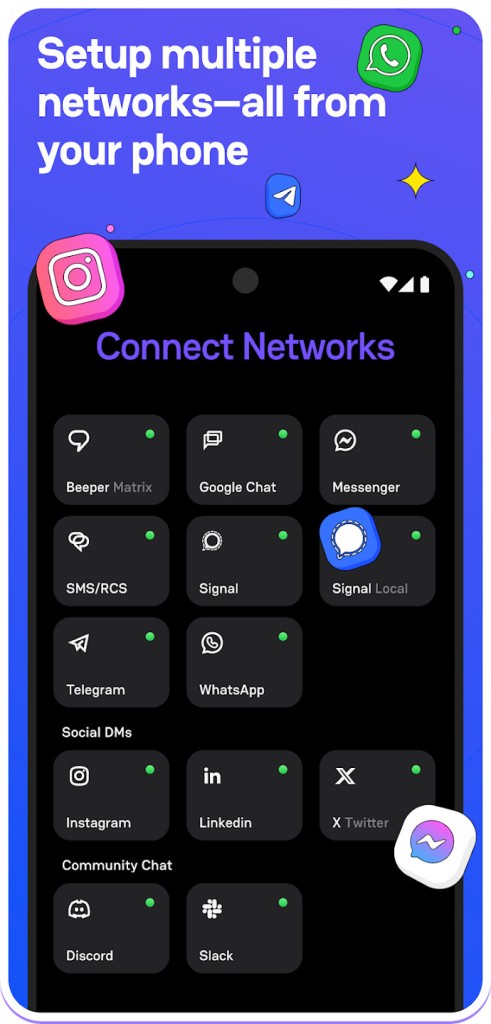
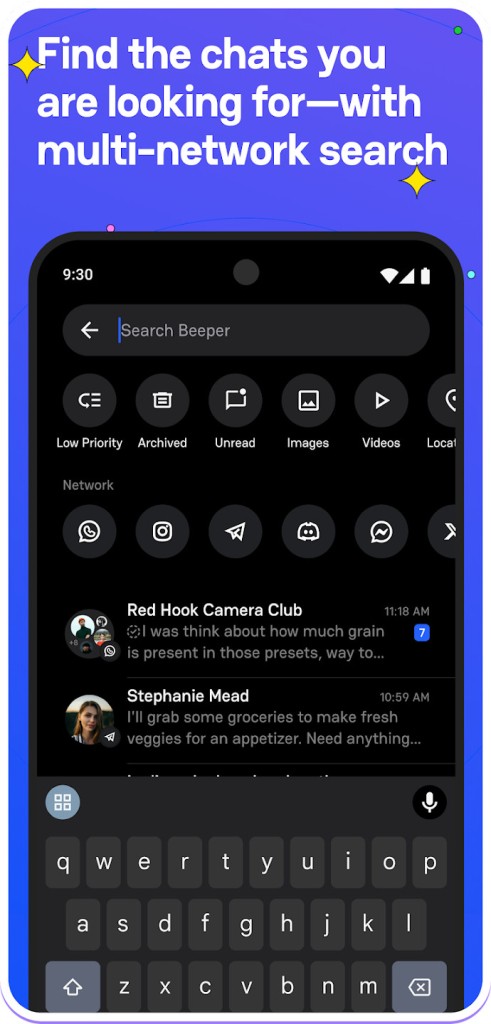
Beeper falls into the category of unobtrusive tools that are relied on for unexpected essentials. Beeper functions as a single, ubiquitous messaging platform by integrating more than a dozen communication channels through a cohesive user interface.
Using Beeper lets you read and answer messages from WhatsApp, Messenger, Signal, Telegram, iMessage, Slack, Discord, and more through a single interface. Beeper achieves its main objective by controlling messaging disharmony. Beeper unifies all your communications on a single platform, regardless of whether your contacts use different platforms.
The Matrix protocol enables Beeper to act as a tool that connects various chat systems. The application maintains your messages through its secure framework, which ensures combined messaging without slowing down. The application avoids developing new messaging concepts. The service provides an easy-to-use interface that combines all your communication activities into a single display.
The core functionality of Beeper maintains its original simplicity as it continues to develop, while preserving access to all existing messaging services. Beeper solves tab-juggling stress by presenting users with a single, neat interface to connect with all their contacts.
Why Should I Download Beeper?
You experience this all too often when you find various messages spread across multiple applications on your smartphone. One in WhatsApp. Three on Slack. In your Discord account, you received a message that completely slipped your mind, while iMessage delivered a birthday notification. Such broken communication organization causes both mental exhaustion and poor attention to essential messages. Beeper helps users save valuable time, together with additional energy and psychological stability.
Downloading Beeper helps you consolidate your communication. Using Beeper eliminates the need to scan through 7 different apps each hour, since you only need to check this single platform. That alone makes it worth it. And what’s even better? Beeper operates without forcing you to eliminate any of your already active communication apps. All your contacts, as well as groups and threads, remain unchanged after utilizing Beeper. Through its combination of technologies, Beeper provides users with a professionally coordinated communication hub.
The integrated flexibility is one more feature that helps users with Beeper. The application provides real-time synchronization that works across mobile and desktop platforms. The instant message sent from your laptop display appears automatically on your mobile device. Everything stays aligned. The communication platform provides a sense of comfort to anybody who maintains business relationships or joins with separate friend or family groups.
For people who prioritize privacy, Beeper operates at a visible level. The Matrix base allows Beeper to operate with a decentralized fundamental structure while being open-source, so that developers and advanced users can dive into its code base and modify it according to their needs. Through its design, Beeper gives users enough control to stay in charge, so they don't have to deal with excessive options.
But let’s be real. Users remain unconcerned about backend protocols because they want less network clutter and better concentration when receiving important messages. Beeper delivers all of that. The platform remains by invitation only at present, yet it demonstrates clear signs that its charm will make users dependent on it after admission.
Is Beeper Free?
After a long period of trials, where you had to get an invitation to use Beeper, the company was bought by Automattic. This provided Beeper with everything it needed to open to everyone, and now you just have to download it to use it!
Since its acquisition by Automattic, Beeper has been free to use. Users who want more functionality can opt for paid subscriptions.
What Operating Systems Are Compatible with Beeper?
The Beeper application runs on Windows, macOS, Linux, Android, and iOS. Users can find the desktop application operating effortlessly across multiple platforms, and it maintains complete synchronicity between desktop and mobile versions.
Beeper provides a feature that lets users install the app on their phones and computers to create automatic, synchronized device connections. Your main requirement for using Beeper is a reliable, stable internet connection. Beeper provides instant access to your messages through its convenient platform and works in both workspace and mobile environments (including a foldable phone interface).
What Are the Alternatives to Beeper?
The Beeper application provides its functionality, but users who prefer alternative tastes might find attractive substitutes.
People who want maximum productivity immediately notice Ferdium as their top choice. Ferdium provides users with chat apps, project management, and email features that integrate seamlessly with cloud services. All application,s including Slack, Discord, Trello, and Gmail make their home on the Beeper platform. Beeper primarily serves as a chat aggregation platform, whereas Ferdium extends its functionality to manage complete workspaces. Users can customize Ferdium without restrictions, while all server synchronization occurs only after manual authorization. Users who need their workflow command center should consider using Ferdium as their complete system control environment after using Beeper as their communication hub.
The application Friendly Social Browser operates with a unique perspective compared to other alternatives on the market. Friendly Social Browser serves as a social media browser without the need for chat. The browser interface of this platform provides users with a clean design that easily combines Facebook, Instagram, and LinkedIn functionality. The application enables users to view feeds while blocking pop-ups and tracking, with lower data usage requirements. The main distinction between Beeper and Friendly is their messaging capabilities: Beeper supports Discord and Slack, while Friendly provides an uncluttered experience for social feed users.
SocialPilot delivers its greatest value to professionals who need to manage brand communication across multiple social media accounts. The tool does not yet join multiple private conversations, but it masters automating social posts and enables effective social network engagement tracking and content distribution to Facebook, Twitter, and LinkedIn. The application offers direct communication features to its users. Through its design, SocialPilot enables communication with target groups. The tool operates primarily as a strategic marketing tool, even though it belongs to the broader category of tools that unify dispersed platforms into one accessible location.