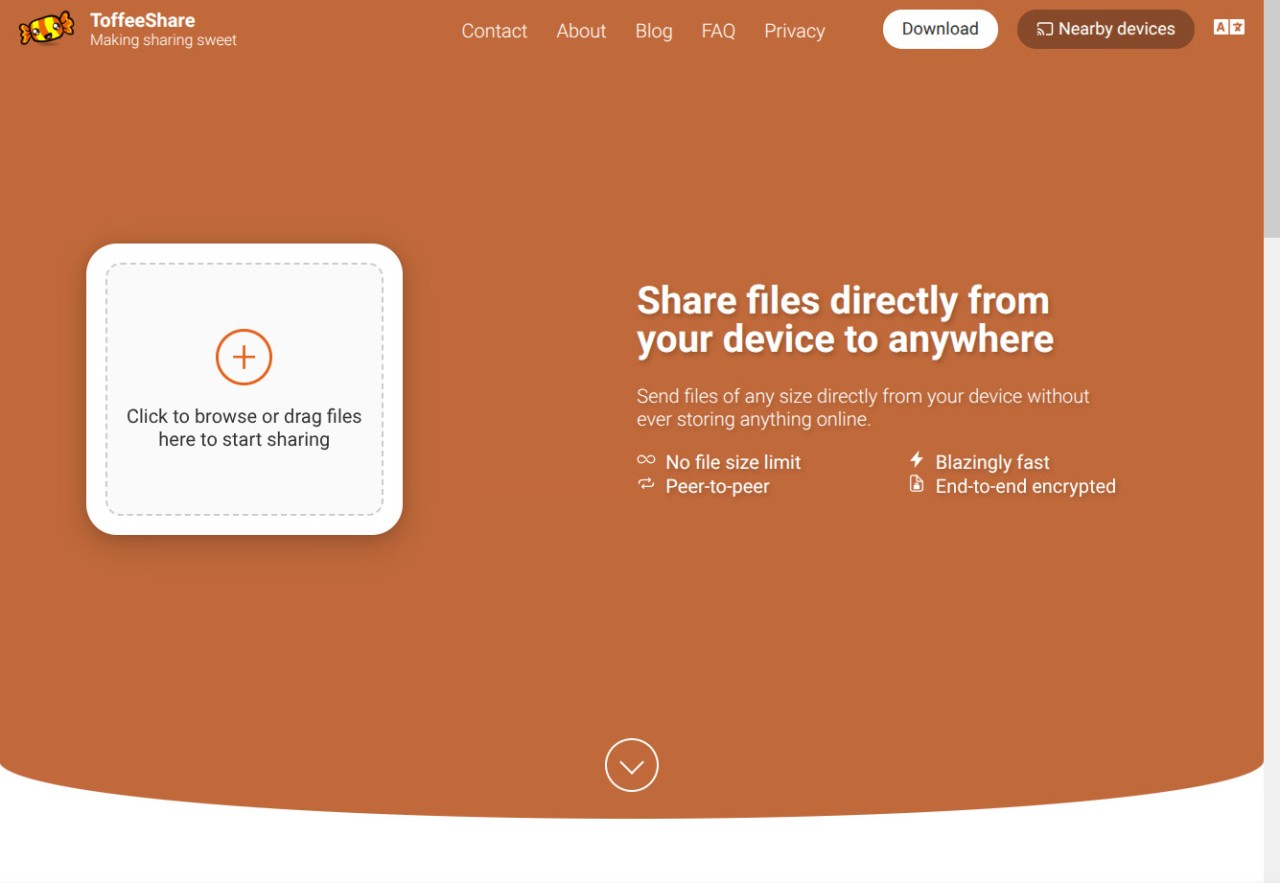
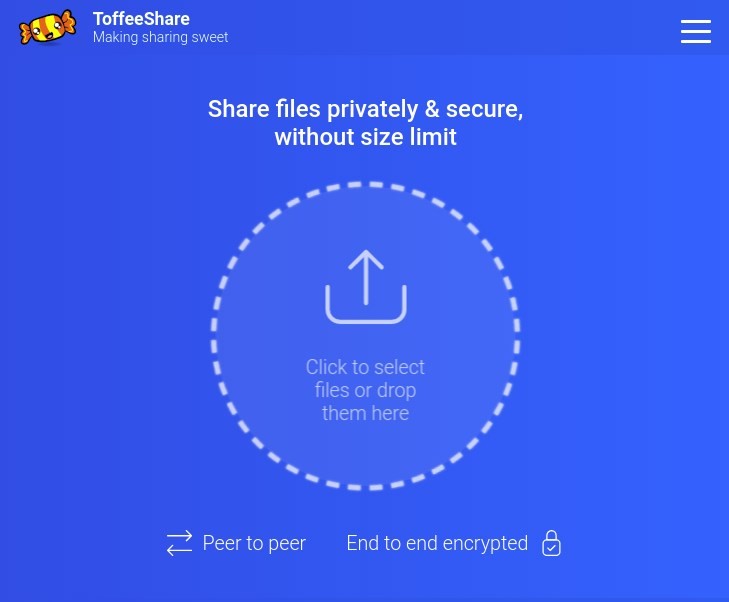
ToffeeShare is a slim file-sharing system that allows data to pass through the air and become personal without involving third-party cloud storage. It relies on peer-to-peer connection; thus, files are transferred directly between your computer and the recipient's, and do not exist online. This maintains the privacy of your data and speeds up transfers.
Common file-sharing platforms request that you post files to faraway servers. ToffeeShare does not follow that step. It is based on WebRTC, the technology that handles video calls, and creates a transient, encrypted connection between the receiver and the sender. At the end of the transfer, the connection is closed, and the file is lost on the web. No electronic footprint.
ToffeeShare is not a centralized system; the data is not logged to a central server. You can share files of any size, but only your internet speed and device storage limit you. It is perfect when people prefer their privacy, speed, and simplicity, and do not want to open an account and provide personal information to send a file.
Concisely, ToffeeShare provides file sharing without an intermediary—fast, confidential, and stress-free.
Why Should I Download ToffeeShare?
Assuming that slow uploads, size restrictions, and forced sign-ups are irritating to you, ToffeeShare offers a more straightforward option. Open it, drop your file, and send the resultant link or a QR code to the recipient. That’s it. No records, no queues, no concerns with what happens to your information once you press send.
ToffeeShare does not store your files since it is peer-to-peer. They remain on your device until they get to the recipient. This eliminates the risks such as unauthorized access, server breaches, or accidental leakages, which are very prevalent in centralized systems. The application encrypts end-to-end (DTLS); thus, the content cannot be viewed or downloaded by anyone except you and the recipient, including even the staff of ToffeeShare.
The other advantage is its no-size-limit policy. It allows sending videos, large zip folders, and so on in full-HD without any limits. Assuming the same Wi-Fi on both devices, the rate of transfer can be very high, in most cases, even higher than uploading to a cloud.
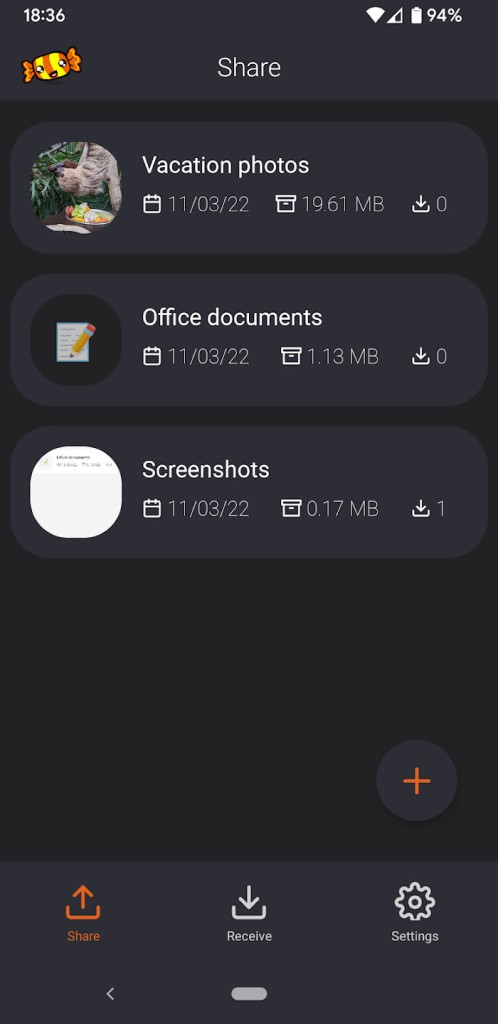
The application is cross-platform. No matter which device you have, be it a PC, tablet, or phone, it is easy to send and receive files. Use of the mobile app also allows one to keep shared files conveniently, assuming the device remains connected, serving as a temporary, decentralized cloud.
When you are a privacy- and speed-driven person with no storage restrictions, then ToffeeShare will be the best tool to ensure that your file sharing is easy and secure.
Is ToffeeShare Free?
Yes, ToffeeShare is free. No premiums or subscriptions, or hidden charges. There is no need to sign up and provide personal information. It is all hosted on your computer. The service is also not required to use any online storage or servers, which have to be maintained at a cost, leaving other platforms with no option but to charge users.
What Operating Systems Are Compatible with ToffeeShare?
ToffeeShare can be used on a wide variety of platforms; thus, it is flexible enough to be used in daily life. It is compatible with any modern web browser, and can be used on Windows, macOS, Linux, or Chromebooks without needing any additional software to do so. It only takes a simple visit to the site, selecting your files, and sharing the link. The receiver gets the link in their browser and downloads it instantly.
The Android application is available as an open-beta application and can be downloaded by mobile users. The application provides an added functionality over the browser, enabling files to be accessible as long as the device is maintained with power and a connection. It can be used for transferring large files or having several shares active; iOS users may use Safari or any other browser only.
The basic version does not require installs or browser plug-ins because it is browser-based. It is compatible with WebRTC, which provides direct peer-to-peer connectivity, and it is compatible with Wi-Fi and mobile connections. QR code sharing will enable users to share devices in the same network in a short period of time.
Simply put, ToffeeShare is a file-sharing solution that can be used in the most flexible way possible; it can run anywhere your browser is capable of running.
What Are the Alternatives to ToffeeShare?
SHAREit is an established and successful Android, iOS, and PC application that allows transferring photos, videos, and applications without being connected to the internet through the help of local Wi-Fi direct. It provides quick transfers that are cross-platform, but not entirely peer-to-peer as far as privacy is concerned. The information can be transmitted by a middle booster; thus, it does not have the high privacy that ToffeeShare offers.
WeTransfer is a cloud-hosted application that allows uploading files and sending a download link to the receiver. It is convenient to work with big media files in the professional world. Its limitation is privacy: the files remain on the servers of WeTransfer for a certain amount of time (seven days, in general). WeTransfer is also a good choice in case you are comfortable with hasty uploads and a slick cloud-based interface.
An offline privacy tool commonly used is LocalSend. It utilizes local Wi-Fi or LAN to share files among devices without the use of the internet. It does not have an external server or cloud, like ToffeeShare. Its open-source character gives it popularity with privacy activists and those developers who desire transparency. It works well in closed environments, such as office or classroom environments, where there are devices on one network. But it is only restricted to sharing locally, and ToffeeShare can share devices across the globe.