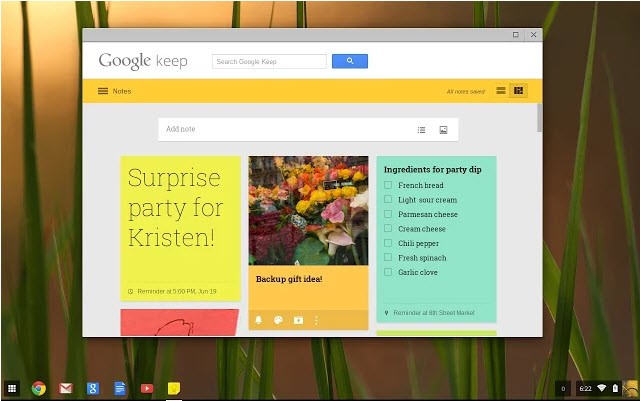
Google Keep functions as a note-taking app that can integrate into your life seamlessly. The application implements a practical and efficient approach to note management. If having to keep track of thoughts and tasks stresses you out, the Google Keep digital notepad can help.
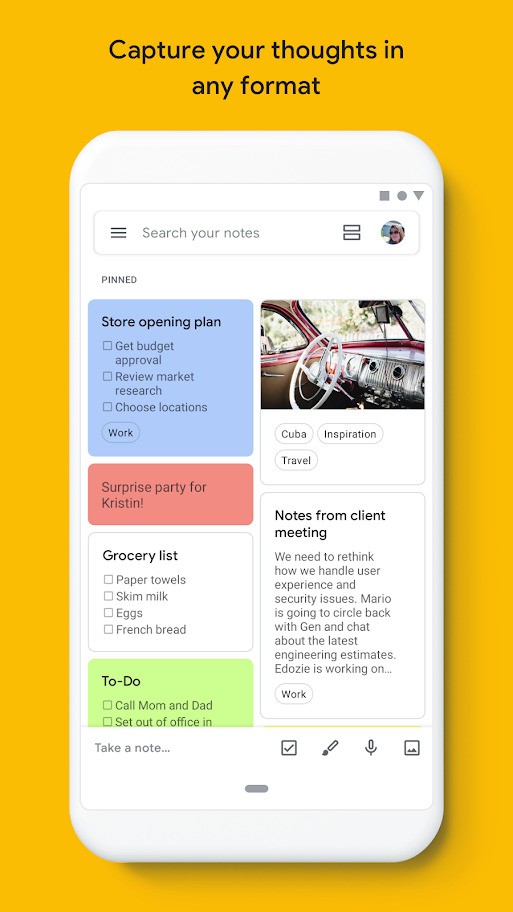
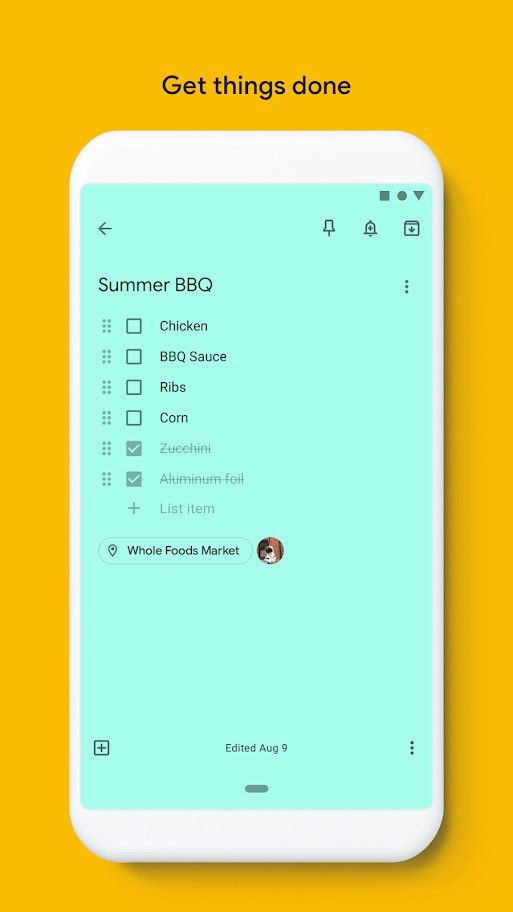
The fundamental purpose of Google Keep is to allow users to make notes on the move. It offers many additional features beyond basic note-taking. The app lets users enable notification alerts, create task lists, and share notes with others. It’s more than a note app. The virtual sticky note functionality of Google Keep operates similarly to physical note boards by storing memos that you’ll never lose track of.
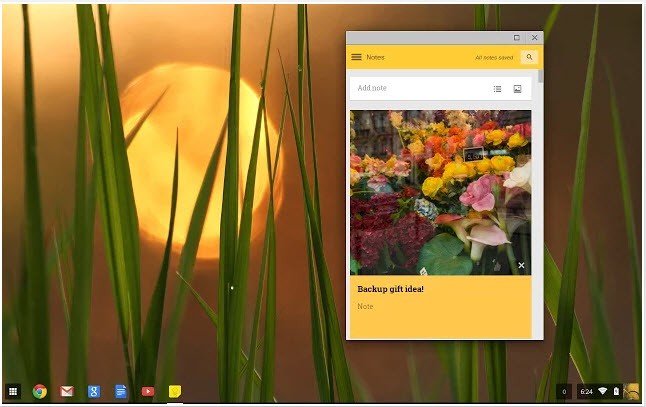
The interface is simple, making it suitable for everyone. There is nothing complex about opening the app to jot down ideas. Your notes stay safe due to automatic syncing across devices through Google. As a result, you can retrieve your notes even if you misplace your smartphone.
People use Google Keep to write down grocery lists, manage their thoughts, keep journals, or create basic plans. Its lack of pretentiousness makes it attractive to users. The platform follows a basic setup and has all the necessary features.
Why should I Download Google Keep?
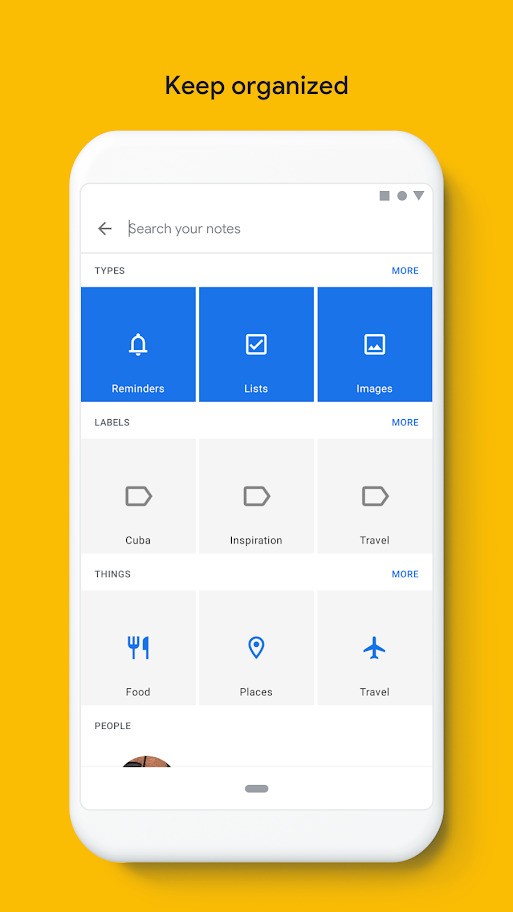
The user-friendliness and speed of operation make Google Keep stand out from other note-taking applications. Users can keep their content simple by not having to establish directories or apply labels to everything, and they can avoid having to choose from multiple formatting templates for writing. Just open the app and start typing. The tool is especially useful in times of mental overload, as it provides a safe container for ideas.
Google Keep is popular because it integrates seamlessly with all Google products. All Google users who already use Gmail, Google Calendar, or Google Docs will find Keep can be part of their workflow. The process of moving email information into Keep is effortless because you can send notes to Keep directly from your reading screen. The ability to attach Keep notes to Google Docs makes the tool perfect for people who want to expand their ideas outside of the tool. Your notes can start off simple and grow into something more complex.
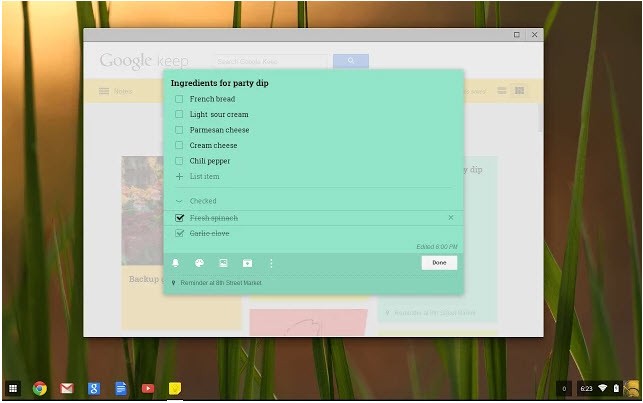
Then there’s the reminder feature. The location-based reminder feature in Keep is known to boost productivity. The app provides location-based alerts that can remind you what groceries to buy when you get to the supermarket, for example. You can ask the system to notify you at a certain time or place. Shared notes can be edited together with another person in real-time. The feature works well for collaborative brainstorming and family shopping list creation.
Is Google Keep Free?
Yes, it is completely free. You don’t have to pay anything. The tool is free because it is part of your Google account. If you already have a Google account, you don’t need to register.
What Operating Systems Are Compatible with Google Keep?
This note-taking system can be accessed through the most commonly used operating systems.
Android users can access Google Keep through their devices directly. iPhone and iPad users can download Google Keep through the App Store. You can also use your favorite browser on any desktop computer because the online version of Google Keep supports all major browsers, including Chrome, Firefox, and Safari.
Synchronization between devices is automatic. Your notes will remain accessible through Google Keep when you switch devices. The application performs effortlessly on all operating systems, including Windows, Mac, and Linux, through the browser version.
What Are the Alternatives to Google Keep?
Several robust note-taking programs exist that people actively choose instead of Google Keep because they desire different features or appearance options. All these options demonstrate unique strengths and meet slightly different requirements, but maintain solid performance for their users.
The most popular alternative is Microsoft OneNote. Microsoft OneNote has existed for quite some time, and continues to be preferred by those who like to manage their notes through tabs and folders. This program functions better as a digital notebook than it does as a note application. You can write notes with a stylus and reorder content using different sections. This app works optimally for professionals and students who need to manage information effectively. Users can benefit from this tool for free, and it operates on all operating systems.
Then there’s Evernote. With this application, users can consolidate note-taking alongside webpage clipping. You can add PDF attachments and optimize long-term project management and workflow automation. Evernote exceeds Google Keep in functionality, but it’s also more complex. Users can access Evernote for free, although complete access to all of its features requires subscribing to one of its payment plans. People hold differing opinions about this tool; some value its features while others consider it superfluous for basic use. The application offers substantial value to those who intend to digitally organize their life in depth.
Lastly, there’s Notion. Notion has quickly become popular among creative workers, including remote employees and users interested in tech. Notion functions as both a note-taking solution and a full-scale workplace. The service enables users to take notes and handle tasks through database building, wiki creation, and team collaboration. The application provides customization features that some users find helpful, and others find too complicated. Users interested in creating their personal productivity framework from the ground up should consider Notion.