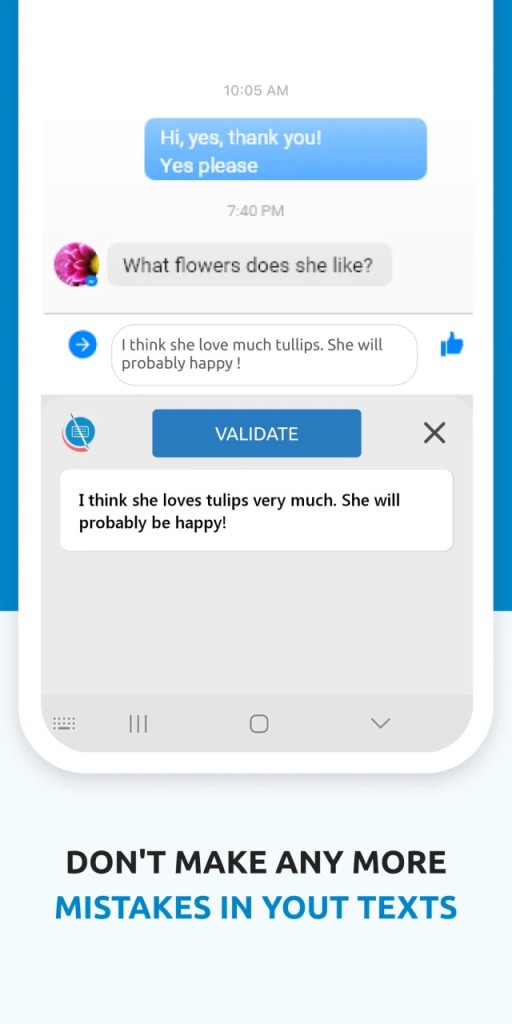
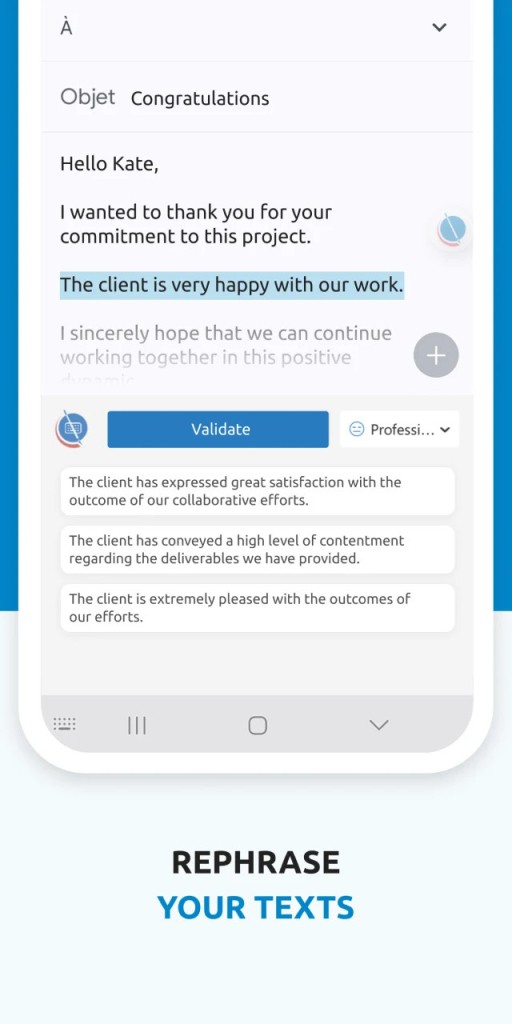
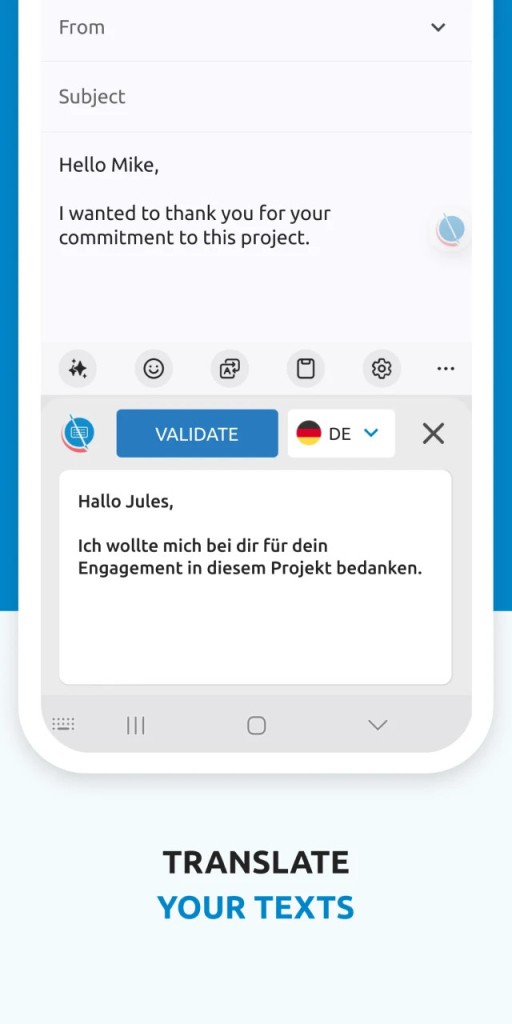
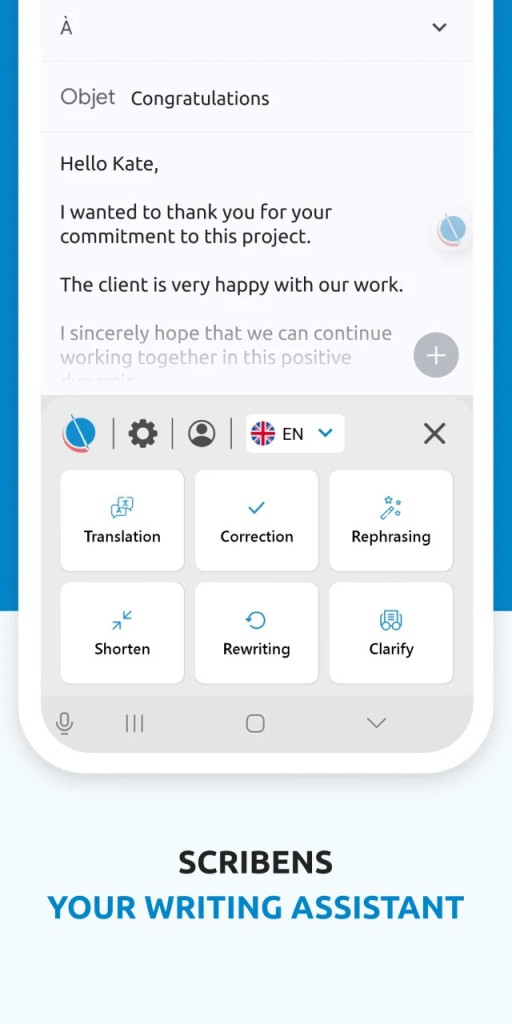
Scribens is a writing tool that helps you clean up your text without needing to download or install heavyweight editing software. It catches grammar mistakes, spelling errors, punctuation problems, and awkward sentence structures in both English and French. The service runs directly in your browser, with extensions available for added convenience across different platforms and writing environments.
What sets Scribens apart from many grammar checkers is that it offers a thorough set of correction features without requiring complicated setup or locking useful tools behind a paywall from the start. Corrections appear with clear markings and explanations, making it easy to understand what's being flagged and why.
Whether you're a student, a professional, or someone who writes occasionally, Scribens provides useful grammar checking that goes beyond basic spellcheck. It analyzes sentence length, flags word repetition, checks subject-verb agreement, and monitors tense consistency. The tool is designed to help you improve your writing without taking control of it. Scribens refines your content while letting you keep your own voice and style, which is an important distinction from tools that try to rewrite everything for you.
Why Should I Download Scribens?
Everyone makes writing mistakes, regardless of experience. Scribens works as an assistive tool that catches errors and offers suggestions while leaving final decisions in your hands. If you regularly write emails, reports, blog posts, or academic papers, having a grammar checker running alongside your work saves time and reduces the chance of embarrassing mistakes slipping through. The reason to download and use Scribens is simple: it gives you a second pair of eyes on your writing without adding any friction to your process.
The appeal of Scribens is how direct it is. There's no elaborate onboarding process or complicated settings to configure. You paste or type your text, and the tool flags problems immediately. It uses a color-coded system to distinguish between grammar issues, spelling errors, and style suggestions, which makes it easy to scan your results and address what matters most. For learners, especially, the detailed explanations attached to each correction are valuable because they explain why something is wrong, not just that it is. Over time, that feedback helps you internalize the rules rather than just blindly accepting fixes.
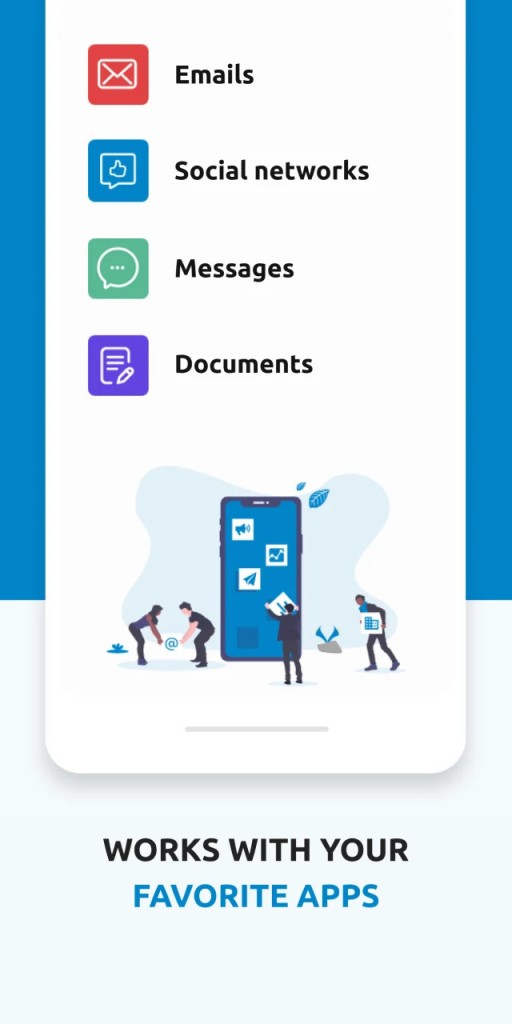
Flexibility is another strength. You can use Scribens through its website or install a browser extension that works in the background while you write. It integrates with Google Docs, the online version of Microsoft Word, LibreOffice, and email platforms, so it's active wherever you're producing content. For people who move between different tools and platforms throughout the day, having grammar checking available everywhere without switching apps is a real convenience.
French language support is a feature that deserves its own mention. Scribens is one of the few grammar checking tools that provides advanced French correction alongside English. If you write in both languages or you're studying French, having reliable grammar checking for both in a single tool is a genuine advantage. Most popular checkers don't handle French well, but Scribens does. Beyond basic corrections, it also flags word repetitions, overly long sentences, and overused terms, which are the kinds of stylistic adjustments that make a real difference in how natural your writing sounds. For anyone focused on clear communication, these deeper suggestions add long-term value that goes well beyond catching typos.
Is Scribens Free?
Scribens is free for everyday use. The free version includes grammar and spelling checking that covers the needs of most writers, and the browser version doesn't require any registration to start using it. You can begin checking your writing immediately without creating an account or entering payment information.
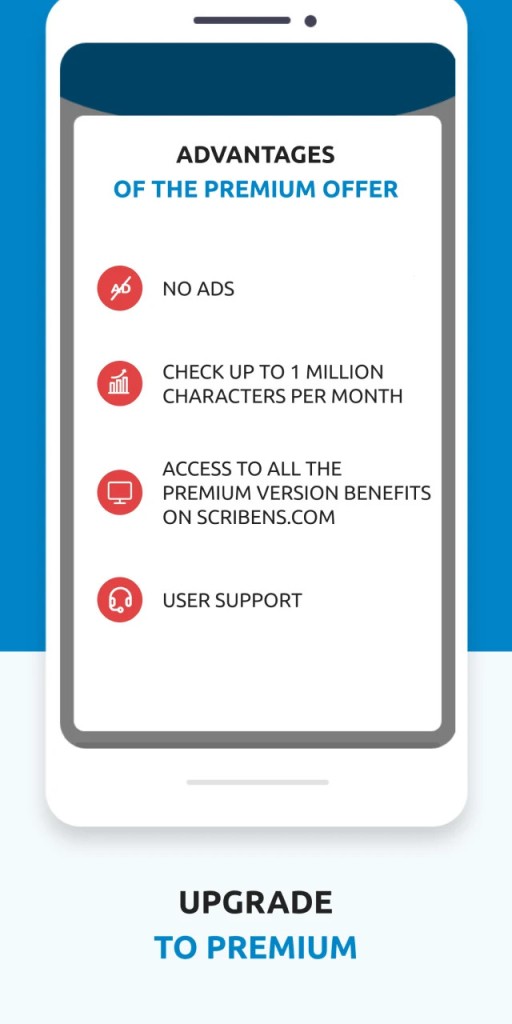
A premium edition is available for users who want access to more advanced grammar rules, deeper correction options, and additional app integrations. That said, the free version handles standard writing tasks well and is more than sufficient for most people's daily needs. There's no pressure to upgrade, and the core functionality remains fully accessible without paying anything.
What Operating Systems Are Compatible with Scribens?
Scribens is web-based, so it works in any modern browser, including Chrome, Firefox, and Safari. That means it runs equally well on Windows, macOS, and Linux without needing a separate download or installation. Browser extensions are available for real-time correction while you write across different websites and platforms.
There's no heavy desktop application to install or maintain. You can also access Scribens from mobile devices through the browser, though there isn't a dedicated mobile app at this time. The tool stays lightweight and accessible across platforms without adding any complexity to your setup.
What Are the Alternatives to Scribens?
A few other grammar tools offer overlapping features with different strengths depending on what you need.
LanguageTool is one of the closest alternatives and shares several of Scribens' qualities. It provides grammar and spelling checking, style suggestions, and tone selection across more than 20 languages. The software is open-source, which appeals to users who value transparency in how their data is handled and who want to know exactly what's happening with their text. You can access LanguageTool through a web interface, browser plugins, or integrations with popular writing applications like Google Docs and LibreOffice. Some users find that LanguageTool handles longer documents and more complex sentence structures more effectively than Scribens, making it a strong option for academic and professional writing where precision matters.
Grammalecte is a focused alternative for anyone writing primarily in French. It zeroes in on French grammar rules with a level of precision that general-purpose tools often can't match, offering detailed verb conjugation checks, structural analysis, and thorough grammatical feedback. Grammalecte is available as a LibreOffice plugin and as a browser extension. Scribens has a more modern interface, but for pure French grammar checking in academic or linguistic contexts, Grammalecte is a worthy competitor.
Grammarly is the most widely recognized grammar tool in this space, known for its polished interface and AI-powered suggestions. It focuses exclusively on English and excels at style refinement, tone adjustment, and vocabulary improvement. Grammarly does require registration, and many of its more useful features are locked behind a paid subscription, which pushes users toward upgrading for full access. The AI driving its suggestions is among the most advanced available, and it's particularly effective for business and formal writing where clarity and impact matter. Users who prioritize privacy and a distraction-free experience, however, tend to prefer Scribens or LanguageTool over Grammarly's more commercially oriented approach, which can feel pushy at times with its upgrade prompts.