Android Studio is the development platform for Android-based applications. Developed by Google, it is aimed at users who seek to design apps for phones, tablets, televisions, wearables, and any other Android gadgets. This makes the Android development tools available in a central location, and therefore, no other programs are required.
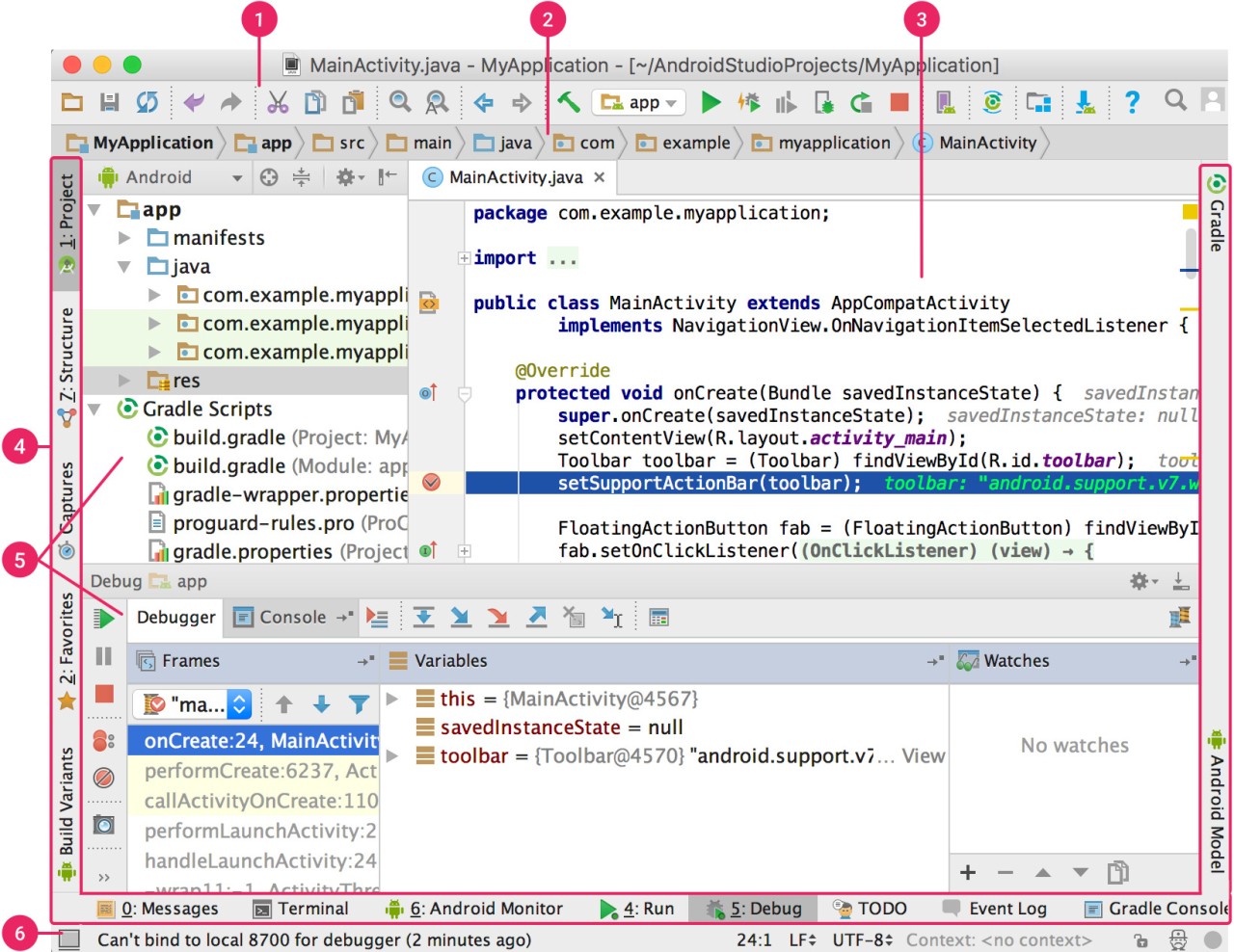
Android Studio provides a code editor where developers write application code in Kotlin or Java, which are the most popular mobile programming languages. C and C++ support is also offered on the modules that need low-level control. Since the IDE is provided in the form of a standard Android project, every file, folder, and setting is provided under the same format as the rest of the Android development.
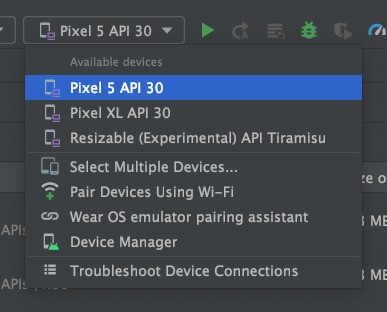
Android Studio has the Android Emulator as one of its features. It allows you to develop and test applications in virtual gadgets without a real phone. You will have an opportunity to consider other screen sizes and types of devices, such as tablets and foldables. Gradle is also used in the emulator to handle builds, thus making it easier to build numerous app variants.
Android Studio also has a built-in AI (Gemini) that can explain the code, create sample snippets, or respond to questions related to Android-development. Gemini accelerates more, but not the learning. Altogether, Android Studio is devoted to Android applications, and it is designed to work with that aim.
Why Should I Download Android Studio?
Android Studio can be of help when what you primarily want is building Android applications using official tools. It integrates numerous activities, such as code writing, building and testing applications, and checking their performance, into one app. This cuts the process of having to jump ship between different programs as one works on a project.
Another factor that makes people use Android Studio is convenience. It includes Gradle builds, emulator testing, and layout-inspection tools. These capabilities are already inbuilt and the process of building them becomes predictable, particularly to those who are novices.
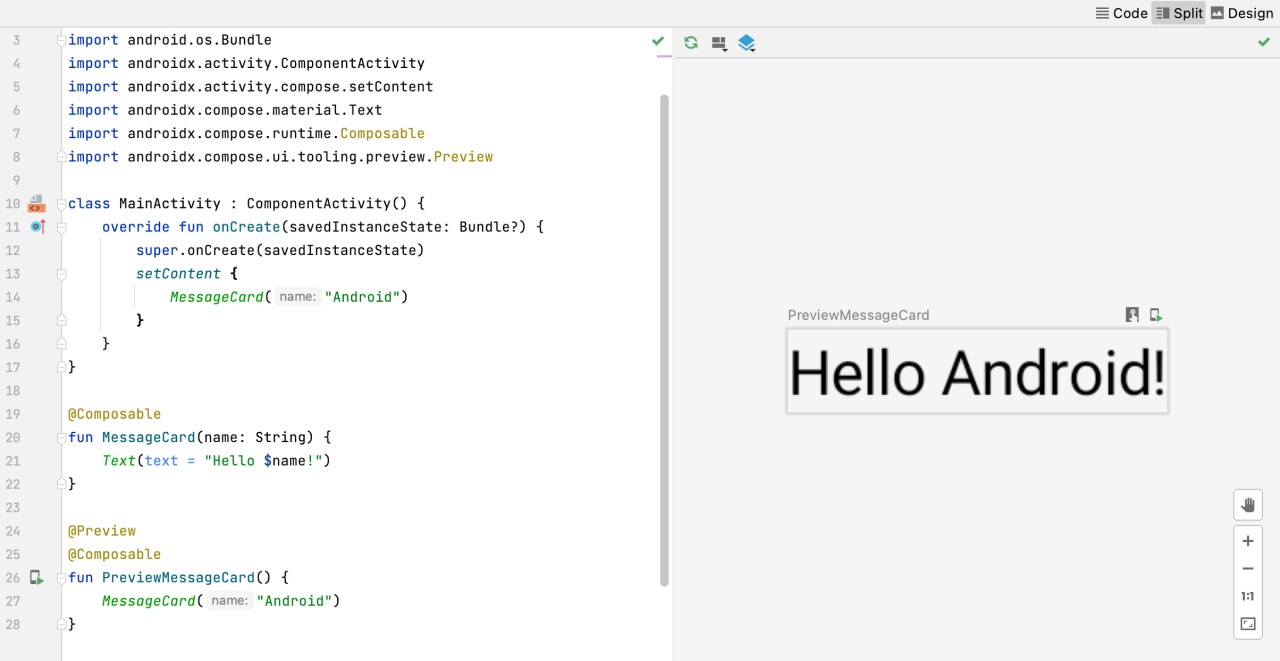
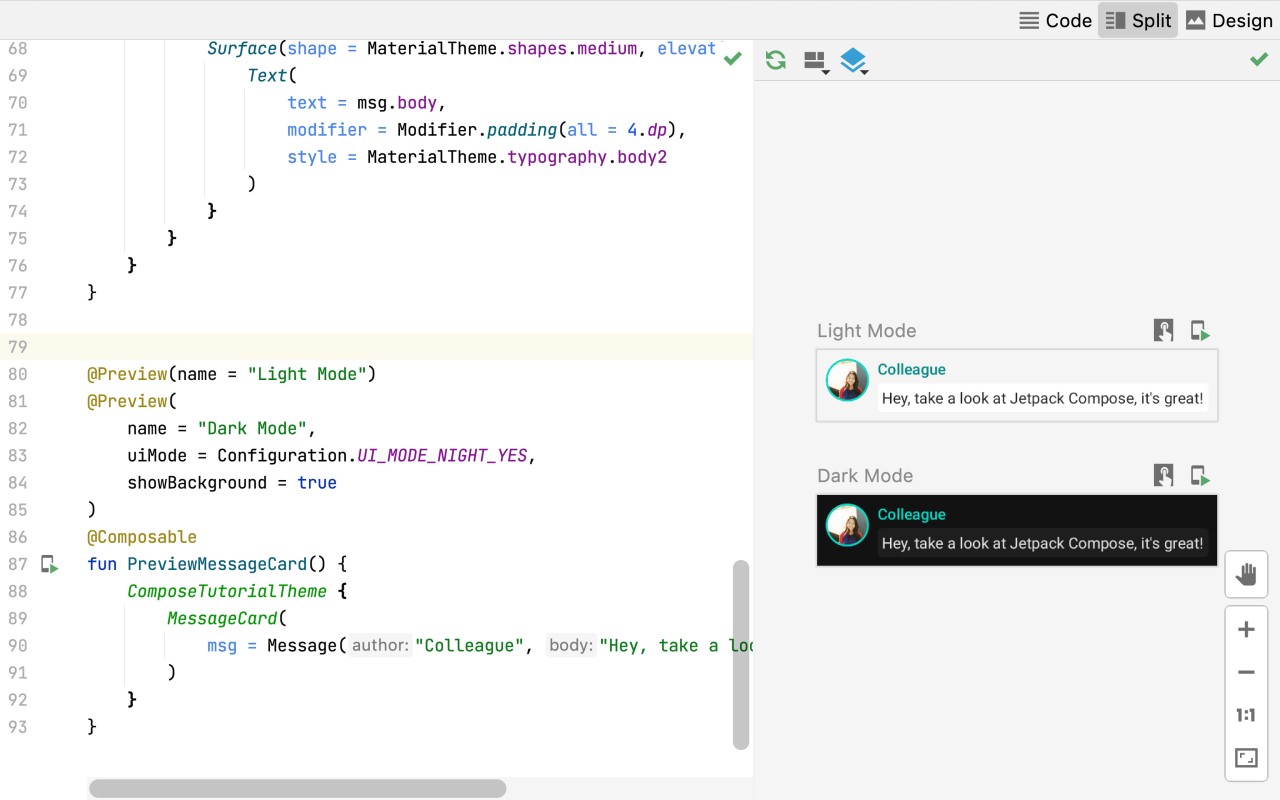
Jetpack Compose has a live preview assisted by the editor. Code changes are also updated immediately so that you can better design layouts or introduce changes to UI components. Android Studio also provides the provision of testing the behavior of an application on other Android environments like phones, tablets, TVs, and ChromeOS devices.
Another advantage is that Android Studio is abreast with Android conventions. Updates are also released regularly, and new features and APIs are supported first. The software is kept up to date with the current Android updates.
On the downside, Android Studio is not lightweight. It consumes much disk space and may be heavy on old systems. It is also primarily appropriate for individuals who take Android development seriously. Other tools can be more flexible, provided that Android development is just a minor fraction of your work.
Is Android Studio Free?
Android Studio will not cost you anything to download. It does not need any payment to install or use its main functions. The IDE comes with the free Android development kit, and any updates are also free from Google.
Android Studio itself does not come with any paid licenses or subscription plans. Nevertheless, development of apps can contain external services or utilities not within Android Studio, like a cloud service or third-party libraries. The IDE itself is not paid to use.
What Operating Systems Are Compatible with Android Studio?
Android Studio is compatible with various operating systems. It is compatible with Windows, Linux, ChromeOS, and macOS. Each platform has its own separate installation packages, in the form of Intel and ARM-based Mac versions.
The software is 64-bit-based and requires a reasonable amount of storage depending on the platform. Since Android Studio has emulators and build tools, it runs effectively on a system that has the required memory and contemporary processors.
Android Studio is another supported package that can be installed on ChromeOS. Google also provides Android Studio Cloud, which allows one to test the software using Firebase Studio on the browser. The alternative can be offered to those individuals who cannot install the entire IDE in the local environment.
What Are the Alternatives to Android Studio?
Visual Studio Code is a lightweight code editor that can be employed by numerous developers in various programming languages. It is not developed to be Android-specific in nature, and thus, except for extensions, the developer usually adds external Android tools. This alternative is better suited to those users who want the flexibility of a setup and have jurisdiction over their workflow rather than an all-in-one set. Many developers prefer to download Visual Studio Code because it stays light and can be customized only with the tools they actually need.
Eclipse IDE is an older development environment that is associated with Java projects. Even the developers are still comfortable with Eclipse due to familiarity. It is, however, not concentrated in the modern structures of Android projects. Android Studio is better positioned as an extension of modern Android tools, whereas Eclipse is a general-purpose platform that is not very Android-oriented nowadays. If familiarity matters more than modern Android tooling, some users still choose to download Eclipse and work within its known interface.
Rider IDE is primarily used by .NET and C# developers. It is considered in Android development when multimedia platforms are involved, as opposed to Android. Rider can be integrated into the existing workflows that are not based on Android. Rider does not make all its focus on Android SDK tools like in Android Studio. Developers who already use JetBrains tools often download Rider to see how well it fits into their cross-platform development routine.