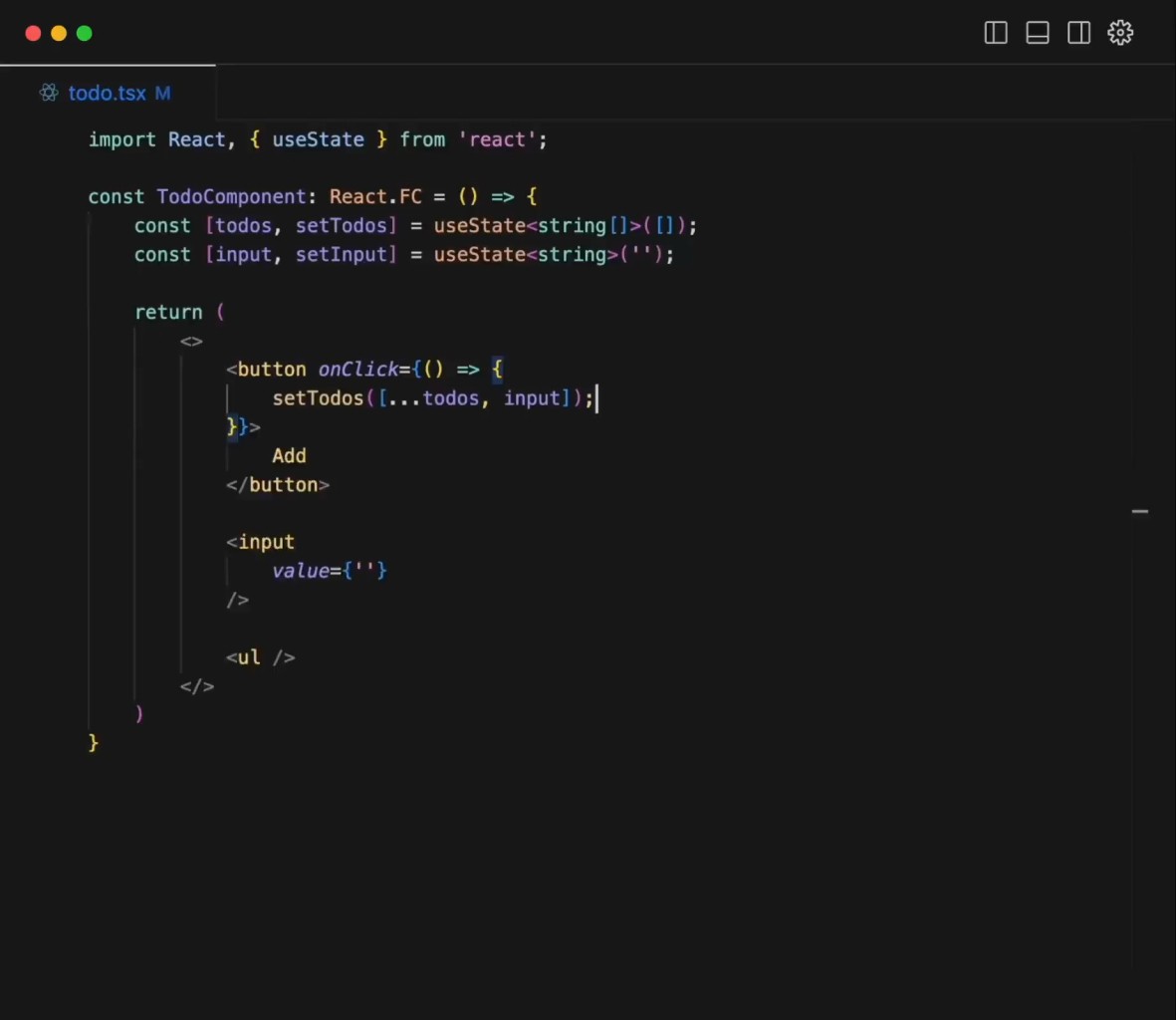
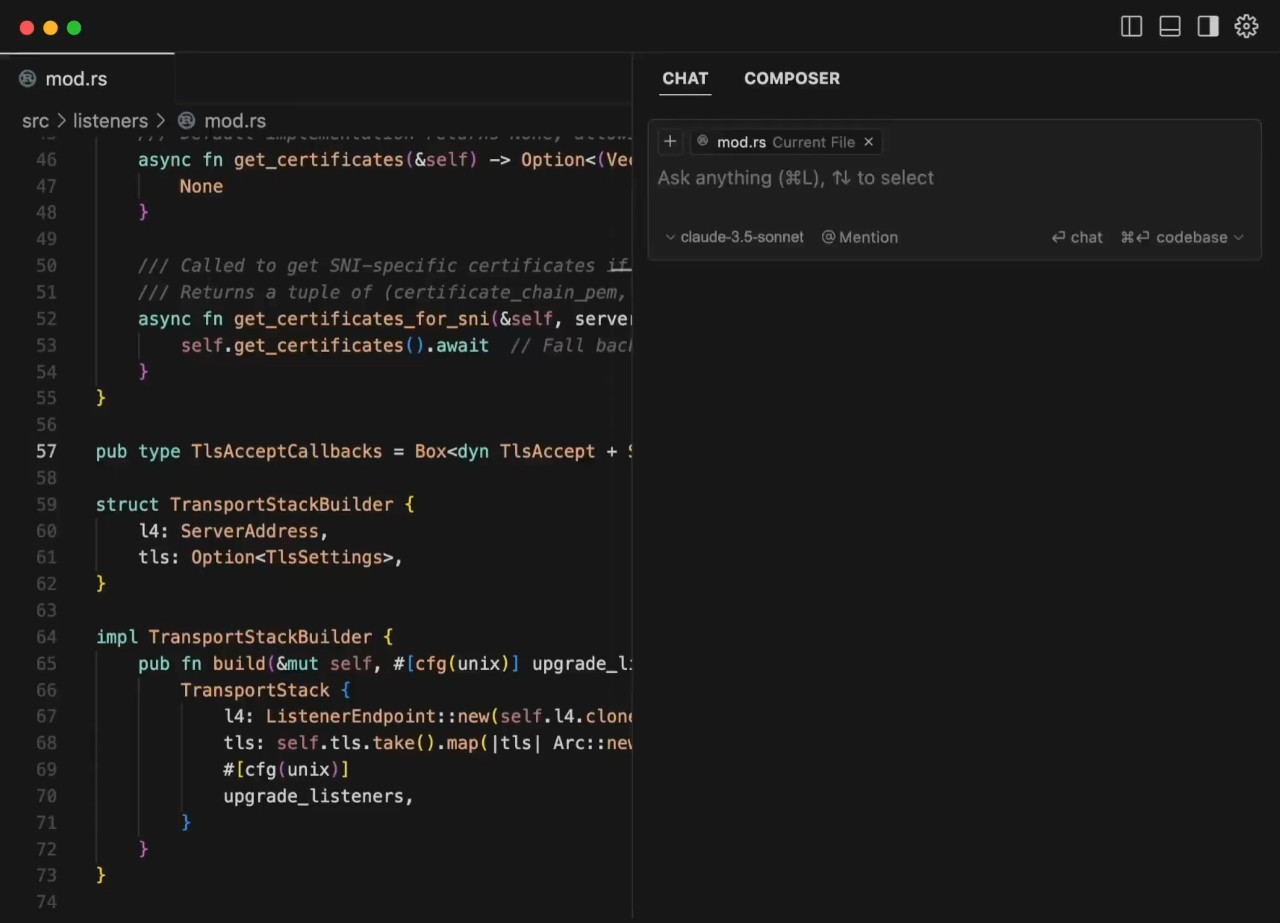
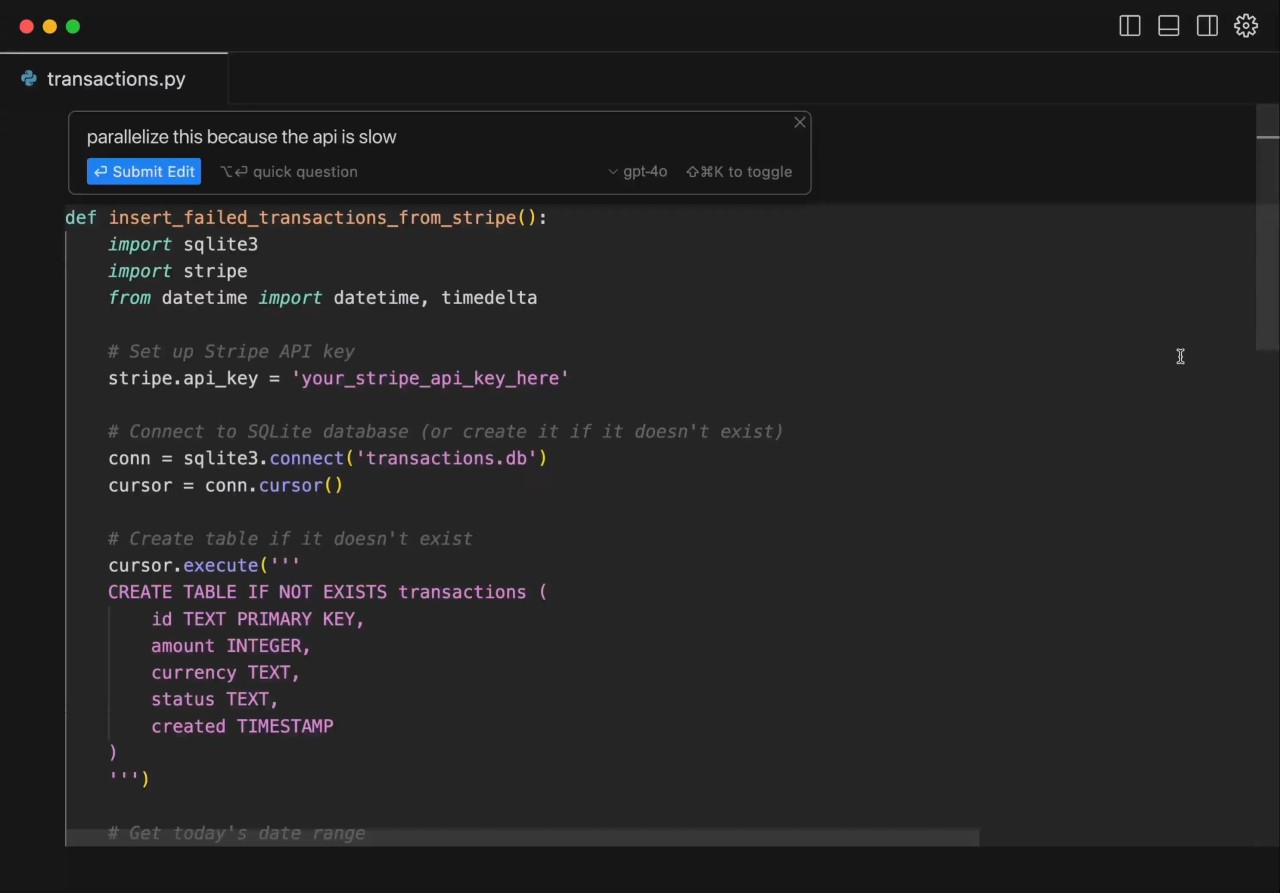
Cursor is an AI-based code editor that assists coders in composing, editing, and comprehending code more easily. It resembles and acts like a modern code editor but injects AI features into the coding workspace. Through their editor, users can remain without the need to use tools to pose questions or seek answers.
Cursor is capable of reading an entire codebase, not a single file. It is helpful when the size of the project is big, and the changes made in one of the files can impact others. The editor provides autocomplete, which pushes a hint of what a developer desires to write next, and it also provides the tools for specific edits as well as the overall changes powered by AI.
One more characteristic of Cursor is its agent-like workflow. High-level instructions are given by people, and the editor attempts to arrive at a working code based on those ideas. It is also compatible with popular development platforms such as GitHub, where it can be used to help with reviewing pull requests. Cursor is designed to engage those who spend the majority of their time typing code in an editor and need to receive the assistance of AI without leaving this editor.
Why Should I Download Cursor?
Cursor is a great-to-have download as it may give you AI support without forgetting to write code. Cursor does not involve the need to type the code in a chat program before pasting it; instead, everything is stored in a single place. This minimizes distractions and makes the code more direct.
Cursor can accelerate common processes, e.g., writing boilerplate code, refining existing reasoning, or getting to know the new aspects of a project. It can make more suggestions than generic online examples as it knows the codebase structure. This may be useful in participating in a new project or in accessing older code.
Flexibility is another factor in downloading Cursor. Users decide what level of control the AI will have over them, whether it is simple autocomplete or more autonomous. Other developers like small recommendations, and others give the AI bigger edits to make. Cursor supports both styles. It is again to be checked by human beings, and the outcomes can be inconsistent based on the project and coding scheme.
Is Cursor Free?
Cursor has free and paid access. The free version also allows users to test the rudimentary functions and get a feel of the workings of the editor. Nevertheless, there are certain constraints to using, in particular, more advanced AI capabilities.
The paid plans open greater usage potential and access to more powerful models. These plans are directed to the programmers using the editor daily or those with bigger projects. Pricing and limits may evolve with time, and therefore, the users are advised to review up-to-date plan specifications before depending on it in doing long-term work.
What Operating Systems Are Compatible with Cursor?
Cursor can support major desktop operating systems. It officially supports Windows, which accommodates a large portion of developers, while macOS usage may depend on availability through official releases or updates. The editor is an indigenous program, and thus, performance relies on the system on which it is operating.
Certain features are also compatible on Linux-based systems through tooling or integrations, though they are not always available and updated. Windows is currently considered the most consistently supported platform. Since Cursor is an app following the latest developmental tools, one should make sure that their system meets the basic specifications, like enough memory and a reliable connection to the internet, to operate the AI functions.
But that's not all; since the end of June 2026, Cursor also provides a mobile app. This one is, for the moment, only dedicated to iOS devices. It allows you to continue coding wherever you are, access “Talk to Cursor,” annotate images, know when your agent is finished with its task, and more.
What Are the Alternatives to Cursor?
Google Antigravity has been brought up in developer discussions, but it is not a viable coding solution yet. It began as a light experiment related to the engineering culture at Google. It lacks code editing, project comprehension, and repository management tools. It can be looked at by developers, either as an example of what other developers could create or as an object of curiosity, but it cannot be used to perform an ordinary programming job or to substitute a usable editor or AI code tool. Some developers may still download it just to explore the idea behind it, but it is not something people download for real development work.
A more practical alternative to ChatGPT Codex is overwoven with the advantages of developers and the need to have a wider scope of AI assistance. Codex is a coding agent that can run in terminals, code editors, and even on the cloud. It can read the whole repositories, assist in writing or updating the code, as well as, in reviewing the pull request on the GitHub platform. In contrast to Cursor, which focuses on the editor experience, Codex is used in more than one tool. It is advantageous to developers who divide their time among command-line usage, editors, and cloud-based activities ,and not remain in a single IDE. Developers usually download Codex when they want broader AI help across tools rather than limiting themselves to a single editor.
CodeConductor is an alternate solution since it aims at workflow coordination rather than code editing itself. It is designed to assist teams with the organization, administration, and direction of the developmental work with the assistance of AI. This may prove useful in more significant or formal projects where planning and coordination of tasks are more important than quick in-editor code assistance. On its own, it may be less directly oriented than Cursor, and in use by individual developers or those who prefer to immediately have a code suggestion within an editor. Teams that decide to download CodeConductor often do so for workflow planning needs instead of day-to-day code writing.