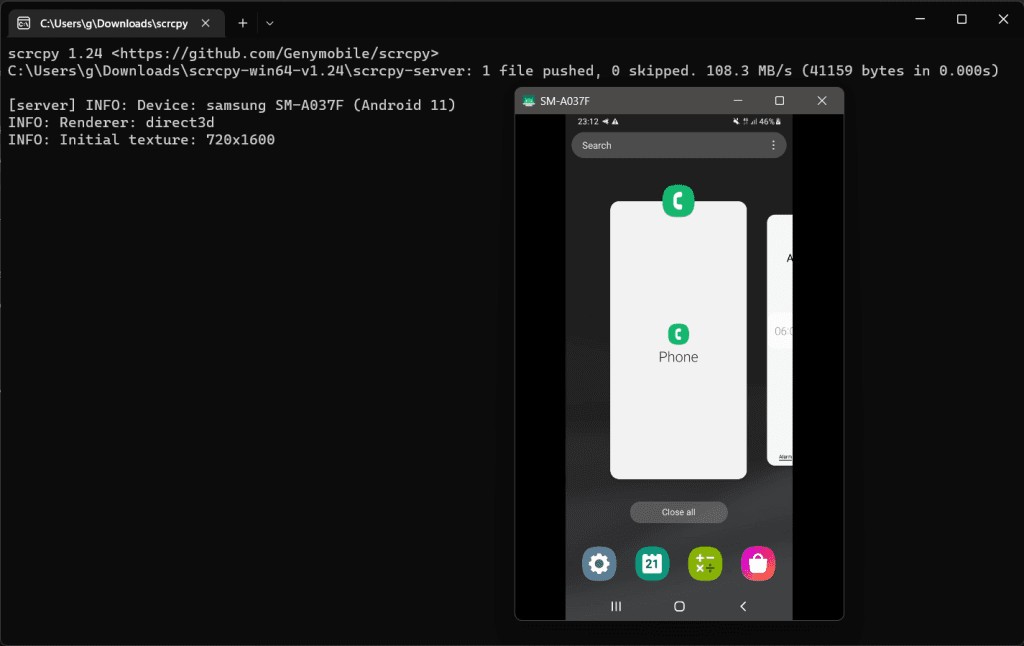
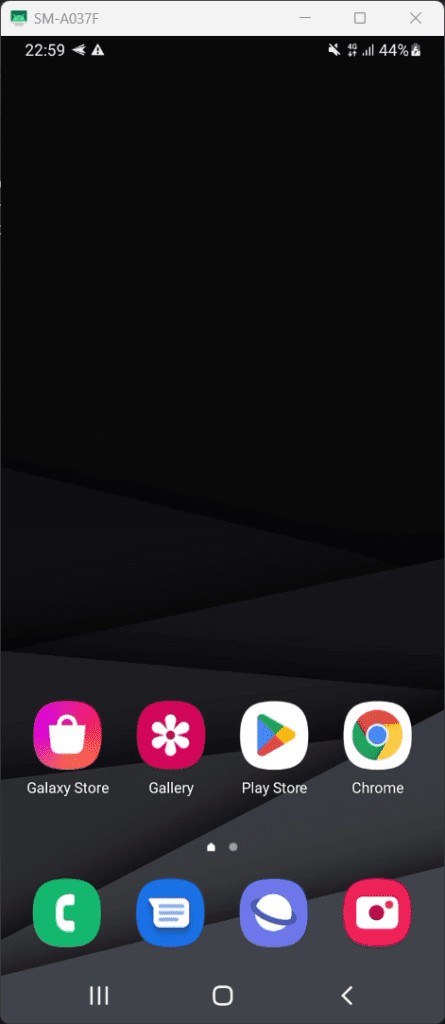
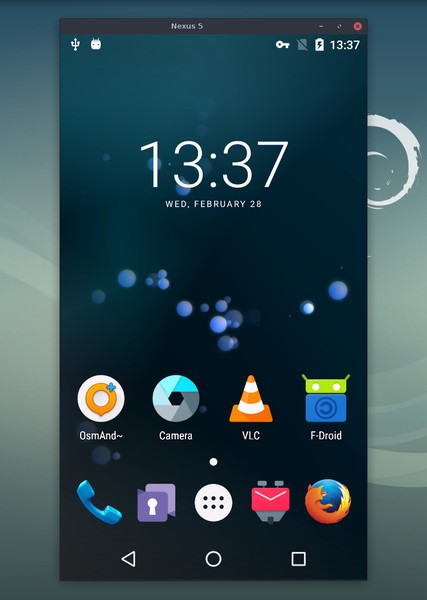
SCRCPY stands for screen copy, which is essentially what the app does. It creates a copy of your mobile phone screen and projects it onto your Windows, Linux, or macOS computer screen. You can gain full control of your phone on a computer, and use a keyboard and mouse to do everything you would normally do with just your fingers.
There is no need to root your mobile device or install an additional application. SCRCPY operates through a Android Debug Bridge tunnel. To connect your phone to the computer, use a USB cable or establish a connection over Wi-Fi.
Additional tools of SCRCPY include screen recording, clipboard sharing between devices, file management, and more. The app comes with no ads, you don’t need to create an account to use it, and you don’t even need access to the internet.
Why Should I Download SCRCPY?
You should download SCRCPY if you’re looking for a free and open-source screen mirroring app for your Android mobile device. SCRCPY provides exceptional performance with no lags, and it is far less restrictive than regular apps.
One of the greatest benefits of SCRCPY is that it has no delay in conveying the picture from your mobile device to your computer screen. You can connect your devices via Wi-Fi, or use a USB cable for the highest performance. If you use a cable, you won’t even need a working internet connection.
Everything you want to do on your phone, you can do on your computer with a mouse, keyboard, and bigger screen. These additional tools allow for better performance and workflow optimization. There is no need to root your phone, install an application, or create an account; simply run SCRCPY on your Windows, Linux, or macOS computer. The best part is that the app is free.
SCRCPY’s additional features include the ability to make screen recordings, using your phone camera as a webcam, and clipboard sharing across devices.
Is SCRCPY Free?
Yes, SCRCPY is a free and open-source tool to download. What’s more, you don’t even need to create an account to use it.
What Operating Systems Are Compatible with SCRCPY?
SCRCPY is only compatible with Android 5.0 and newer mobile devices. When it comes to computers, it is compatible with Windows, macOS, and Linux. Make sure your computer runs Windows 7, 8, 10, or 11, or macOS 10.12 or higher. You don’t need to root your phone or install a phone app to use SCRCPY. Most of the work will be done on your computer.
What Are the Alternatives to SCRCPY?
If you’re looking for a similar app with slightly different capabilities or is compatible with iPhones as well, then you have some options to choose from.
Vysor is a screen mirroring device for Android and iOS mobile devices. The app gives you full control over all of your phone functionalities, so you can write text messages, scroll on social media, and explore different applications just like you would on your phone. Unlike most emulators, Vysor is quick and accurate, so you don’t have to worry about lags. The free version of the app is limited, with lower resolution and fewer features. The paid version is equipped with functionalities such as wireless connectivity and video recording.
KDE Connect uses Wi-Fi to connect your mobile device with your computer. The app is completely free and open-source. You can use it to transfer files between devices and share links, as well as view notifications in real time, control media playback on your phone, and more. The tool is compatible with Linux, macOS, and Windows computers, and iOS and Android phones.
Phone Link is a Windows utility that allows you to connect your iOS or Android mobile device to your Windows computer. You can use it to send text messages, make phone calls, view notifications, and transfer photos to your computer. The app mirroring functionality is only available for Android phones.
Sefirah can connect your Android mobile device to a Windows, Linux, or macOS computer through Wi-Fi. The application allows you to share links, pictures, and text between devices, view phone notifications, and send messages. You can also use it to play media from your phone on a bigger screen.