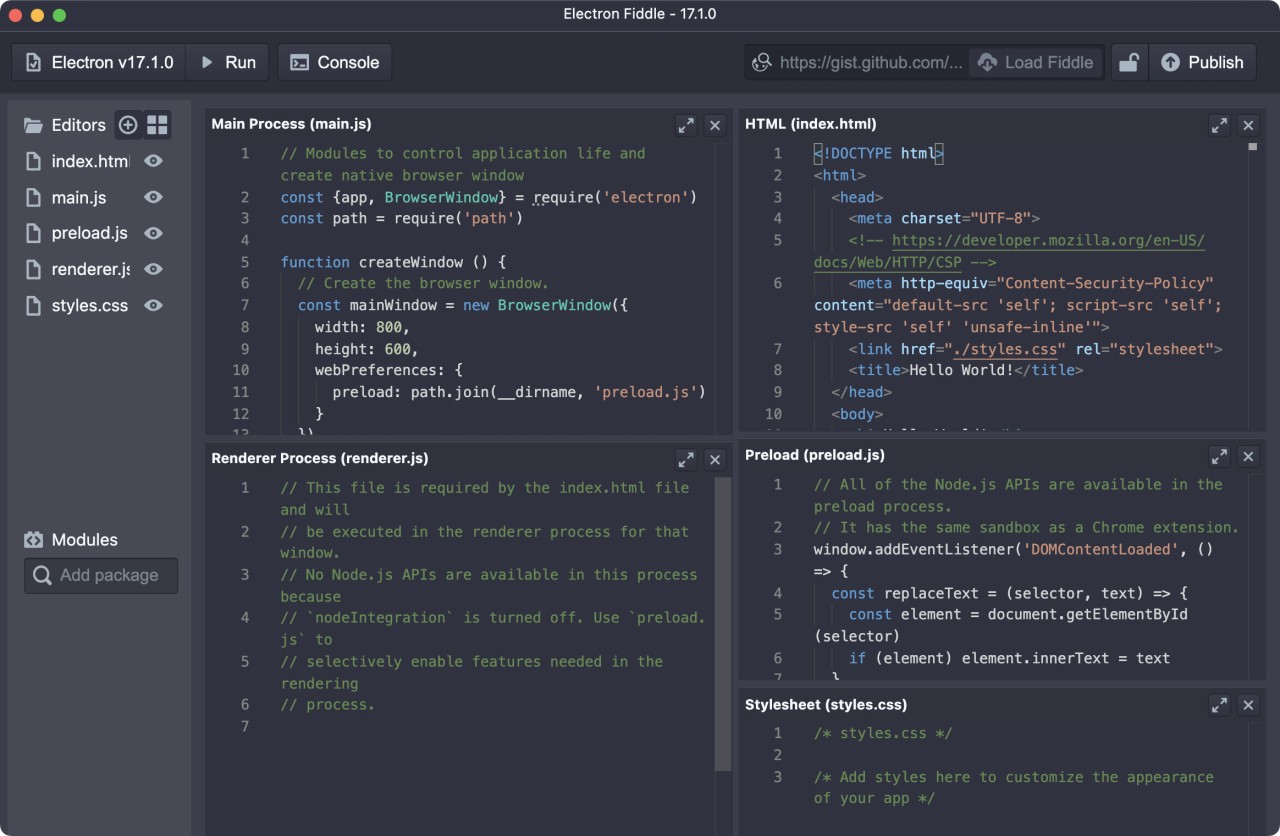
Electron is an open-source framework that lets web developers build desktop applications using the tools they already know: HTML, CSS, and JavaScript. Instead of learning platform-specific languages like Swift for macOS or C# for Windows, developers can write a single codebase and ship applications that run natively on Windows, macOS, and Linux.
Under the hood, Electron combines Chromium and Node.js into a single runtime. Your web project runs inside a shell that gives it its own window, menu bar, and system tray integration, turning it into a genuine desktop program rather than something that just lives in a browser tab. Some of the most widely used desktop applications are built on Electron, including Visual Studio Code, Slack, Discord.
Electron is more than just a toolkit, though. It represents a shift in how desktop software gets made. Web developers who've never touched native desktop code can build fully functional applications without switching languages or learning new paradigms. It removes the barriers that traditionally kept smaller teams and solo developers out of desktop software. One person with solid web skills can build and ship a real desktop application, and that's a meaningful change in how software development works.
Why Should I Download Electron?
If you're a web developer who wants to build desktop software, Electron is the most direct path to getting there. It takes the skills you already have and lets you apply them to a completely different category of application, turning websites and web apps into downloadable, installable programs that users can run on any major operating system.
You don't need to start from scratch or hire specialists for each platform. Whether you're building a markdown editor, a podcast manager, a note-taking app, or a cross-platform productivity dashboard, Electron lets you start building immediately with your existing JavaScript knowledge. There's no separate learning track for macOS, Windows, or Linux development.
Control over the entire experience is one of the strongest reasons to download Electron. You decide how your application looks, how it installs, how it updates, and how it presents itself to users. Electron handles packaging and distribution, letting you create native installers for each operating system with your own branding and splash screens. You don't need to rely on third-party services or tools to get your application into users' hands.
The community behind Electron is large and active, which matters more than it might seem at first. Because the framework is open-source and so widely adopted, answers to configuration problems, auto-update questions, and crash reporting setups are easy to find across GitHub issues, forums, and StackOverflow. Documentation is thorough and well-organized, with plenty of real-world examples to reference.
Electron is also a popular choice for internal business tools. Companies use it to build dashboards, reporting utilities, and custom applications that need to look and behave identically on every employee's machine, regardless of operating system. Development is faster, and maintenance is simpler when you're working from a single codebase rather than maintaining separate versions for each platform.
You don't have to be building a commercial product to get value from Electron, either. It's a great way to prototype ideas, build personal productivity tools, or simply experiment with desktop development. Once you see your project launch as a real desktop application with its own icon in the taskbar, the motivation to keep building tends to stick around.
Is Electron Free?
Electron is completely free to use. It's maintained under the OpenJS Foundation and hosted on GitHub, with no licensing fees for any use case. You can build personal projects or commercial products with it, and there are no registration requirements, no hidden costs, and no restrictions on what you can create.
What Operating Systems Are Compatible with Electron?
Electron is cross-platform by design. Applications built with it run on Windows, macOS, and all major Linux distributions. You develop using a single JavaScript codebase and then deploy to each platform without significant code changes.
Support covers current operating systems, including Windows 10 and 11, recent macOS versions, and popular Linux distributions like Ubuntu and Fedora. The framework handles the platform-specific differences behind the scenes, so your application feels native on each system without requiring separate development efforts.
What Are the Alternatives to Electron?
Electron is the most widely adopted option in this space, but a couple of other frameworks take different approaches that might fit certain projects better.
Adobe AIR was one of the earlier attempts at cross-platform desktop application development from a single codebase. Built around ActionScript and the Flash runtime, AIR was popular for multimedia and educational applications during its peak. After Adobe retired Flash, AIR continued to exist but lost most of its momentum and developer community. It still functions for certain legacy use cases, but the ecosystem has shrunk considerably. For new projects, Electron's active development, modern web standards support, and thriving community make it a much stronger foundation to build on.
Unity is better known as a game engine, but it can also be used to build standalone desktop applications with interactive interfaces and 3D components. If your project involves animated simulations, augmented reality features, or anything that demands high visual performance, Unity delivers in ways that Electron simply can't match. The trade-off is that Unity requires learning C# and understanding game engine concepts, which represents a steeper learning curve than working with web technologies. Unity isn't a natural fit for standard productivity or business applications, but for projects where visual fidelity and rendering performance are priorities, it's a powerful option worth considering.