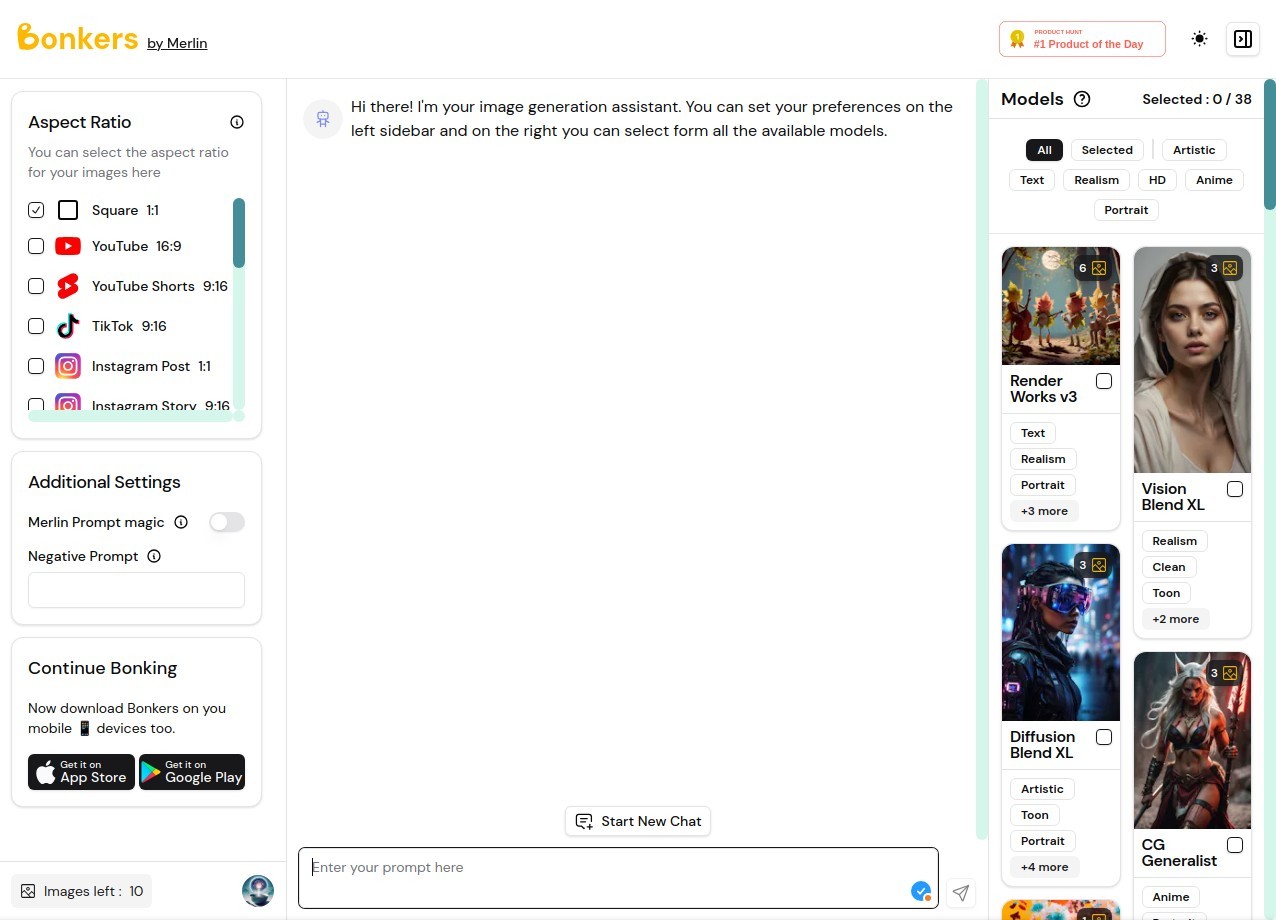
Merlin AI is an all-in-one assistant that brings many well-known artificial intelligence models into one place and makes them work together for everyday tasks. Instead of jumping between separate apps or websites to ask questions, write content, or summarize material, you can open Merlin AI and handle it all in one window.
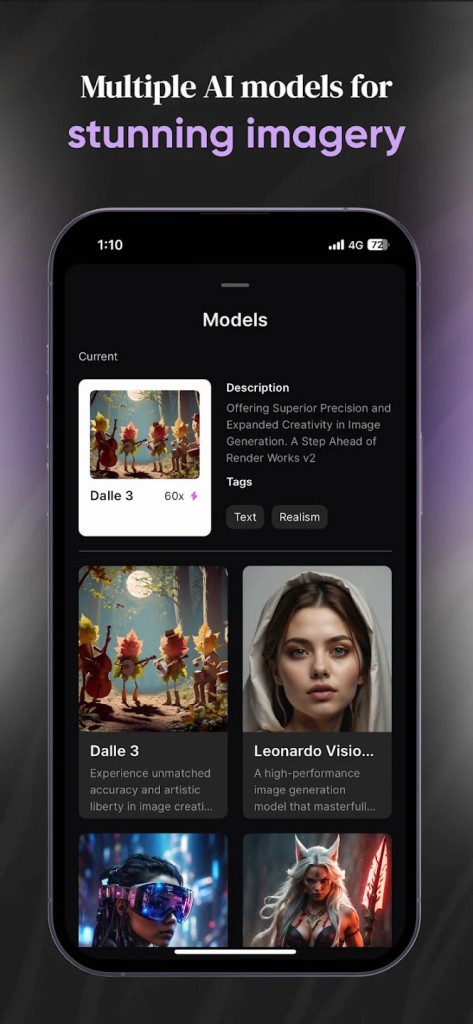
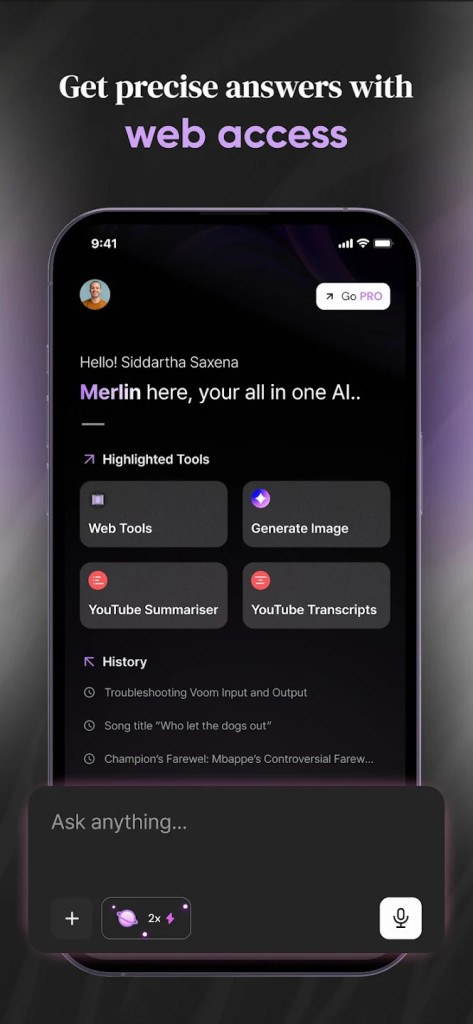
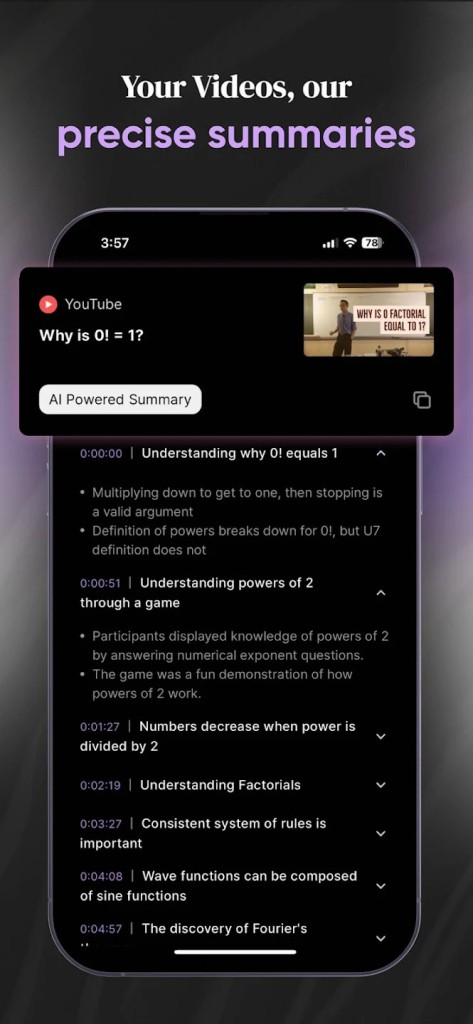
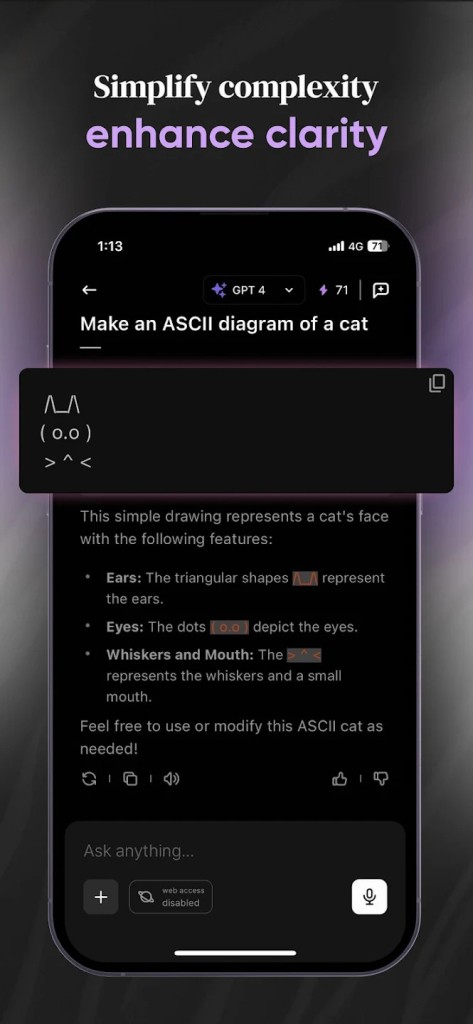
It combines the power of major models from OpenAI, Anthropic, Google, Mistral, and others with practical tools built directly into the app. This means you can ask complex questions, get answers from different models, generate images, draft emails, translate text, or summarize long PDFs and YouTube videos without leaving the interface.
The design is simple enough for someone who only wants quick help, yet deep enough for people who want more control and advanced features. It works as a Chrome extension and as a full app across devices, so you can reach it wherever you work. Students use it to prepare research notes, professionals to save time on documents, and creators to brainstorm and generate content. All of this happens in real time without the need to copy and paste between multiple tools, which is what makes Merlin AI stand out from a normal chatbot.
Why Should I Download Merlin AI?
Downloading Merlin AI removes the need to juggle with different apps for research, writing, translation, and creative work. You can open it as a side panel on a web page, upload a PDF, or paste a video link and immediately get a summary or a translation.
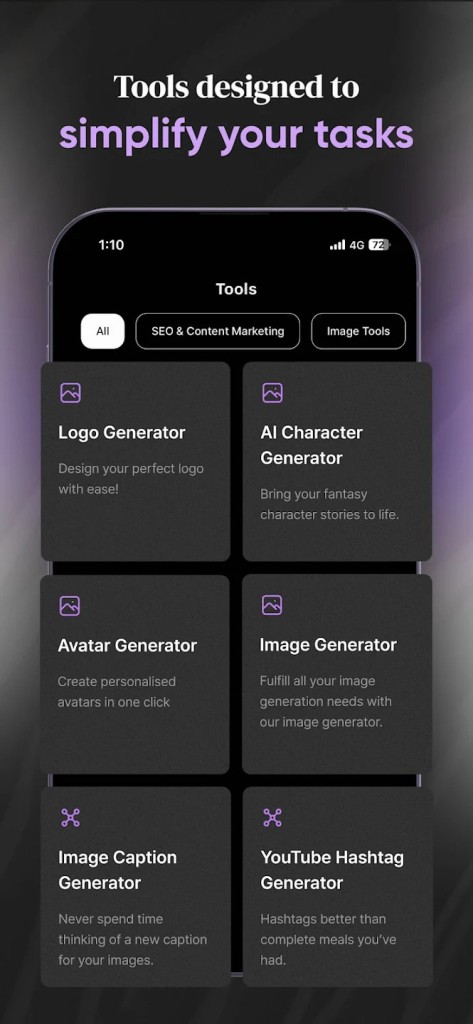
You can draft social media posts, outlines, essays, contracts, or ad copy without switching tabs. If you want visuals for a project, you can use the built-in image generator rather than signing up for a separate service. There is also a feature called Projects that lets you create your own knowledge bases or custom chatbots from uploaded files and links, which is useful if you handle repeated topics.
Another part, called Crafts, lets you generate code snippets, diagrams, or small app prototypes from plain text. All these features are included in one account and stay synced across devices. For people who spend hours researching or creating content online, this can save a large amount of time each week. You can compare outputs from different models inside the same chat and pick the one you prefer instead of running the same question in multiple tabs.
The extension gives you a quick keyboard shortcut to summon it instantly, which makes it feel more like an always-on companion than a separate product. This combination of convenience and depth is the main reason many people choose to download Merlin AI.
Is Merlin AI Free?
Merlin AI offers a free plan that gives you daily access to its main features. You can chat with popular models such as OpenAI ChatGPT, Grok AI, Claude, Gemini, DeepSeek, and Perplexity AI without paying, within the free quota.
This free tier includes a generous number of queries per day so you can test the main functions before deciding whether you want more. You can summarize web pages, PDFs, and videos, translate text, generate images, and use many of the built-in tools without entering payment details. If you reach the daily limit or need features such as voice chat, advanced tools, or team collaboration, you can move to the premium plan.
The premium version unlocks a higher quota and some exclusive tools inside the same interface, but the basic version is already capable enough for regular tasks. There is no separate subscription needed for each model because Merlin AI bundles them into one account. This pricing approach is simple and makes it easy to start using it for free and then scale up only if you need more.
What Operating Systems Are Compatible with Merlin AI?
Merlin AI is compatible with major operating systems, so you can use it almost anywhere. The Chrome extension works on both Windows and Mac through any Chromium-based browser, including Chrome, Opera, Edge, etc.
The same account also works on Android and iOS, so you can continue your chats on your phone or tablet. All versions stay in sync, meaning you can start a chat on your phone during a commute and finish it later on your desktop without losing context. This cross-platform approach is important for users who move between devices throughout the day.
The interface is kept consistent, so you do not have to relearn controls when switching from one device to another. Updates are delivered frequently to all supported platforms to keep features aligned and stable. Because it is compatible with such a wide range of systems, you do not have to worry about being locked into one environment to use Merlin AI.
What Are the Alternatives to Merlin AI?
One of the alternatives is Nova. It is geared towards a proper mobile experience and immediate response of large language models. Nova is designed primarily to run on iOS and Android, and its user interface is intended to be used by amateurs. It helps to chat using text, a little image generation, and simple summarization. It is a rational option when you need a mobile-only product that is lighter in weight and has fewer tools, but is simpler.
Another alternative is Poe, a platform that provides a marketplace-style platform where you can alternate between a plethora of different bots developed by different developers, as well as by Poe itself. It is web and mobile-based and allows you to experiment with different personalities or specialized bots to do various tasks. Poe is also appealing when you prefer trying out the different types of conversational interfaces or specialized assistants over a single built-in workspace.
ChatGot is also being placed as the multi-model assistant, with a focus on community-based prompts and shared workflow. You can find ready-made sets of prompts and create your own bots using existing ones that other users have created. ChatGot may also be attractive when you do not want to create your own setups, although you can do that as well, just using a library of existing setups. It encompasses much of the same central activity, like answering questions, creating text, and summarising, but offers it in a new format and a community context.