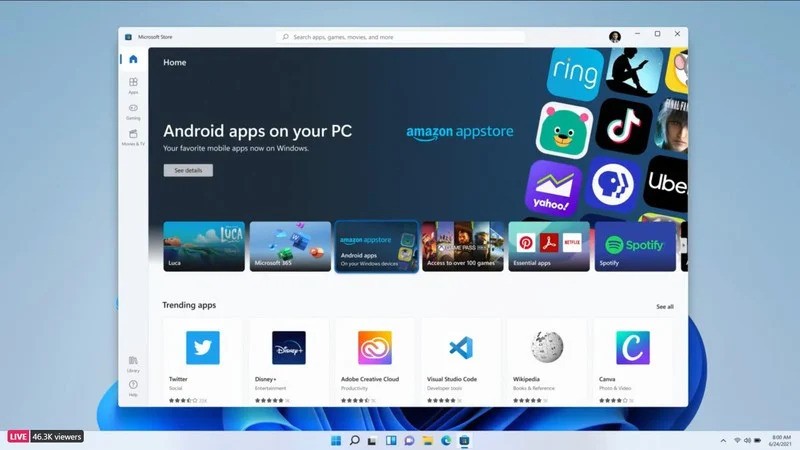
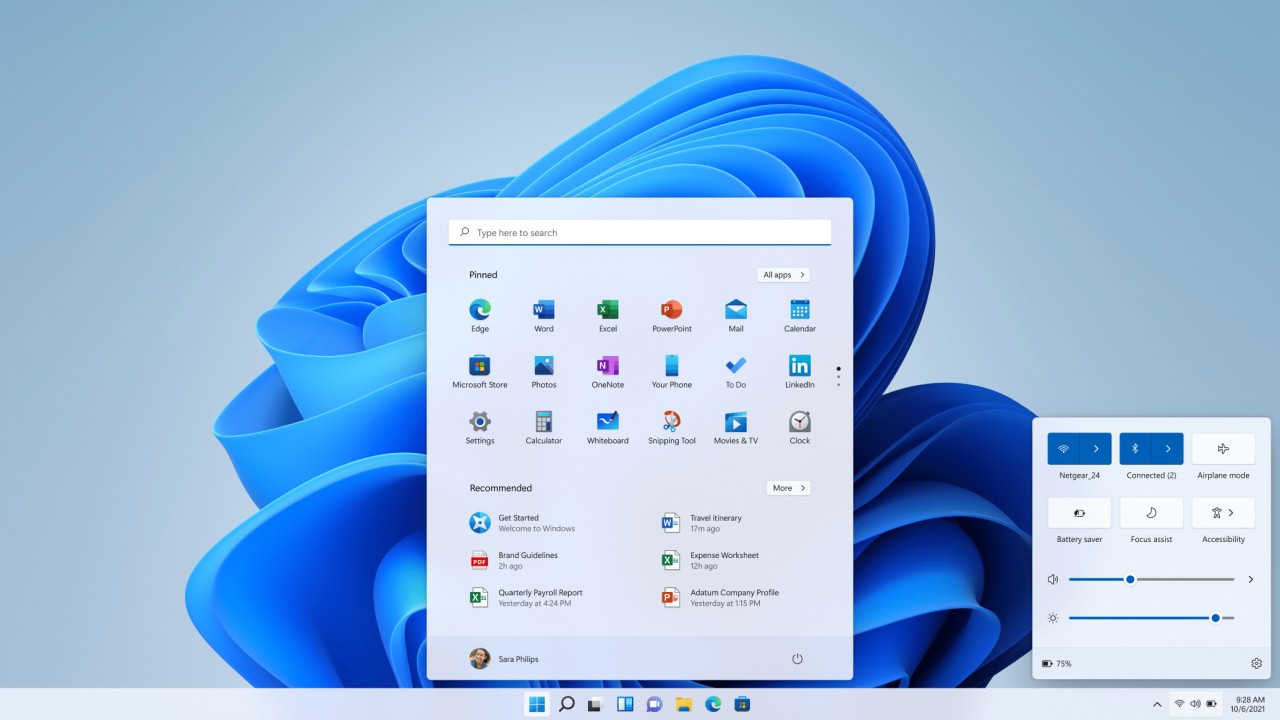
Windows 11 Pro is the professional tier of Microsoft's Windows 11, providing enhanced capabilities beyond the standard Home edition for businesses, advanced users, and developers who need systematic control over their environment. Performance improvements, stronger security tools, and expanded management options all distinguish the Pro version from the consumer-facing alternative.
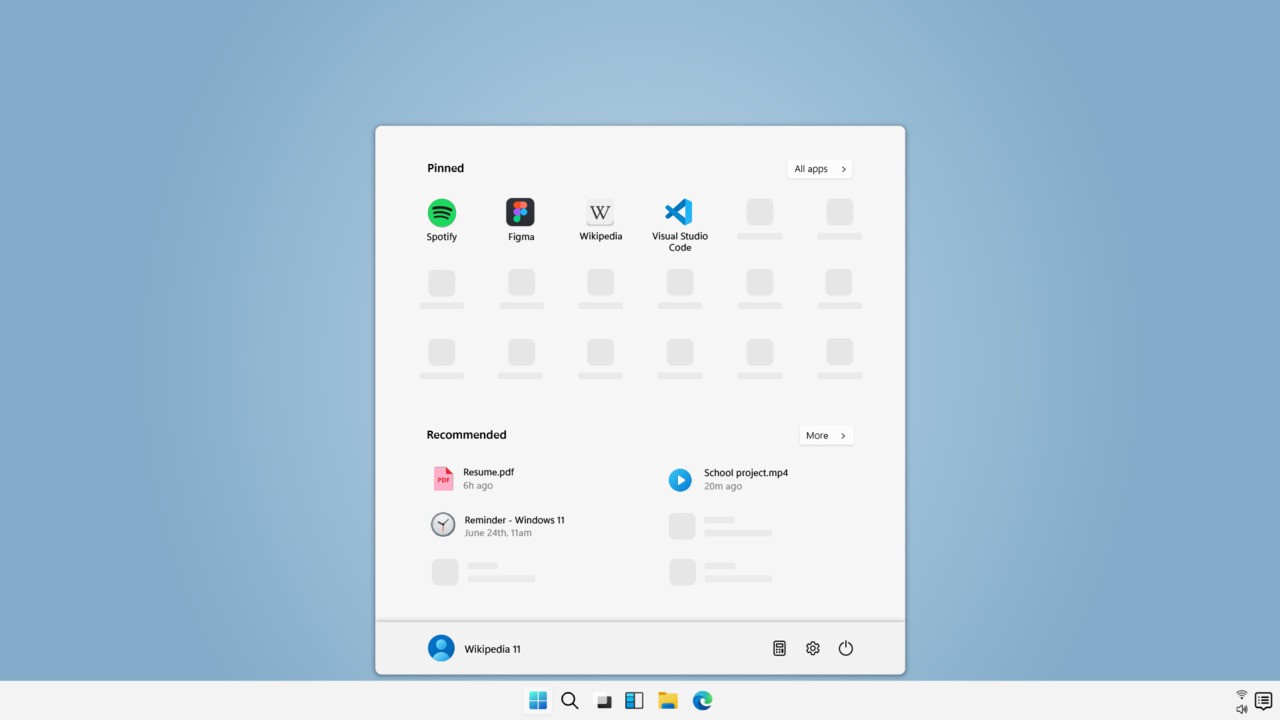
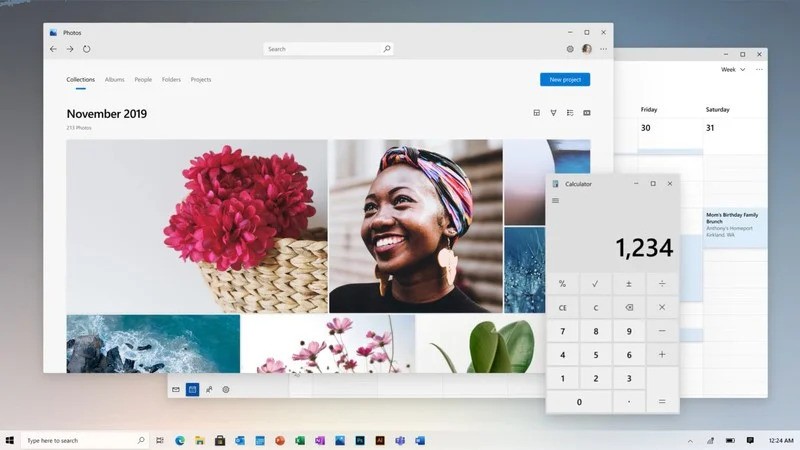
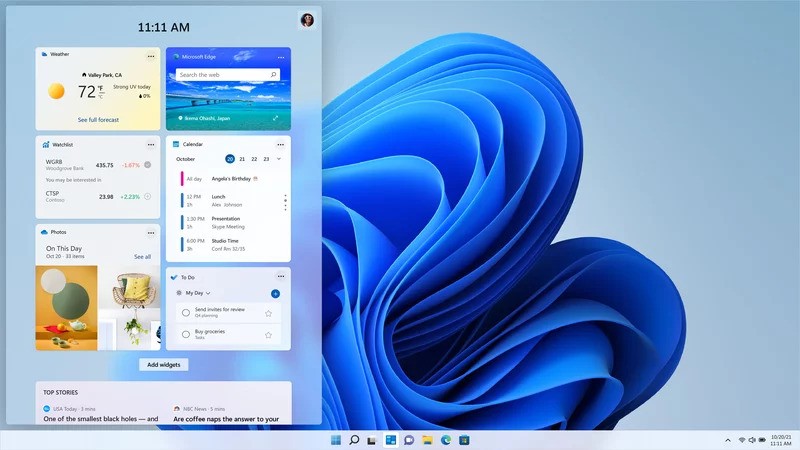
One of the most visible changes in Windows 11 Pro is the updated interface. The Start menu is centered on the display, rounded corners are applied throughout, and improved multitasking tools, including Snap Layouts and virtual desktops, make it easier to work across multiple applications simultaneously. These design changes create a more organized and responsive working environment.
Security is a design priority in Windows 11 Pro. BitLocker encryption protects sensitive data if a device is stolen or accessed without authorization. Windows Information Protection (WIP) gives businesses a way to secure work-related files on shared or personal devices. Remote Desktop tools and advanced networking features make Windows 11 Pro a practical choice for remote workers and users managing multiple machines. Across performance, security, and productivity, Windows 11 Pro offers more capabilities than the Home edition at every level.
Why Should I Download Windows 11 Pro?
Windows 11 Pro is the right choice for anyone who needs an operating system with professional-grade functionality beyond what the Home edition provides. Enhanced security features, remote connection tools, and enterprise management capabilities all come with the Pro version. Business users and IT professionals can establish device control frameworks, apply security policies, and protect sensitive data in ways the Home edition does not support.
BitLocker drive encryption protects data at rest by securing the entire drive, so a stolen or lost device does not put sensitive files at risk. Hyper-V gives Pro users the ability to create and run virtual machines directly on their PC, which is useful for developers testing software across different environments and for IT administrators who need to run multiple operating systems on a single machine.
The networking and management tools in Windows 11 Pro are well-suited to business environments. Remote Desktop lets users connect to their work computer from any location, maintaining access to files and applications without being physically present. Group Policy gives IT administrators centralized control over device settings across an organization, enforcing security standards and productivity configurations at scale. These features give Windows 11 Pro a clear advantage over the Home edition for anyone operating within a business or institutional environment.
Performance is another reason to consider Windows 11 Pro. The operating system takes advantage of modern hardware to deliver faster response times and smoother multitasking. For professionals who depend on demanding applications, the improved interface speed and Snap Layout tools make switching between tasks more efficient. Windows 11 Pro also supports larger amounts of RAM than the Home edition, which matters for workstations running resource-intensive workloads.
Is Windows 11 Pro Free?
Windows 11 Pro is not free. A license must be purchased to use it. Users who need to download Windows 11 Pro can do so through Microsoft's official channels or through the Windows 11 Media Creation Tool. New computers from manufacturers often include a valid key for a qualifying Windows version, with the cost built into the price of the hardware.
For users who need to purchase a license separately, the price depends on whether you are buying new or upgrading from a previous Windows edition. New devices may come with either Windows 11 Pro or Home pre-installed, while existing users need to make a one-time payment to access Pro features if they are not already included. Once purchased, the digital license is tied to the Microsoft account, making it easy to download and reactivate Windows 11 Pro on the same machine after a reinstall.
What Operating Systems Are Compatible with Windows 11 Pro?
Windows 11 Pro requires modern hardware that meets specific system requirements. TPM 2.0, Secure Boot capability, and a supported processor are all mandatory. Users currently on Windows 10 Pro with compatible hardware can upgrade directly to Windows 11 Pro. Those on Windows 7 or 8 will need to perform a clean installation, as Microsoft does not support direct upgrades from those versions.
ARM-based processors require a specialized Windows 11 Pro version, as the standard release is built for x86-64 architecture. Windows 11 applies stricter hardware requirements than its predecessors, which means older PCs may not qualify for an upgrade. Microsoft's free PC Health Check tool can verify compatibility before any installation attempt is made.
What Are the Alternatives to Windows 11 Pro?
Linux is a strong alternative for users who want a free, open-source operating system. Distributions like Ubuntu, Fedora, or Debian offer reliable security, extensive customization options, and no licensing fees. Developers, IT professionals, and privacy-conscious users all tend to find Linux distributions appealing. Built-in security tools and free automatic updates come standard. Linux has an initial learning curve for users coming from Windows, but it provides a genuinely capable and flexible platform for users willing to invest time in the transition.
macOS is the natural alternative for users within the Apple ecosystem. Designed to work tightly with Apple hardware, it delivers a polished experience with strong built-in security. Professional creative applications like Final Cut Pro and Logic Pro are Mac-exclusive, making macOS the preferred choice for creative professionals. The limitation is that macOS runs only on Apple hardware, which makes it a different kind of investment from a Windows license.
Chrome OS is a viable option for users who want a simple, cloud-centered system with minimal maintenance. Running on Chromebooks and built around Google services, it suits users whose work lives primarily in web applications. Chrome OS handles basic productivity tasks, offers strong security through automatic updates, and uses cloud storage extensively. It does not offer the full computing power of Windows 11 Pro, but for users whose needs fit the platform, it provides a dependable and low-overhead operating environment.