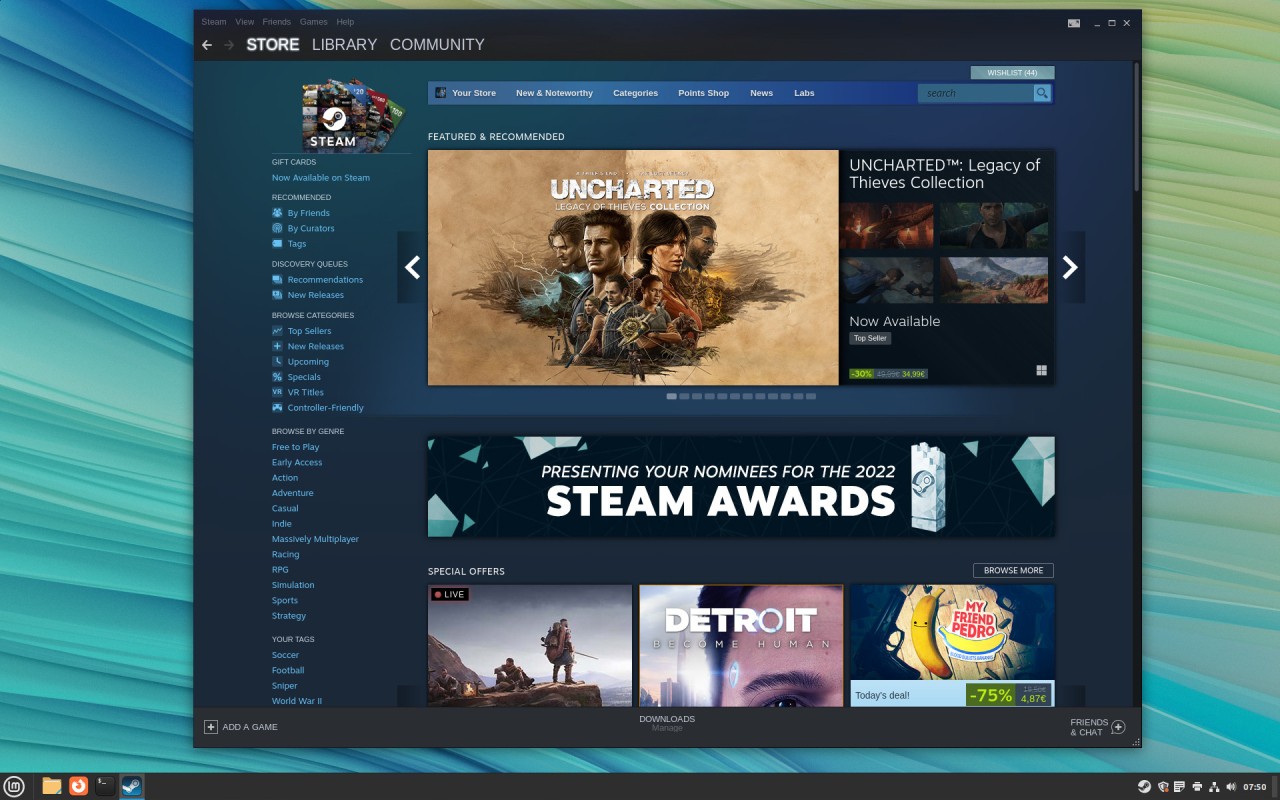
As an open-source operating system, Linux Mint derives from both Debian and Ubuntu architecture. It comes with intuitive design and rock-solid stability together with high performance, which makes users choose it instead of Windows and macOS. The user interface duplicates Windows for individuals moving from Microsoft systems to prevent unfamiliarity. The well-designed visual interface combined with the included applications and security center makes Linux Mint one of the preferred distributions for Linux users at all skill levels.
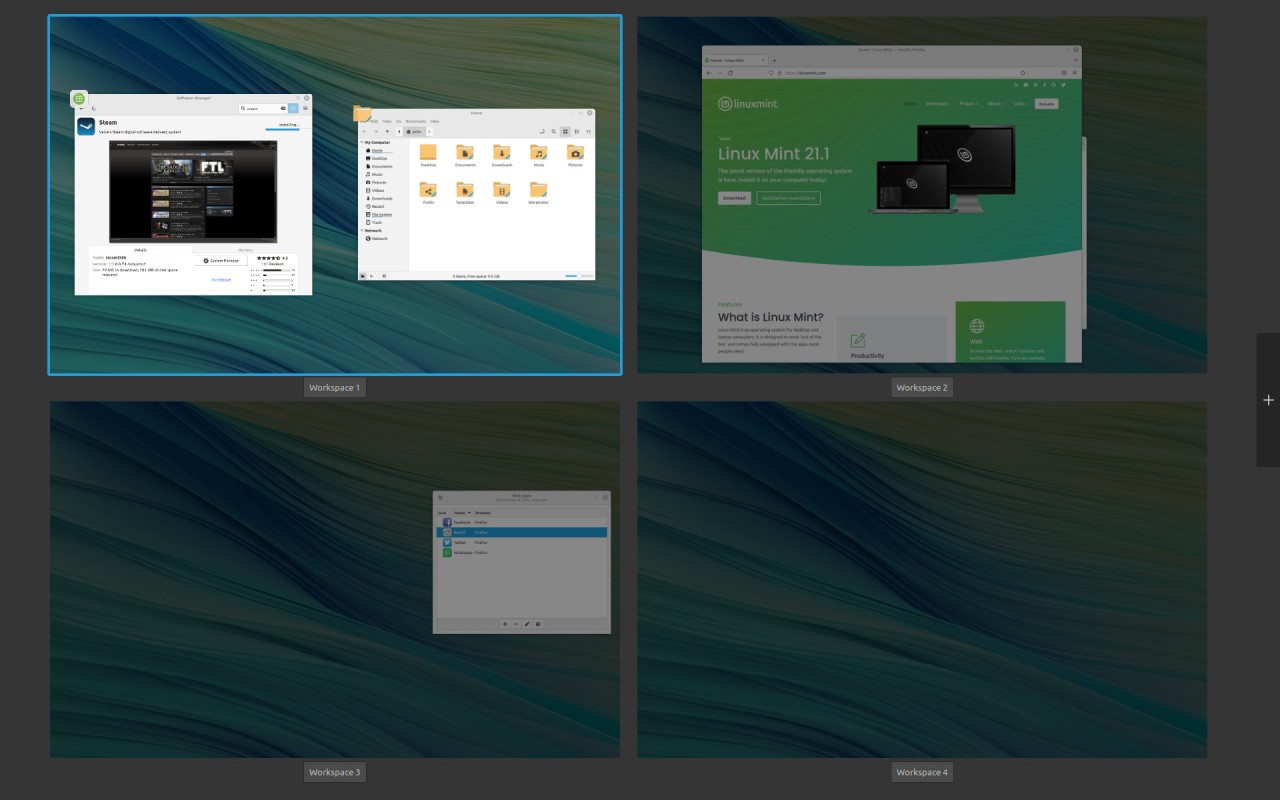
The core characteristic that defines Linux Mint is its adaptability. Mint provides its users with complete system authority since it refrains from forcing unnecessary system updates or maintenance restrictions. It offers options between Cinnamon, MATE, and Xfce user interfaces, which allow people to pick their preferred desktop environment. The Cinnamon desktop receives special recognition because of its unique combination of contemporary design elements and its sleek operating dynamics.
People find Linux Mint especially user-friendly from the start. New customers experience ease of use since the operating system offers vital programs like web browsers and office suites alongside a media player together with system management tools from the start. Updates frequently happen on this system because of an engaged user community that resolves technical problems swiftly. The Linux distribution presents itself as an outstanding selection for people who need a dependable OS with quick speed and simple operation.
Why Should I Download Linux Mint?
The process of obtaining Linux Mint through download benefits users seeking an efficient operating system solution that combines security with no cost or mandatory updates. The biggest reason to select Linux Mint stems from its user-friendly nature. The developers created many Linux distributions to target tech experts, while Linux Mint exists as a user-friendly operating system designed for people who want straightforward platform use. Linux Mint provides a familiar computing experience to Windows users, since its design and operating style match what they already know.
The main benefit of Linux Mint in the market stems from its reliability. Mint has a regulated update process that gives users security patches with feature updates while preventing the kind of compatibility problems Windows frequently delivers. They can maintain operational stability by employing Linux Mint LTS versions because they enable extended stability across multiple years.
Linux Mint functions with great performance efficiency. It provides satisfactory performance on aged hardware systems, which makes such computers operational again. You can achieve better speed performance by switching to Linux Mint, regardless of how slow your computer runs after Windows updates. The system needs fewer resources to run a complete OS featuring a modern user interface.
Security proves to be a compelling advantage of using Linux Mint as an operating system. As a Linux-based OS, it stands as a rock against viruses along with other malware issues faced by Windows users. Security functions in Linux require no additional antivirus software because Linux has already built strong defense mechanisms within its system. Security flaws in Mint get identified quickly through its open-source foundation, which allows global developers to provide immediate patches to the platform.
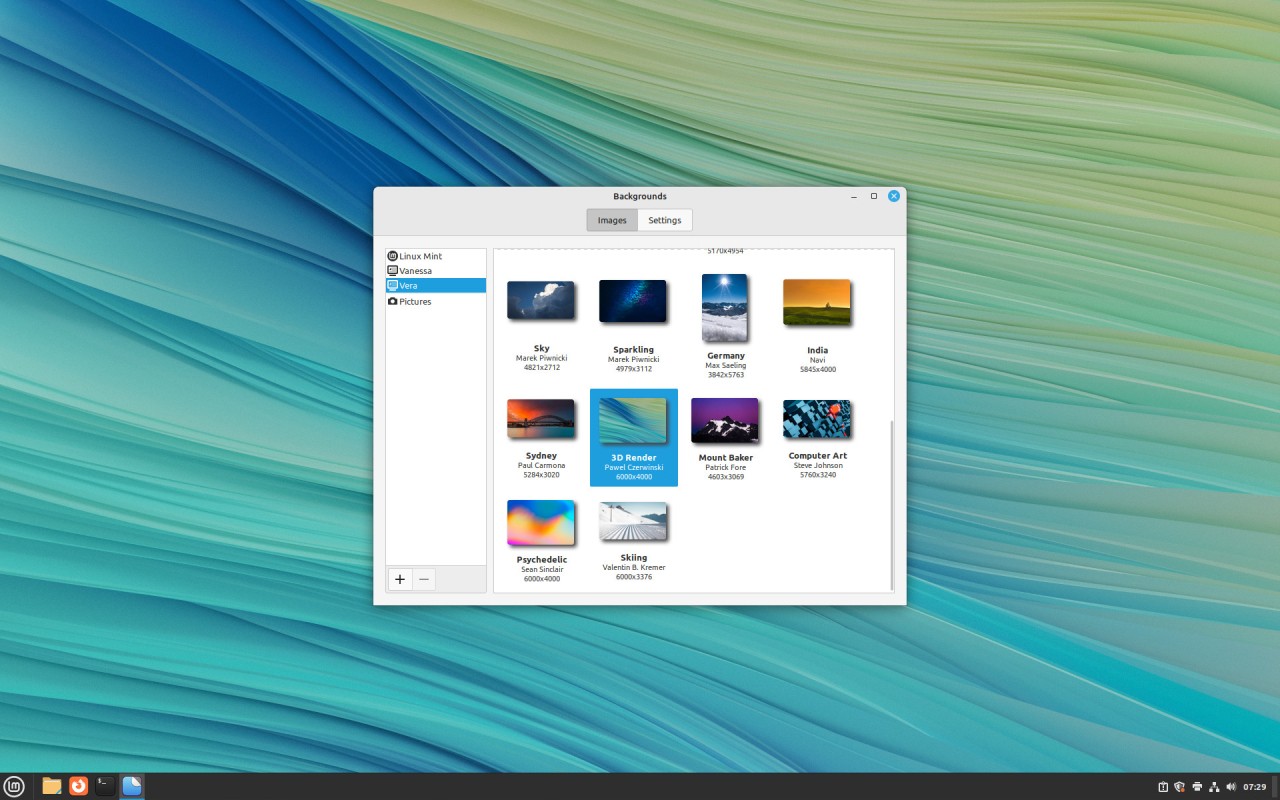
Linux Mint enables users to customize their system through its fundamental benefit. They can customize their desktop environment widely through Mint because it does not restrict modifications as Windows does. They also enjoy absolute freedom to change their system configurations through every level, from themes down to advanced system parameters. The Linux distribution provides both Windows-style user interfaces together with minimalist UI options, which individuals can easily modify.
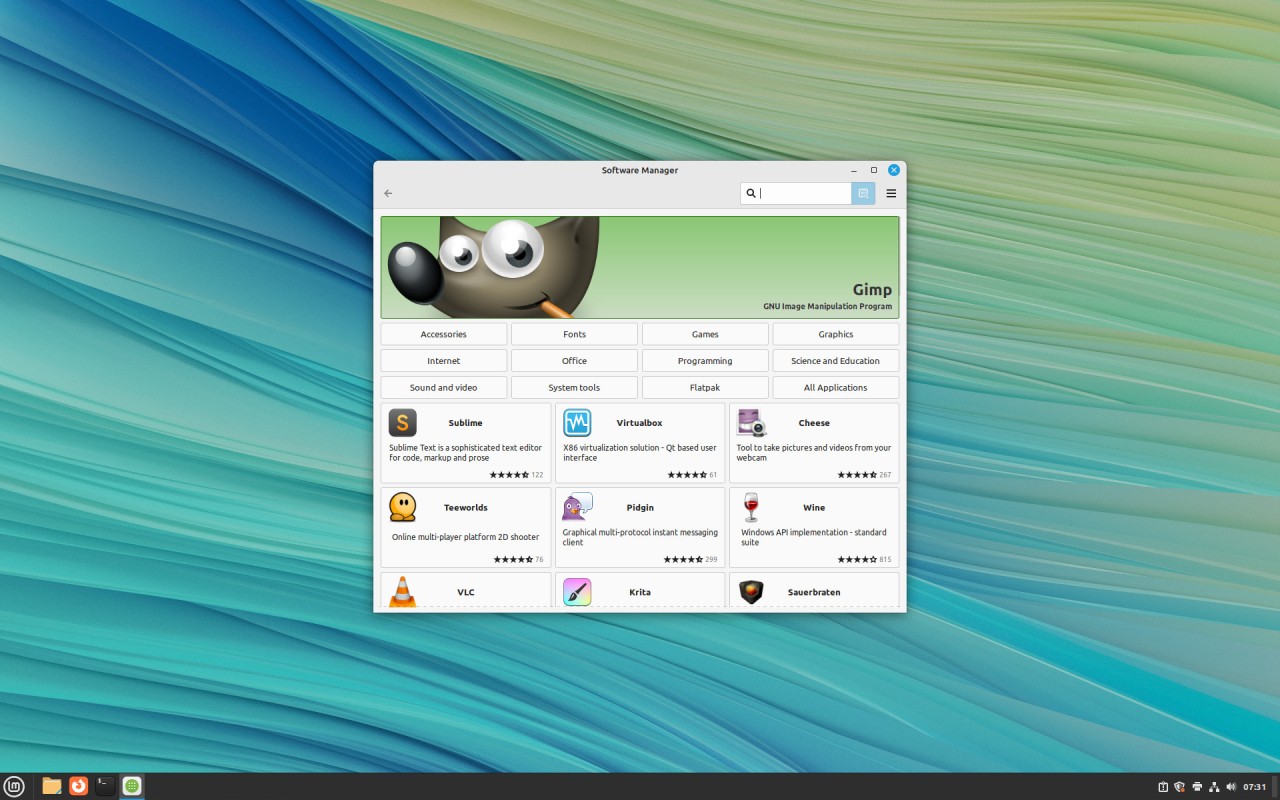
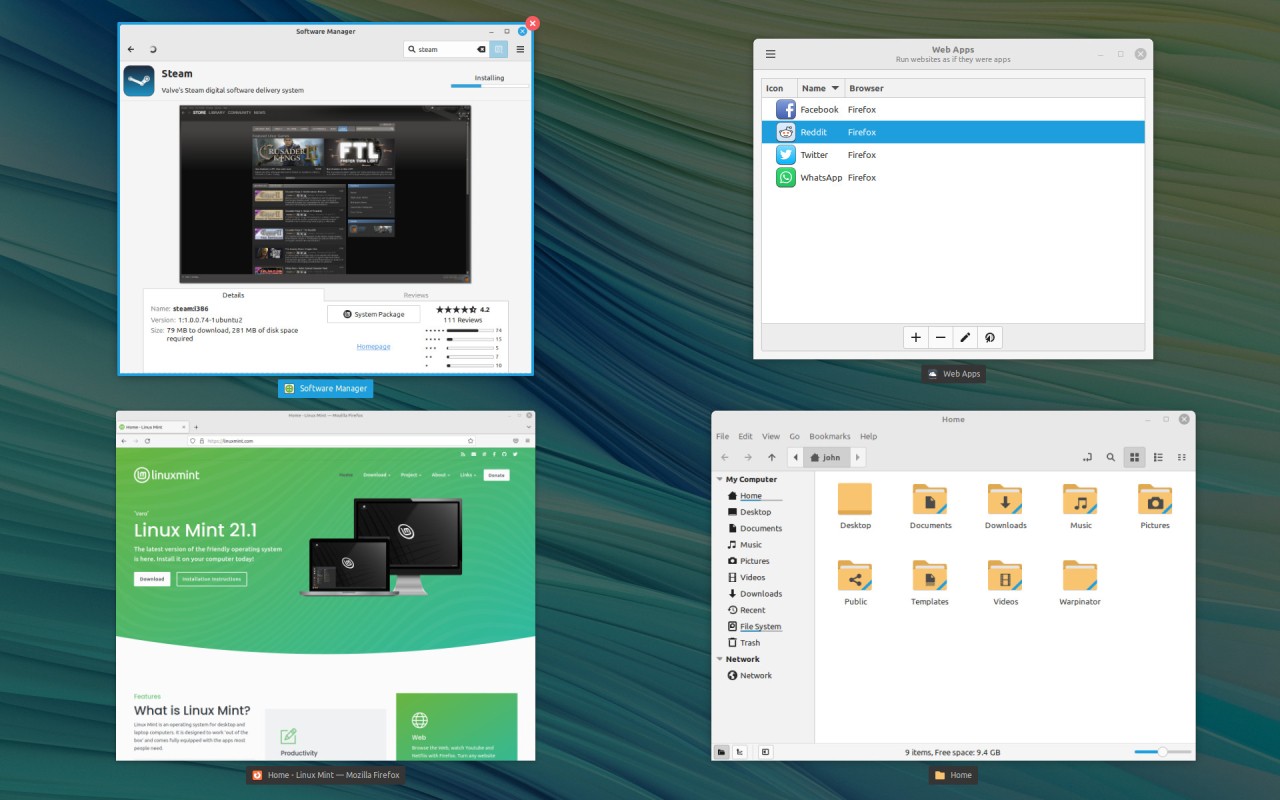
One important reason to obtain Mint through download is its software access capabilities. Users get access to a software manager through this operating system, which allows a simple one-click installation of thousands of applications. Mint provides a unified application management system for software installation, whereas Windows users must browse websites to find their required applications. LibreOffice, Firefox, and VLC are pre-installed programs, and users can find other popular applications like Steam in the software repositories.
People who require privacy assurance can choose Linux Mint because it provides superior data control compared to Windows or macOS. It does not track user data, and both built-in trackers and advertisements are absent. Mint maintains privacy for its users through complete respect for their digital freedom, even though the system does not include invasive background processes.
Meeting all user requirements, from Windows replacement to professional stability and Linux exploration, requires the excellent Linux Mint solution. The OS provides a seamless user experience while requiring low maintenance efforts, alongside complete control features for user-specific computer usage.
Is Linux Mint Free?
The complete free availability of Linux Mint stands as a fact. You do not need to pay anything, as this system lacks hidden costs as well as subscriptions and license fees. The usage of Linux Mint does not demand subscription fees or product activations. You can obtain it at no cost for unrestricted use.
The voluntary community maintains this project by accepting sponsorships and donations. This functionally operates without forcing users to buy expensive program software.
What Operating Systems Are Compatible with Linux Mint?
Linux Mint acts as a substitute for Windows and macOS OS. Desktop and laptop users can install this system, which functions as their main system or operates in parallel to their current systems. This Linux distribution can be installed on both new and old computers.
The user can install Linux Mint together with Windows through the dual-boot feature of Linux Mint. He can select between Windows and Mint after restarting their system through dual-boot functionality because of its smooth transition capabilities. He can also conduct system tests before installation because this system can run from a USB drive through its live environment.
Linux Mint does not operate on macOS systems directly, but the operating system can be installed on Intel Macs with the assistance of rEFInd boot managers. Apple's new M1 and M2 chips do not support Linux Mint operation without the use of virtualization software for Mac users.
What Are the Alternatives to Linux Mint?
The Linux operating system distribution known as Linux Mint leads among other options, but additional alternatives exist to serve different groups of individuals. Different alternatives in the market offer novice-friendly interfaces as well as advanced systems, enabling users full control for system customization.
Ubuntu is the ideal Linux substitute. The base operating system of Linux Mint originates from Ubuntu, which causes both distributions to have overlapping features. The GNOME desktop interface on Ubuntu delivers both a modern appearance and finishing touches to provide a better user experience. Canonical provides enterprise support as a direct company vendor to maintain the Ubuntu system. The combination of quick updates and a big user base gives Ubuntu an excellent reputation among Linux distribution users. They typically choose Mint because of its classic desktop design, yet Ubuntu proves popular among those who need access to new features together with a sleek interface.
Another alternative is Zorin OS. Zorin OS exists to assist people who wish to move from Windows to a new operating system. New users will find Zorin OS effortless because its Windows appearance makes learning simple. They will recognize the pre-installed software collection and the equivalent familiar desktop layout in this system. Zorin Appearance stands apart from other features by providing them with built-in capabilities to select from Windows aesthetic or macOS profile interfaces. Zorin OS provides an excellent Linux distribution experience to users who prefer straightforward operation while avoiding learning different workflows.
A perfect choice for people seeking lightweight Linux distribution operation is MX Linux. MX Linux meets performance standards and functions properly on outdated computer components. The operating system delivers quick performance alongside efficient operations in combination with light system needs. The decision to choose MX Linux instead of Mint becomes significant because why? Because the former operates under Debian, which features its unique package management system on a sturdy base, whereas Mint runs from Ubuntu. This distribution offers special system management tools that provide users with high-flexibility controls. Those who seek both high performance and low resource usage should pick MX Linux, as it delivers efficient Linux operations.