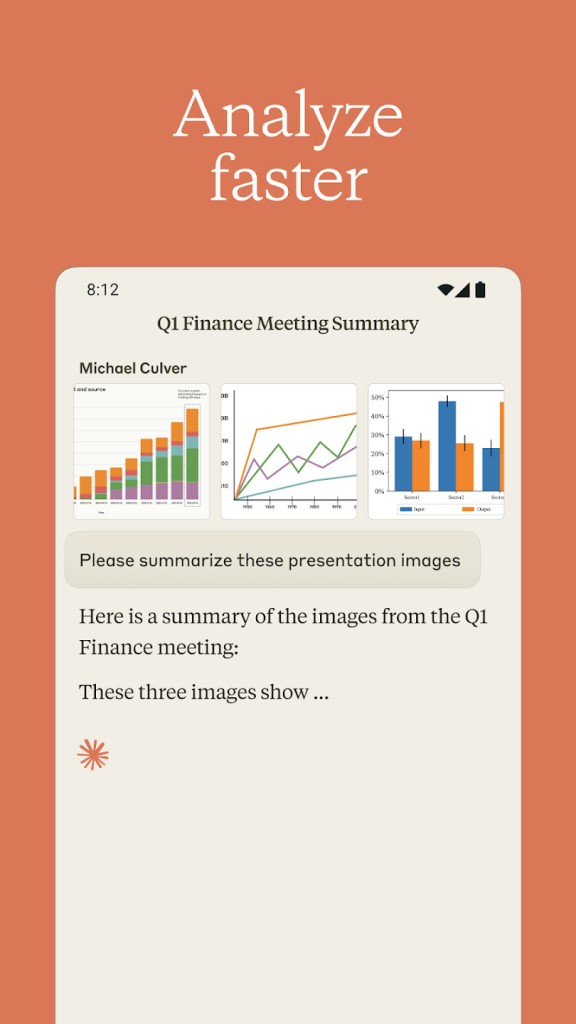
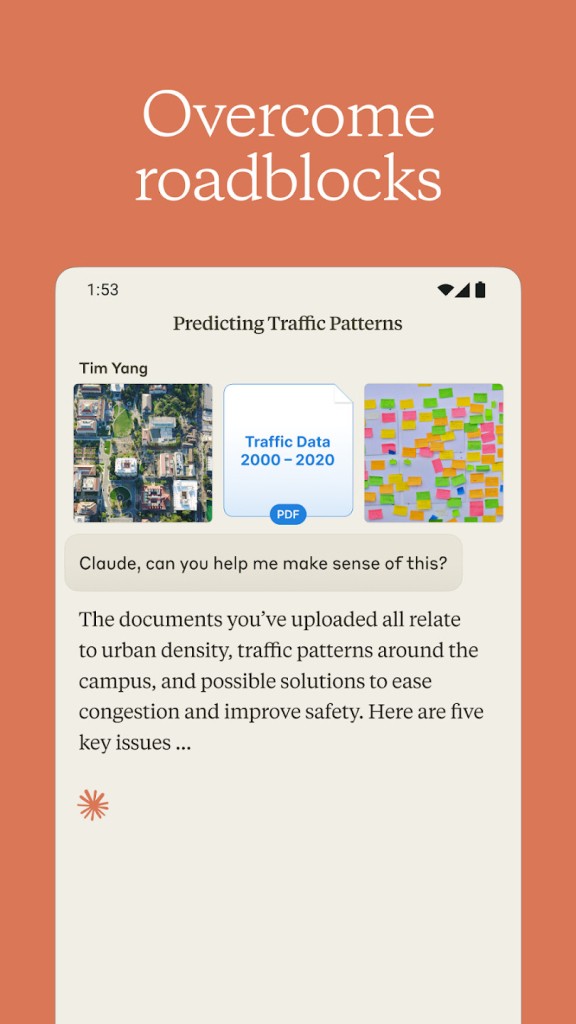
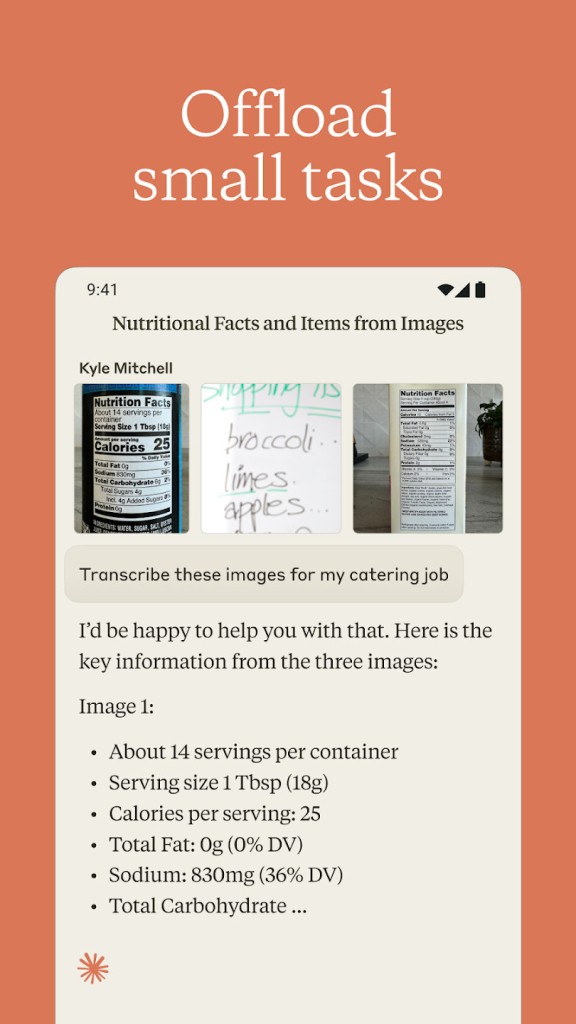
Anthropic built Claude AI as a conversational AI assistant designed to help with writing, summarization, coding, and analytical problem-solving. Named after Claude Shannon, the pioneer of information theory, it places heavy emphasis on safety, alignment, and natural interaction. What sets Claude apart from many competing AI products is its focus on transparency and interpretability, along with built-in guardrails against harmful outputs. That combination makes it a practical assistant for both professional and personal use.
Claude is built on Constitutional AI, a framework that establishes ethical guidelines so the model behaves in line with human values. It produces responses that are context-aware, balanced, and measured. Whether you need help drafting reports, brainstorming ideas, debugging code, or breaking down complex topics, Claude delivers well-structured answers. It also integrates directly with Google Workspace, including Gmail, Google Docs, and Google Calendar, giving you the ability to pull in and analyze data from your professional tools.
One of Claude's standout qualities is its large context window, which lets it process much longer documents and conversations than many competing models. That extended capacity means Claude can track the thread of a long discussion more reliably and offer more useful insights when working with extensive prompts or source material. The latest models expand this context window even further, maintaining coherence across very long interactions.
Why Should I Download Claude AI?
Claude AI is a strong fit for anyone looking to sharpen their productivity, creative output, or problem-solving workflow. It stands out because of its advanced understanding of context and relationships within a conversation. Rather than generating surface-level responses, Claude analyzes information through a reasoning process that produces answers that feel precise, thoughtful, and relevant. A dedicated Research mode lets you work with citations and multi-step reasoning, which makes Claude especially useful for academic projects, journalism, and workplace research. You can download the Claude desktop app on Mac or Windows, or access the same capabilities through your browser.
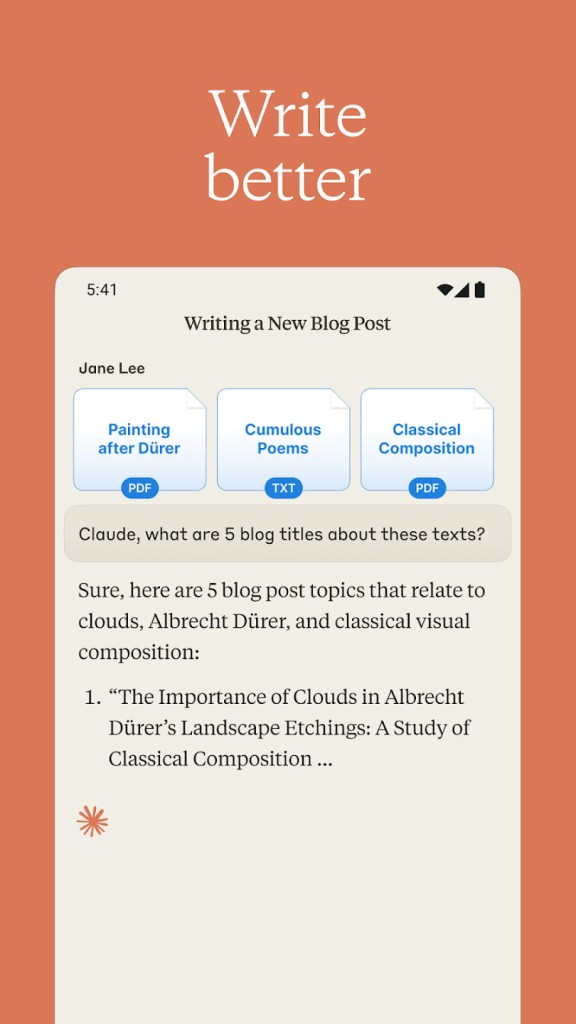
Writing is one of Claude's strongest areas. Whether you are drafting emails, creating summaries, producing creative content, or assembling technical documentation, Claude cuts down the time and effort involved. Its natural language processing produces coherent, grammatically correct text that stays aligned with your stated goals. Students, professionals, and researchers all benefit from the speed and quality of its writing output. You can also customize responses by selecting a tone or providing sample text so Claude adapts to your personal writing style. The ability to upload documents and have Claude work directly with your source material adds another layer of practicality to the writing workflow.
For developers, Claude offers practical coding support that goes well beyond simple autocomplete. You can use it for debugging, analyzing complex code structures, and generating functional scripts in multiple programming languages. Algorithm optimization and pathfinding assistance help developers at any skill level improve their workflow. The Artifacts feature lets developers generate, preview, and interact with code or visual outputs in a dedicated workspace, making the programming support more hands-on. Claude Code, a separate command-line tool, takes this further by letting developers delegate coding tasks directly from their terminal.
Safety is central to how Claude operates. Anthropic designed the model to minimize misleading outputs, reduce biases, and maintain ethical accountability throughout its responses. For businesses and professionals who need an AI partner that aligns with corporate values and compliance standards, that focus on responsible AI is a meaningful differentiator. A separate Computer Use capability lets Claude simulate performing computer-based tasks, opening up possibilities for workflow automation and reducing the need for manual repetitive work.
Claude's research and analytical tools let you summarize long documents, extract key findings, and organize complex questions into well-structured responses. Data analysts, researchers, and journalists can process extensive records or datasets efficiently without sacrificing accuracy. The Deep Research feature can perform extended multi-step investigations, pulling from multiple sources and synthesizing results into a report.
Through the Connectors Directory, you can link Claude to third-party apps like Slack, Notion, Canva, and Google Drive for easier collaboration and file management. A Memory feature, available for Team and Enterprise users, lets Claude remember your preferences, project context, and priorities across sessions, supporting continuity and more personalized responses over time.
Is Claude AI Free?
Claude AI offers both free and premium plans. The free tier provides a capable AI assistant that handles writing, question answering, text summarization, and general help across a range of everyday tasks. You do not need to download anything to get started; the web interface gives you immediate access.
Premium plans unlock faster response times, access to more advanced models, and significantly higher usage limits. The Pro plan suits individual power users, while Team and Enterprise plans add collaboration features, administrative controls, and the Memory function that carries context across sessions. Businesses and professionals who rely on AI for daily productivity will find the paid tiers worth considering for their expanded capabilities and throughput.
What Operating Systems Are Compatible with Claude AI?
Claude AI runs in the cloud, so it works independently of your operating system. You can access it through a web browser on Windows, macOS, or Linux without installing anything. That browser-based approach means any device with an internet connection can reach it. For users who prefer a dedicated application, Anthropic offers a desktop app for both Windows and macOS, which you can download directly from Anthropic's website.
On mobile, Claude is available for both Android and iOS through dedicated apps as well as browser access. Whether you prefer working from a desktop, laptop, tablet, or smartphone, Claude is accessible whenever you need AI-powered assistance. The mobile apps support the same core features as the web and desktop versions, so your experience stays consistent regardless of device.
What Are the Alternatives to Claude AI?
Several other AI assistants compete in the same space, each with its own strengths.
ChatGPT, developed by OpenAI, is the most prominent alternative. It performs at a high level for writing, coding support, and general AI conversation, and offers both free and premium tiers similar to Claude. ChatGPT supports file uploads for summarization, image and diagram analysis, voice conversations through Voice Mode, interactive Canvas editing, autonomous web research, and integrations with Google Drive, Dropbox, Box, SharePoint, and OneDrive.
Google Gemini (previously called Bard) excels at retrieving up-to-date information and handling knowledge-based queries. Because it ties into Google's search infrastructure, Gemini is particularly strong for research-heavy tasks that require current data. It supports multimodal input, including text, images, and audio; integrates deeply with Google Workspace tools like Gmail, Docs, Sheets, and Slides, and can access real-time web data. That multimodal capability suits deep research, creative projects, and complex problem-solving well.
Microsoft Copilot is the leading option for users embedded in the Microsoft 365 ecosystem. It works directly within Word, Excel, Teams, and Outlook to deliver AI-assisted features inside the tools you already use. Copilot can summarize Teams meetings, extract action items, generate Excel visualizations, draft and summarize emails in Outlook, and pull relevant content from across your Microsoft apps using Microsoft Graph. For businesses that run on Microsoft 365, Copilot's tight integration makes it a natural choice for daily workflow support.