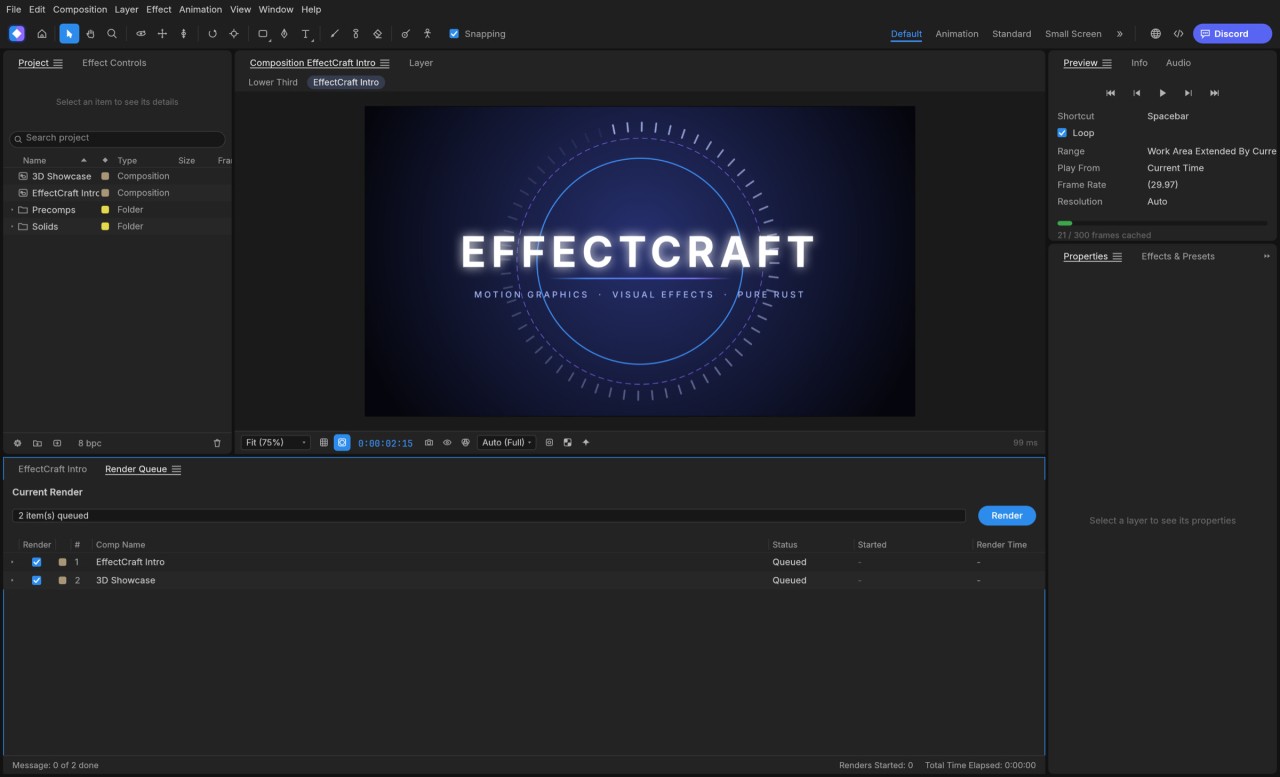
EffectCraft is an application for creating animations and visual effects developed by ArtCraft with the help of Claude AI. This open-source project offers tools for compositing images, animating elements, and creating video sequences. Its goal is to compete directly with Adobe After Effects.
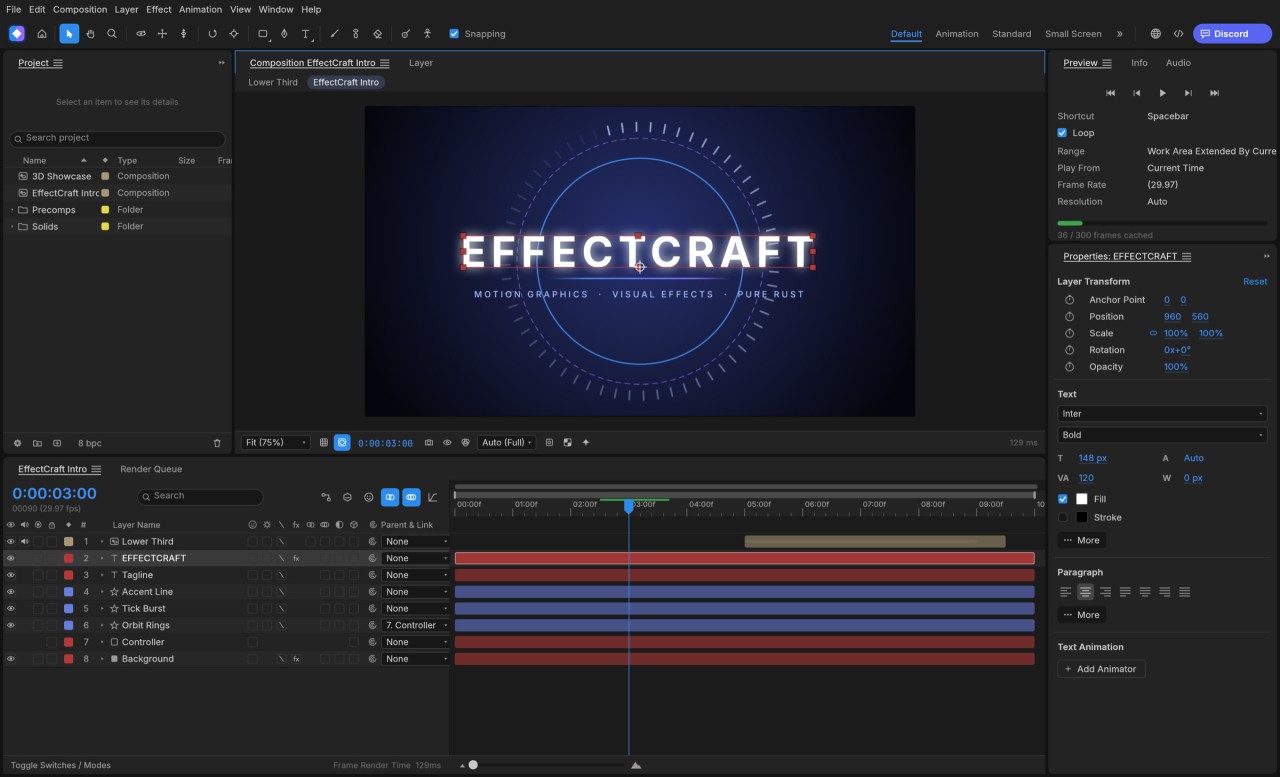
The interface includes a composition area, a layer list, and a timeline. The tool allows you to arrange the elements of a shot and animate their properties over time. It also supports cameras and 3D light sources.
EffectCraft is still under development. Some features are available, but their functionality may differ from that of Adobe After Effects. Existing After Effects projects cannot be opened directly in EffectCraft.
Why Should I Download EffectCraft?
EffectCraft is available for most desktop operating systems, as well as through a web browser. Its interface is easy to use, especially if you’re already familiar with similar software. To create a composition, simply add the necessary elements. EffectCraft supports shapes, text, images, video clips, and nested compositions. Each element appears on its own layer, where you can adjust its position, size, and other properties.
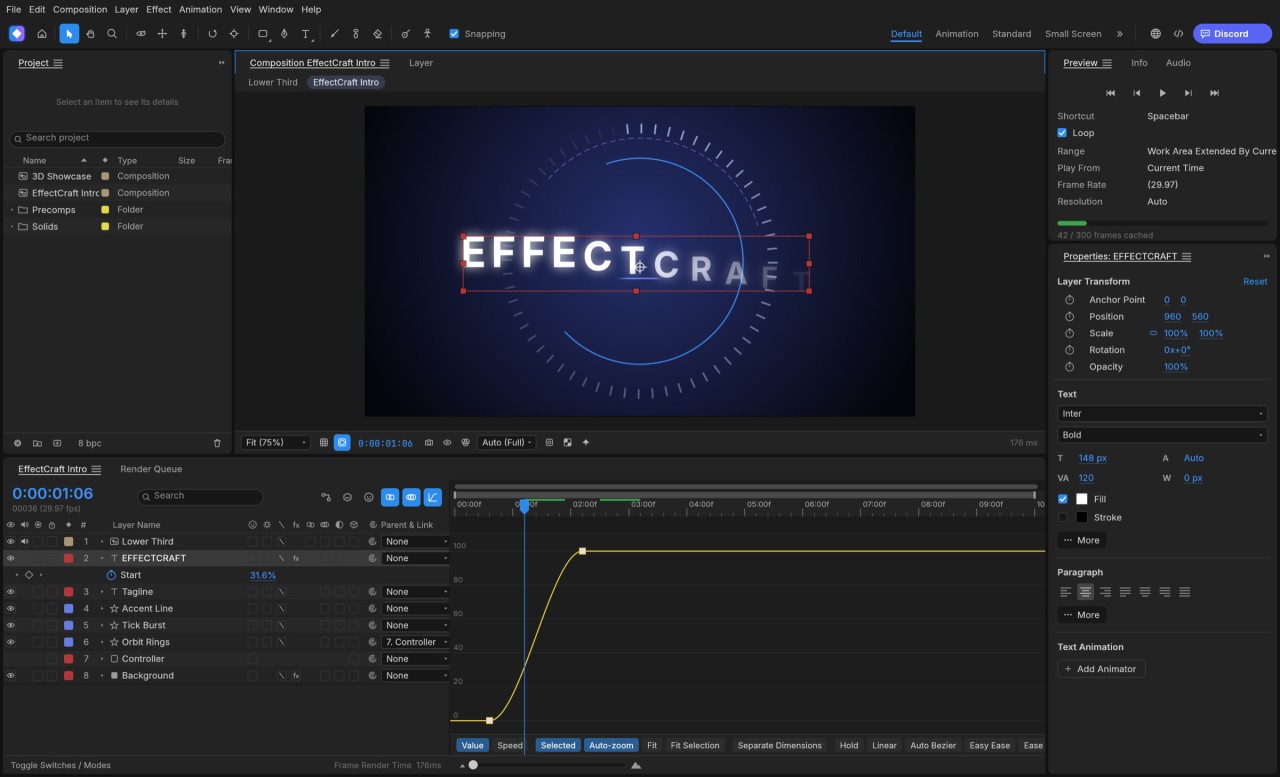
Keyframes let you define how an element changes over time. For example, you can make a title appear, move it, or change its size. Several interpolation modes control transitions between keyframes. A curve editor also lets you fine-tune animation speed.
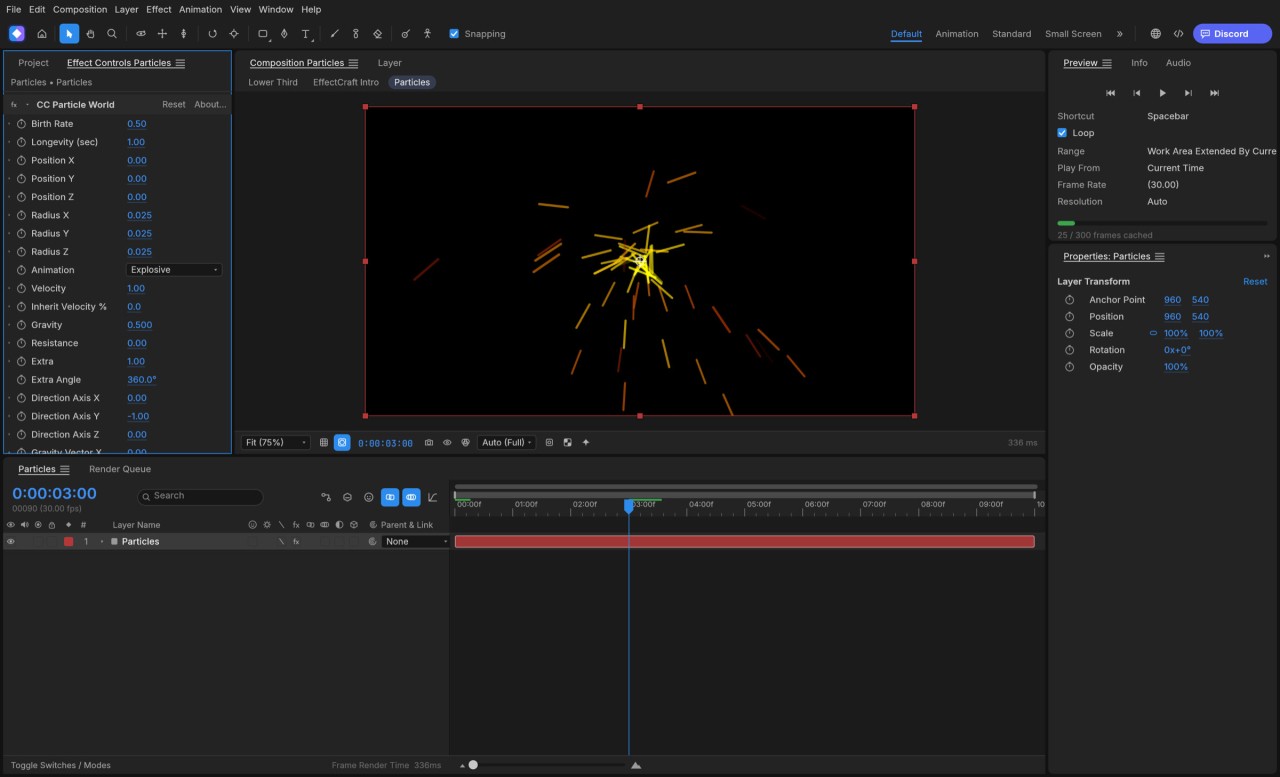
The software includes visual effects such as blur, color correction, and image distortion. Clipping tools and particle effects are also available. The available settings depend on the selected effect.
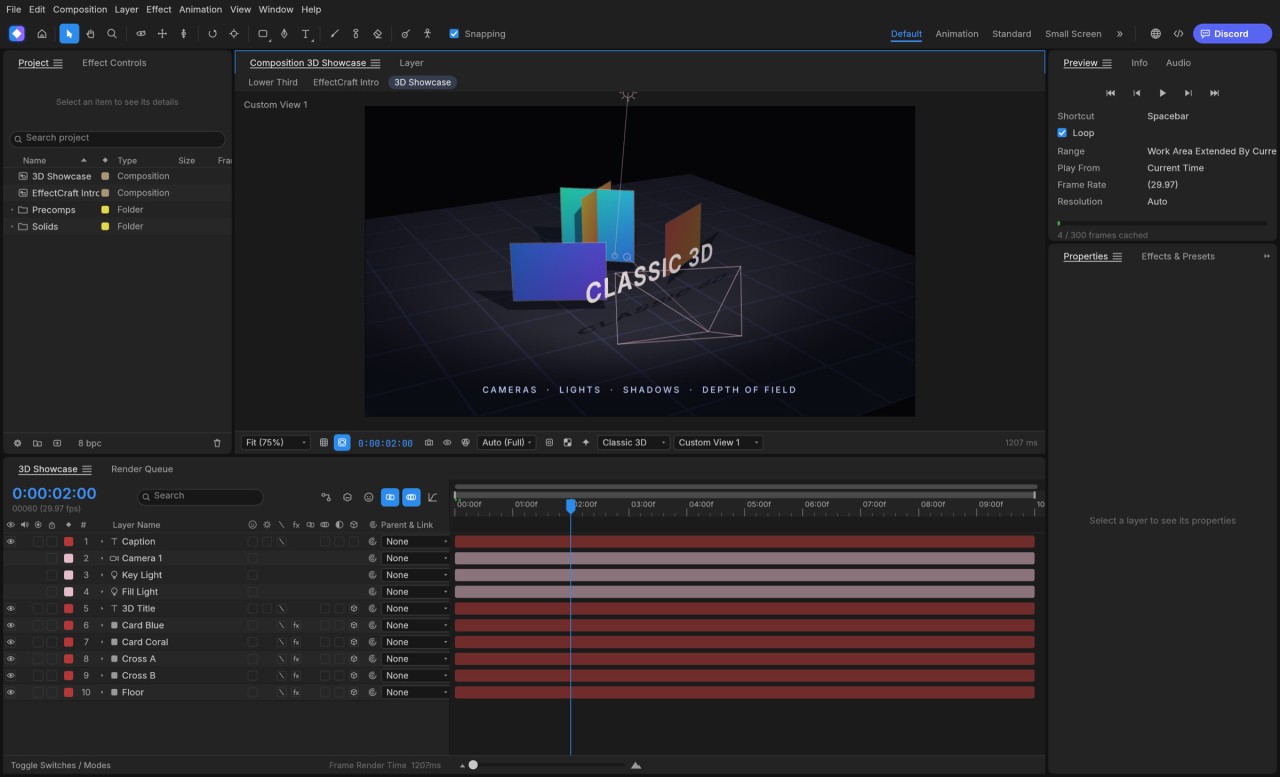
EffectCraft supports 3D layers, cameras, and light sources. This allows you to organize a scene and view the composition from different angles. Lighting can also produce shadows.
JavaScript expressions let you link properties and automate certain movements. This feature is primarily intended for users who want more precise control over their animations.
Once the project is complete, you can render and export your creation. Supported formats include H.264, ProRes, PNG, TIFF, and EXR. The software also supports the Lottie format, which is used to embed animations in websites and apps.
Is EffectCraft Free?
EffectCraft is free and open-source software. The source code is available on GitHub, and the application can be used without a subscription. The project is available under either the MIT License or the Apache License, at your choice.
What Operating Systems Are Compatible with EffectCraft?
You can download EffectCraft for Windows, macOS, and Linux. A web version is also available and can be accessed through a standard browser.
On Windows, several options are available for 32-bit and 64-bit systems, as well as computers using ARM architecture. You can choose between an installer and a portable version.
On macOS, versions are available for Apple Silicon and Intel-based Macs. On Linux, numerous package formats are available, including AppImage (our link), Flatpak, DEB, and RPM. The appropriate option depends on your distribution. An archive for FreeBSD is also available.
The browser version lets you run the application without installing the desktop version. However, performance depends on your browser and your device’s capabilities.
EffectCraft is actively developed, with regular updates aimed at improving the software.
What Are the Alternatives to EffectCraft?
Adobe After Effects is designed for creating visual effects and motion graphics. The software lets you layer media, animate titles, isolate shapes using masks, and build complex video compositions. Its seamless integration with other applications in the Adobe suite makes complex projects easier to manage. Access is available through a subscription.
Blender is a free suite dedicated to 3D creation in all its forms. The application lets you sculpt objects, animate characters, design virtual sets, and create visual renders or animated sequences. It also includes tools for video compositing and editing. Blender is available for free on Windows, macOS, and Linux.
Pikimov is an online editor dedicated to visual effects and animation. It lets you work on animations, effects, and compositions directly in a browser, without installing desktop software. It’s free to use and requires no registration. You can access it through browsers such as Chrome, Edge, or Opera. Its tools are particularly useful for creating motion graphics and editing visual elements.