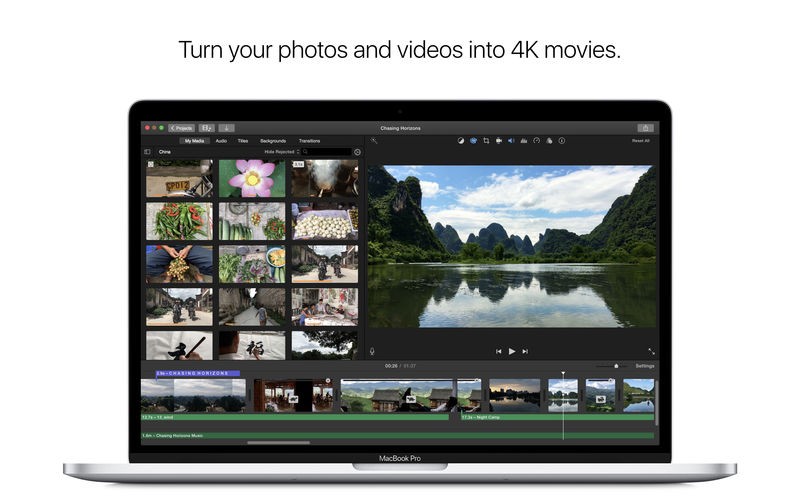
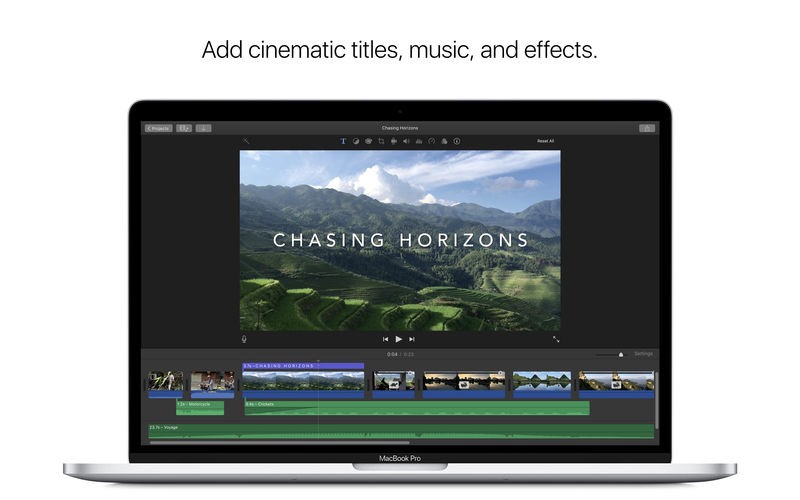
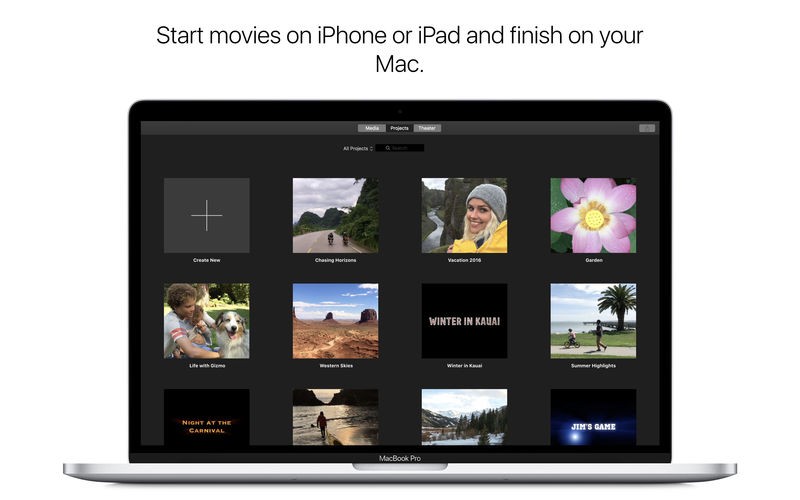
Video editing tool iMovie exists as an Apple-developed program dedicated to delivering easy yet effective capabilities for users to transform their videos. Exist as a user-friendly software solution designed to serve novices and occasional video creators through straightforward high-end video generation devoid of professional-grade software requirements. Through its user-friendly drag-and-drop functionality, iMovie enables users to trim video clips and add special effects simultaneously with transitions, along with text and music elements for video enhancement.
The Apple video editing software, iMovie, functions as a single system that enables users to edit their projects seamlessly across multiple Apple devices and macOS systems without interruption. They can enhance their videos through a professional-style appearance using built-in themes, templates, and cinematic filters available in the application. With 4K video editing capabilities enabled through iMovie, they can create high-resolution content at no extra cost compared to specialized software.
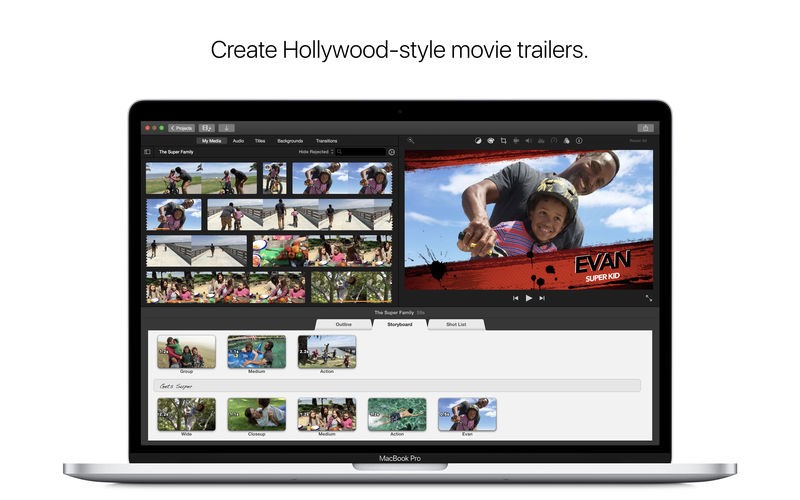
People can leverage iMovie's built-in templates to generate Hollywood-like trailers, which act as an excellent solution for developing personal story videos. The video editing platform iMovie provides all the necessary tools to create entertaining and straightforward editorial processes for family videos, as well as school work, travel vlogs, and small business content.
Why Should I Download iMovie?
Users who seek an uncomplicated video editor with outstanding quality should opt for iMovie. The main benefit of iMovie becomes evident when people download this program. They can begin editing right away because iMovie features an easy-to-use interface, despite its amateur-grade features, which other professional tools normally possess complex learning methods. The user-friendly interface of Apple software targets beginners in particular, thus making it a great solution for novices.
Users should take into account the high-quality output capabilities offered by iMovie. Those who prefer free video editing software can take advantage of 4K video options through iMovie to create professional-standard videos, although they would not need expensive additional programs to achieve professional-quality outputs. Through its built-in transition effects and filters, iMovie enables users to enhance the video production quality of their simple clips. They have straightforward access to add music and voiceover recordings, together with sound effects, to bring their videos more excitement.
Apple users benefit from iMovie's connection to the macOS and iOS platforms, which allows for easy product integration. They can begin modifying videos through their mobile devices, after which they can resume work on the Mac with no loss of progress. The seamless device feature of iMovie makes it suitable for multi-device project development. Users can benefit from the integration between Apple Photos and Music libraries because it provides simple access to their media collections while editing.
Professional-looking trailers as well as videos can be created through iMovie because it features pre-built templates. The pre-built templates in iMovie provide excellent value to creators who wish to produce appealing content. Users can produce well-structured videos easily through the automated editing features Magic Movie and Storyboards in iMovie software.
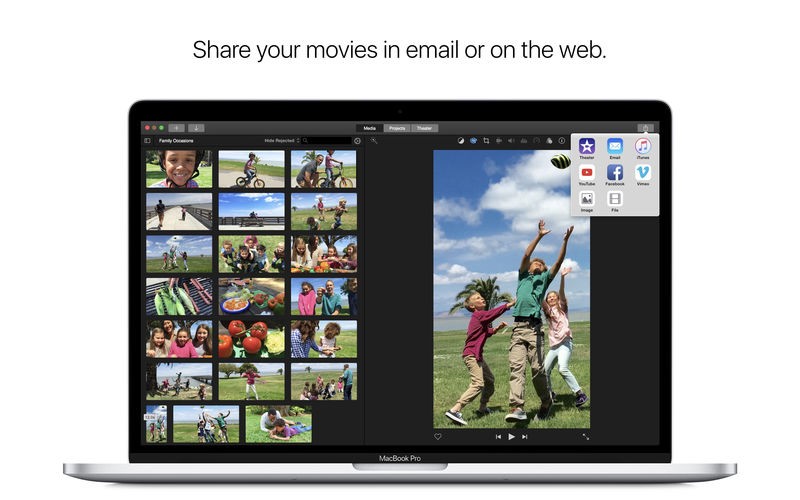
Those who want to produce social media content benefit from simple export features, which automatically optimize their output for various platforms in iMovie. The video sharing system in iMovie allows to distribute content instantly to YouTube, Vimeo, or different social media pages without depending on extra software programs. People seeking fast and dependable video content generation tools should choose iMovie because of its excellent functionality.
A basic set of audio editing tools exists within iMovie to let users improve the audio aspect of their video content. The audio features in iMovie provide full control over volume levels as well as noise reduction abilities, together with selectable sound effects to refine final work. The video editing software enables everyday audio manipulations through basic features, despite not matching what professional software provides.
The user-friendly interface of iMovie provides reliable video editing capabilities with exceptional output quality that benefits any user who demands these features. This free tool stands out as an attractive solution for regular users, together with students and content developers, because its minimalist design works together with Apple integration while handling 4K video files.
Is iMovie Free?
Users of macOS and iOS can access iMovie without any charges, as the application remains entirely free to use. Apple delivers iMovie free of charge with Mac computers, iPhones, and iPads; thus, users never have to acquire subscriptions or additional add-ons.
They can use all of the functions in the iMovie application without paying for an upgrade because the software is free. This program provides a suitable solution for those seeking professional-quality free video editing.
What Operating Systems Are Compatible with iMovie?
Only Apple devices with macOS and iOS systems support running the iMovie application. The majority of modern Mac computers, iPhones, and iPads come pre-installed with iMovie, allowing users to edit videos without having to download additional software. iMovie functions on macOS Monterey as well as macOS Ventura, and operates on the most current iOS versions that support recent iPhones and iPads.
The video editing program iMovie requires macOS or iOS as its operating system platform; hence, it does not support Windows or Linux systems. People who use these platforms must explore different video editing applications because iMovie is unavailable for their operating systems. Some users' attempts to emulate macOS programs on Windows computers in order to run iMovie fail because Apple has not supported non-Apple device compatibility with the software.
What Are the Alternatives to iMovie?
Users who require alternatives to iMovie need to explore different options because the software only serves Apple devices effectively. Multiple video editing solutions add user-friendly functionality to the Apple ecosystem.
Windows, Mac, and Linux users can use the open-source video editing program Shotcut instead of iMovie. Shotcut presents its interface in a simple and intuitive manner, along with a drag-and-drop operation, which suits beginners particularly well. The program supports numerous video formats together with fundamental editing features and operates with 4K video resolution capability. All its features remain accessible without charge because open source allows free access to the entire platform. Users who seek a cross-platform video editor beyond Apple integration benefits should consider Shotcut, which remains a forceful solution despite lacking such integration.
DaVinci Resolve stands as a solid competitor because it provides complex professional features that beginners can also utilize effectively. The film and television industry chooses this editor because it contains premium features for color correction and audio editing, together with advanced visual effects. The free version of DaVinci Resolve includes powerful editing tools that match the capabilities of the popular paid software Adobe Premiere Pro, providing comprehensive capabilities at no cost. The lengthy learning process of DaVinci Resolve makes it suitable for professionals seeking sophisticated editing capabilities, as it stands as one of the most advanced free options available.
Users looking for online video editing can pick Clipchamp as their web-based software solution. They can access Microsoft-owned Clipchamp through web browsers without installing any software to perform their video editing needs. Those requiring simple editing functions alongside transitions will find a suitable solution through the tool that includes text overlay capabilities and stock footage assets. They can store their projects in cloud storage through Clipchamp, which enables access from different devices. The free version of Clipchamp functions well for casual users who choose not to install more software due to its basic editing constraints.