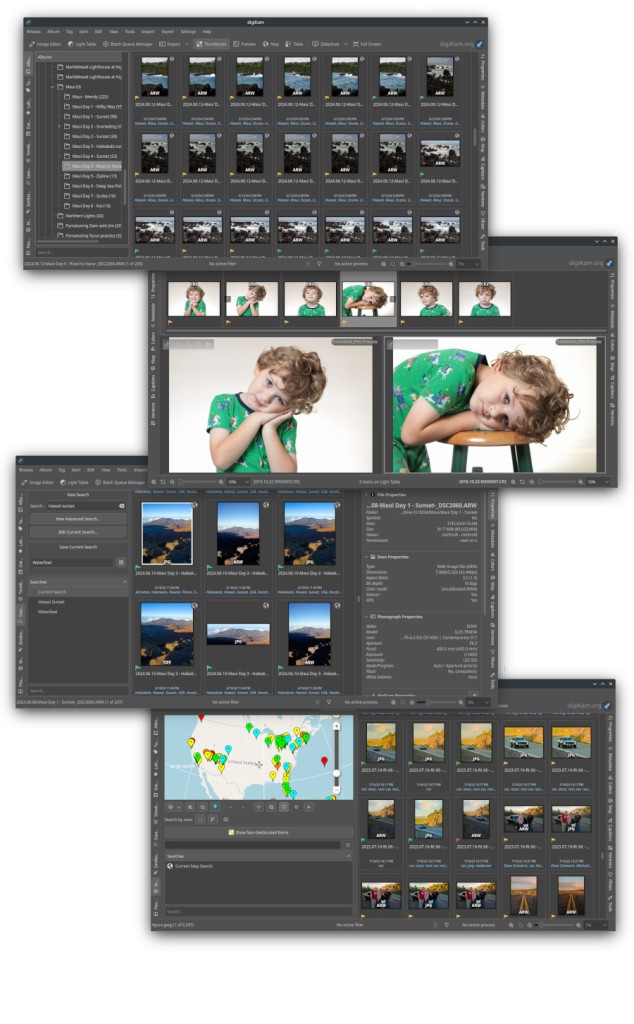
With digiKam, you can import, organize, edit, tag, and export photos in a variety of formats using a comprehensive set of tools. On top of essential photo editing, you can easily manage even the largest photo libraries, process multiple images at the same time, or apply very detailed metadata information, all within a single app.
For any edits you make in digiKam, don’t destroy the original file, and you can always restore the source file to its previous state. When you download digiKam, you can customize it with plugins or even make your own adjustments in the app code, as it’s distributed under the GNU General Public License.
digiKam is a comprehensive solution known for its outstanding performance and flexibility. It is available on multiple platforms and is a wonderful option for you, whether you’re a professional photographer, graphic designer, blogger, or just a casual user who wants to work with vacation photos.
Why should I download digiKam?
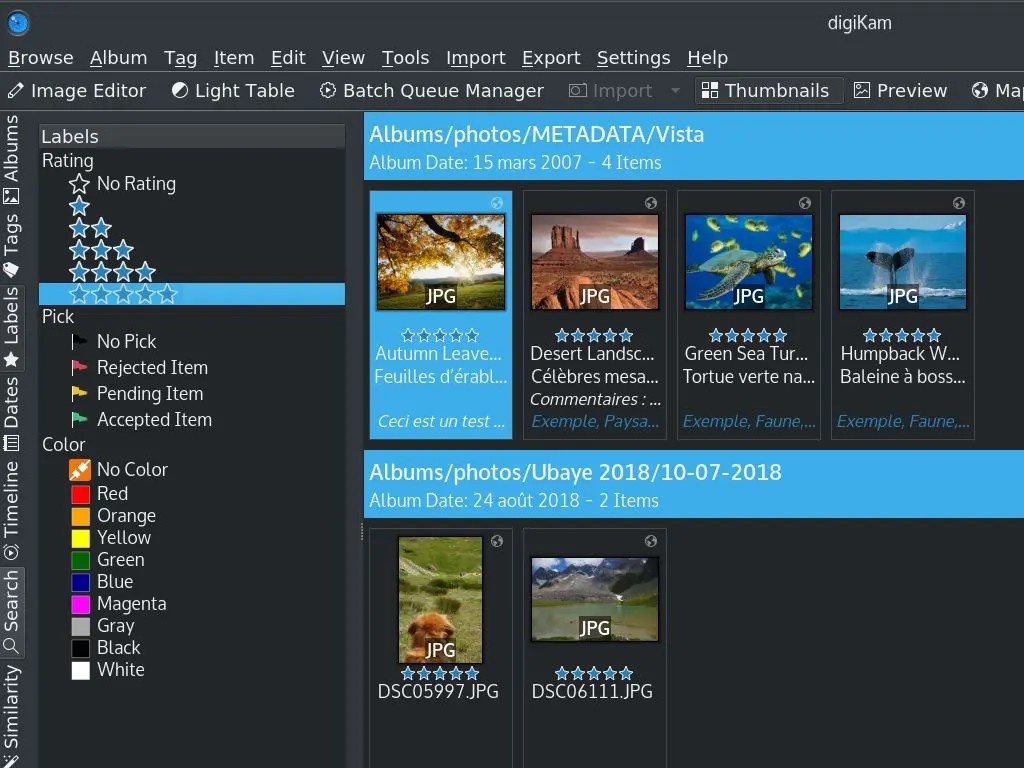
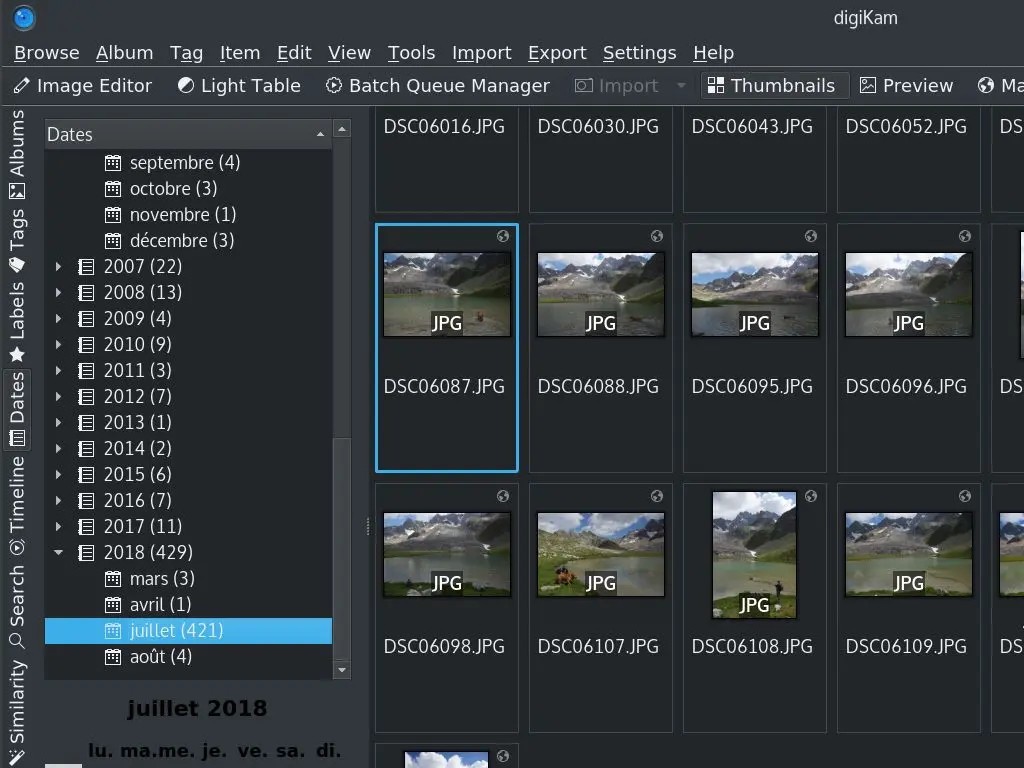
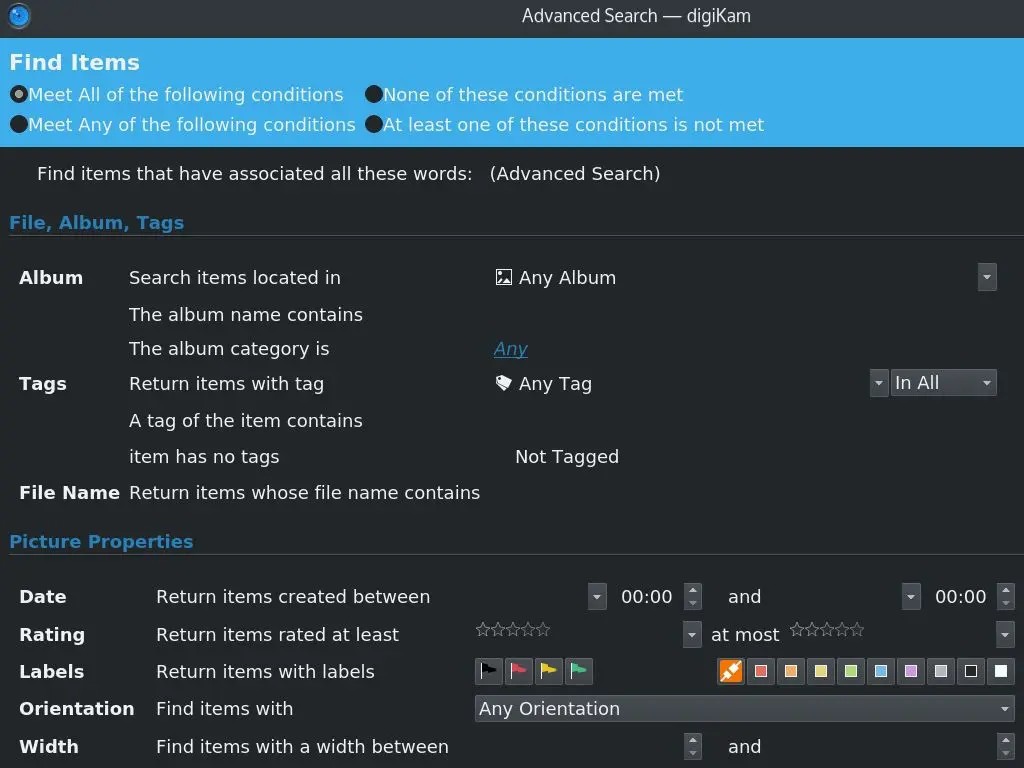
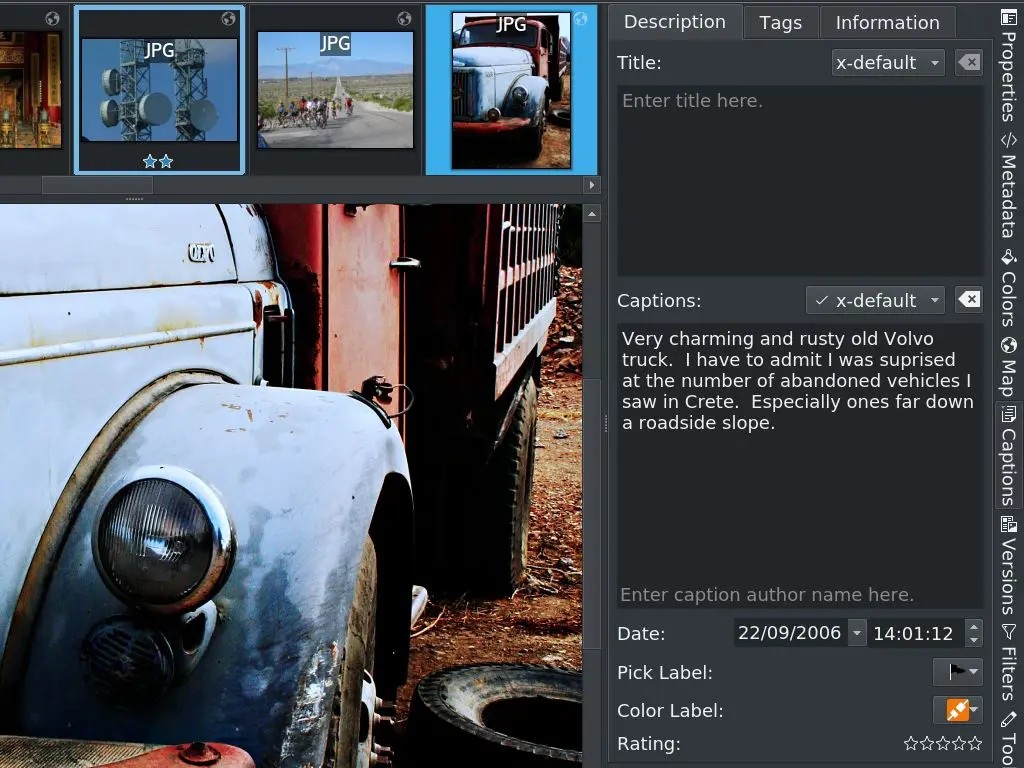
If you need a tool to manage your photo library, then digiKam is the best option. It offers an advanced organization system where you can place files in different folders and albums and then apply tags, color-coded labels, and star ratings and search your library using them. You can also predefine criteria that automatically apply this metadata based on factors like camera type, date, or keyword tags. digiKam supports metadata in EXIF, IPTC, and XMP formats, which is great if you need to process your images through professional workflows, tag people and locations, or even add copyright information.
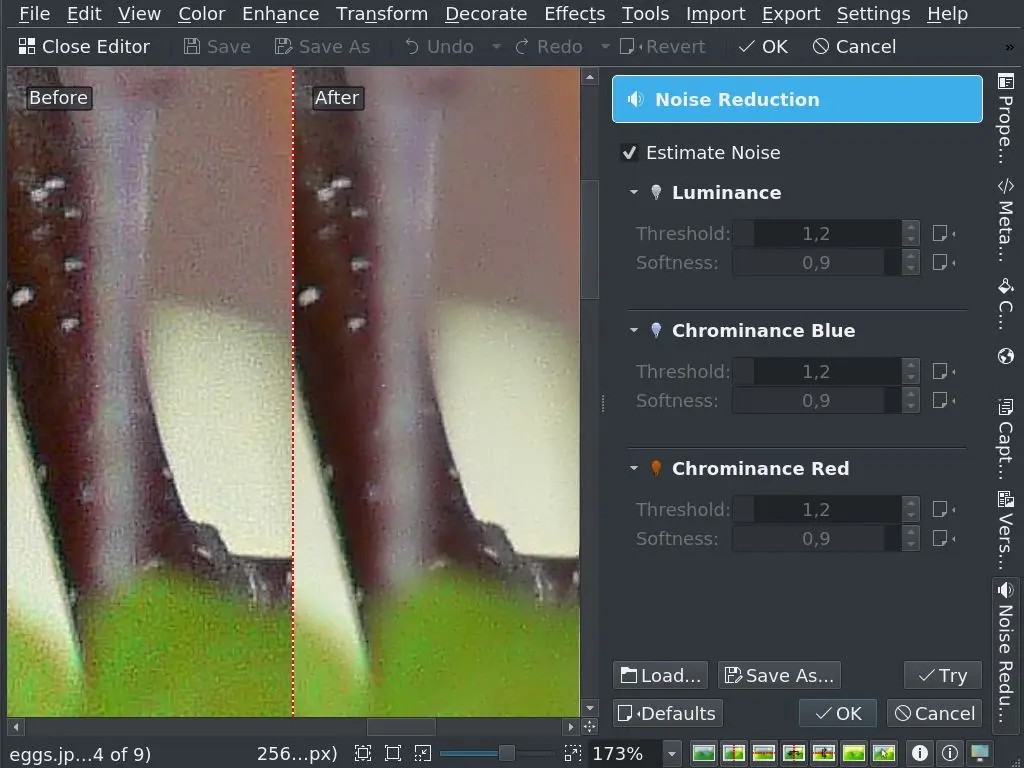
You should definitely download digiKam if you work with RAW files, as this software supports color and exposure adjustments in this format from almost all existing DSLR cameras, whether you’re using a Nikon, Canon, or Fujifilm camera. There are also features for more basic users, so you can use the built-in editor to crop, rotate, adjust brightness, contrast, or saturation, fix red eyes, or sharpen your photos. None of those actions affects the original photo, thanks to the non-destructive editing that you get with digiKam. You can also integrate digiKam with other tools like Photoshop or GIMP if you need more powerful features.
There are also options to edit or handle hundreds or thousands of photos at once, thanks to digiKam's powerful batch-processing engine. Use it to perform actions such as resizing, renaming, format conversion, watermarking, or applying filters on multiple files simultaneously. The app also supports facial recognition and geolocation, so you can easily tag the right people using suggestions generated by digiKam based on your library.
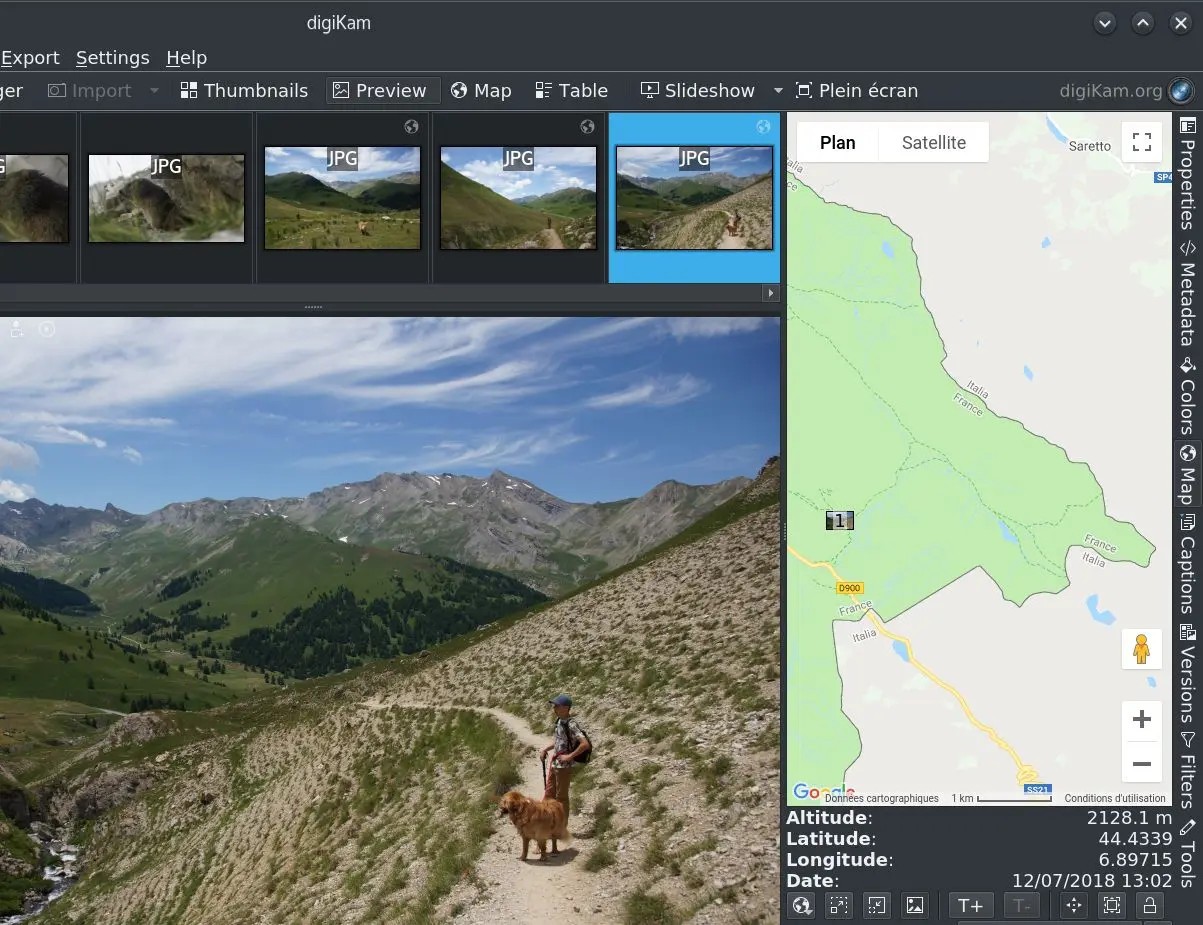
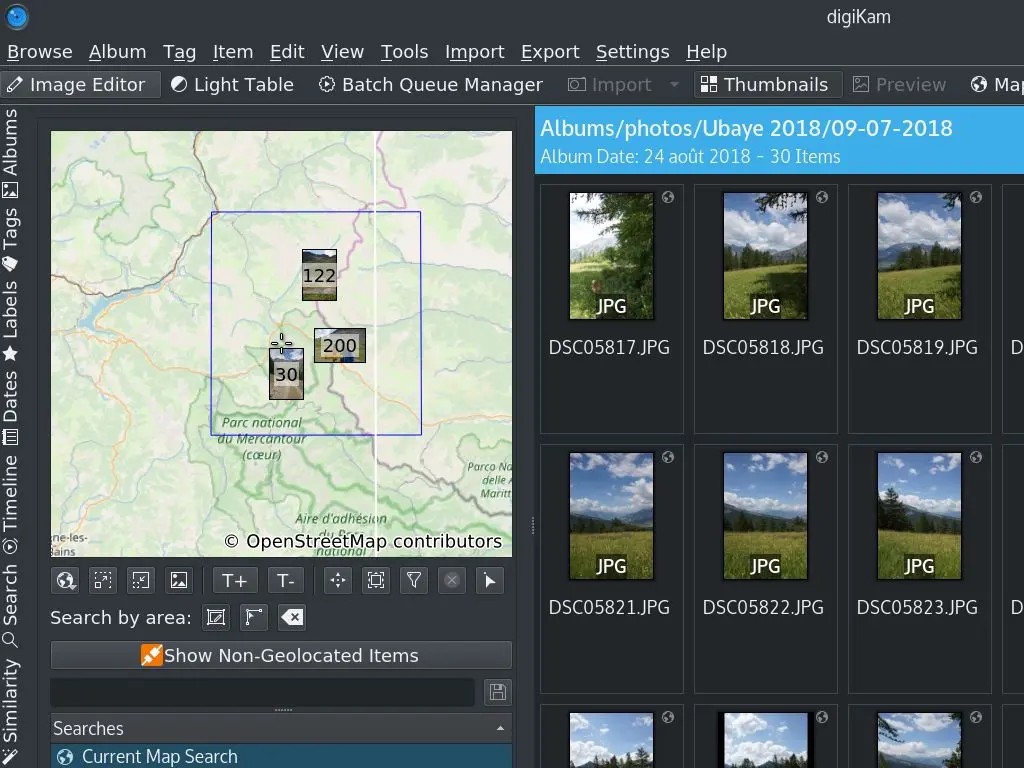
If you import your photos with GPS data, you can open a map to see where they were taken and browse them by location. You can also view your library on a timeline based on the dates the images were captured.
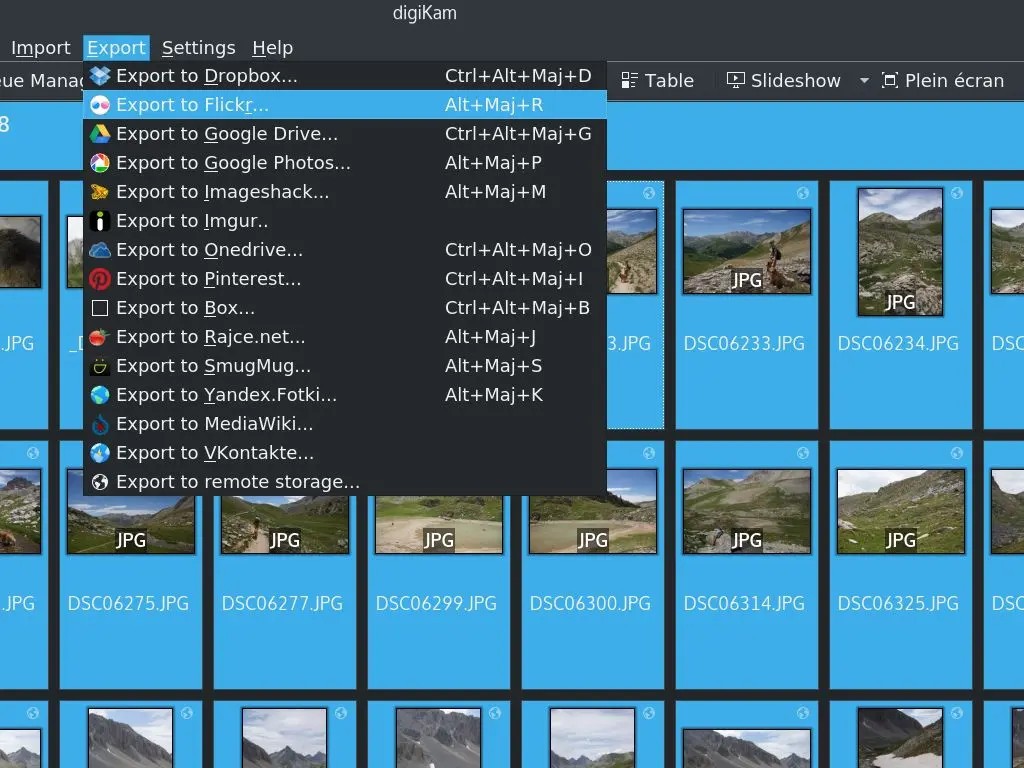
When it’s time to export your files, you will be glad you downloaded digiKam. You can automatically publish your files on all the most popular social media sites, send them to online storage services, or save them locally on your machine in the format of your choice. You also get to install plugins and various add-ons that can expand the digiKam feature set even further, thanks to this being open-source software under a license that allows modifications and custom distribution.
Is digiKam free?
Yes, you can download digiKam for free, as it’s shared as an open-source tool under the GNU General Public License (GPL). Even the different extensions you can add to digiKam are free, or you can develop your own features and share them with the community.
What operating systems are compatible with digiKam?
You can download digiKam on all major desktop platforms, including Windows 10 and 11 (64-bit), macOS 10.14 or later, and various Linux distributions such as Ubuntu, Fedora, and Arch.
If you have an older computer, you can also download previous versions of digiKam that support legacy operating systems. It’s a perfect solution, even for those with older machines or more modest hardware. digiKam is optimized to deliver the best performance with minimal resource consumption, especially when working with RAW files, and can use GPU acceleration and multi-threaded processing if your machine supports them.
What are the alternatives to digiKam?
Another great option, but this time for Windows users, is FastStone Image Viewer. Use it to quickly browse your photos, convert images in batches, or apply basic edits like cropping, red-eye removal, and simple color corrections. You can work with JPEG, BMP, PNG, and TIFF files, but please note that this software doesn’t handle RAW files well and offers limited metadata options. Only commercial users need to have a paid license; everyone else can use FastStone Image Viewer for free.
IrfanView is another Windows-only software that supports a wide range of file formats you may not find in other apps, and it also has a well-developed plugin system. It doesn’t require a lot of system resources, gives you the option to work with essential editing tools out of the box, and is incredibly fast whether you’re adjusting your photos, converting them into different formats, or playing slideshows. You can define custom shortcuts in IrfanView, which is the perfect solution for batch-processing multiple files. It can be a great first step to browse your photos and select the ones you’ll import into a more robust solution like Adobe Photoshop, Lightroom, or GIMP.
If you’re not really interested in photo editing but are looking for a tool that lets you access your library remotely, UltraViewer is an excellent choice. It’s free for personal users and offers a paid version for those who need multiple simultaneous connections or a commercial use license. You can use UltraViewer to share files or control your desktop remotely.