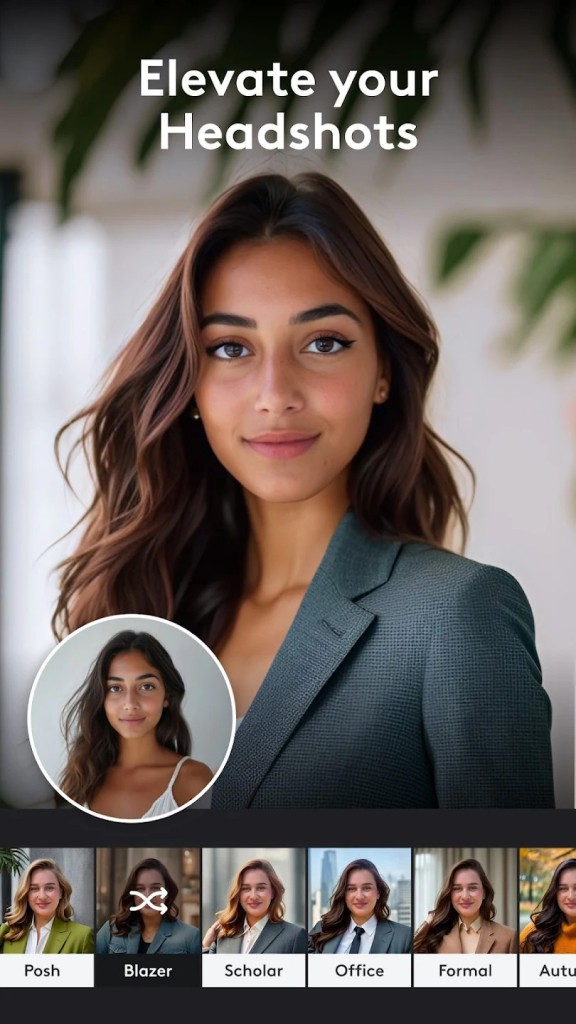
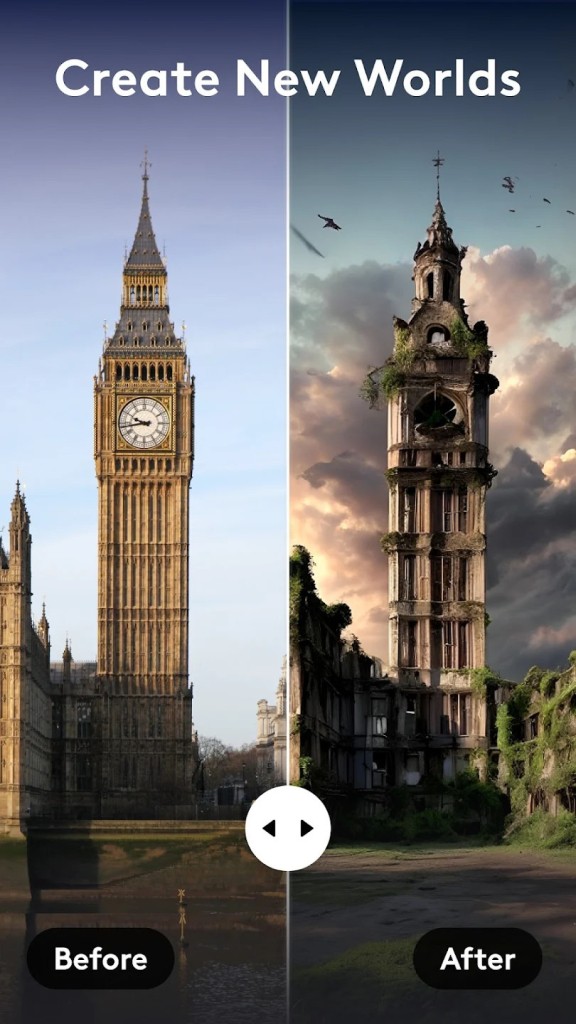
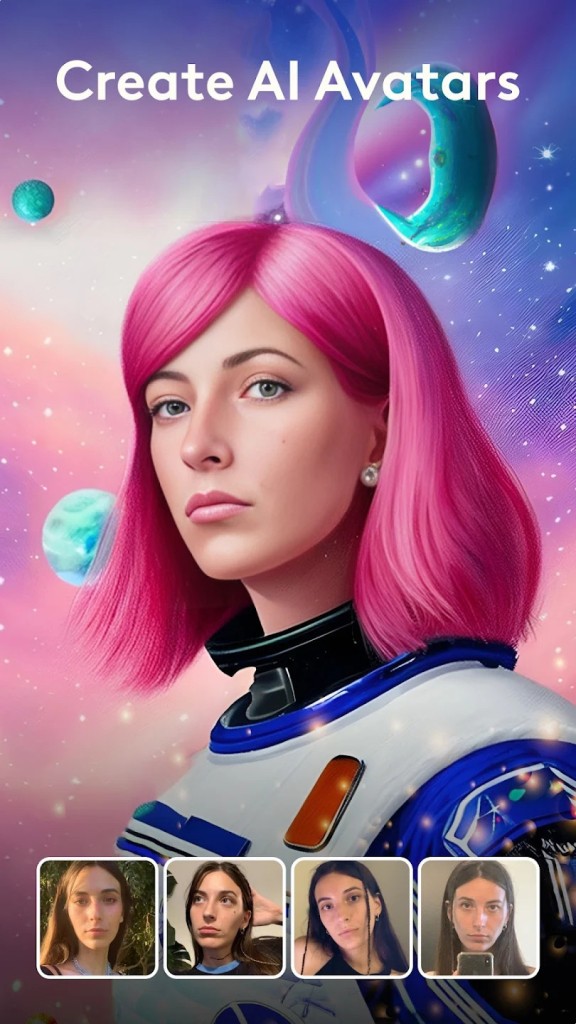
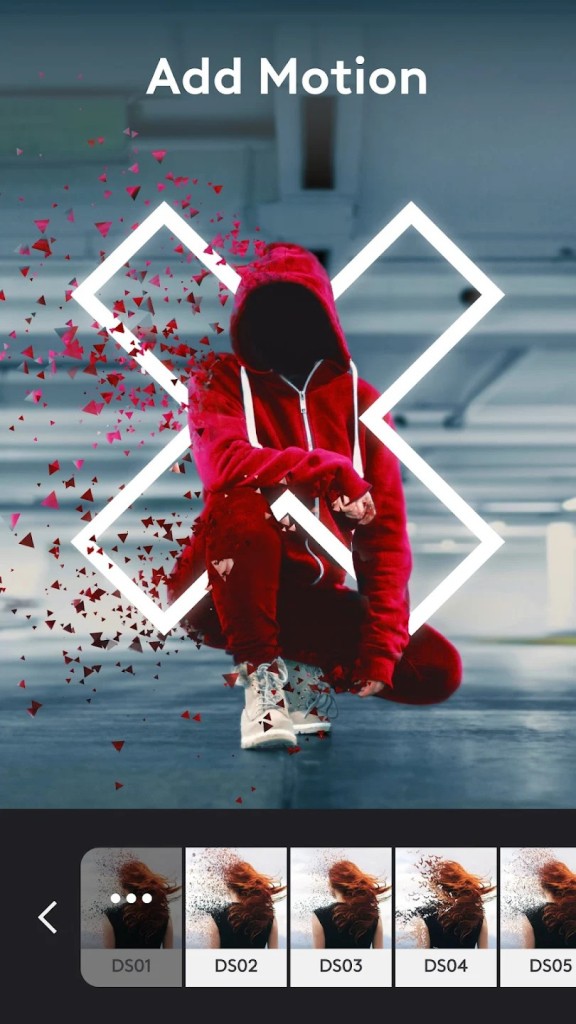
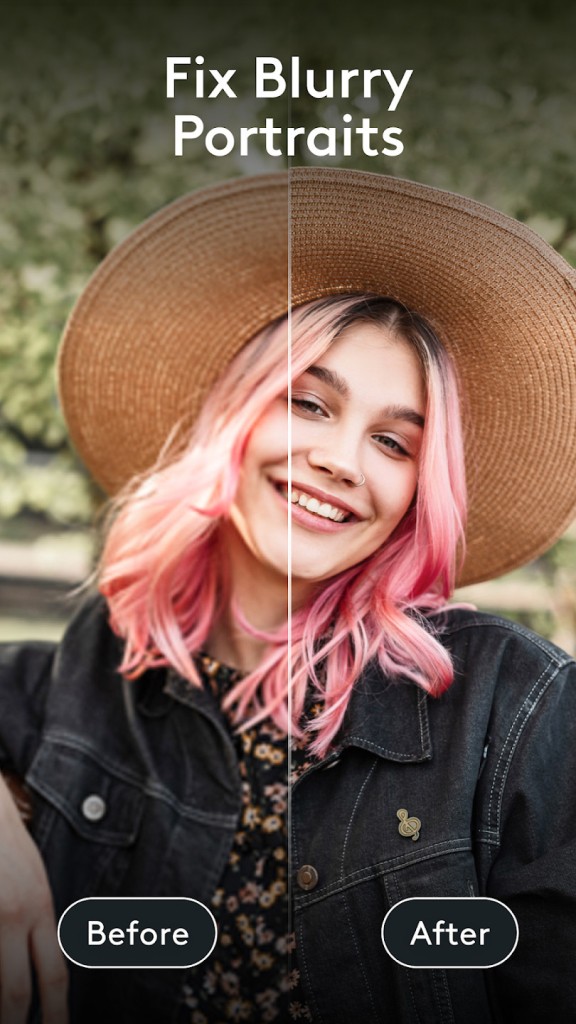
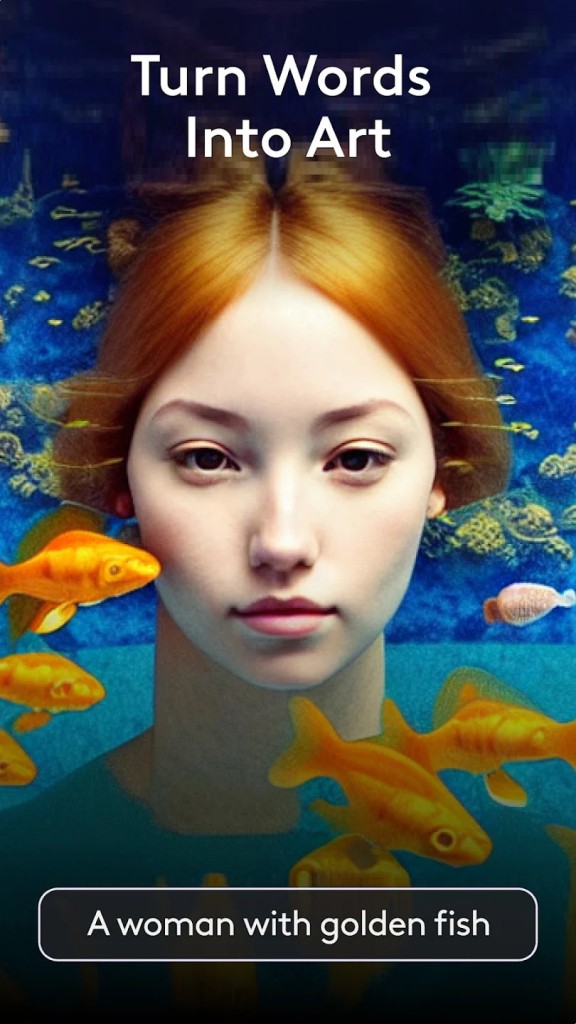
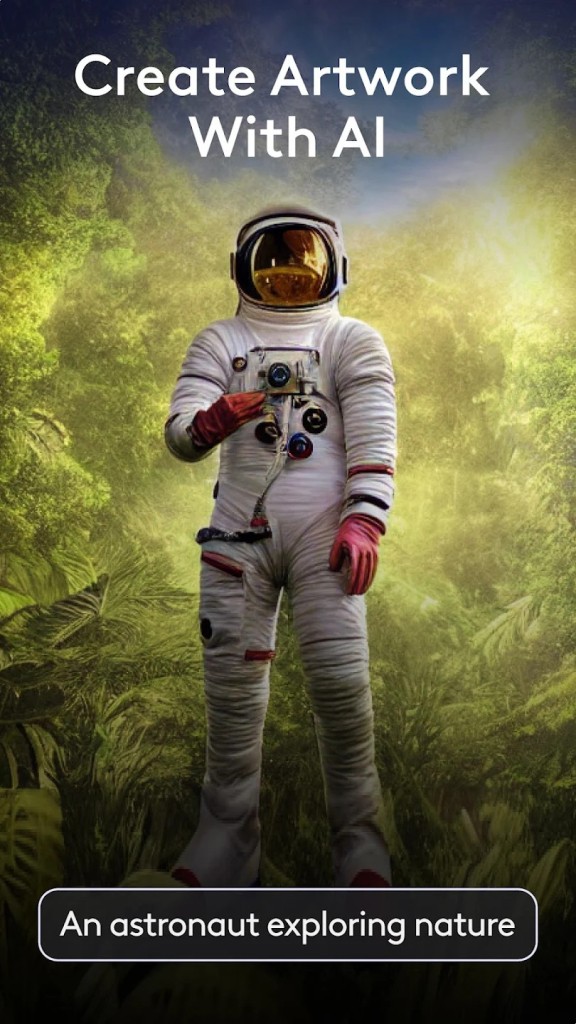
Photoleap is a photo editing app that looks simple enough when you first open it, but quickly reveals a deeper set of creative tools underneath the surface. It goes well beyond slapping filters onto your selfies. Photoleap is built around artistic and imaginative features that turn ordinary photos into something more expressive and visually interesting. Rather than just tweaking brightness and contrast, the app pushes you toward genuinely creative results.
Photoleap offers advanced editing tools that let you build multi-layer compositions, blend images using double exposure techniques, and create effects that feel closer to digital artwork than standard photo touch-ups. Whether you have years of editing experience or none at all, the app is designed to make artistic effects accessible to everyone. People reach for Photoleap when they want to create social media posts that stand out, build memes with a visual punch, or just breathe life into dull photos that need something extra.
AI-powered features handle the heavy lifting so you can skip tedious manual adjustments and still get impressive results. The whole design philosophy leans toward making the creative process fun rather than intimidating, and you do not need any technical background to get good-looking output. Think of it as a more approachable version of Photoshop, one that trades some of that desktop-grade complexity for a friendlier, more casual experience. It is still surprisingly capable for a mobile app, though.
Why Should I Download Photoleap?
Photoleap rewards curiosity. Whether you are looking for a creative outlet or a practical tool for polishing visuals, the app delivers on both fronts. Its standout feature is the ability to turn ordinary photos into eye-catching digital artwork in just a few minutes, without any graphic design background required.
Getting started takes almost no effort. Open the app, tap a few buttons, and you can add surreal sky replacements, glowing edge effects, or painterly textures to your photos. You are doing more than adjusting brightness sliders here. You are building visuals that genuinely pop and catch the eye, which is exactly what makes Photoleap appealing for anyone who regularly shares content online.
Social media users will find the app especially useful. Eye-catching visuals grab attention in crowded feeds, and Photoleap generates professional-looking results without long editing sessions. Templates and AI-driven suggestions make it easy to experiment with new looks and styles without starting from a blank canvas every time.
Beyond filters and touch-ups, Photoleap includes animation tools, overlay effects, and the ability to combine images and video for more advanced compositions. If you run a small business, you can use it to make product photos stand out or build polished Instagram stories without hiring a designer. That kind of flexibility makes the app useful in a surprising number of situations.
Because everything runs on your phone, Photoleap fits into workflows where you do not want to sit down at a desktop just to edit a quick photo. Mobile editing can feel limited with most apps, but Photoleap manages to be both convenient and capable at the same time. It works whether you are editing for fun, for work, or just trying to keep your social feed looking sharp. Beginners can jump in and get results immediately, while more experienced editors will find enough depth to keep things interesting.
The takeaway is that Photoleap lets you create without adding friction to the process. Open it up, play around with a few options, and see what happens. The learning curve is gentle, and the results often speak for themselves.
Is Photoleap Free?
Photoleap is free to download, but the app includes a mix of free and premium content. Some tools and effects are available at no cost, giving you a chance to explore the core editing features before spending anything.
To unlock the full feature set and remove ads from the interface, a subscription is required. You can get a solid feel for what the app offers without paying, which makes it easy to decide whether the premium tier is worth it for your particular needs.
What Operating Systems Are Compatible with Photoleap?
Photoleap is available on both iOS and Android, though it originally built its user base on iPhones. The iOS version tends to receive updates and new features slightly ahead of Android, but the Android version has largely caught up and offers a similar experience.
As long as you are running a reasonably current version of your operating system, Photoleap should work without issues. You can check compatibility by looking it up on Google Play or the App Store before you download. There is no desktop version available at this time, so the app is strictly a mobile experience.
What Are the Alternatives to Photoleap?
Not every photo editing app suits every user, and a few alternatives take similar creative approaches with their own unique angles. Depending on your editing style, one of these options might be a better fit.
Photo Lab has built a strong reputation with its library of quirky, AI-generated artistic effects. You upload a photo, pick from a wide selection of art styles like painting, sketch, or sci-fi, and the app generates the transformation automatically. Instead of giving you granular control over individual edits, Photo Lab focuses on one-tap style changes that produce dramatic results. Many people use it specifically for creating stylized profile pictures and social media images without any manual tweaking. If you enjoy the surprise of seeing what AI does with your photos and prefer hands-off transformations to detailed editing, Photo Lab fits that preference well.
ToonMe is frequently recommended as one of the best apps for turning photos into cartoon-style illustrations. It specializes in converting standard portraits into cartoon or vector-art versions, and it does that one thing particularly well. The results work great for creating distinctive avatars, playful selfies, or brand-friendly visuals with an animated feel. ToonMe does not offer the layer-building or image-blending capabilities that Photoleap has, but its cartoon filters stay current with pop culture trends and update regularly to keep the styles fresh.
Avatoon takes a different creative direction entirely by letting you build and customize personalized avatars. You start by creating a character that looks like you, then dress it up with different outfits, backgrounds, and poses for use in chats, social media, or digital greetings. Self-expression is the focus here rather than photo editing, and the customization options go deeper than what apps like Bitmoji typically offer. For anyone who wants to design a virtual version of themselves rather than modify actual photos, Avatoon fills that niche. It sits alongside Photoleap as a complementary creative tool rather than a direct replacement, appealing to a different set of creative interests.