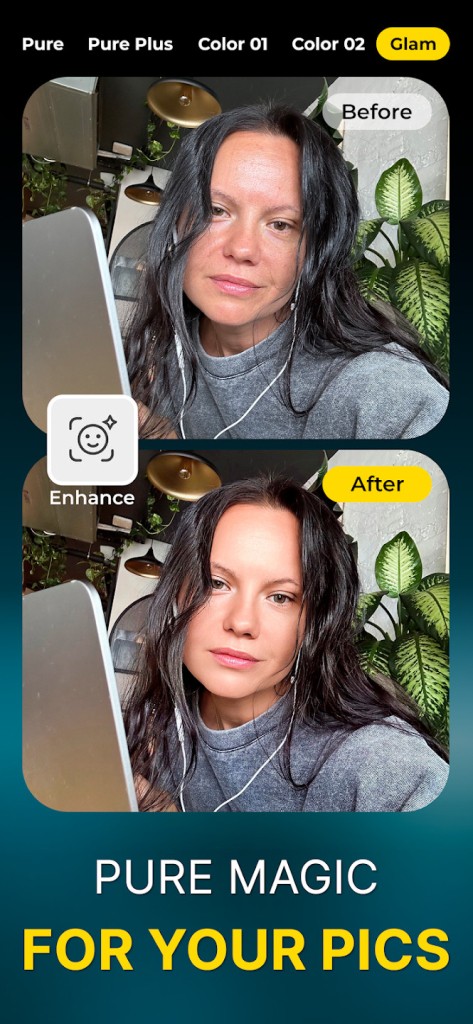
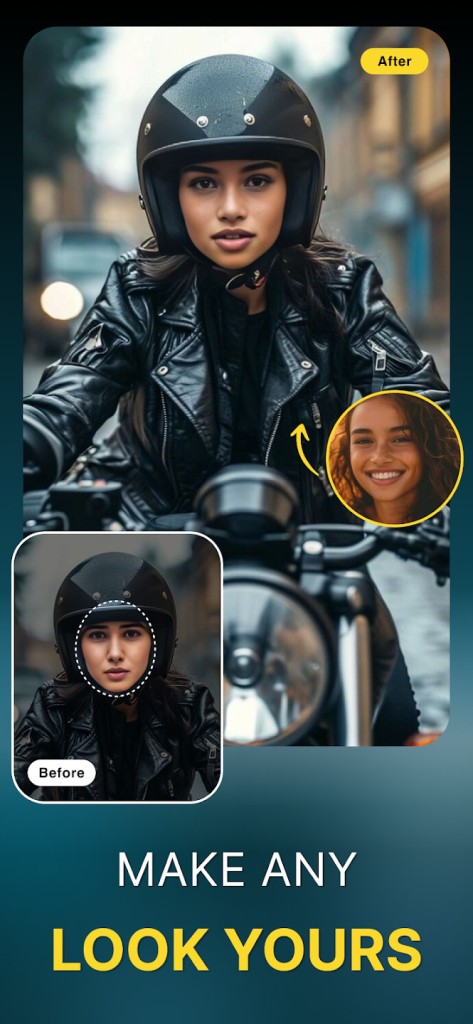
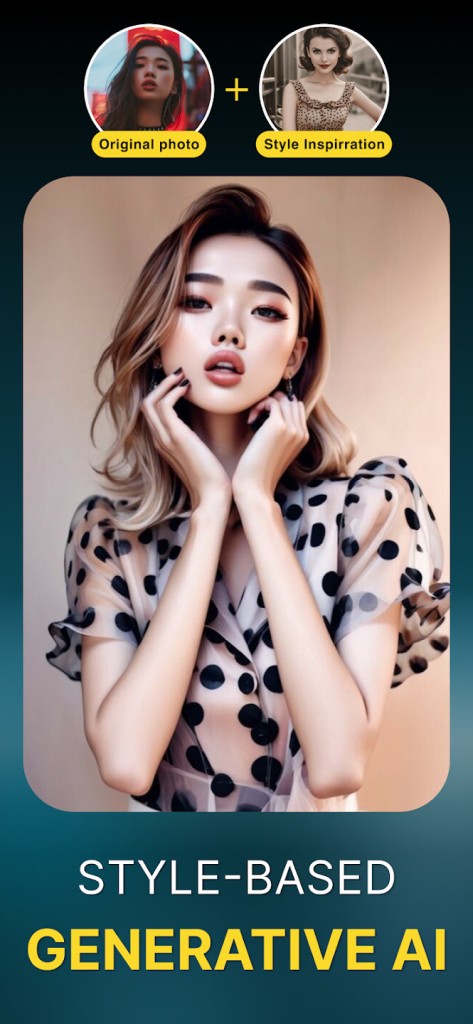
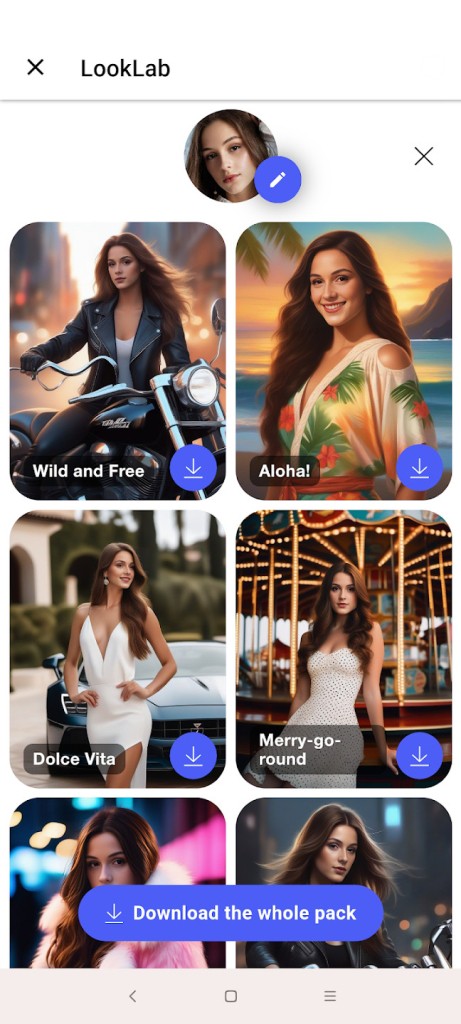
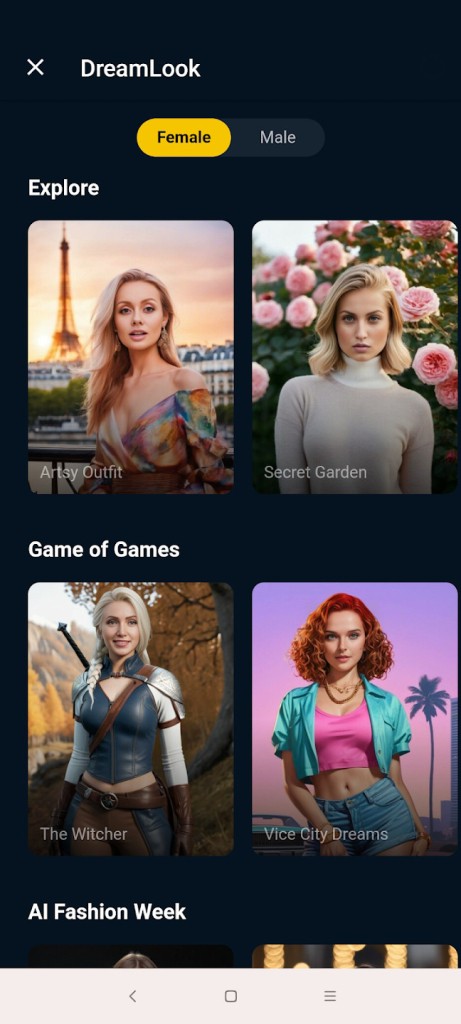
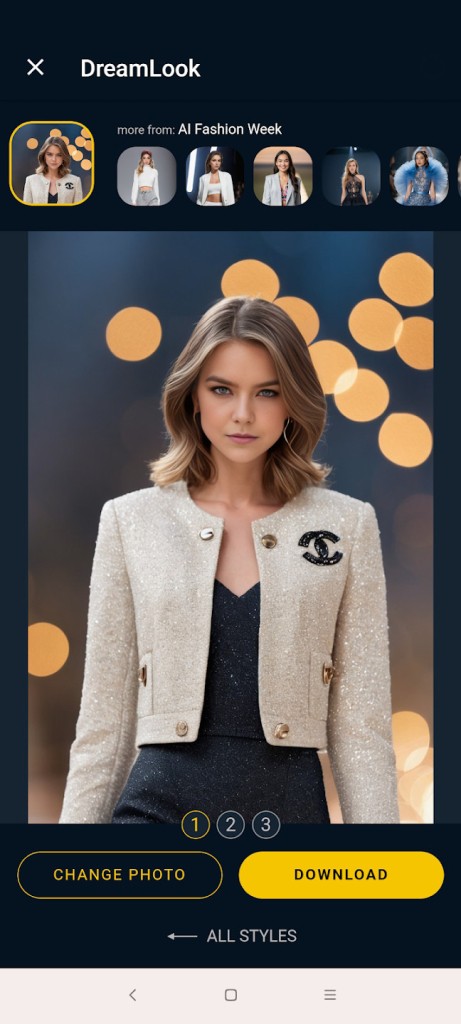
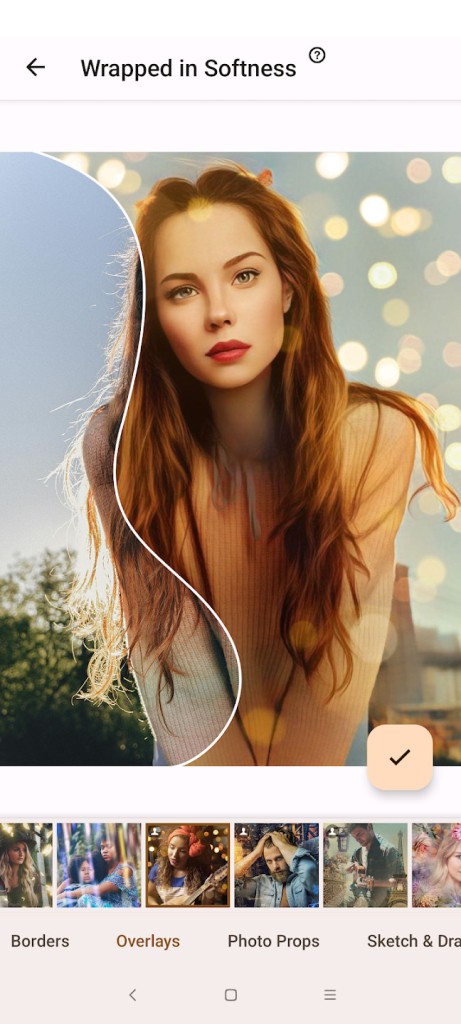
Photo Lab serves as a photo editing application through which users can transform pictures with ease. The app offers creative features instead of complicated and technical controls. As a result, it excels at artistic outcomes.
The app’s interface features filtering tools that will help you transform even the most basic photos. The creative options in Photo Lab provide individuals with modern ways to communicate their ideas. Those include cartoon avatars, dreamy photo art, and wild double exposure.
AI technology and pre-established templates power most of the operations in this application. Open the app to choose an aesthetic or effect, upload your photo, and let the app do its job. The selected filter is applied to your image, thus creating a completely different picture.
The application works best with portraits and selfies, although you can also use it for landscape photos. You don’t need any graphic design experience to use Photo Lab. The app exposes you to different artistic leanings, so you can experiment.
Why should I Download Photo Lab?
Photo Lab sets itself apart from other apps because it offers users an uncomplicated editing experience without unnecessarily complex features. Photo Lab exists for users who have limited time and want to enjoy the process of photo editing. Photo Lab is often used for turning social media images into digital paintings or comic book-style portraits.
The main benefit of Photo Lab lies in its vast collection of filters. The app allows you to convert photos of your face into drawings, as well as overlay your images with colorful smoke patterns and neon elements, or paint galaxies across your portraits and turn images into the likes of famous artistic masterpieces.
The app offers continuous updates that reveal fresh content. New filters are added often. Each time you use the app, you can create a different result.
It’s also fast. You don’t need to adjust elements like contrast and color levels unless you want to. All you need to do is choose an effect; the app will do the rest. Ads are only displayed while you wait for the result.
With the help of Photo Lab, you can create cool images or discover new effects you were not familiar with. Photo Lab enables users to achieve unique and fast results that can be shared on social media and turned into birthday wishes or sent to friends.
Watching ordinary pictures transform into elaborate new images produces a satisfying feeling for many users. Photo Lab is perfect for people who love experimentation and creativity. Professionals seeking subtle, sophisticated options tend to prefer other solutions.
Photo Lab is beginner-friendly. You don’t need a manual or tutorial to use it. You can proceed with no editing skills. Users with no artistic experience find it easy to produce visually attractive content through this application.
The purpose of Photo Lab is to change your photos in creative ways rather than implement detailed edits. The goal is to have a pleasant experience without exercising any special skills.
Is Photo Lab Free?
Yes, the basic set of effects and filters is available for free. The only limitation of the free version is a watermark on the finished picture. The watermark will be at the bottom of the photo, so it’s not that bad. The free version also contains ads.
Premium features, filters, and AI tools require a premium subscription. You need to upgrade if you want to remove ads and gain access to all available content. The free version of the app gives users ample tools for experimentation and creativity without noticeable restrictions.
What Operating Systems Are Compatible with Photo Lab?
With its support for both Android and iOS platforms, Photo Lab is available for users who have a mobile phone or tablet. Users benefit from cloud-based processing combined with mobile optimization, and devices stay unaffected by memory or processor demands.
But that’s not all. Photo Lab also offers an online version. You can access the browser app through any modern browser. The browser version only features filters and some transformation tools. The available categories include Top Combos, Trending, and Recent. Note that the mobile app offers the best way to use Photo Lab.
What Are the Alternatives to Photo Lab?
There are many suitable alternatives to Photo Lab for users who want to explore different design options and features. Each app has its own distinct style. Your choice will depend on your individual requirements.
ToonMe is a platform for converting digital images into animated or cartoon designs. ToonMe goes beyond Photo Lab’s features. The application employs artificial intelligence to generate cartoon images that match your appearance accurately. Most people use it to create social media content and profile pictures. Users enjoy this application because it offers a quick and straightforward service that specializes in a single artistic style. ToonMe stands out for users who want pixelated, animated versions of their images.
Photoleap provides an advanced platform for editing on mobile. Users gain full control of images through layering, as well as blending and masking functions, and text overlays. Photo Lab offers less playful and filtered adjustments but allows users to build sophisticated designs that look professional. Photoleap is an effective solution for basic instant photo edits and professional image manipulation.
Avatoon can transform your photograph into individualized emoji-based characters and create unique avatars. This application uses effects to turn your photos into animated images. Users can modify facial features, outfits, and body positions to produce stickers and profile icons. The result will be more cartoonish than Photo Lab’s.