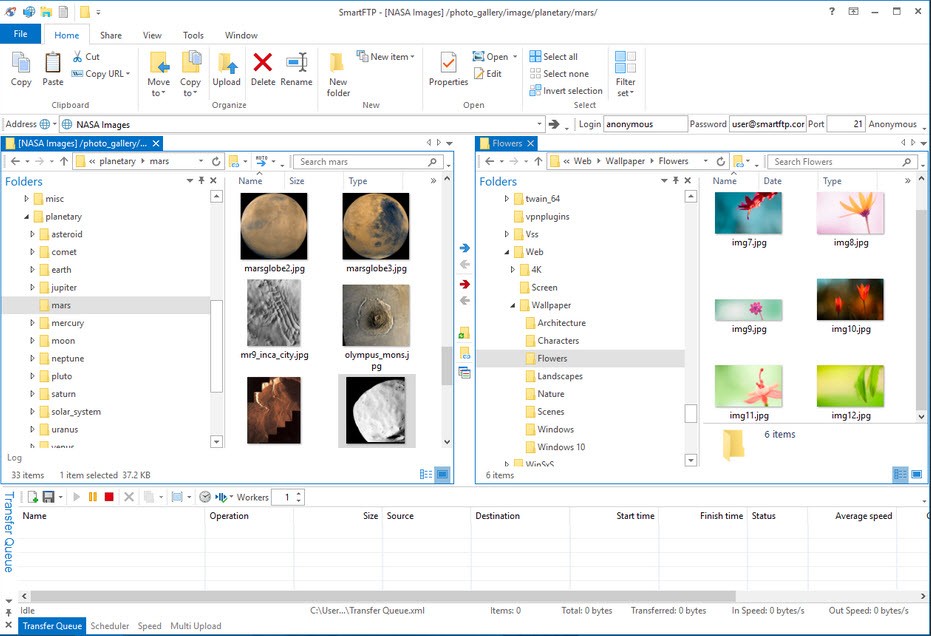
SmartFTP is software that enables users to transfer files from their local computers to remote servers through its platform. All professionals, including developers and administrators, use it with content administrators and independent contractors who handle website administration or cloud backup responsibilities.
SmartFTP has built-in compatibility with FTP, FTPS, SFTP, WebDAV, Amazon S3, OneDrive, and Google Drive, which allows the software to meet diverse requirements in the workplace. The software functions as a device that makes your computer connect to remote systems, including international servers or storage accounts within your cloud platform.
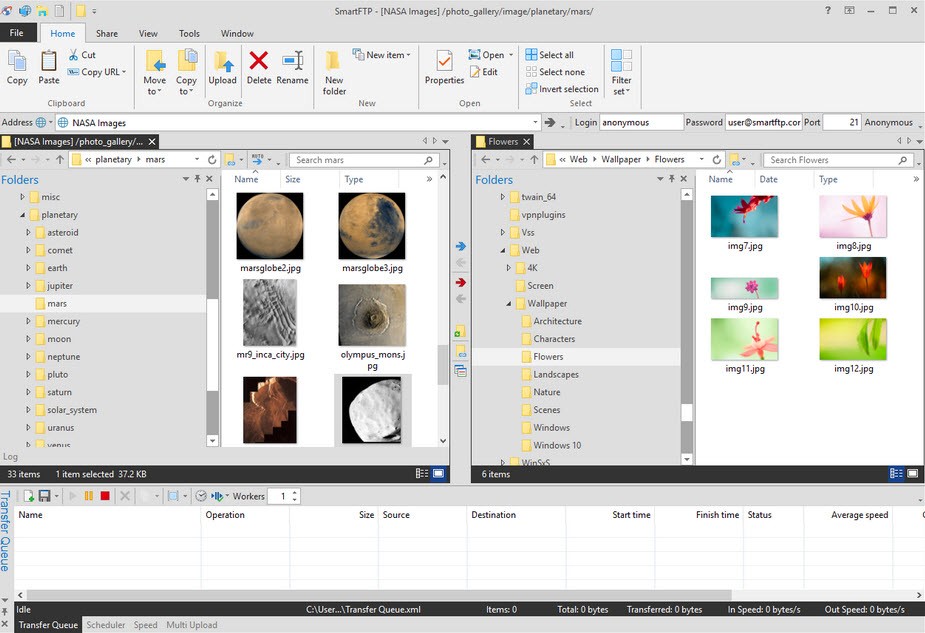
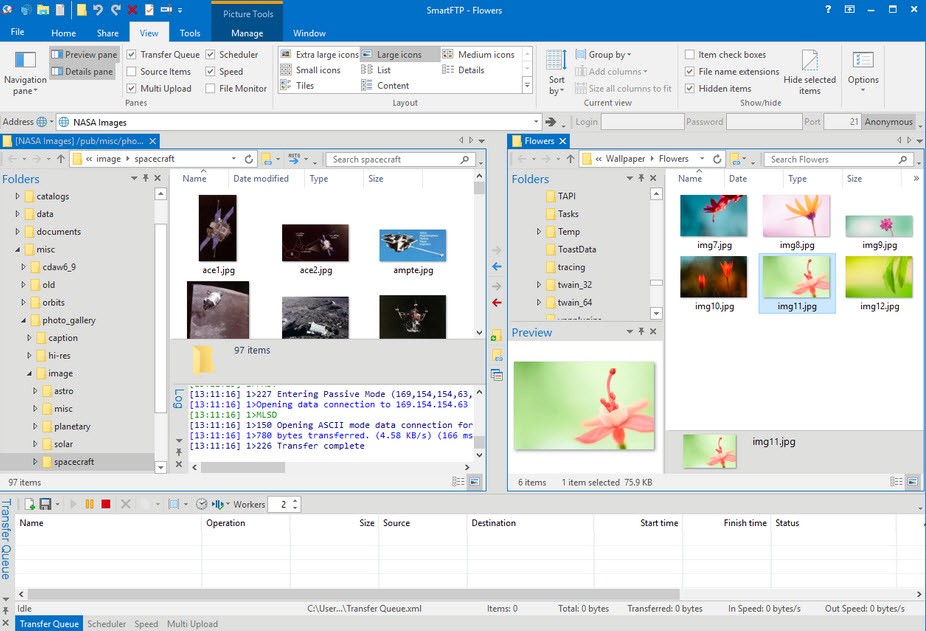
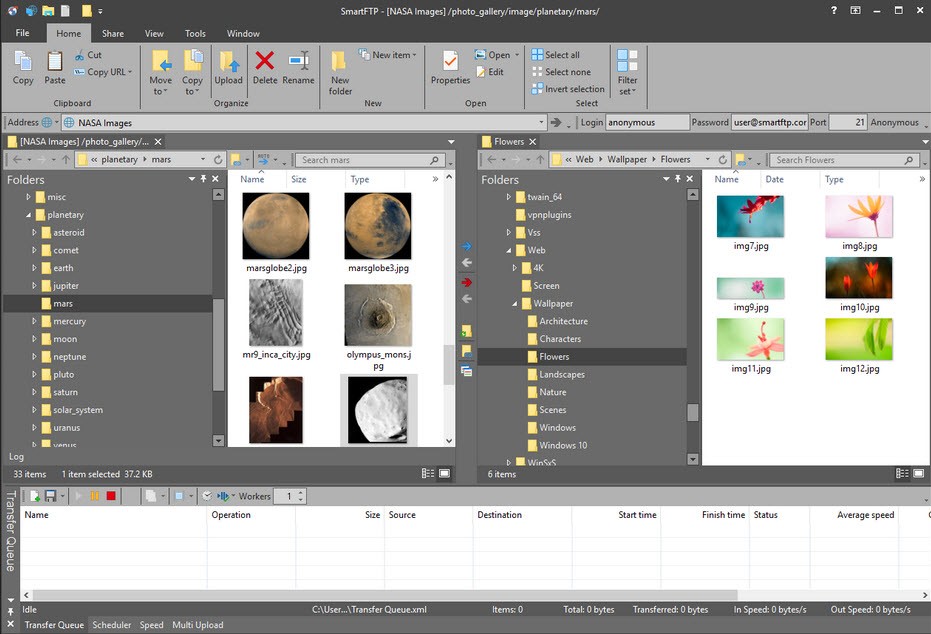
Using the familiar Windows interface makes up the platform of the software. The interface comes with tabs enabling multiple session control, while you can easily drag files between different locations. The tool provides sophisticated features, including scheduling operations alongside broken transfer resuming capabilities in addition to file comparison functions and synchronization tools, and automatic functionality.
The characteristics that become significant when performing regular or heavy file transfers emerge at this point. Daily backup operators alongside data set uploaders benefit from SmartFTP, which provides them with trustworthy file management capabilities.
Why Should I Download SmartFTP?
The SmartFTP application offers more functionality than typical file transfer solutions do. The software reveals its assessment capabilities through repeated small benefits after you integrate it into standardized operations. The application provides rock-solid stability, which multiple clients cannot achieve at their level. Users can find numerous free FTP tools that function properly, but such applications often experience stalls or crashes when processing extensive files.
The FTP client maintains steady operation during the transfer of large file volumes. The application maintains interrupted transfers while allowing users to pick up unfinished uploads from exactly their previous point of termination. The application reduces transfer work time in situations requiring strict deadlines.
Users should evaluate this application because it connects to diverse network protocols. Using SmartFTP, you solve the problem of managing different tools for various connection types, including FTP, SFTP, and cloud storage. Users can handle all their transfer management through the single platform offered by SmartFTP. The program enables users to safely transfer data through SFTP servers and upload items to Google Drive while also maintaining Amazon S3 file synchronization without needing different software applications. Multiple server and client management benefits greatly from such integrated features, providing process optimization. It simplifies your setup.
Automation functionality separates SmartFTP from its competitors because of its distinct competitive advantage. Establish automatic backup and upload tasks through the built-in scheduling system. SmartFTP allows users to create rules that focus on sending files that have been modified recently. SmartFTP enables users to schedule file transfers at specific times during non-working hours, so you can set it to execute in the middle of the night as you sleep. The system offers components that minimize the requirement for human assistance. The software operates quietly behind the scenes, allowing you to conduct your important work.
Security features of this system stand as one of its important strengths. Data protection must be encrypted during transfers, and credentials need secure storage due to the growing reality of data breaches and cyber risks in the current world. SmartFTP makes that easy. The program provides contemporary encryption algorithms and follows security standards that maintain compliance in secure enterprise system protocols. Secure operation is an integral part of the product because the system takes care of building security measures automatically.
The powerful feature set of this system does not result in interface complexity. Like a typical browser, SmartFTP shows its work areas through separate tabs that allow you to manage various projects at one time. Using this setup structure becomes beneficial for users who operate multiple website accounts at once. The system maintains an uncluttered design that suits professional usage needs. Many users appreciate this feature of the application. The program exists for functionality instead of glamor.
The range of web server and file backup solutions and cloud storage options with departmental file transfers marks SmartFTP as an excellent investment for users and professionals. SmartFTP adjusts its functionality to fit your operation style and continues to deliver reliable service during heavy workload periods.
Is SmartFTP Free?
Users can try SmartFTP through a free trial period, although the software functions primarily as a paid program. All permanent usage of the program requires a license purchase to maintain features. The program prices itself differently based on individual and business use cases. The program provides business packages that include multi-license choices for companies as well as teams. The free trial provides users with an opportunity to determine product fit before purchasing.
What Operating Systems Are Compatible with SmartFTP?
The developers created SmartFTP specifically for Windows operating systems. Users can install the SmartFTP application to run on Windows 10 and Windows 11 systems and their older versions, including Windows 8. The software does not provide support for macOS or Linux at the current moment. All Windows PCs will handle SmartFTP without encountering technical problems. The software system works on basic hardware requirements and also maintains minimal usage of system resources. The program establishes a quick installation process while operating within the background framework, regardless of your current application activities.
What Are the Alternatives to SmartFTP?
Other file transfer clients, which sometimes compete with SmartFTP, exist in the market.
The widely popular tool for file transfer remains FileZilla. The open-source utility is a 100% free service that handles typical file transfers adequately. FileZilla renders both FTP and SFTP protocols through its interface, alongside the ability to operate using drag-and-drop features. Setting up this tool requires no hassle because it maintains a lightweight structure. The essential features of SmartFTP are absent in this alternative software because it lacks automated processes and integrated cloud storage functions. New users, as well as those requiring just essential functionality, will find this program perfect for their needs.
Another popular option is Cyberduck. The software caters to users who require a platform-independent application because it works on both Windows operating systems and macOS systems. This application provides users with a clean interface design, together with smooth connectivity to cloud storage platforms, including Dropbox, as well as Amazon S3 and Google Drive. People who primarily use cloud workflow methods over server connections should consider Cyberduck as their preferred tool. Educational institutions can use Cyberduck for free, while optional donations support the developer team and its offerings provide adequate flexibility when operating between basic and advanced features.
The file transfer program WinSCP provides an excellent alternative solution for users. The free, open-source program offers SFTP and FTP secure transfers as its main functionality. The main feature of WinSCP is its capability to function through scripting and command-line automation features. The program enables users to run precise file transfer scheduling while achieving control that fits scenarios in enterprise-level and technical settings. Users will find a functional design in this program, although the interface lacks graphical flair.