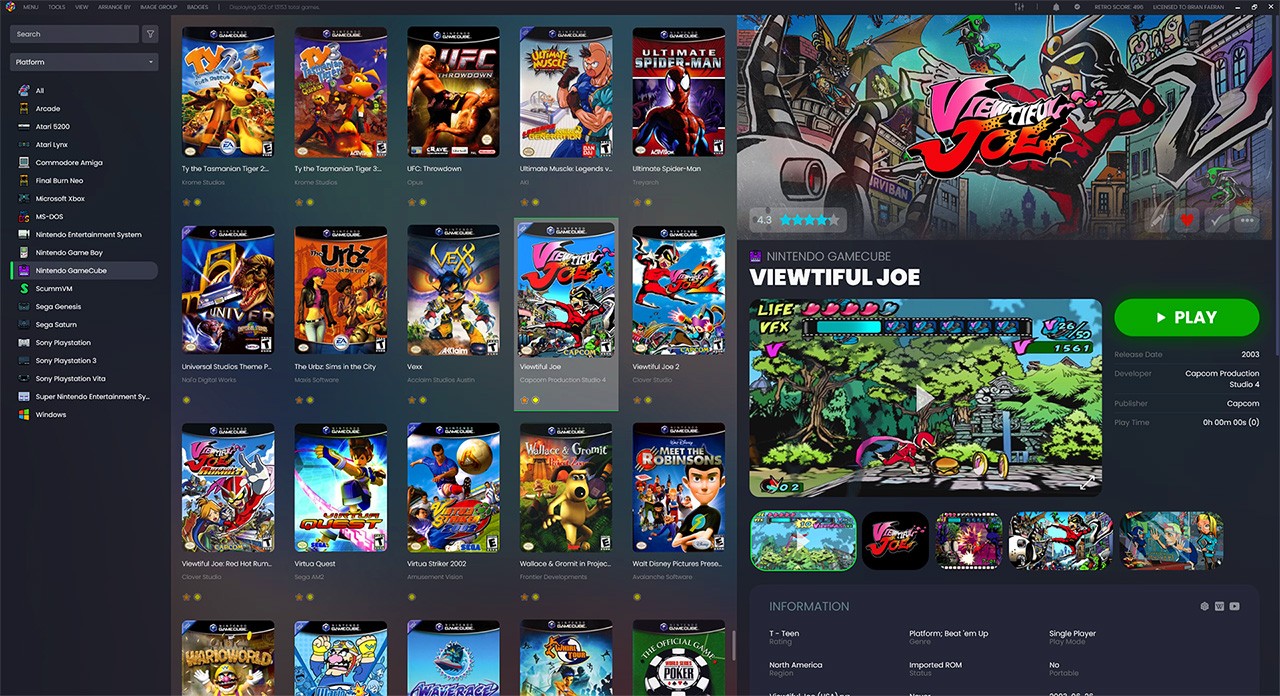
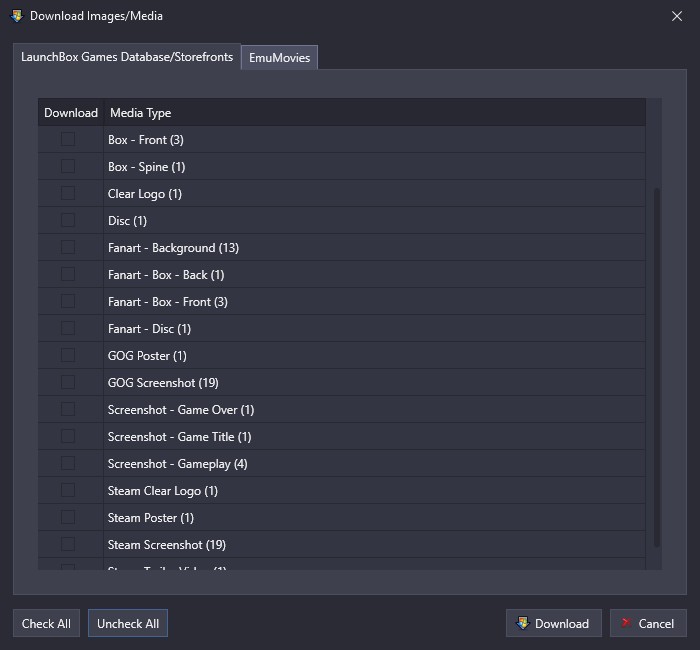
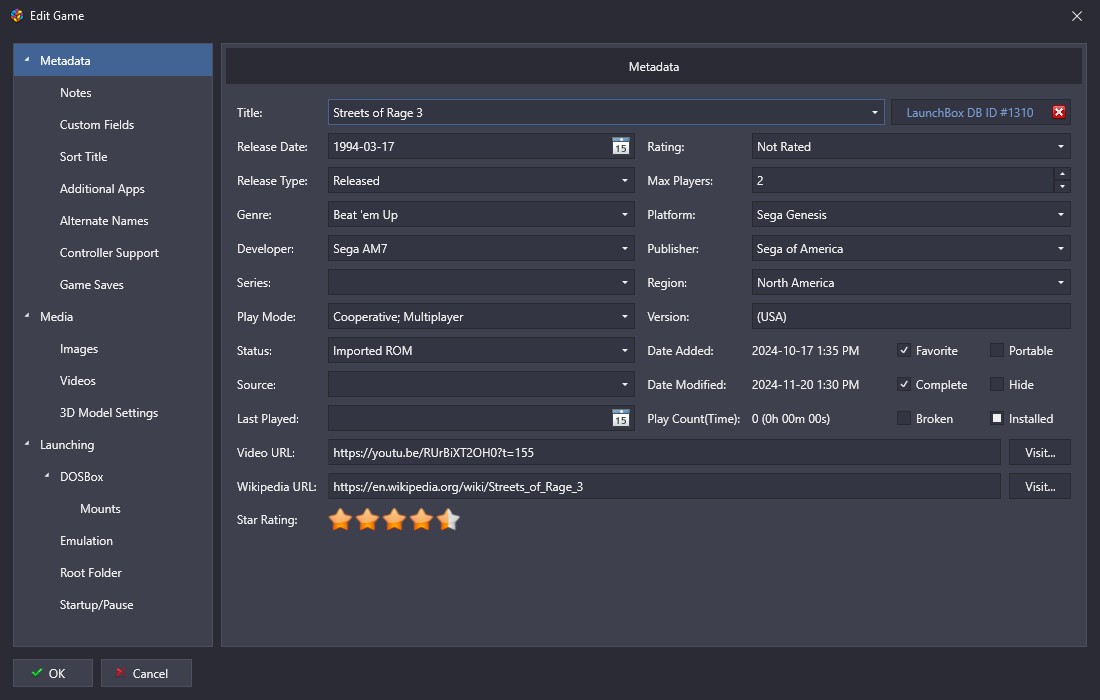
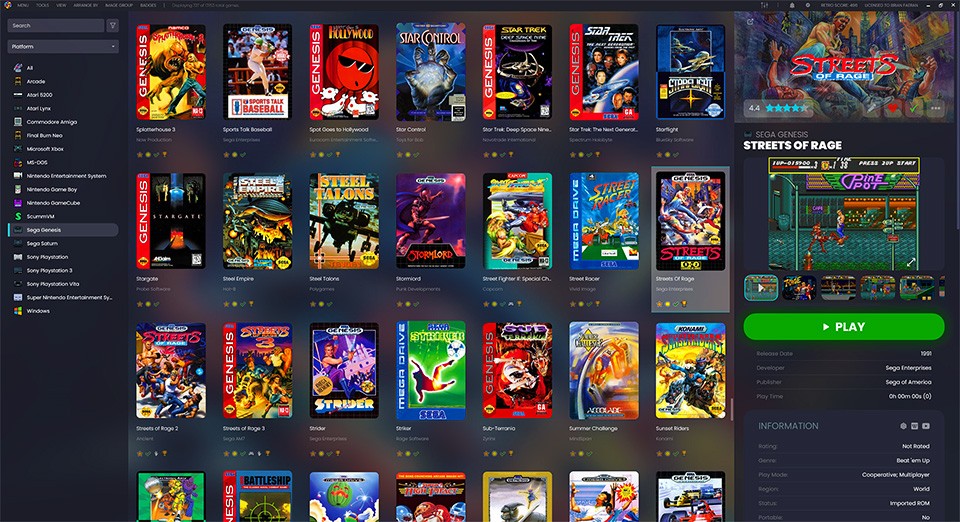
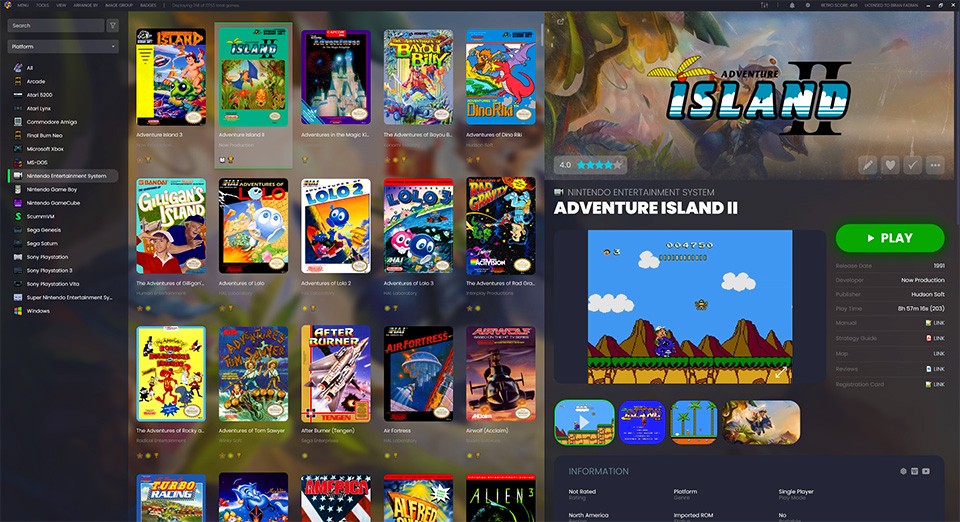
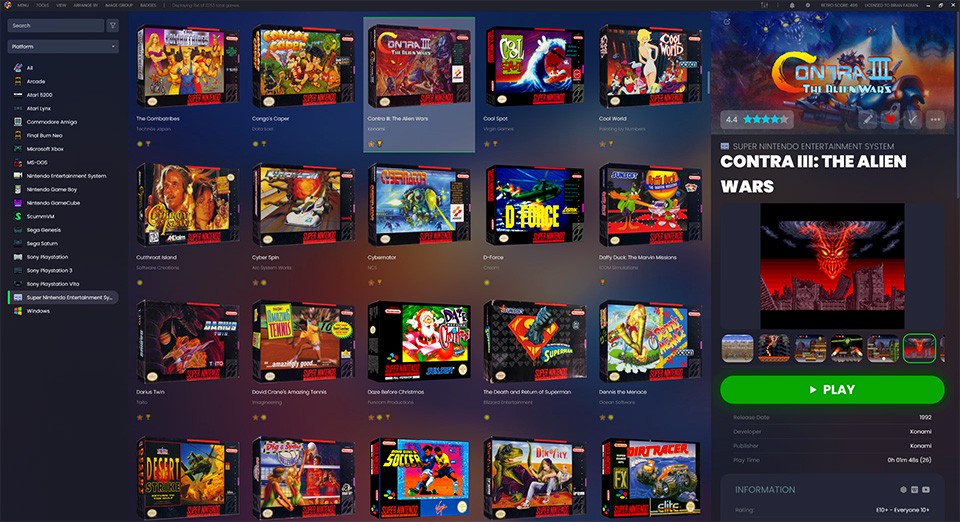
LaunchBox started as a stylish frontend for DOSBox, then grew into a full launcher for modern PC games and retro emulation. You import your collection from Steam, GOG, Epic, EA, Xbox, Amazon, and local installs, or add entries manually, and LaunchBox pulls in metadata and artwork from its own crowdsourced database and its EmuMovies partnership.
The result is a cover‑art wall of games featuring fan art, logos, screenshots, and background images, organized by platform, genre, publisher, or custom playlists, rather than a bare list of executables. Emulator support is built in so 80s PC adventures, SNES ROMs, and current Steam releases all live in the same place.
Why Should I Download LaunchBox?
LaunchBox is for people who care about how their gaming library feels to browse as much as how fast it starts a game. Auto‑importers pull in your Steam and other store libraries, wizards handle ROMs and DOS titles, and online lookups fill out release dates, descriptions, genres, and platforms with a couple of clicks. If you enjoy curating, you can go deeper: tweak fields, swap artwork, add fan art backgrounds, and create playlists and filters based on tags, platforms, developers, or whatever other scheme you use to remember what to play next.
It’s also good for mixed collections. DOS classics are wired through DOSBox, console titles through your preferred emulators, and modern PC games launch straight from their folders or store clients. Video tutorials and an active forum community mean most tricky setups have already been solved and documented, which is great if you’re the type of person who ends up with thousands of entries and wants the frontend to keep up.
Is LaunchBox Free?
LaunchBox for Windows is free to download and use as a standard desktop launcher. The free version already includes metadata scraping, artwork, emulator integration, Steam and GOG imports, playlists, filters, and a customizable interface, which is enough for most people who just want their games in one place.
The LaunchBox Premium offer is a paid upgrade that unlocks additional customization and Big Box mode. Big Box turns the launcher into a full‑screen, controller‑friendly frontend for arcade cabinets and living‑room setups, with theme support, startup and shutdown screens, custom fields, saved filters, and ongoing premium features added over time.
What Operating Systems Are Compatible with LaunchBox?
LaunchBox is built for Windows and runs on Windows 7, 8, 10, and 11. You can also download the Android version, bringing a similar library and front‑end experience to phones, tablets, and Android‑based devices. Between Windows desktop and Android, LaunchBox covers most of the environments where people run emulators and PC games, but there’s no native macOS or Linux build.
What Are the Alternatives to LaunchBox?
Pegasus is a close alternative if you want a lean, theme‑driven frontend that feels more like a console dashboard than a database. It’s a cross‑platform launcher designed to sit on top of emulators and PC games with highly skinnable UIs and controller‑friendly navigation. Compared with LaunchBox, Pegasus is more minimalist and relies heavily on custom themes and configurations, while LaunchBox ships with built-in importers, metadata scraping, and a ready‑made art wall driven by its own games database and EmuMovies integration.
Steam is the default launcher for many PC players. Compared with LaunchBox, Steam is tied to Valve’s ecosystem: it’s excellent if most of your games are Steam titles, but it doesn’t try to be a full front end for emulators, DOS games, and non‑Steam libraries in the way LaunchBox does. LaunchBox treats Steam as one source among many and builds a store‑agnostic library on top.
Playnite is another strong option, especially if you want an open‑source, free launcher that unifies store libraries and emulation into one interface. It auto‑imports from Steam, Epic, GOG, EA App, Battle.net, and others, supports emulators, and offers themes and fullscreen modes, all under an MIT license. Compared with LaunchBox, Playnite feels more utilitarian and community-driven, with no paid tier and a focus on openness; LaunchBox leans harder into high‑impact visuals, its own artwork ecosystem, and the paid Big Box experience for arcade and home‑theater setups.